The Atlassian Community Forums are currently in read-only mode. We will be relaunching on a new platform on September 22 (read more here). We apologize for the extended downtime. For concerns or questions, please email communitymanagers@atlassian.com. See you on the other side, on the new Atlassian Community Forums! :)
×Community resources
Community resources
Community resources
Doesn't work 'Diagram' mode for editing Workflows.

'Diagram' mode for editing Workflows doesn't work.
STR:
1) Click 'edit' workflow (it does not matter active workflow or not).
2) Switch to DIAGRAM mode.
ACT: Diagram interface does not appear.
EXP: Diagram interface should work.
NOTE:
It's happened after last Jira upgrade,
and NOT connected with the absence flash plugin and incorrect browsers work.
I have the latest Flash Plugin version and tested with all browsers and on the several PCs.
2 answers
Comments for this post are closed
Community moderators have prevented the ability to post new answers.

Same issue.
Jira v5.1.7
Flash 11.7.700.169
All lastest browsers 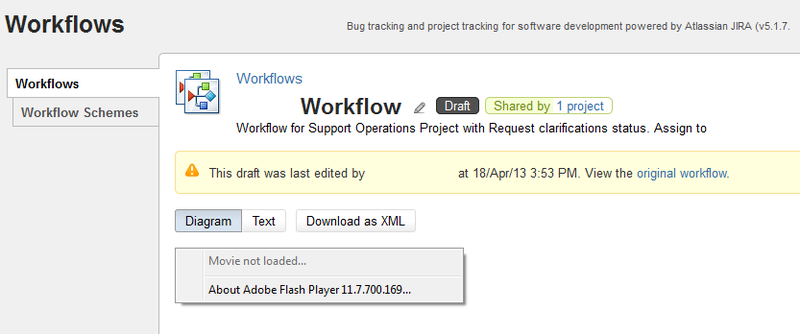
/s/en_USnk2p2x/786/5/_/download/resources/com.atlassian.jira.plugins.jira-workflow-designer:workflowdesignerflex/flex/jira-workflow-designer-flex-2.6.13.swf
Response body: 0 bytes
[Full size image]


hi maxim
can you take a look at the webservers logfile?
grep for something like
plugins/servlet/jwd/amf/
lets check the errorcode the apaches shows
You must be a registered user to add a comment. If you've already registered, sign in. Otherwise, register and sign in.

You must be a registered user to add a comment. If you've already registered, sign in. Otherwise, register and sign in.