🚀 Update (May 2026): Agents in Jira is now generally available for all Jira Cloud Standard, Premium, and Enterprise plans. When we first shared this post in March, we were excited to launch the open beta. Since then, we’ve seen incredible momentum and enthusiasm from teams working alongside agents - and we’re thrilled to make it official.
Delegate tasks, collaborate in comments, and automate workflows with AI agents, right where work happens.
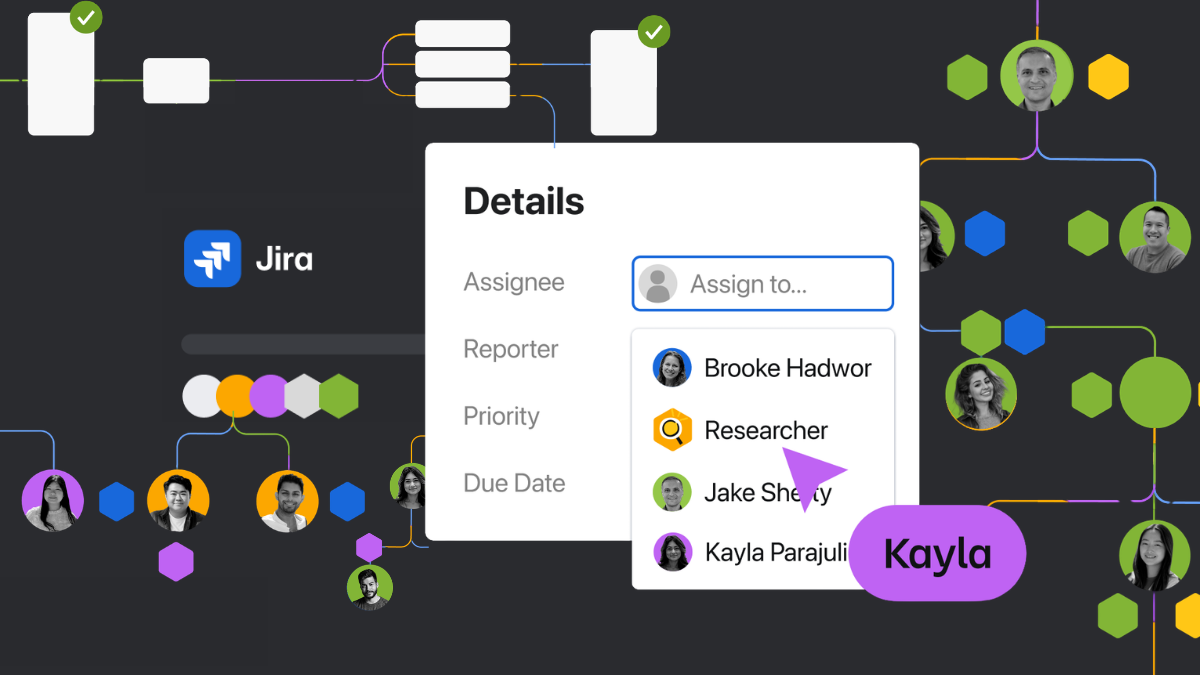
We're thrilled to announce that agents in Jira is now in open beta. You can assign work to agents, mention them in comments, and run them directly in your workflows.
With both people and agents on the team, Jira helps you do 10x the work without 10x the chaos. Instead of agents firing off work with no way to tie it back to the team's broader plans and goals, Jira keeps everything coordinated, so teams stay focused on what matters most.
Agents in Jira works with both Rovo agents built by Atlassian and third-party agents like the GitHub Copilot coding agent, so you can always pick the best agent for the job. For full details, check out our support documentation.
What's New?
1. Assign work directly to agents
You can now assign work items to AI agents the same way you'd assign work to a colleague. Simply open the assignee dropdown and select from available Rovo agents or third-party agents like the GitHub Copilot coding agent.
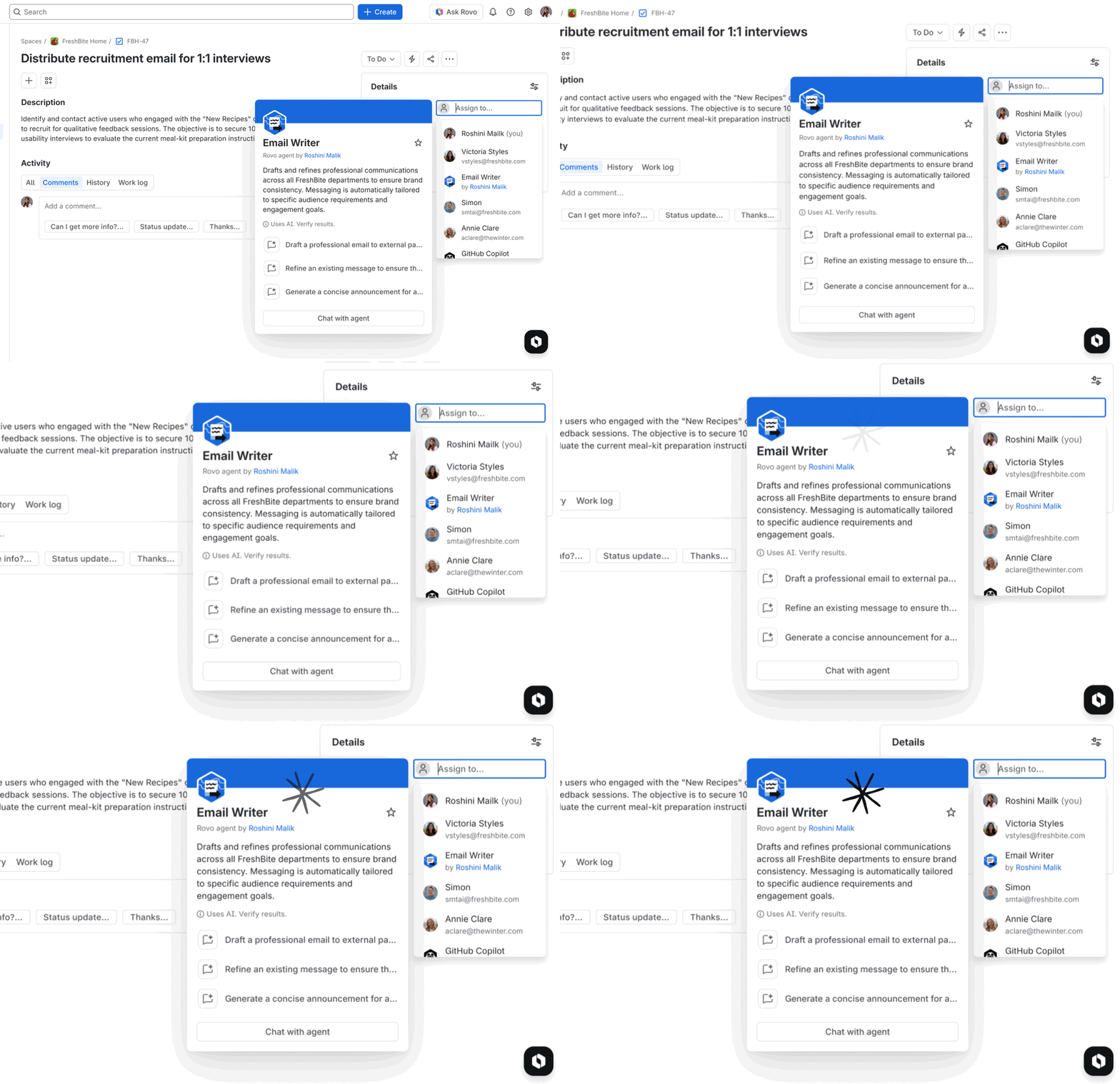
When you assign work to an agent:
- The agent picks up context from the work item
- Progress is visible right on the work item, so there's no need to check a separate tool
- You stay in control: Agent work is only visible to you until you choose to share it with your team
2. Mention agents in comments
Need a quick assist? Summarize a thread, suggest a fix, or help draft an update? Just mention an agent in a comment.
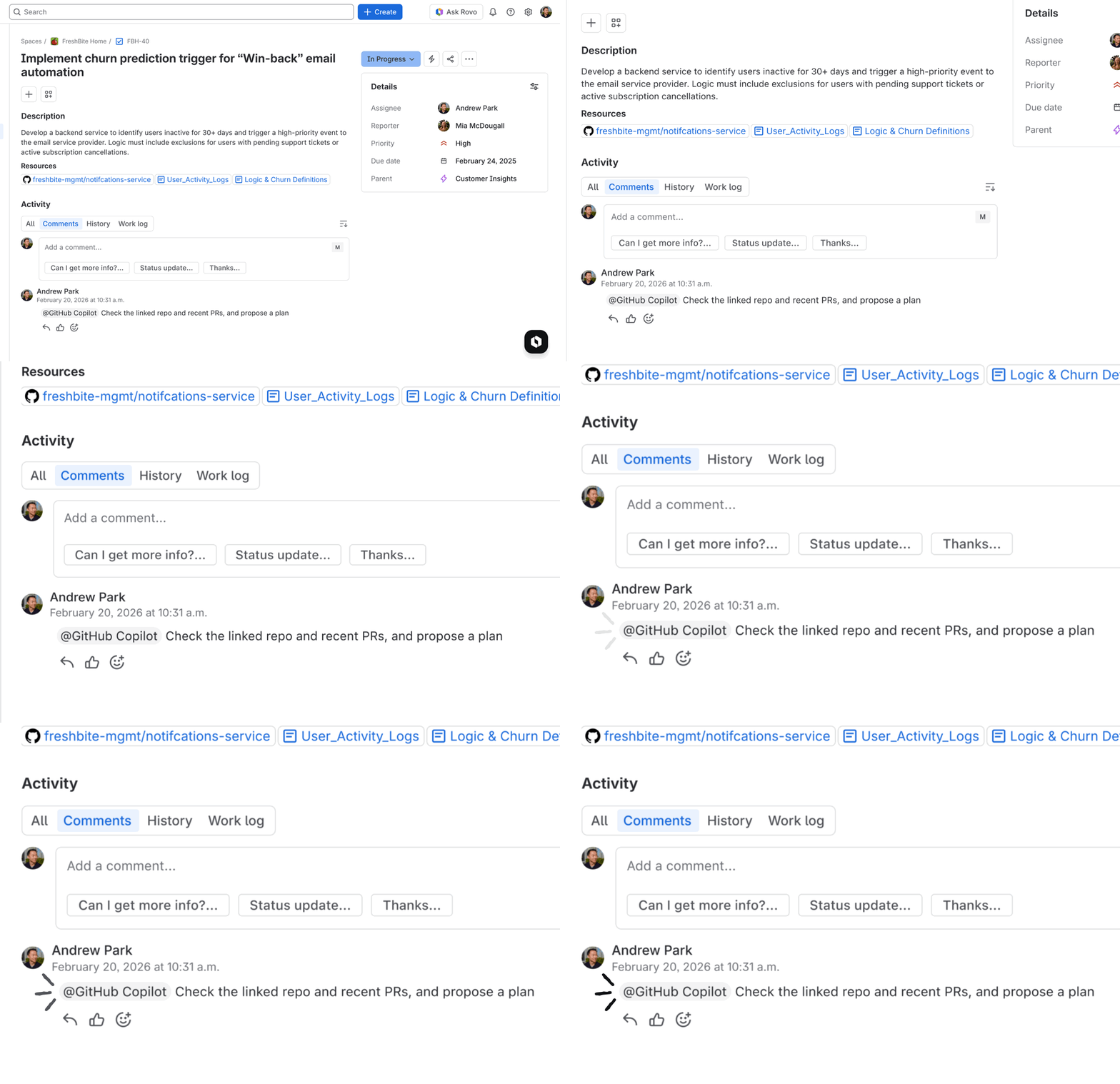
The agent sees the full context of the work item and responds inline. The entire conversation stays attached to the work item. No more copying context into a separate chat window and losing the thread.
Perfect for:
- Rewriting user stories with clear acceptance criteria
- Getting quick summaries of long comment threads
- Drafting responses or updates
3. Agents in workflows
This is where the magic really happens. You can now add agents to workflow transitions, so they trigger automatically when work moves through your board.
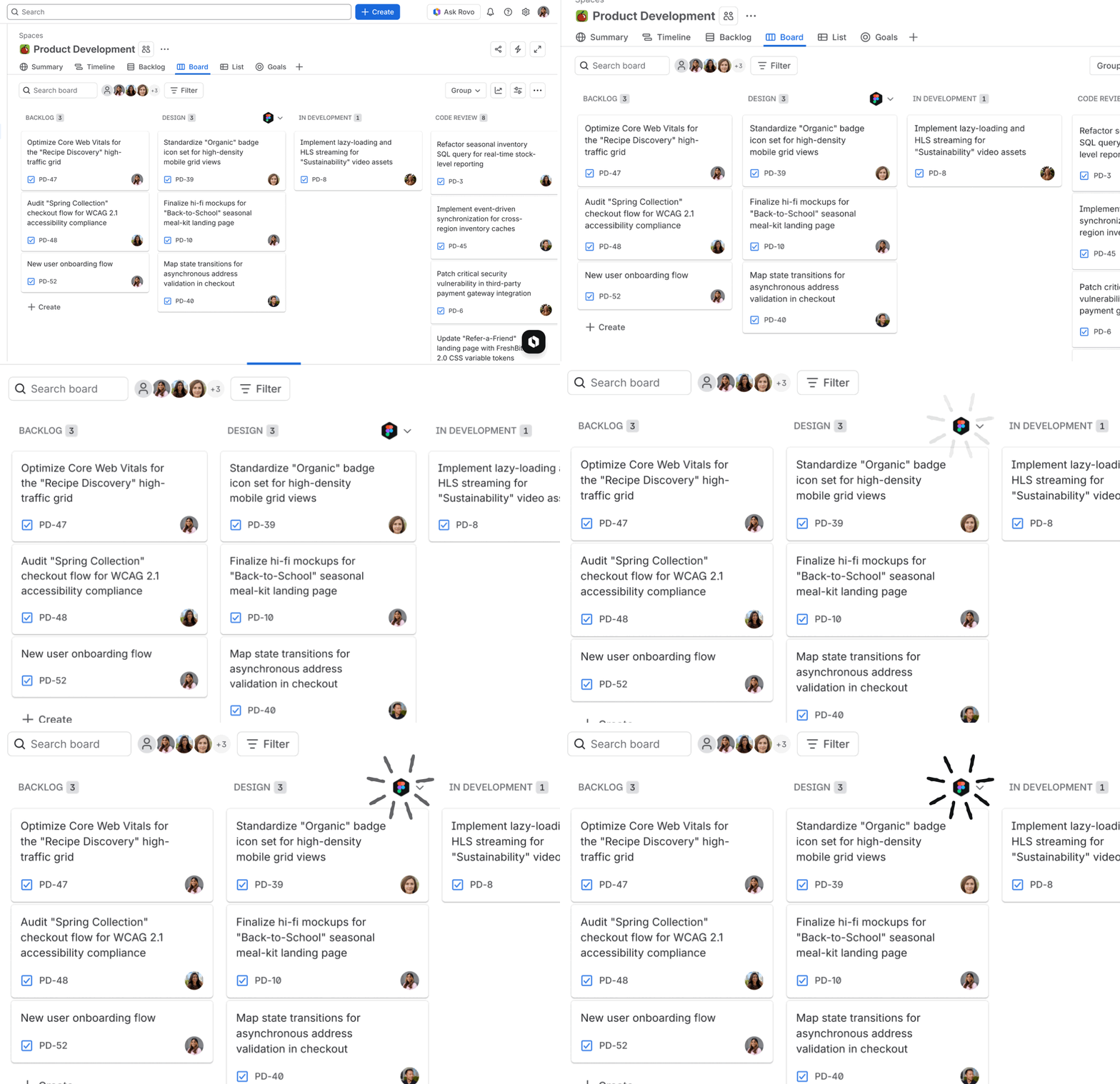
No manual invocation. No context switching. The agent is woven into your workflow.
Use cases:
- When work moves to "Ready for Release" have an agent draft release notes
- When a bug is marked "Resolved" have an agent notify customers
- When work is complete have an agent update documentation
Because agents operate inside Jira's existing structures, they respect your permissions, project configurations, workflows, and audit trails. Approved agent updates are captured alongside the rest of the work item history, so teams can adopt AI confidently and admins can govern usage centrally.
4. Third-party agents: GitHub Copilot coding agent
We believe you should pick the best agent for the job. That's why agents in Jira supports third-party agents alongside Rovo.
We're excited to announce our first partner integration: the GitHub Copilot coding agent.

You can now assign coding tasks directly to the GitHub Copilot coding agent from Jira. It works in the background to fix bugs, implement features, and open a pull request for your review.
To get started with the GitHub Copilot coding agent:
- Install the GitHub Copilot for Jira app from the Atlassian Marketplace
- Follow the GitHub's setup instructions to connect your GitHub organization
- Assign a work item to the GitHub Copilot coding agent and watch it get to work!
More partners coming soon: We're actively working with other third-party agent providers to bring their capabilities into Jira. Stay tuned!
🚀 Update (May 2026): Agents in Jira now includes partner agents from Figma, Canva, Replit, Lovable, and more. Head to Rovo Studio to browse the full catalog of available agents, including a growing lineup of third-party partners being added regularly.
How to Get Started
To get started with agents in Jira (see our full setup guide):
- Rovo must be enabled for your organization
- Available for Jira Cloud Standard, Premium and Enterprise plans
Step 1: Add an Agent
- In the top left navigation, select Switch sites or apps
- Select Studio, then Agents
- Choose either Browse agents or Create an agent
Step 2: Enable the Agent for Work Items
- Select the agent you just added
- In the left-hand navigation, scroll to Configuration
- Select Surfaces then Turn on the toggle for Work item
Step 3: Start Collaborating!
- Assign an agent from the assignee dropdown
- Mention an agent in a comment
- Add to workflows from the board or workflow settings
Watch this space
This is just the beginning. We're working with partners to bring even more agents to Jira, and we're continuously improving how agents collaborate with your team.
Have questions? Ideas for how you'd use agents in your workflows? Drop a comment below. We'd love to hear how you're planning to put your new AI teammates to work!


