The Atlassian Community Forums are currently in read-only mode. We will be relaunching on a new platform on September 22 (read more here). We apologize for the extended downtime. For concerns or questions, please email communitymanagers@atlassian.com. See you on the other side, on the new Atlassian Community Forums! :)
×Community resources
Community resources
Community resources
Is there any power up that we can assign tasks to members and control the due date?

Today I can filter cards but I can't see the tasks
2 answers
Comments for this post are closed
Community moderators have prevented the ability to post new answers.

Hi @luiz_ernane_liberato
It's Mary from Planyway for Trello: calendar, timeline, time tracking
The best way to control due dates is the calendar or timeline view. In Planyway you can easily create new tasks or simply drag&drop cards from the board to the calendar to assign cards and checklist items.
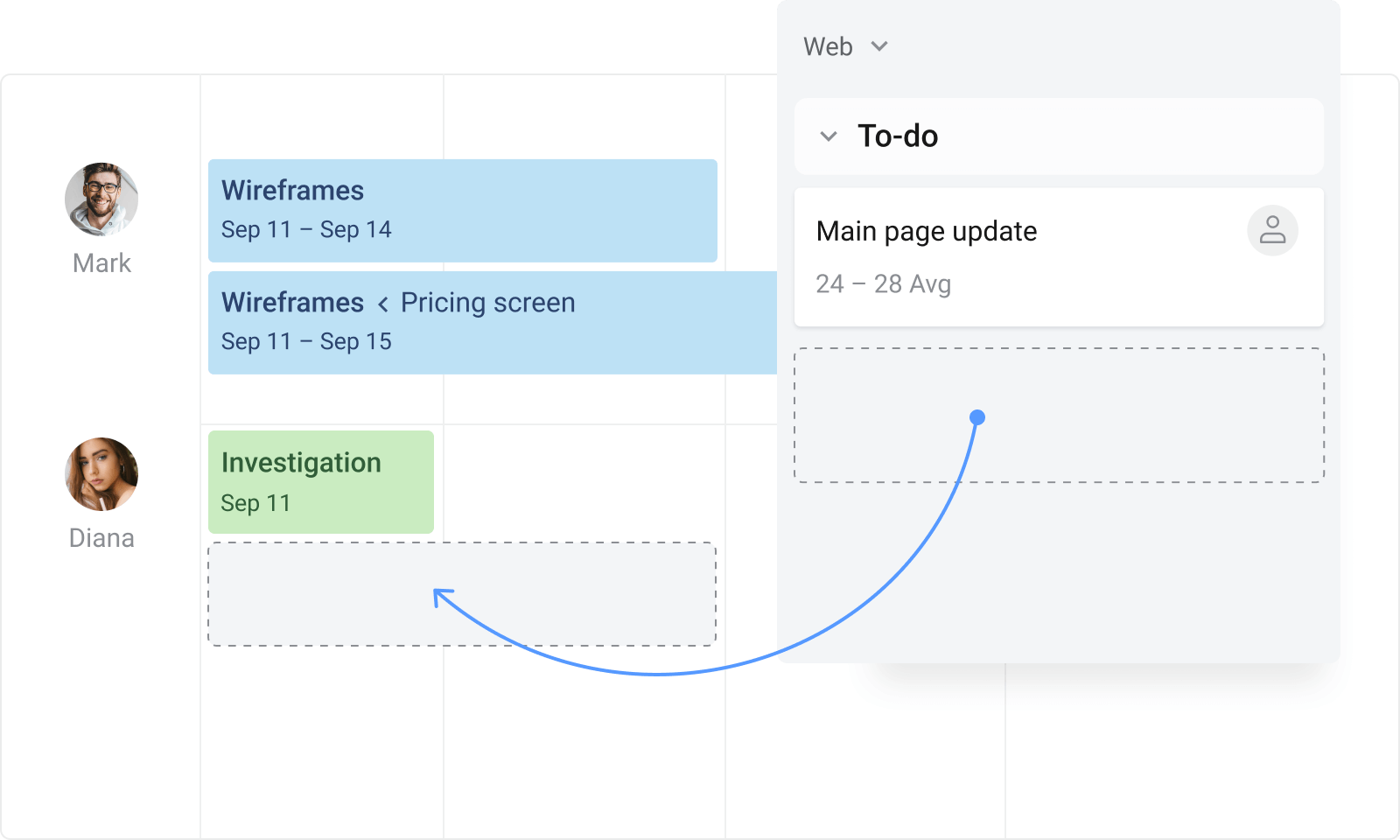


If by tasks you mean the checklists, in Trello standard plan you have access to advanced checklists that allows you to assign members to items and set due dates.
As for seeing the checklists items per board, you can check out calendar view - it displayed all the cheklists items that are due to given calendar day. You would need Trello premium plan for this.
You must be a registered user to add a comment. If you've already registered, sign in. Otherwise, register and sign in.

I recommend using a parent-child relationship with linked Checklist items to achieve this...
Take a look at this article:
You must be a registered user to add a comment. If you've already registered, sign in. Otherwise, register and sign in.

You must be a registered user to add a comment. If you've already registered, sign in. Otherwise, register and sign in.