Community resources
Community resources
Community resources
Project Template

Hello,
I need to copy a project. It's a service management project. I dont know what template was used on the original project. Is there a way for me to find out?
3 answers
1 accepted

Hey @Shawn Wallace ,
I don't believe there is a way to find out the original template that was used.
What you can do instead is re-use all of the configurations from your original Space on the new one. This includes the Workflow Scheme, Work Type Scheme, Screen Scheme, Permissions, etc.
When you're creating your new Space, and you get to the final screen asking for the Space name, key, etc, there should be a check box at the bottom asking you if you want to re-use configuration from another Space.
Selecting this will allow you to pick another Space, and the exact same configuration will be shared between them.
This means any changes to the config for one project will apply equally to the second, because it's the same config between them.


I hope this helps!
Robert

You must be a registered user to add a comment. If you've already registered, sign in. Otherwise, register and sign in.

As @Robert DaSilva mentioned, the "share settings with an existing project" option is a great way to duplicate the whole configuration of a template project.
If you also want to clone all the issues inside the initial JSM project, you can do so very easily by using our app Elements Copy & Sync.
You'll be able to bulk clone all your issues, including their child issues.
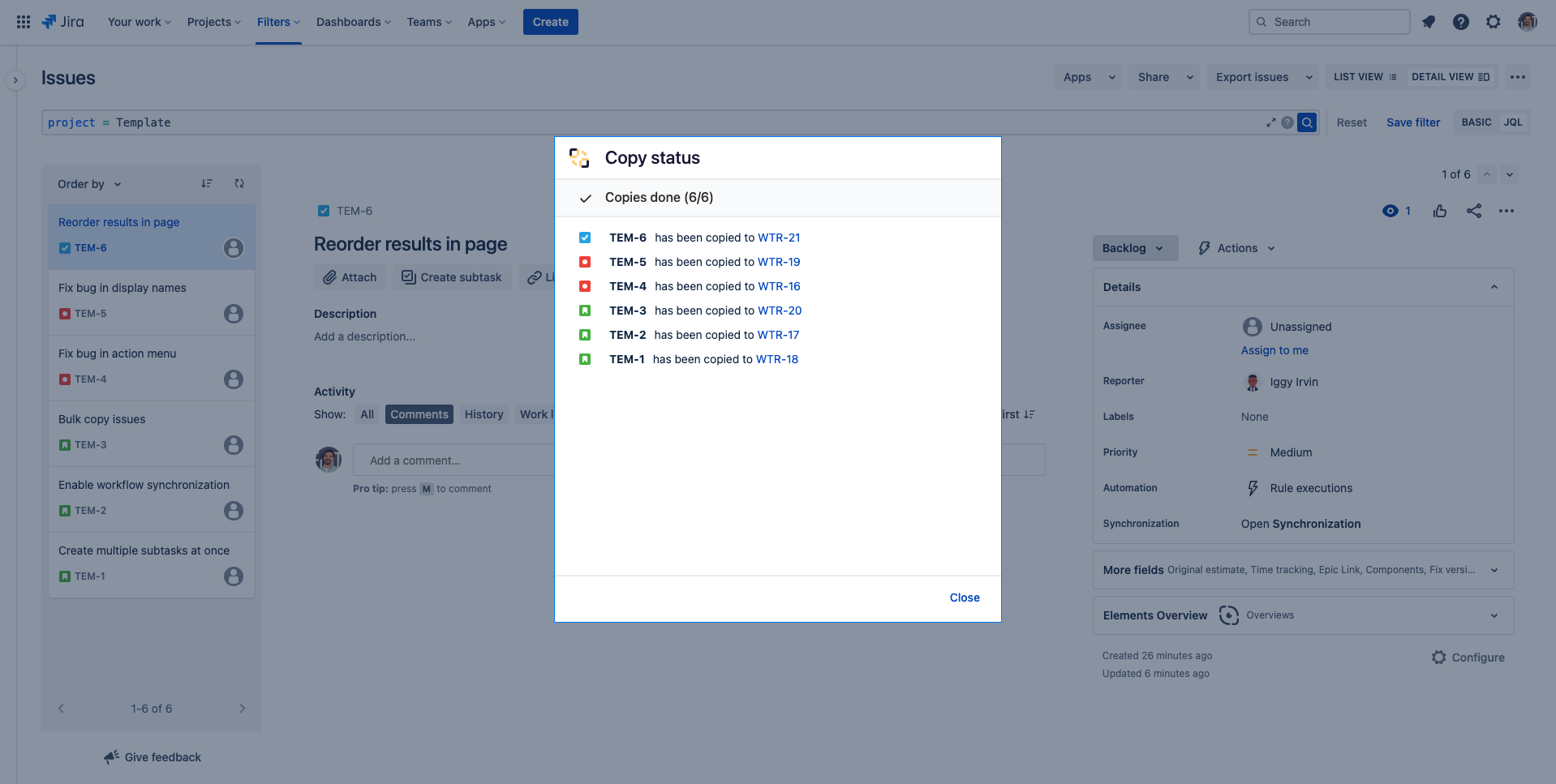
You can check this guide to see all the steps to clone a project with both the configuration and the issues.
The app is for free during 30 days (and it stays free under 10 users) so don’t hesitate to try it on your use case.
You must be a registered user to add a comment. If you've already registered, sign in. Otherwise, register and sign in.

If your goal is to “copy the project”, our app Deep Clone for Jira with its Project Clone feature is usually the fastest way to get a consistent result without needing to know the original template.
One important expectation for Jira Service Management: some JSM-specific configuration (like portal/request type related setup) can be limited by what Jira exposes via APIs, so you may still need to recreate parts of the service/portal configuration manually even if you clone the project and issues. (See Project Clone Limitations)
You must be a registered user to add a comment. If you've already registered, sign in. Otherwise, register and sign in.

You must be a registered user to add a comment. If you've already registered, sign in. Otherwise, register and sign in.