Community resources
Community resources
Community resources
I cannot copy multiple tickets from the list


Previously from the List section/page, I could select multiple tickets, then from quick navigation popup I could copy the selected tickets like a table and use that table somewhere to paste. After recent release I cannot see that option present in the navigation

5 answers

Welcome to the Atlassian Community.
Jira Cloud doesn't currently provide a native way to copy multiple issues from the List view. The previous "Copy to clipboard" bulk action is no longer available in the new unified List experience, and there isn't an equivalent replacement available today.
https://jira.atlassian.com/browse/JSDCLOUD-18884
If your goal is to copy multiple issues (or export selected issues for use in Excel or another spreadsheet application), one option is to use the Excel-like Bulk Issue Editor for Jira app.
Disclosure: I'm part of the Ricksoft team that develops and maintains this app.
With the app, you can:
- Select and copy multiple issue rows directly from the spreadsheet view.
- Paste them into Excel or other spreadsheet applications, or into a Confluence page, while preserving the tabular format.
- Copy data from a spreadsheet back into Jira to bulk create or update issues.
Here's an example of how copying multiple issues works in the app:

Depending on your workflow, this can be more convenient than opening issues individually or exporting an entire CSV when you only need a subset of issues.
If your requirement is slightly different (for example, cloning multiple issues, copying issue links, or copying specific field values), let us know your use case, and we'd be happy to suggest the most suitable approach.
Here is the document for the app if you would like to learn more about the other functionalities available in the Excel-like Bulk Issue Editor for Jira app.
https://docs.ricksoft-inc.com/excel-like-issue-editor-for-jira-cloud/launch-a-spreadsheet
Thank you.

Hi @Ekra Hossain ,
I was looking for this the other day as well. To me, it also feels like this was there before, but I am not 100% sure.
Anyhow, this experience within List view is pretty much 'modern bulk update,' and there's an official feature request for it here: JRACLOUD-37520: Add cloning as a bulk operation, but there haven't been many updates since the end of 2024 🫤
They may have added that feature you've seen as an experiment (it's not the first time), and potentially that would mean they are preparing some alpha or beta phase relatively soon. 🤞
Cheers,
Tobi
You must be a registered user to add a comment. If you've already registered, sign in. Otherwise, register and sign in.

Hi @Ekra Hossain and welcome to the community!
If your goal is to duplicate these issues rather than just copying their text, our app Deep Clone for Jira provides a robust Bulk Clone feature. You can select up to 100,000 issues from a search or a filter and clone them all at once, including comments, attachments, and custom fields.
To use Bulk Clone with Deep Clone for Jira:
- Go to Filters > Search work items and search for the tickets you want to copy.
- Click the Apps dropdown in the top-right corner.
- Select Bulk Clone (Deep Clone).
- Follow the steps in the dialog to choose your destination project and which data to include. (If you want to speed up the process, you can also use Presets)
You must be a registered user to add a comment. If you've already registered, sign in. Otherwise, register and sign in.

Hi @Ekra Hossain
That view (/jira/software/c/projects/<key>/list) is where the option used to live, so it isn't a setting you've lost. The multi-select "copy the selected rows as a table" action in the selection popup does seem to have changed in a recent release. The closest tracked item is JRACLOUD-37520, and this kind of copy has appeared before as an experiment that comes and goes, so it may resurface.
In the meantime, the dependable native way to get those tickets as a reusable table:
1. Open the issue search (Filters > View all issues) and enter a JQL that matches the tickets you want, for example `project = ABC AND sprint in openSprints()`.
2. Set the columns you want with the Columns control.
3. Use Export (top right) and pick a CSV option.
That gives you a spreadsheet with exactly the columns you chose, ready to paste wherever you need. If you only want a quick copy, opening that CSV and copying the range works the same as the old in-list copy did.
Hope this helps while the list-view behavior settles.
All the best,
Danylo
You must be a registered user to add a comment. If you've already registered, sign in. Otherwise, register and sign in.
Hi again @Ekra Hossain
One more option if selecting rows and copying them as a table is a regular need and you're open to a Marketplace app. The app my team builds JXL for Jira, gives Jira a spreadsheet-style sheet where you can select any range of rows or cells, press Ctrl/Cmd+C, and paste them straight into Excel, Google Sheets, or an email as a clean table. You decide exactly which columns are in the sheet, so the pasted table carries just the fields you want.
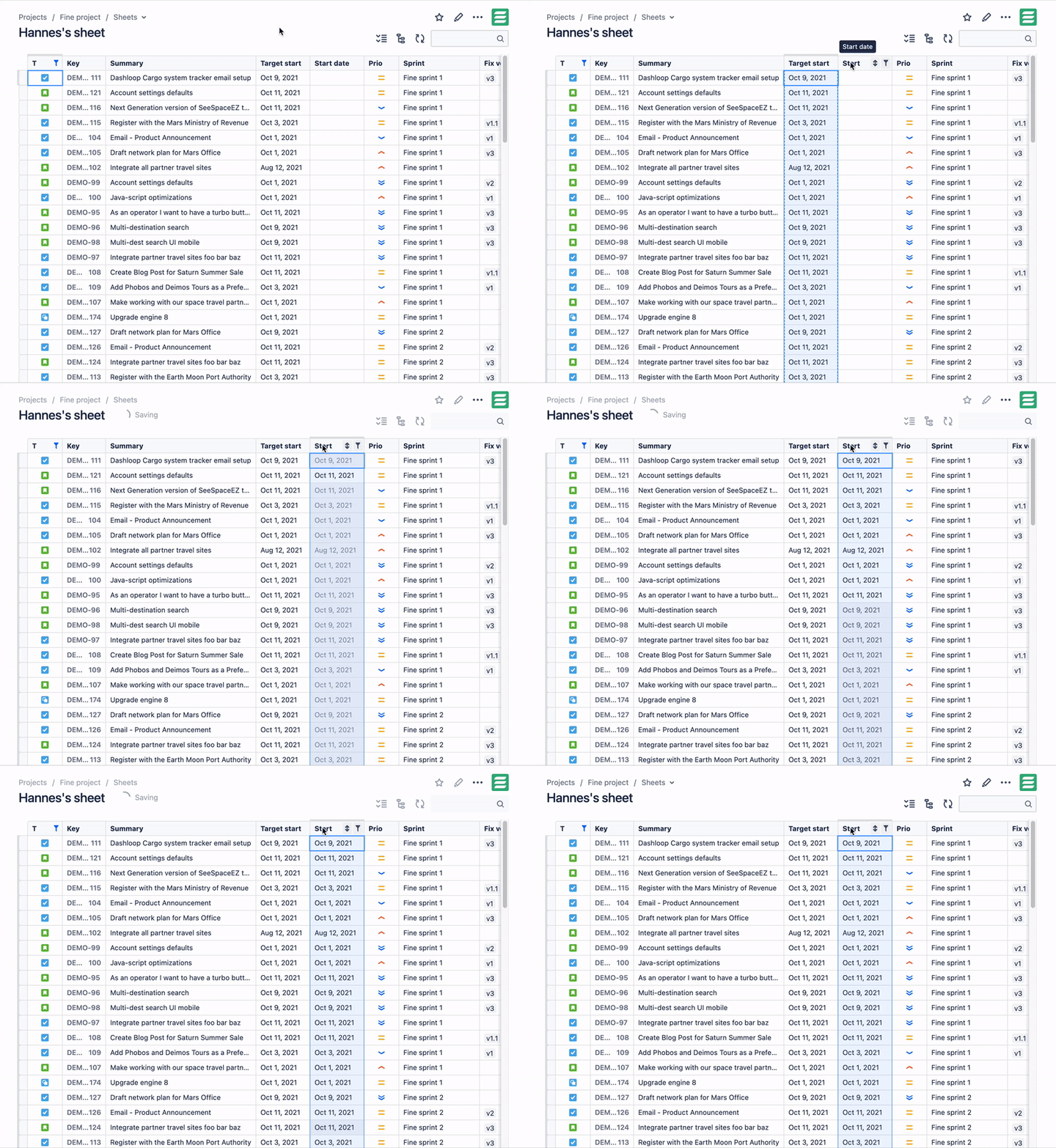
If you'd rather have a file, the same sheet exports to XLSX, CSV, or TSV in a click.
Cheers,
Danylo
You must be a registered user to add a comment. If you've already registered, sign in. Otherwise, register and sign in.

Are you sure that you are on the correct view? I did tests and:
- in https://your-instance.atlassian.net/issues/?jql= copy option is not available
- in https://your-instance.atlassian.net/jira/software/c/projects/<project_key>/list copy option is available
Regards,
Seba
You must be a registered user to add a comment. If you've already registered, sign in. Otherwise, register and sign in.
I am using this one. Please check this URL pattern from the screenshot & the bottom popup after selecting few ticketd
https://your-instance.atlassian.net/jira/software/c/projects/<project_key>/list

You must be a registered user to add a comment. If you've already registered, sign in. Otherwise, register and sign in.

You must be a registered user to add a comment. If you've already registered, sign in. Otherwise, register and sign in.