Limitations of standard reports in Jira
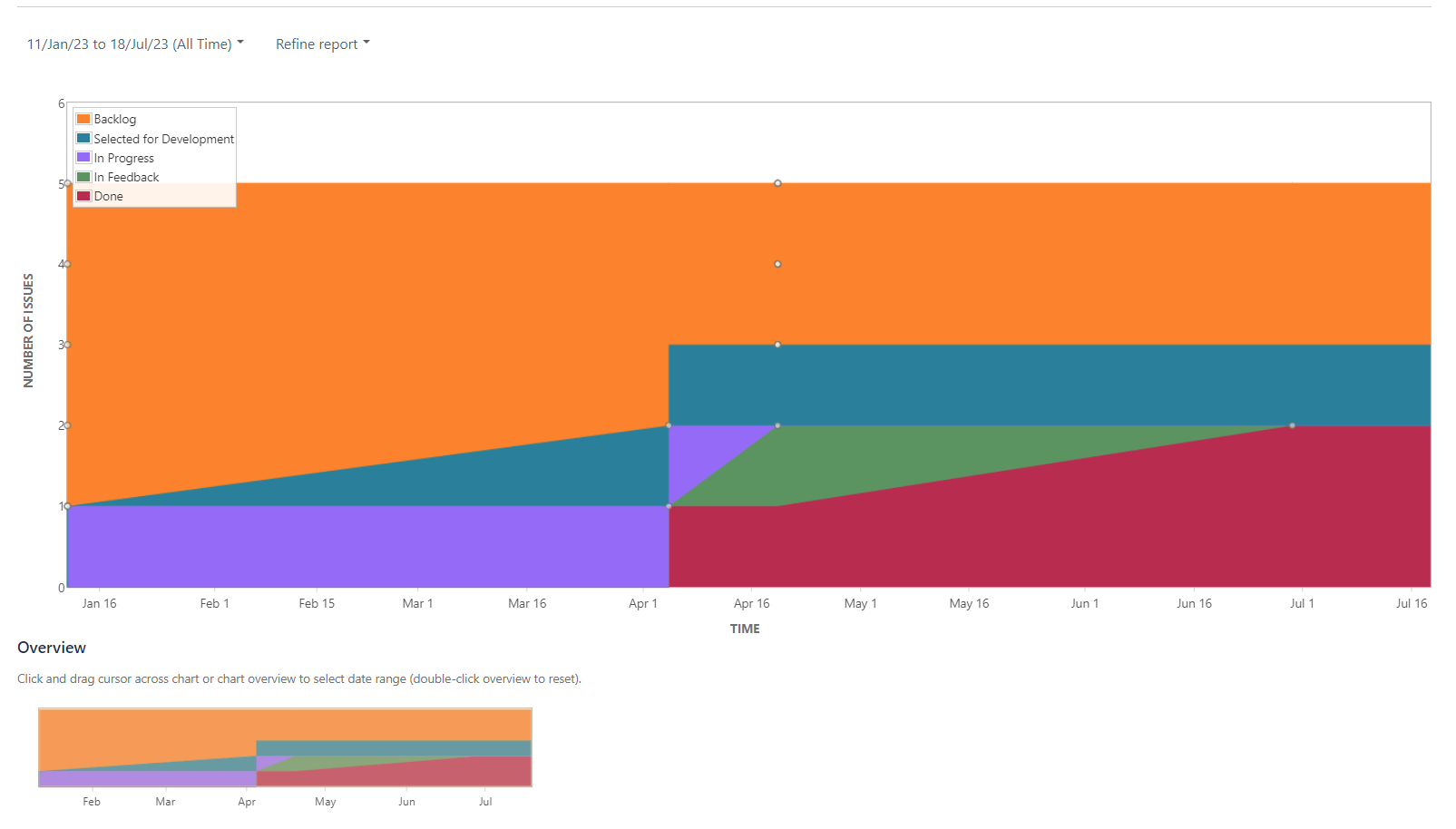
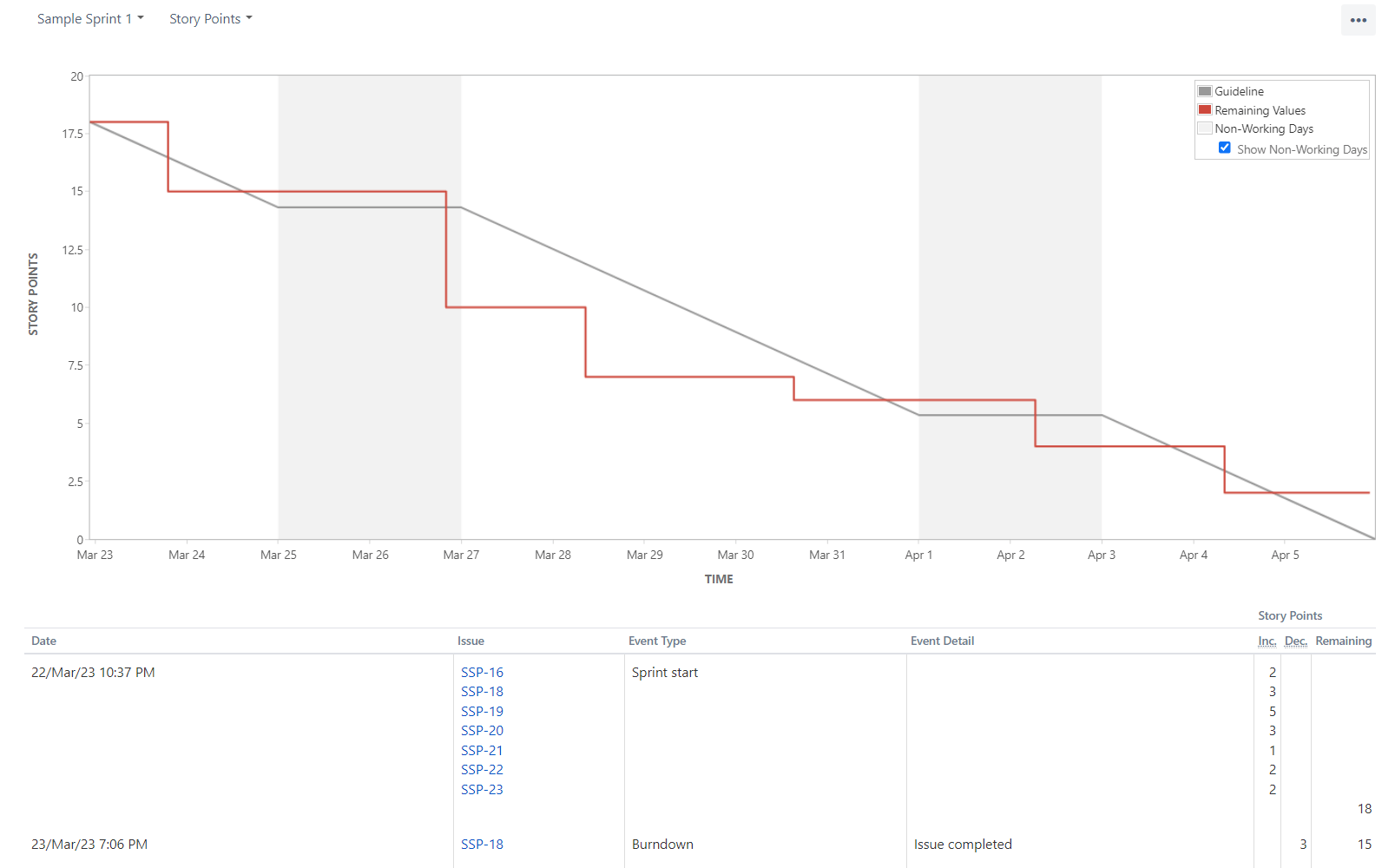
Standard reports in Jira bring the advantage of direct usability. You don’t need to configure anything first – but in return, you can hardly customize anything either.
Furthermore, there is no way to share the insights from the integrated Jira reports outside of Jira. So if you want to present the new results to your stakeholders, you have to transfer your data to an Excel spreadsheet, which quickly loses its topicality.
Disadvantages of integrated Jira reports 📉
-
Only one project can be viewed per report
-
No predefined report really fits your needs
-
Limited configuration options
-
Problematic synchronization of data with other sources
-
No sharing outside Jira, no export functions
-
Customization without appealing user interface
-
In Jira Software Cloud: no possibility to create your own custom reports
Jira Reporting: Options and Alternatives 🔍
To create custom reports in Jira, the Atlassian Marketplace provides access to a wide range of Jira Reporting plugins. In fact, there are a whole 525 apps that you can use to optimize Jira Reporting. To give you a good overview of Jira Reporting Plugins, we have compared the six most popular and top-rated apps based on their features: Jira Reporting Plug-ins in Ultimate Comparison.
If you want to have the option of fully customized Jira reports and maybe even write reports from scratch yourself, then Report Builder is the right Jira reporting tool for you.
How to create custom reports in Report Builder 📈🔧
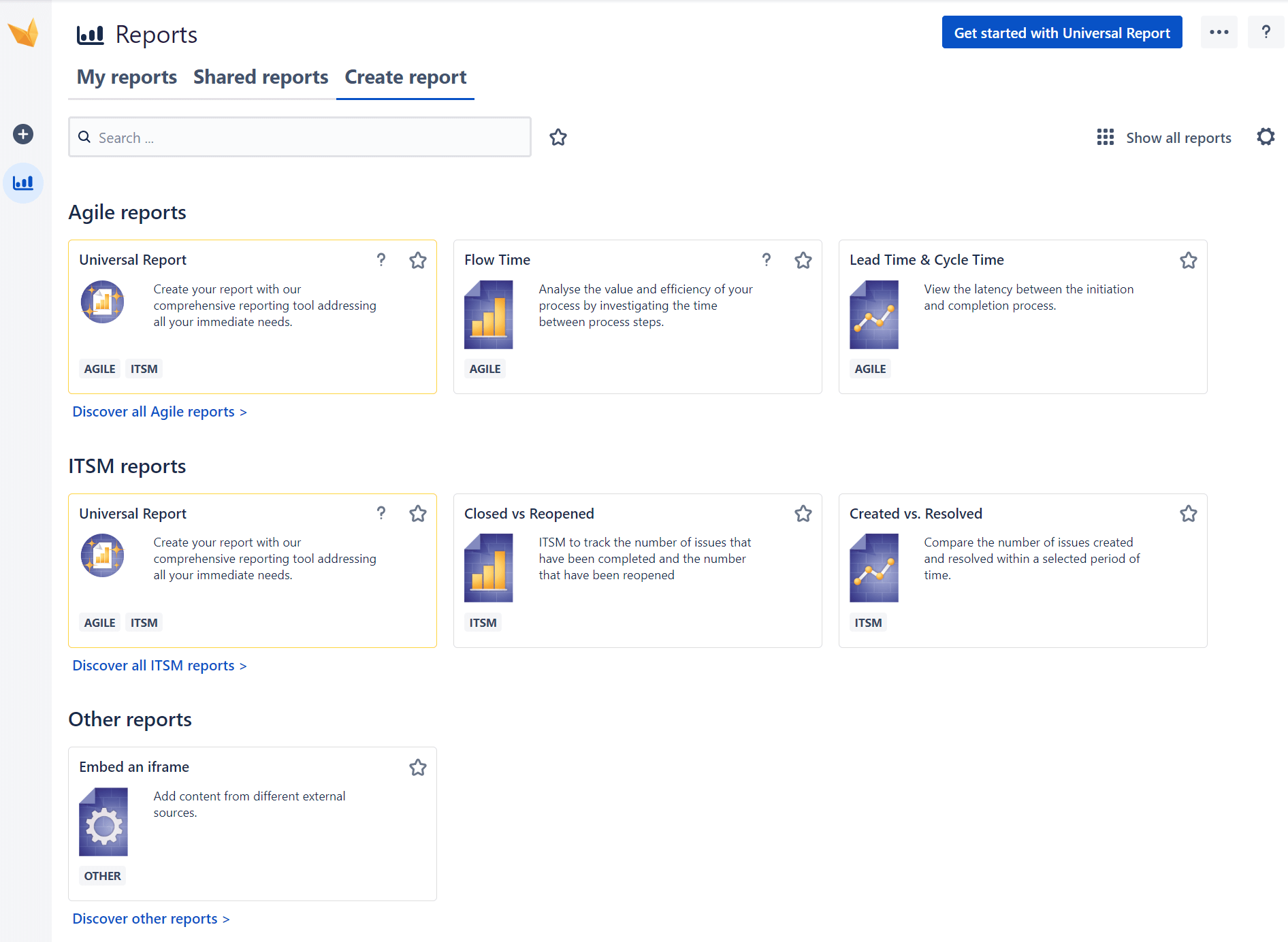
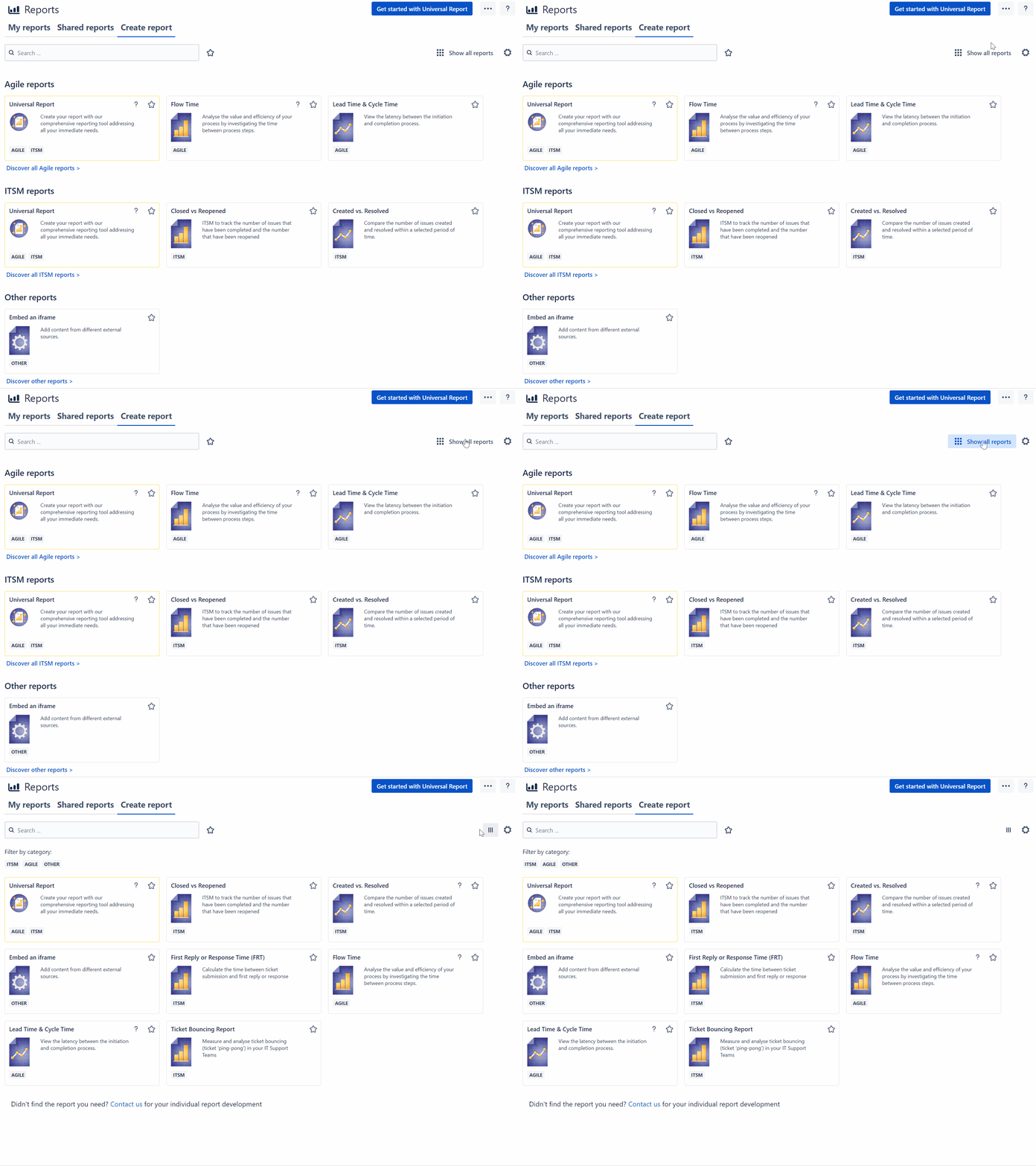
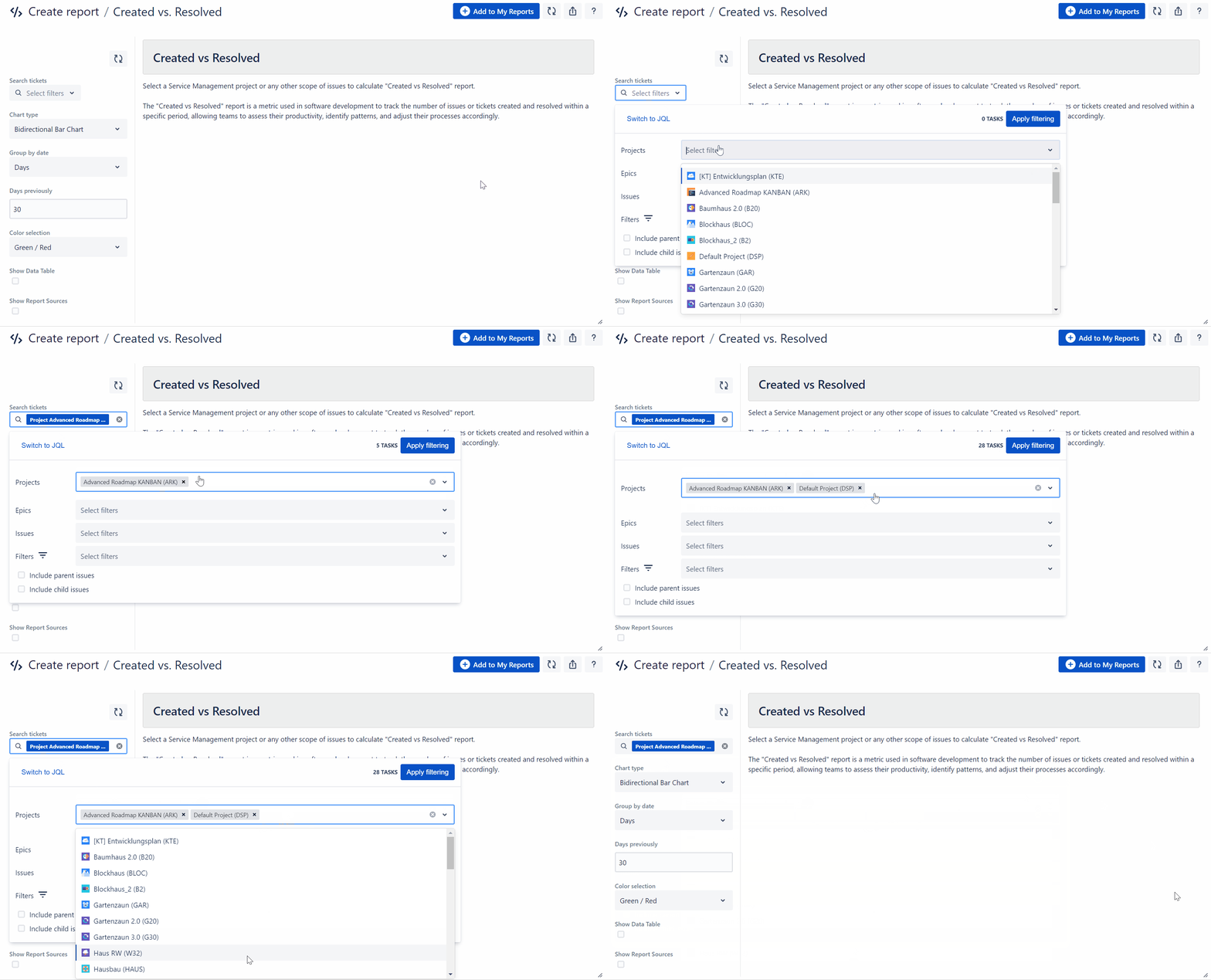
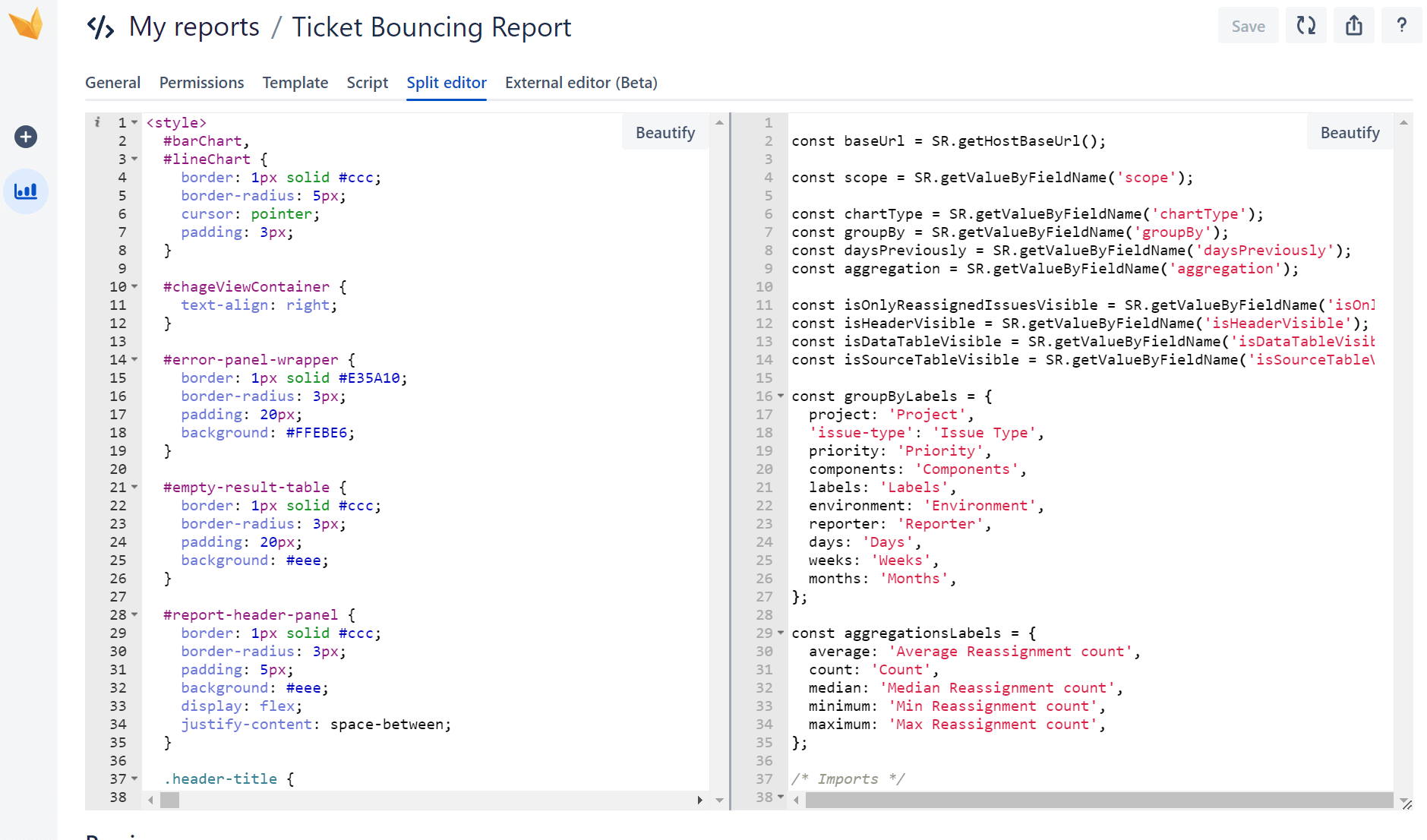
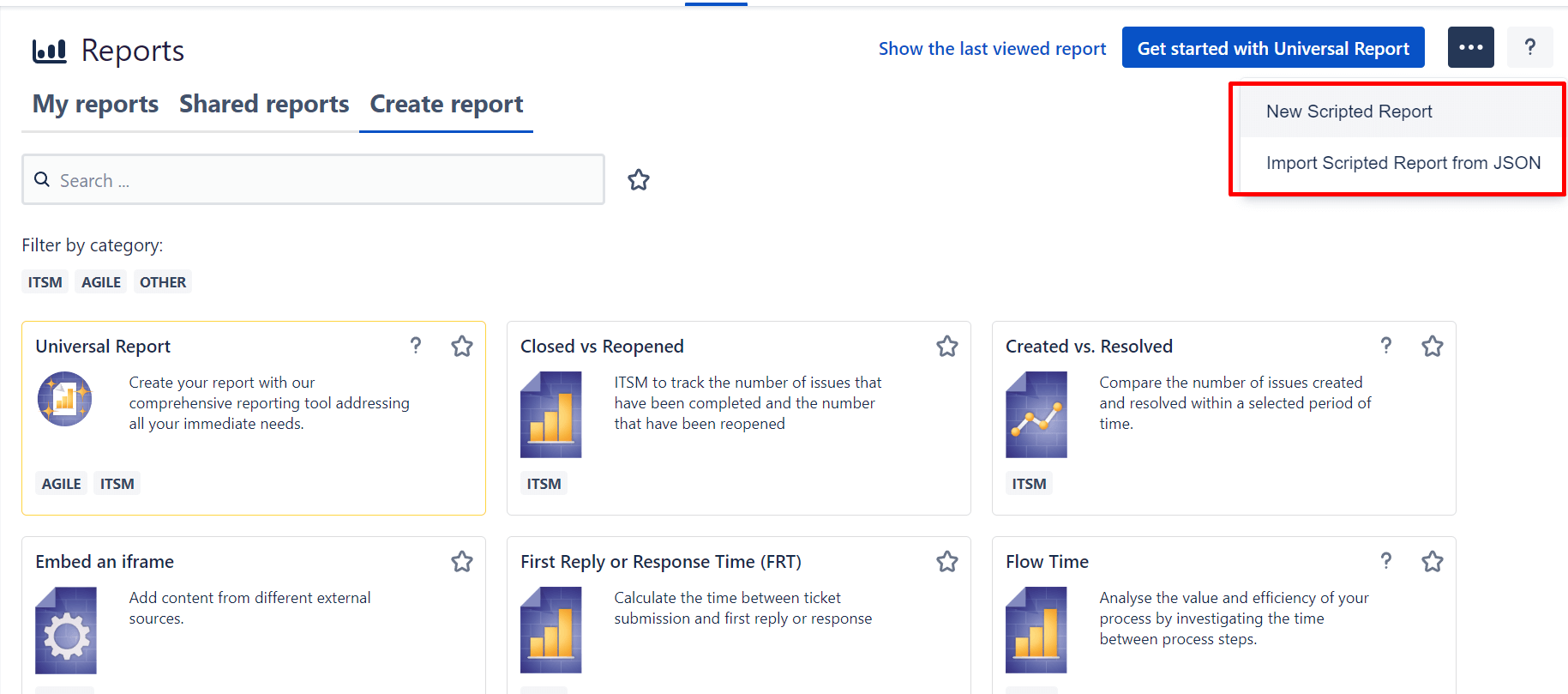
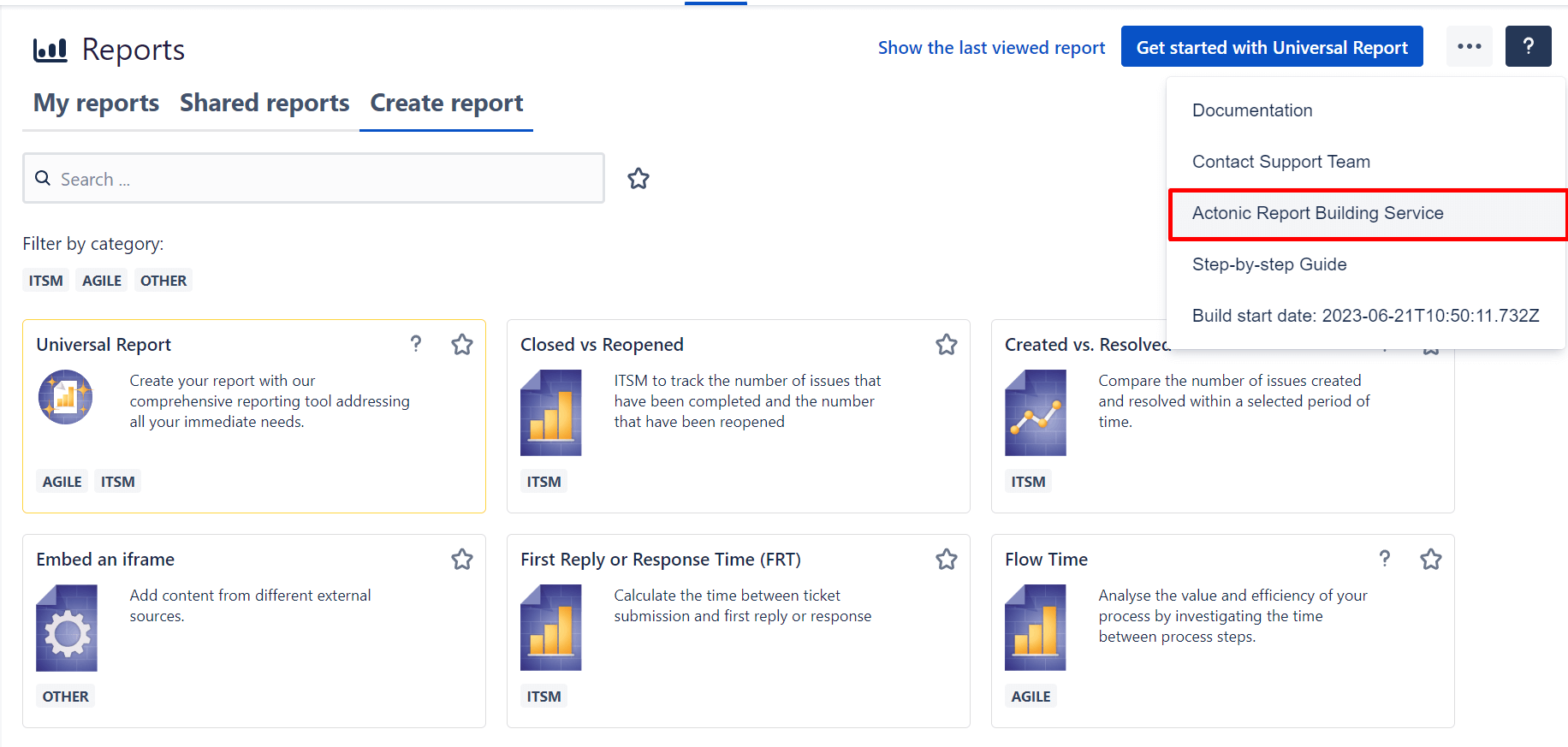
Report Builder includes numerous report templates for fields such as Agile and ITSM, as well as the ability to customize reports completely in code using HTML and JavaScript. It is also possible to create complex reports for individual company requirements on demand.
In the following, we will introduce you to these three methods and thereby show you how you can easily create Jira custom reports with Report Builder.
Method 1: Custom Reports with Report Templates
Step 1: Navigate to the template
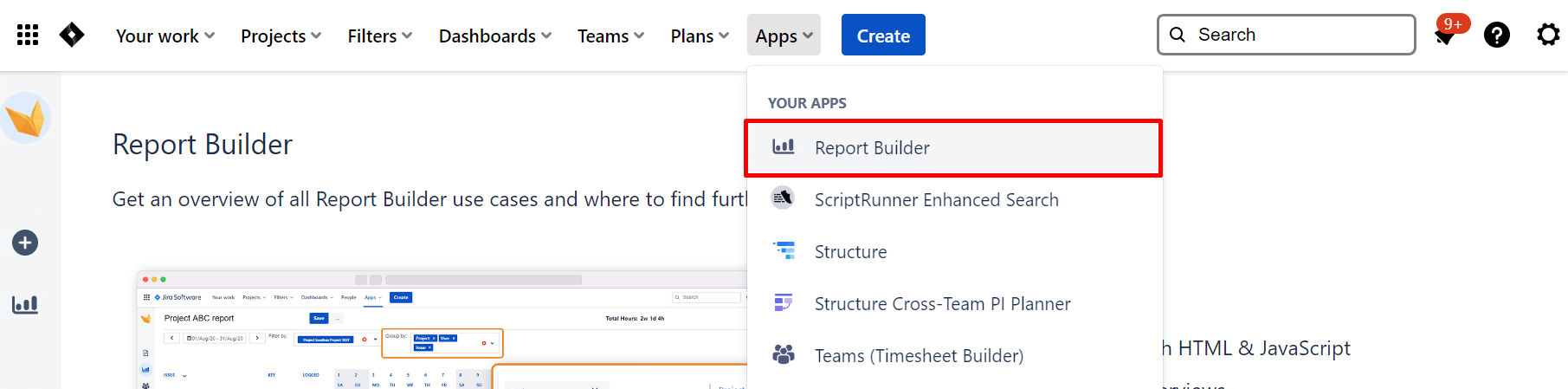
To get to the Report Builder start screen to create meaningful custom reports, click Apps > Report Builder