Hi, community!
New Jira entity properties data is now available on Analytics and Data Share. These new tables expose key-value property data that apps, integrations, automations, and Jira use to store extra configuration or metadata on Jira entities, Jira Entity Properties. With these tables, you can query property keys and values directly from Analytics or Data Share.
The new tables will be rolled out gradually in the coming week.
The new tables
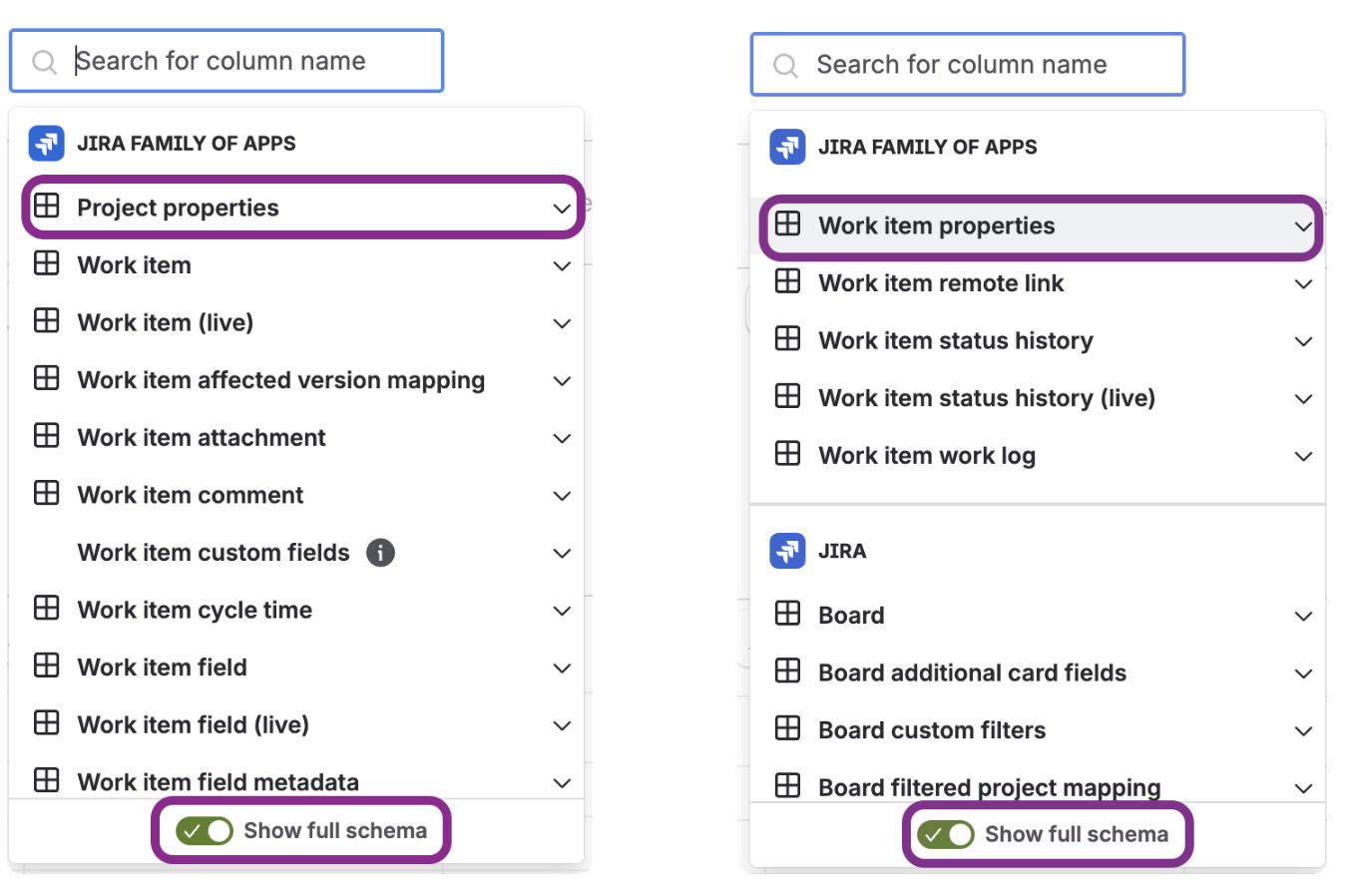
For Analytics, these 2 new tables are now available under ‘Jira Family of Apps’.
Please make sure to toggle on ‘Show full schema’ in order to see the new tables.
For data share, the new table is 'jira_entity_property'. This table stores properties for a variety of Jira entities.
Key columns
The new property tables include a common set of columns to identify the property, connect it back to the Jira entity, and show the stored value.
For Analytics:
-
Entity property ID - the unique identifier for the entity property, primary key.
-
Property key - the name of the property. This can be user-defined for custom properties or set by Jira for internal properties.
-
Value - the stored property value in string format. Values can be booleans, JSON, numbers, or strings.
-
Version - the version of the property.
For Data Share:
How to get the new data
On Analytics, for all new Data Lake connections that include Jira data, the new tables will automatically be available. For existing Data Lake connections, an organization admin need to edit and save the connection to refresh the available schema.
On Data Share, the new table will automatically be available.
Send us your feedback
Comment below or contact support if you have any questions or concerns. Thanks!


