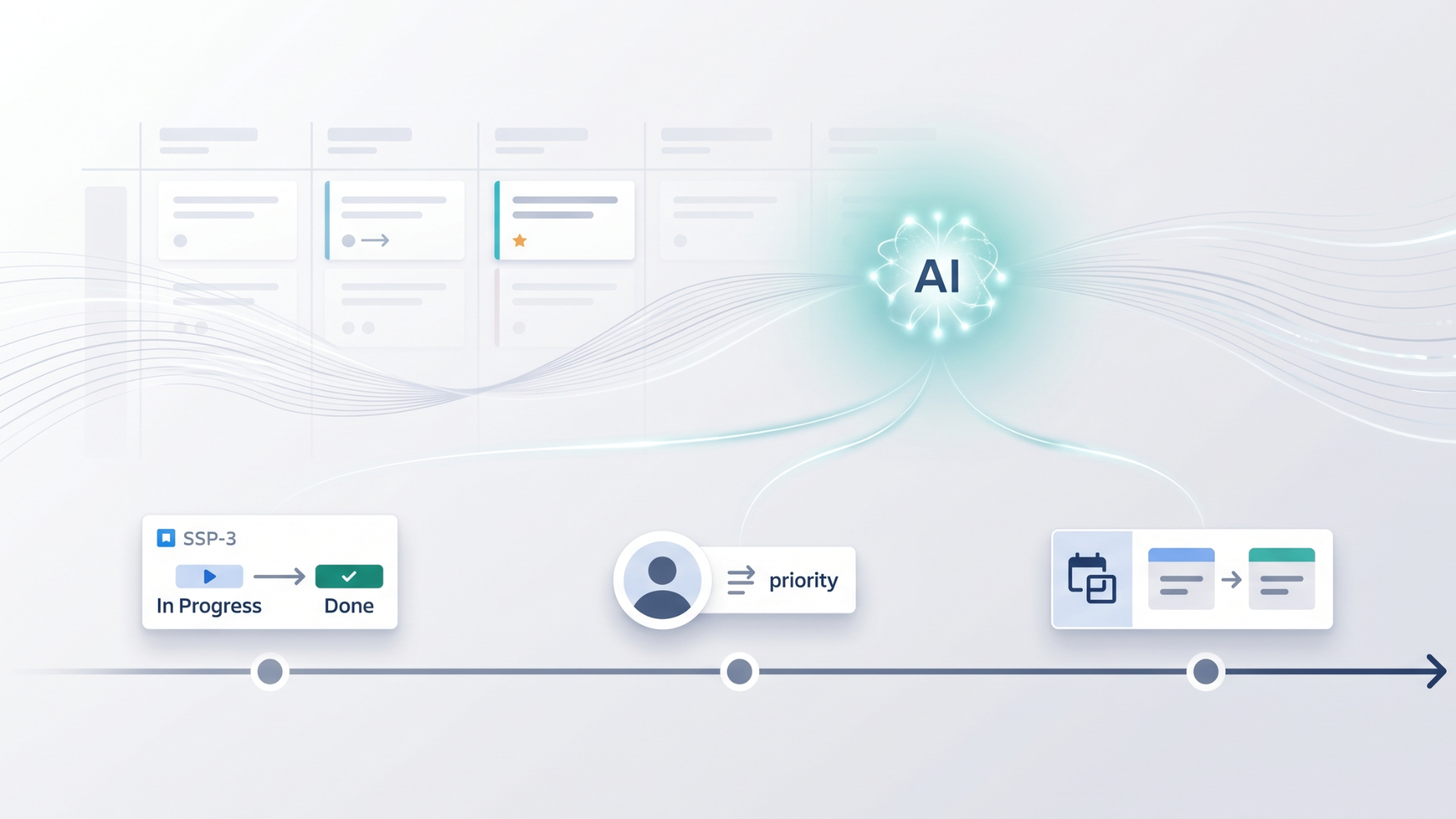
Every Jira user knows the struggle of tracking down a specific issue update. As projects scale, the native Jira changelog quickly becomes a crowded logbook. Finding out who changed a requirement or when a ticket status shifted requires too much manual scrolling. We developed Historian - History Explorer for Jira to turn that raw modification data into clear and interactive reports. Now, we are introducing the Historian AI Assistant to make finding your history data even simpler.
What is the Historian AI Assistant?
The new Historian AI Assistant is powered by Atlassian Rovo. It allows you to explore your issue history and get guidance using natural language. Instead of spending time figuring out which filters or grouping options to apply, you just describe what you need.
AI Assistant analyzes your request and guides you step by step on how to use the relevant Historian feature. It helps you find the right approach to track, filter, and analyze your Jira issue changes. The Assistant provides precise instructions to help you locate your data and configure your report yourself.
You can access the Assistant from two locations. Click the button in the bottom right corner of the Historian main screen, or use the Ask AI button in the upper right corner of the Historian tab within the Work Item View.
How You Can Use the Assistant
Instead of guessing how to set up complex filters, you can ask the Assistant for guidance on your specific historical investigations. It covers everything from basic inquiries to complex project reconstructions.
Investigating Specific Issues
When you need to understand the lifecycle of a specific ticket, you can ask the Assistant:
"How can I see all the changes made to SSP-3?"
"Who changed the status of SSP-101 and when?"
The Assistant will guide you to the correct view so you can see those chronological updates without the noise.
Filtering by User or Field Updates
If you are trying to track down specific actions across a larger project scope, you can ask:
"How can I find all changes made by John Smith in project SSP last week?"
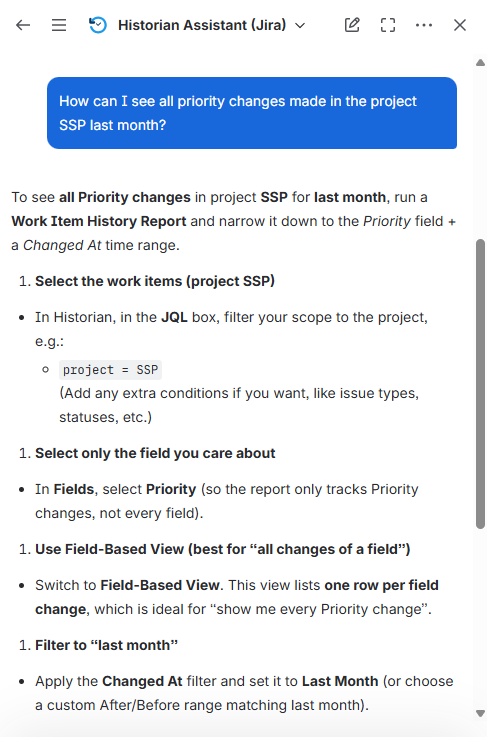
"How can I see all priority changes made in the project SSP last month?"
It will point you exactly to the field configurations needed to group and filter those history logs.
Reconstructing Past Project States
Sometimes you need to know what a project looked like before recent updates occurred. You can ask:
"What did my SSP project backlog look like on January 1st?"
The Assistant will guide you on how to use the Historic Query feature to successfully reconstruct that exact past state.
Comparing Issue States
If you need to see exactly what changed on a ticket over a specific period, just ask:
"How do I compare SSP-45 between two dates?"
The Assistant will show you how to navigate to the Compare Dates feature to see those exact field values side by side.
About Historian

Historian - History Explorer for Jira provides advanced tools for tracking, analyzing, and auditing Jira issue history with high precision. It is a Cloud Fortified and Runs on Atlassian. Historian transforms the default Jira changelog into an organized and readable report.
The app provides a Work Item View for expanding chronological ticket history and a Field-Based View for filtering any system or custom fields. It includes advanced tools like Historic Query, which allows users to travel back in time to view a Jira backlog exactly as it appeared at any specific date or point in the past. The Compare Dates feature includes a Diff View that automatically highlights the specific characters or words that were changed in long text fields, eliminating the need to scroll through empty dates.
To learn more about Historian - History Explorer for Jira, visit its Atlassian Marketplace page.
