In many teams Jira is the place where work is planned, prioritized, and tracked.
At the same time, the actual development work happens in Git platforms such as GitHub, GitLab, or Azure Repos.
Without an integration between these systems, teams often run into the same problems:
-
Developers push commits, but Jira work items remain unchanged
-
Product managers cannot easily see which code changes relate to which task
-
Teams must constantly switch between tools to understand development progress
-
Traceability between requirements and implementation becomes difficult
A Git integration for Jira solves this by automatically connecting development activity with Jira work items. Commits, branches, and pull requests become visible directly inside Jira, giving everyone better visibility into the development process.
Why Connect Git Repositories to Jira?
When Git repositories are connected to Jira, development information becomes part of the project tracking workflow.
Instead of manually updating issues, teams can rely on automated synchronization of development activity.
For example:
-
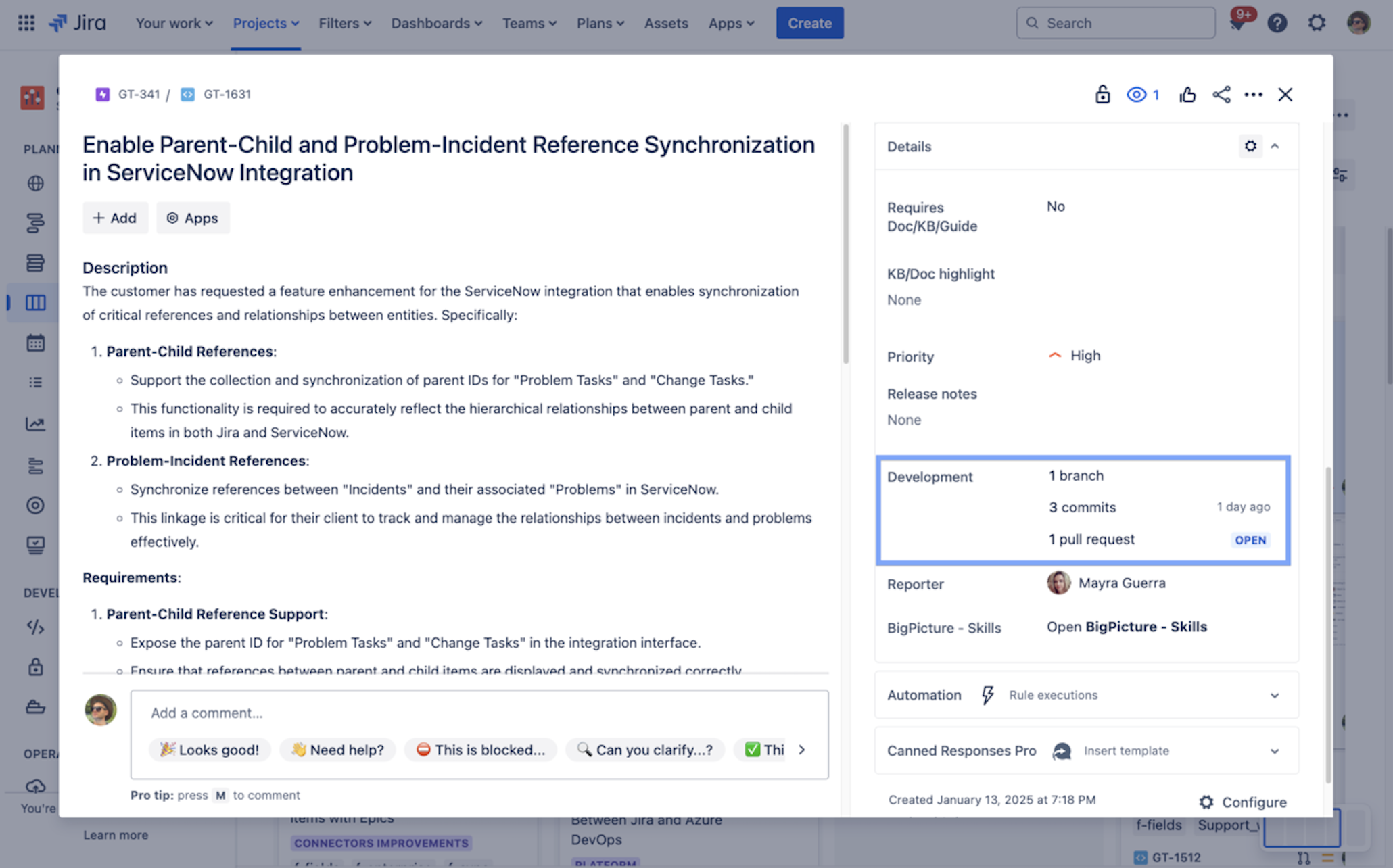
When a developer creates a branch referencing a Jira work item, the branch appears in the Jira Development panel.
-
When a commit includes the work item key, Jira automatically links the change to the task.
-
When a pull request or merge request is opened, it becomes visible in the work item view.
This makes Jira a much more reliable source of truth for tracking work across product, engineering, and management teams.
What Gets Synced Between Git and Jira
The integration allows Jira to display development activity such as:
| Development Activity |
What It Means in Jira |
|---|
| Commits |
Shows code changes related to a specific issue |
| Branches |
Displays active development branches tied to work items |
| Pull / Merge Requests |
Indicates when code is ready for review |
| Repository activity |
Provides visibility into the development lifecycle |
As long as developers reference Jira work item keys in their commits or branches, the activity will automatically appear in Jira.
Connecting Git Platforms to Jira with Getint
The Getint integration app supports several Git platforms, allowing teams to connect one or multiple repositories.
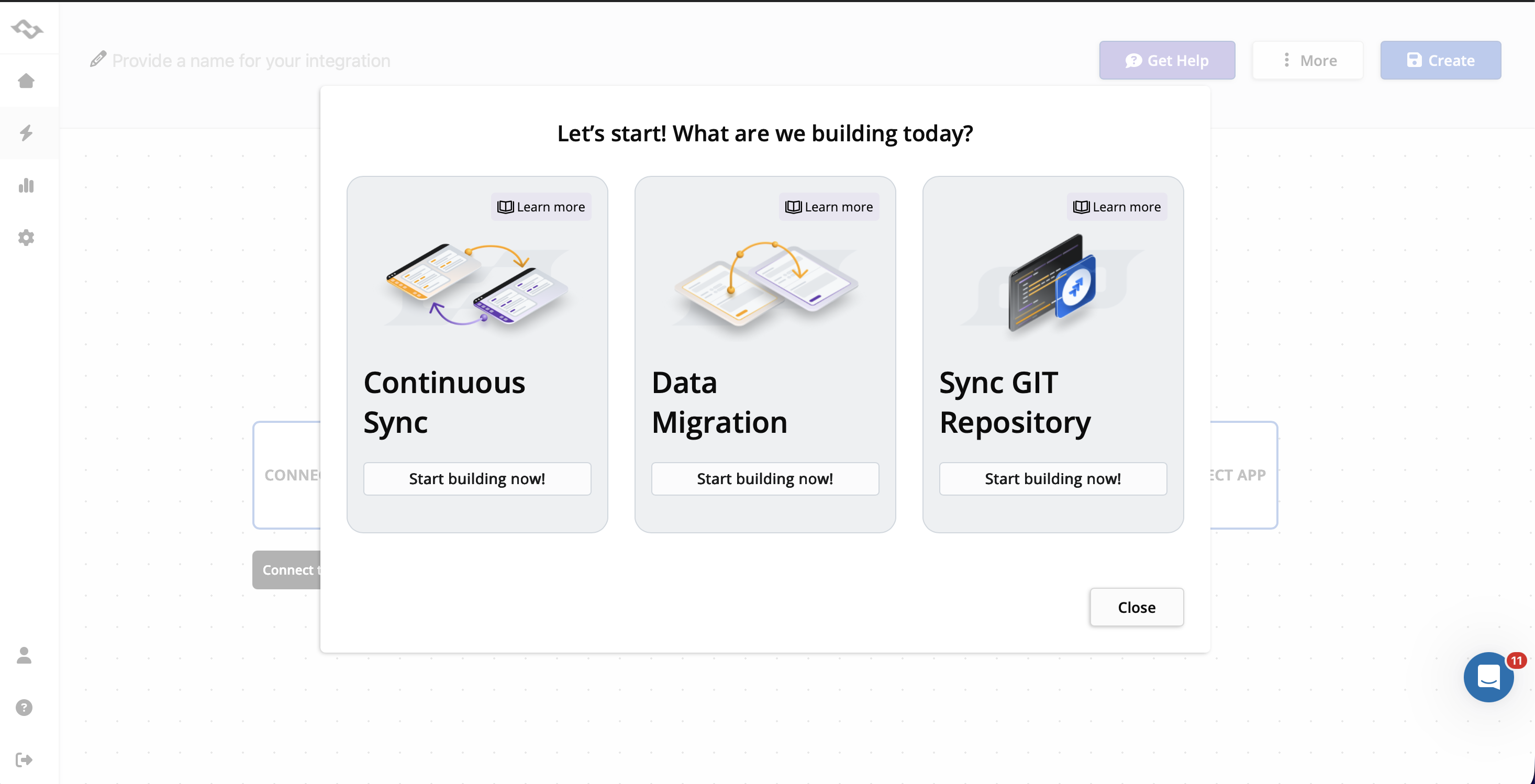
*You can also choose continuous sync, or data migration between Jira GitHub, Jira Azure DevOps, and Jira GitLab.
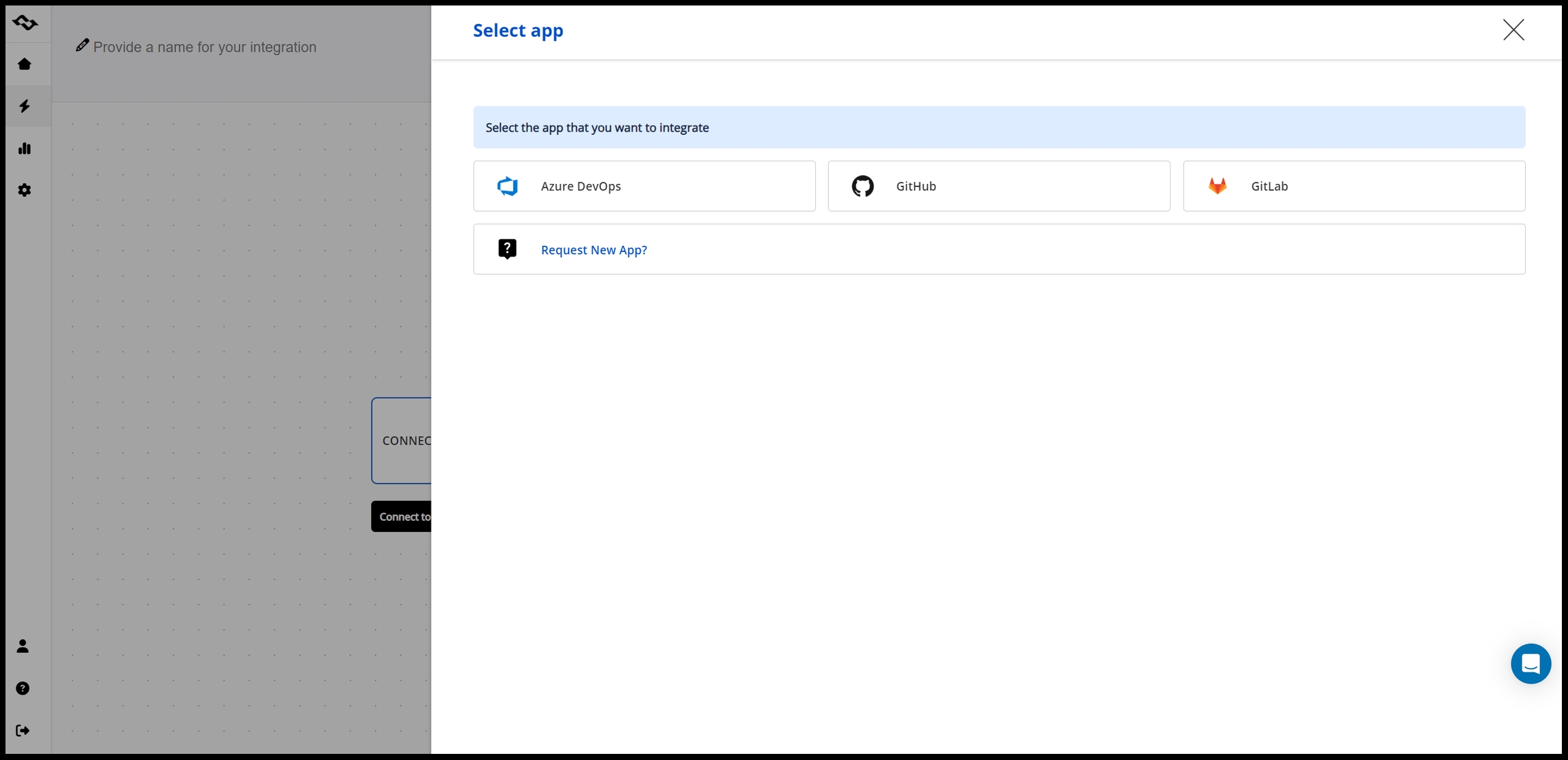
GitHub Integration with Jira
GitHub is one of the most popular platforms for hosting repositories and managing pull-request based development workflows.
When GitHub repositories are connected to Jira, development activity becomes visible directly in Jira work items.
This means that teams can:
-
Track commits and pull requests linked to Jira tasks
-
See active development branches related to specific work items
-
Monitor when code is opened for review or merged
For teams working in distributed environments, this visibility is especially useful. Product managers and QA engineers can understand development progress without needing direct access to GitHub.
The integration works with both GitHub Cloud and GitHub Enterprise environments, allowing organizations to connect repositories regardless of their infrastructure setup.
GitLab Integration with Jira
GitLab provides a full DevOps platform with built-in repository management, CI/CD pipelines, and development workflows.
By connecting GitLab repositories to Jira, teams can bridge the gap between project tracking and DevOps workflows.
Once configured, Jira can display:
-
GitLab commits and branches
-
Merge requests associated with Jira work items
-
Development activity related to specific tasks
This helps product and engineering teams collaborate more efficiently, because Jira reflects the real development state without requiring manual updates.
The integration can be configured for both GitLab SaaS and self-managed GitLab instances.
Azure Repos Integration with Jira
Organizations using Azure DevOps often rely on Azure Repos for version control while managing project work in Jira.
Connecting Azure Repos with Jira enables teams to keep their existing development workflow while improving visibility in Jira.
With the integration in place, Jira can display:
-
Commits pushed to Azure repositories
-
Branches created for specific work items
-
Pull requests associated with development tasks
This setup is particularly useful for organizations where different teams use different development platforms but share the same Jira environment.
Working with Multiple Repositories
Many organizations use more than one Git platform.
For example:
-
one team may develop in GitHub
-
another may work in GitLab
-
internal systems may be stored in Azure Repos
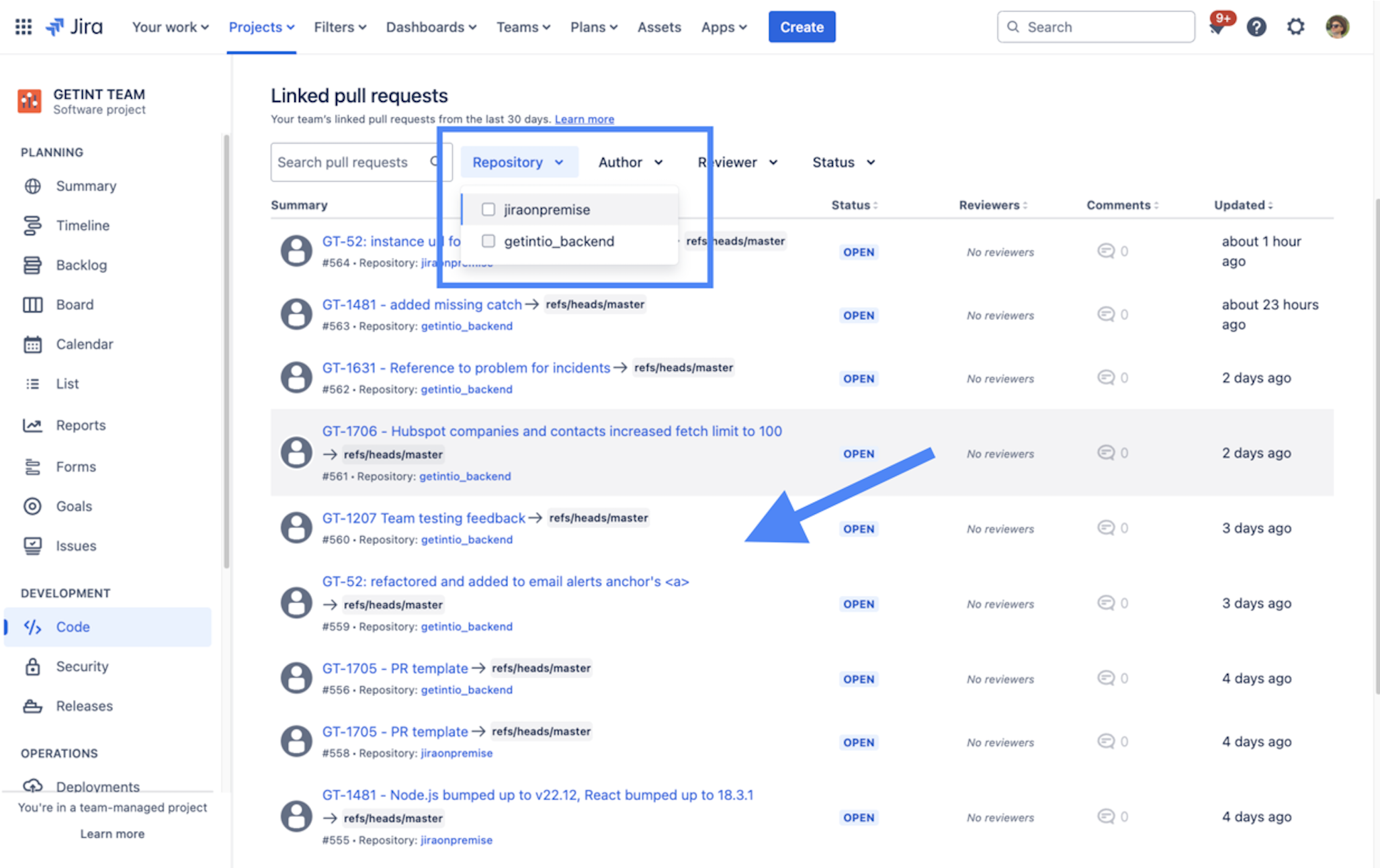
A Git integration for Jira allows teams to connect multiple repositories from different providers. All development activity then appears inside Jira work items, giving teams a single place to monitor project progress.
Final Thoughts
Connecting Git repositories to Jira helps teams align planning, development, and delivery.
Instead of manually updating work items or switching between systems, teams gain a clear connection between Jira tasks and the code implementing them.
By integrating Jira with GitHub, GitLab, or Azure Repos, development activity becomes part of the project workflow, improving transparency and collaboration across teams.
