The Atlassian Community Forums are currently in read-only mode. We will be relaunching on a new platform on September 22 (read more here). We apologize for the extended downtime. For concerns or questions, please email communitymanagers@atlassian.com. See you on the other side, on the new Atlassian Community Forums! :)
×Community resources
Community resources
Community resources
Extensible framework to call any Workday Web Services from Jira Service Management
One of the top requests from our customers is to invoke any web services in Workday. Workday provides a comprehensive Web Services Directory with detailed information on XML input and output structures to call a specific method.
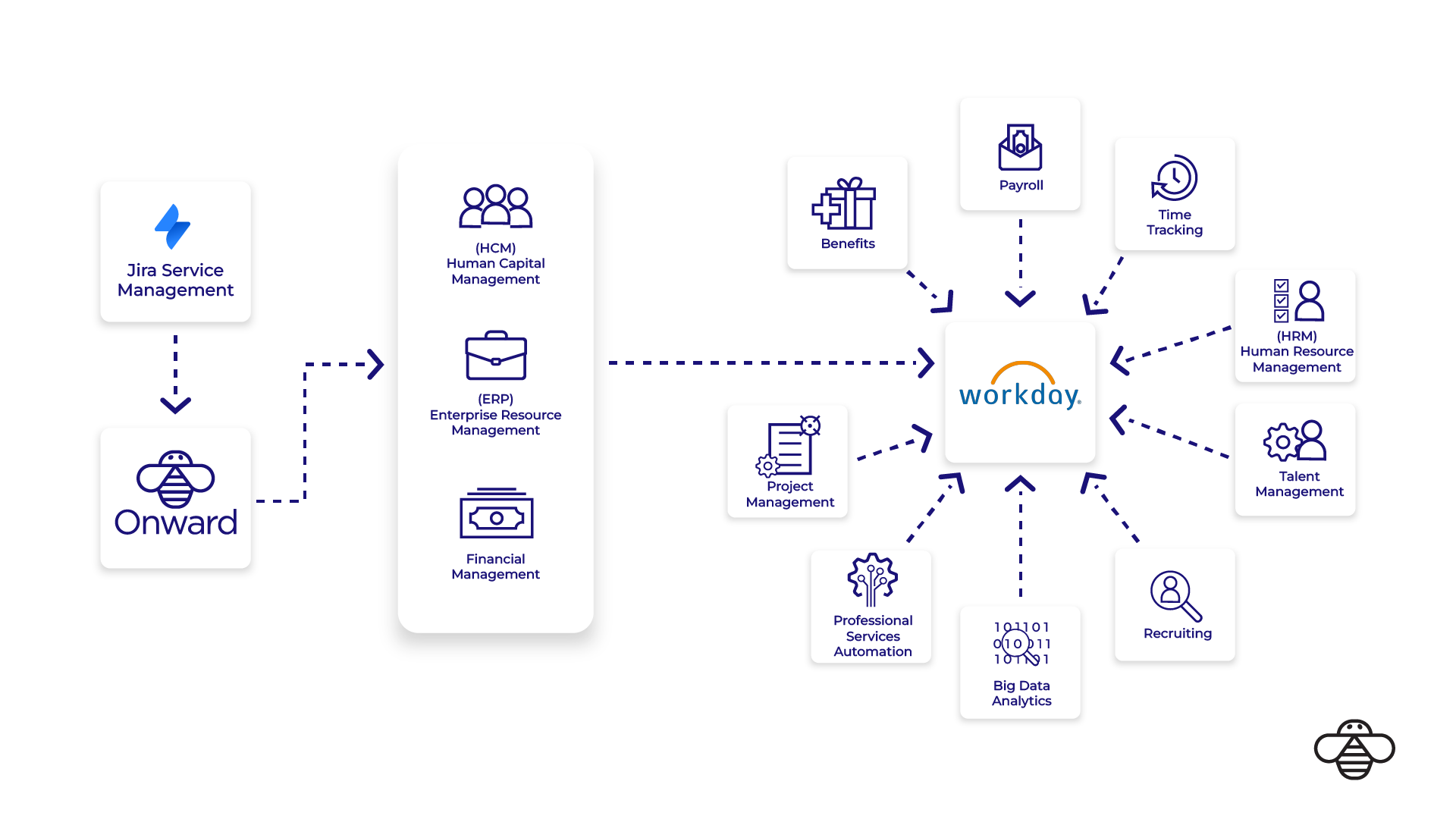
OnLink supports the following methods to enable a seamless integration between Jira Service Management and Workday.

However these use cases were limited to employee onboarding and offboarding tasks. Our customers wanted to update timesheets, supplier related help desk requests, generating invoices for professional services projects etc. This required to have a extensible integration framework where we can invoke any web services in Workday from Jira Service Management.
Good news is we have added that extensible integration framework where OnLink can be used to call any Workday Web Service using the Generic Function process.
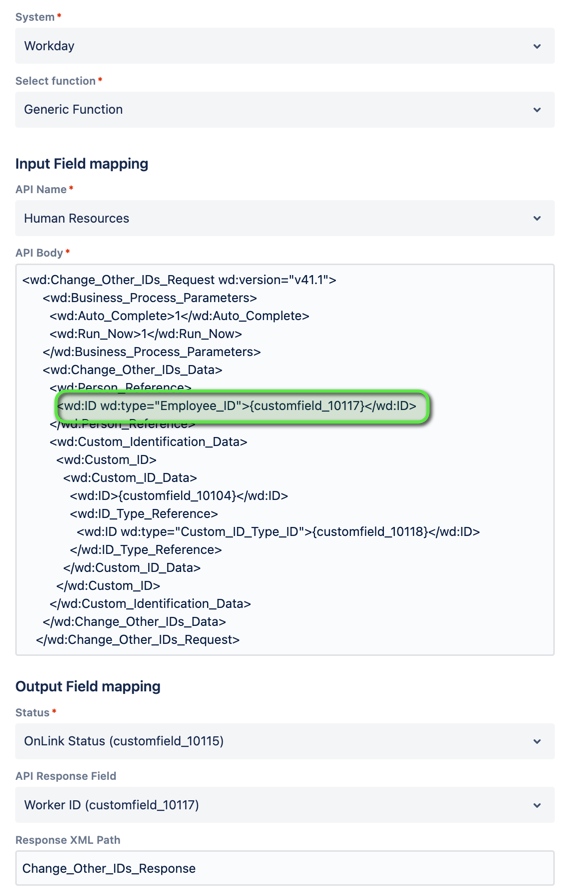
Below is a screenshot of what the Post Function configuration looks like.

Select API Name (see this reference for all supported Workday SOAP APIs). Construct the relevant XML body and use variable substitution to populate values from customfields. You can also setup a response field – for e.g. if you want the Requisition ID from a new Requisition that got created, you can configure the API Response Field and Response XML Path properties.
Sample XML Request
<soapenv:Envelope xmlns:soapenv="http://schemas.xmlsoap.org/soap/envelope/" xmlns:ws="urn:com.workday/bsvc">
   <soapenv:Header/>
   <soapenv:Body>
      <ws:Get_Requisition_Request>
         <ws:Request_References>
            <ws:Requisition_Reference>
               <ws:ID>{{customfield_requisition_id}}</ws:ID>
            </ws:Requisition_Reference>
         </ws:Request_References>
      </ws:Get_Requisition_Request>
   </soapenv:Body>
</soapenv:Envelope>
Use variable substitution (e.g., {{customfield_requisition_id}}) to dynamically insert values from custom fields.
Best Practices
Test Using Tools:
Before finalizing the integration, test your API calls using tools like Postman or SoapUI. These tools help you validate the XML request body and troubleshoot any issues.
Robust Error Handling:
Develop comprehensive error handling routines to capture and log errors effectively, facilitating easier troubleshooting and maintenance.
Monitor and Optimize Performance:
Regularly monitor the performance of your integrations and optimize as necessary to handle increasing data volumes and ensure scalability.
Getting Assistance
For any assistance with configuring Workday integrations from Jira Service Management, feel free to reach out to our support team at support@onwardb.com.
Was this helpful?
Thanks!

Prabhu Palanisamy _Onward_
0 comments