I have a "landing page" (screenshot below) for a series of working sessions. On the landing page, there is a button to create a "working session notes" page; we take notes for each working session on a notes page.
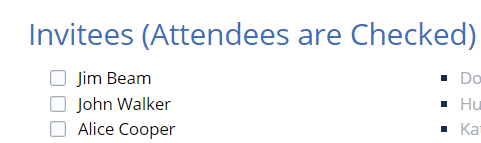
I am using a task report at the bottom of the landing page to list all the open actions items from all of the working sessions, which are pulled from the (child) working session notes pages. In my working session notes pages, I want to use checkbox functionality (as shown in the 2nd image below) for the attendees of each working session so that I can check the boxes for the people who show up to the working session.
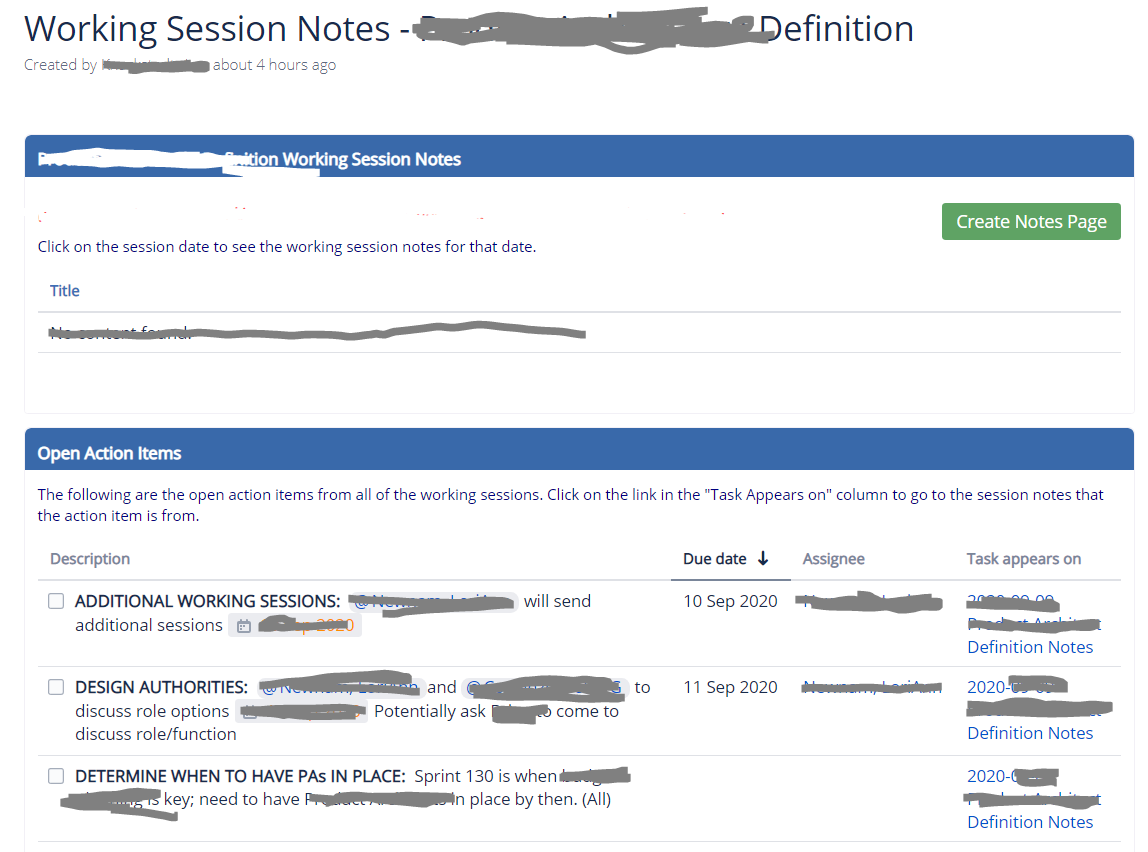
Unfortunately, if I use check boxes anywhere on the page, all those items that are unchecked including attendee names, are pulled into my task report.
I saw a very complicated way to filter tasks by creating "sub-pages" with excerpts for each "category" of tasks and then displaying the excerpts on the main page. This solution would be rather messy in my scenario because for each page of notes, would have to have corresponding task excerpt pages associated to it, meaning, as we take notes, we would have to bounce back and forth among the pages.
Is there a way to either exclude the items in the Attendees list on our notes pages from the task report on the landing page OR to include only the items in the action items on each notes page in the task report on the landing page?
Our company is on Confluence 6.13.10
Thanks in advance for any ideas!


