Our Confluence was updated recently, and now when I have an inline image I cannot adjust the size. I inserted an inline image in the new interface and it's so small, like 40x40 pixels, that you can barely even tell it's an image. My only option to make the image larger is to select "original size," but then I am no longer able to make the image inline with the text or other images.
How do I adjust the size of an inline image in the new interface?
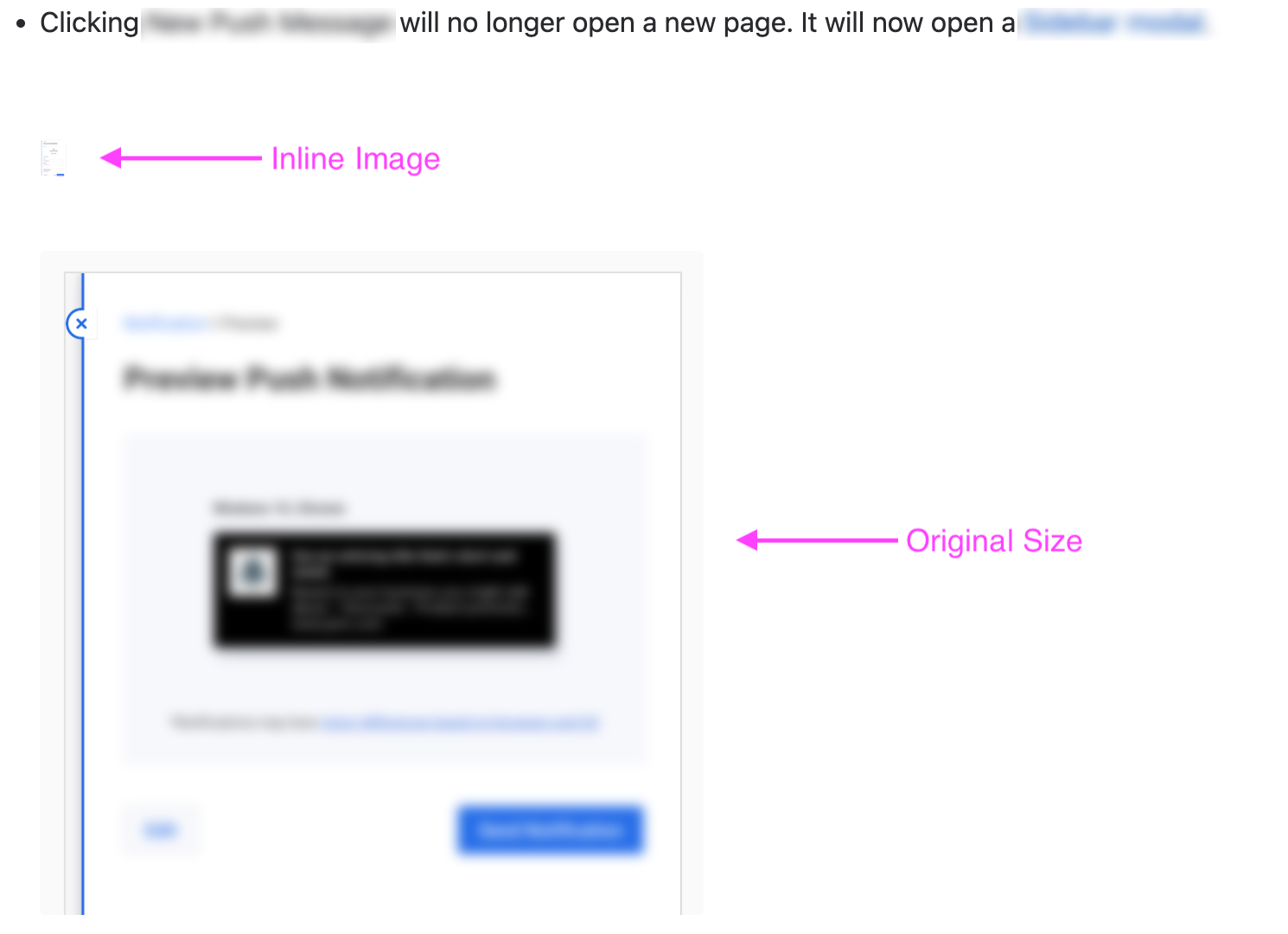
Edited to add: I realized my screenshot didn't include what my utility menu for images looks like. Here's an example of two inline images next to each other in my document, and there's no way to make them larger. They are objectively too small at around 40 pixels in height.



