Hello,
In my Jira project, I would like to create 2 Kanban views:
Thanks for you help.
ps : we should continue with paid plan but I'm little confused with this new version of JIRA
Hello @Sébastien OZANNE
You can add many kanban boards for the same project. To do that you need to follow the attached screen then select Kanban board and select your project
In each board you can add a subfilter. To do that, click configure board > general > Sub-filter query:
Best Regards,
Thanks for your replay. It is the way I'm used to do in my previous jobs.But I try to set up for my one and I don't have the same overview
The project you are sharing is Team-Managed project. So you can create the new boards from there.
As workaround, I guess the following:
Thanks for your help.
The right answer is « you need company-managed project » .
Then I can create a new board with several view in it, but I think I cannot have 2 views with same type in the same board
Can you clariy what do you mean by "view" and "same type"?
if you type is board type, then you can have many kanban boards for your project.
I would like a second view as a kanban with different default filter. Here it is called a board.
this is team-managed project. You can't add boards.
My workaroud should works for you.
Hi @Sébastien OZANNE - Welcome to the Atlassian Community!
Here's an article that will guide you on how to create a second board for a Team-managed project:
https://community.atlassian.com/t5/Jira-articles/Creating-a-Second-Agile-Board-for-Team-Managed-or-JIra-Work/ba-p/2115018
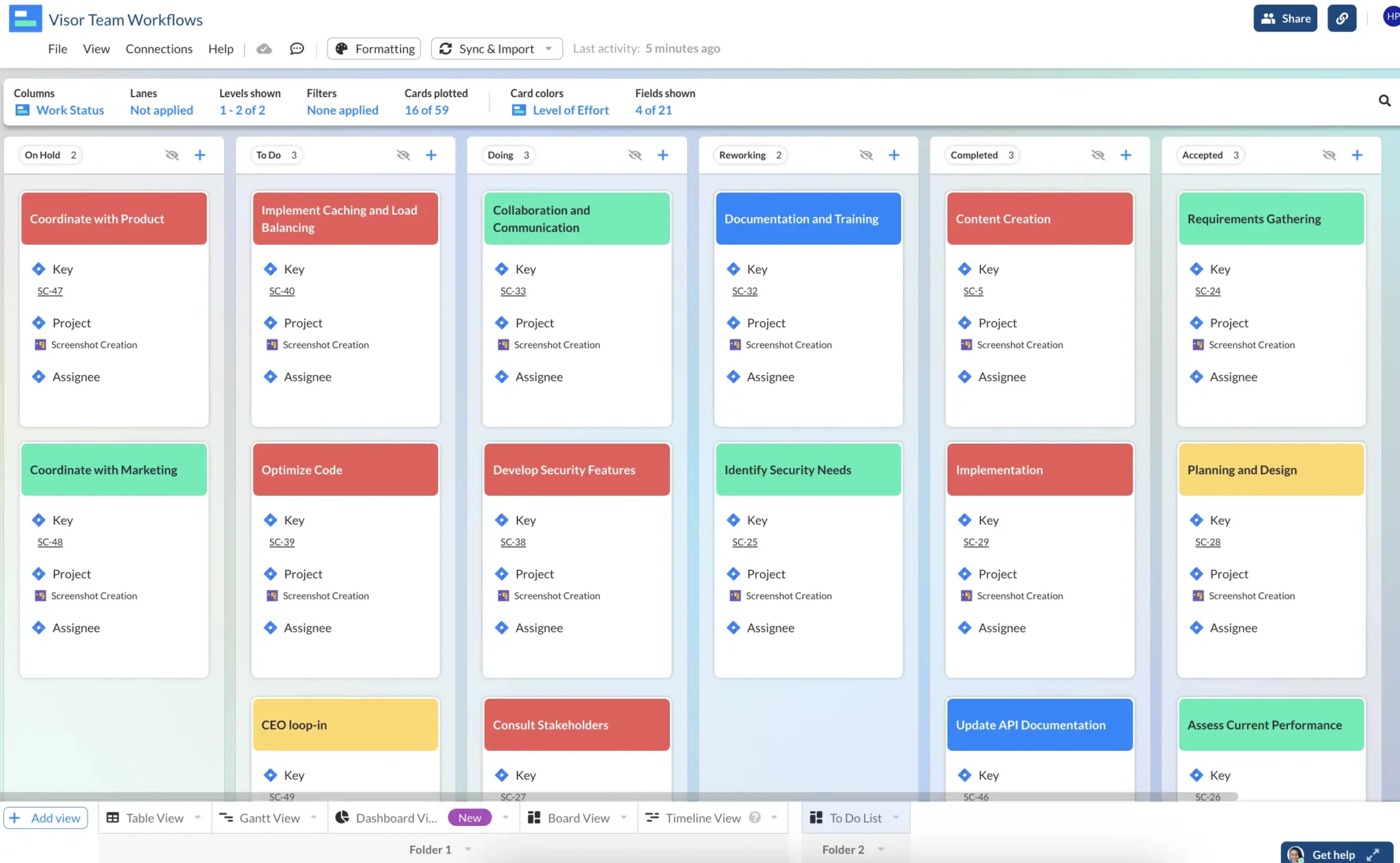
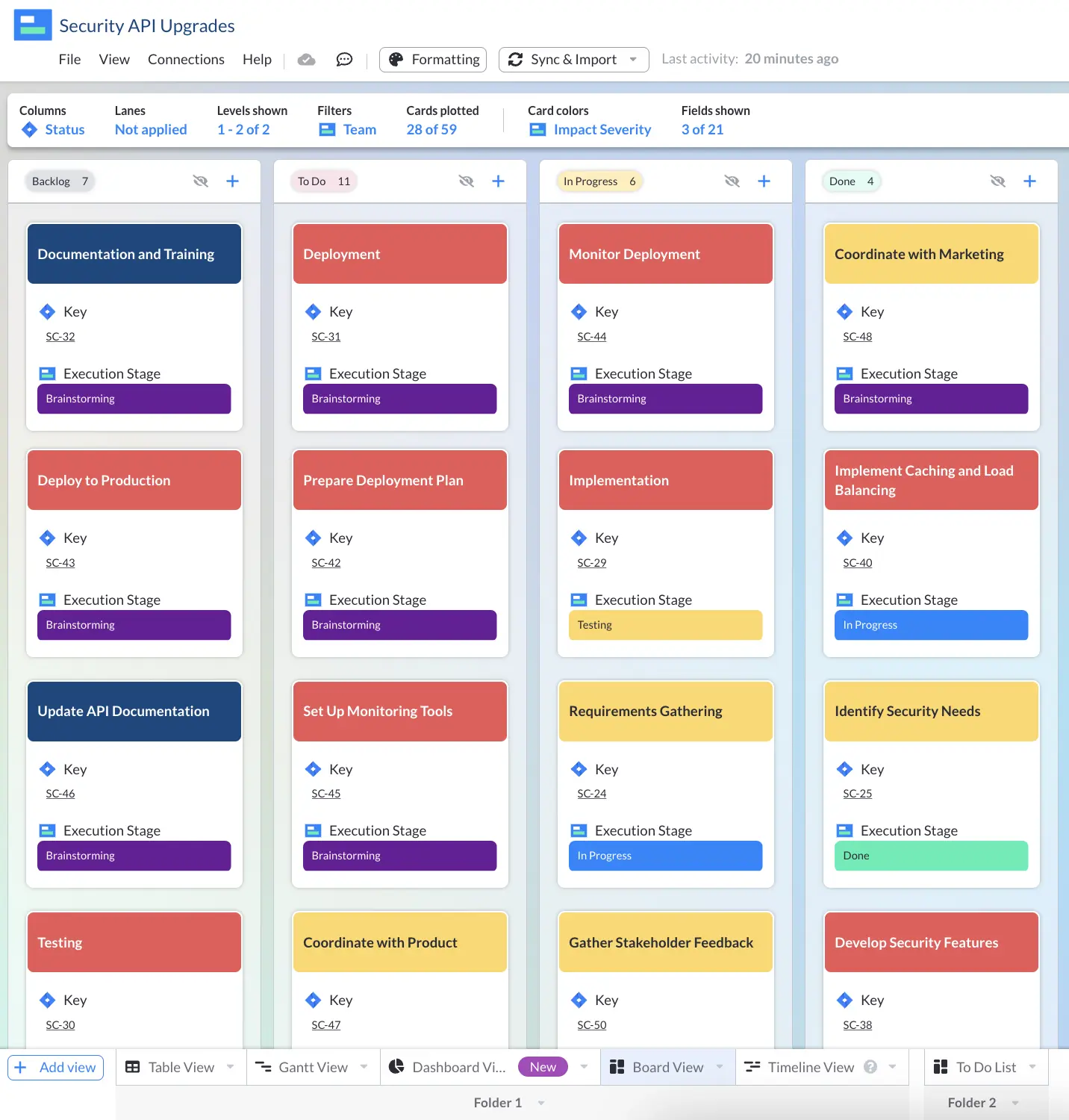
Hey @Sébastien OZANNE welcome to Atlassian Community.Hopefully the advice from @Seifallah Bellassoued or @John Funk has helped, but if you're still struggling to get exactly what you need using the board view within Jira itself you can use our app (Visor) to create as many fully customized Kanban board views for your project, including views with different hierarchy or issues shown (for example just epics, just stories, different combinations, etc.)
Visor has a bi-directional integration with Jira, so Visor stays in sync with any updates in Jira and vice versa.
The bi-directional integration means you can use Visor as an extension to Jira to create different variations of project views, with greater flexibility, and more formatting, and sharing options too.You can find out more and read our nice user reviews in the Atlassian Marketplace here:https://marketplace.atlassian.com/apps/1226209/visor-spreadsheet-gantt-chart-for-jira-with-excel-export?tab=overview&hosting=cloud Here's a few examples of some Kanban views I created in Visor using my live Jira data:
It looks like you're new here. Sign in or register to get started.