Dear Atlassian Team,
I hope this message finds you well.
We are using Jira Service Management in our project and have encountered an issue related to billing page permissions:
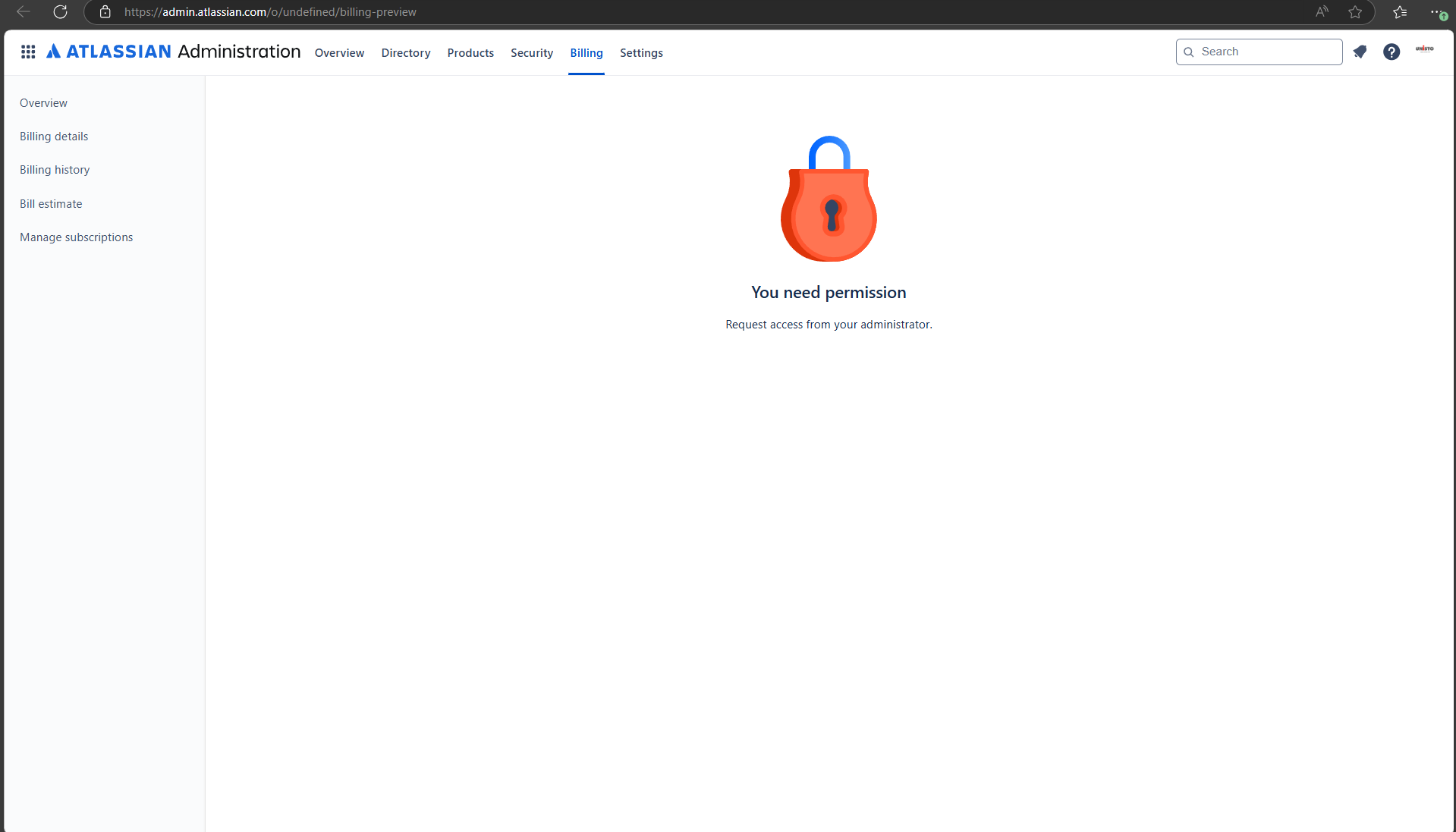
When navigating to Atlassian Home → Atlassian Home Settings → Billing, the page displays an error message:
"You need permission from your Administrator."
I am logged in as the Administrator and unsure why this issue arises or how to resolve it.
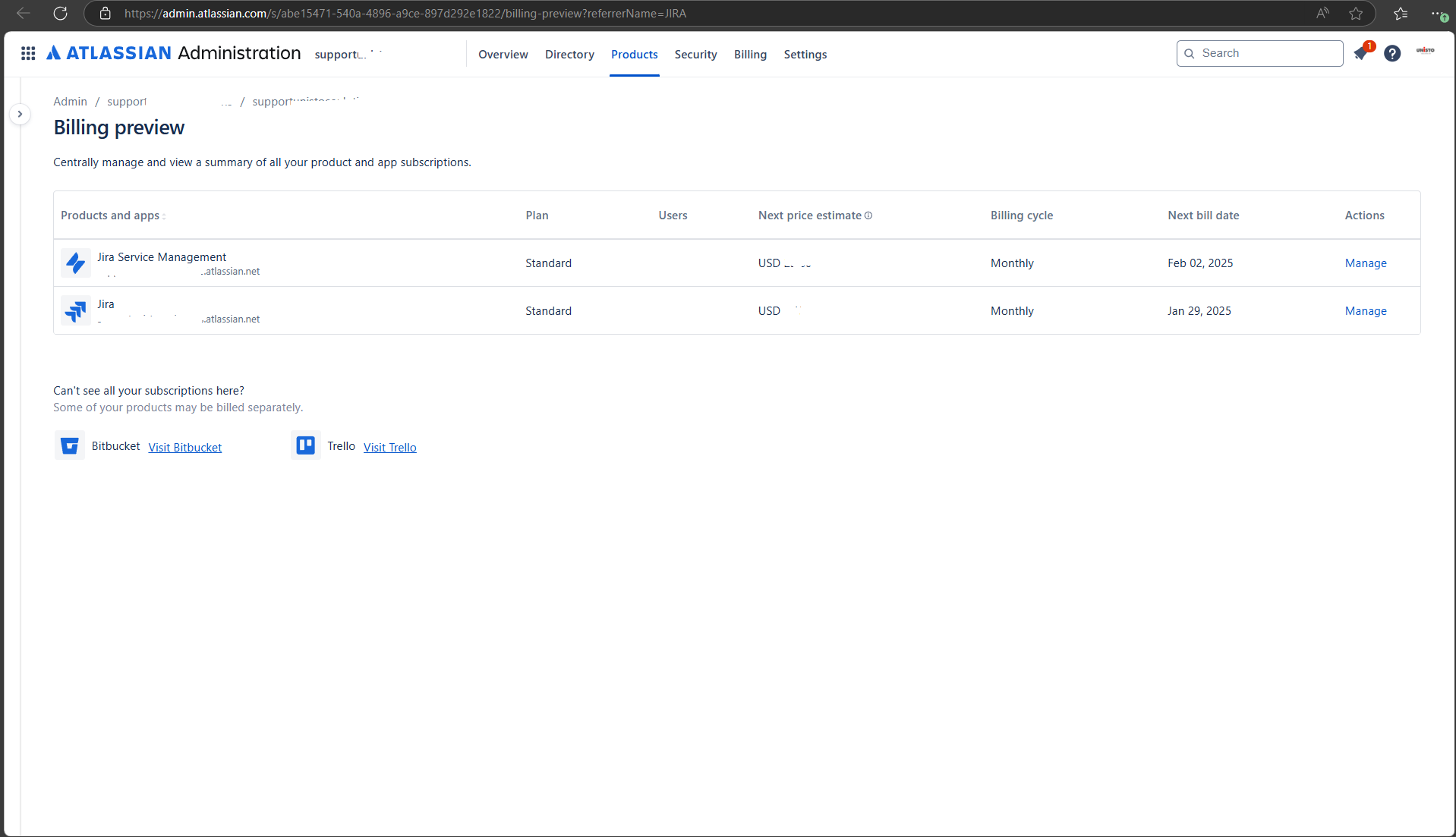
However, when accessing the billing page through Jira Service Management Home Page → Settings → Billing, the billing details are displayed successfully.
We recently changed the email and password for the administrator account (e.g., from XYZ@abc.com to GHI@def.com). Could this change have impacted permissions?
Questions:
- How can I enable permission to view the billing page via the Atlassian Home path?
- What is the difference between these two billing screens?
- Are these two screens linked to different permissions or settings?
- Could this be caused by changes to the administrator account email or password?
- Are there any troubleshooting steps you recommend?
I appreciate your guidance in resolving this discrepancy. Please let me know if you need any additional information.
Thank you,
Karpaga Selvan M.
Billing Page from Atlassian Home Page (Restricted) & Billing Page from JSM Home Page (With billing details):