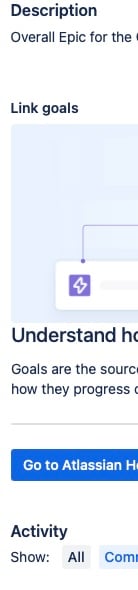
Don't get me wrong, I like Atlas and the projects/goals approach. And I've linked this Epic with Atlas, both to a project and a goal, and that info displays as expected in the Jira sidebar and in Atlas.
With that said, why is there a huge chunk of real estate taken up in the middle of my Jira page by this "Link Goals" section? I can hide it, but the title is still there. And I can't see that it actually does anything. There's a giant clip art, a blurb about how awesome Atlas is (I know, that's why I'm using it) and a button to go to Atlassian Home (which I already have pinned in my browser anyway).
Is there any way to completely disable this section? I don't see anything in the 'Configure' screen. Or is it supposed to show some info about the linked Atlas project/goal and I need to enable it somewhere?
Here's a screenshot of the expanded version to make sure we're on the same page: