I have found answers to what to do when the Jira Cloud app will not install with Microsoft Teams, but have not found the answer to this one.
I decided to try the app for Jira Cloud with Microsoft Teams. This worked well for a time, until I decided to uninstall it and try a different Jira app to see if it was more what I wanted.
The Jira Cloud app uninstalled and all was fine for about a minute.
Then the Jira Cloud app returned, the bot conversation came back, and I was a little confused.
I repeatedly uninstalled the app, only to see it keep coming back and editing link displays with the bot conversation coming back onto my chat history with a new introduction when I post another link to a Jira ticket in the chat.
Below is a screenshot with my chats covered up. This is the message and the reappearing app icon
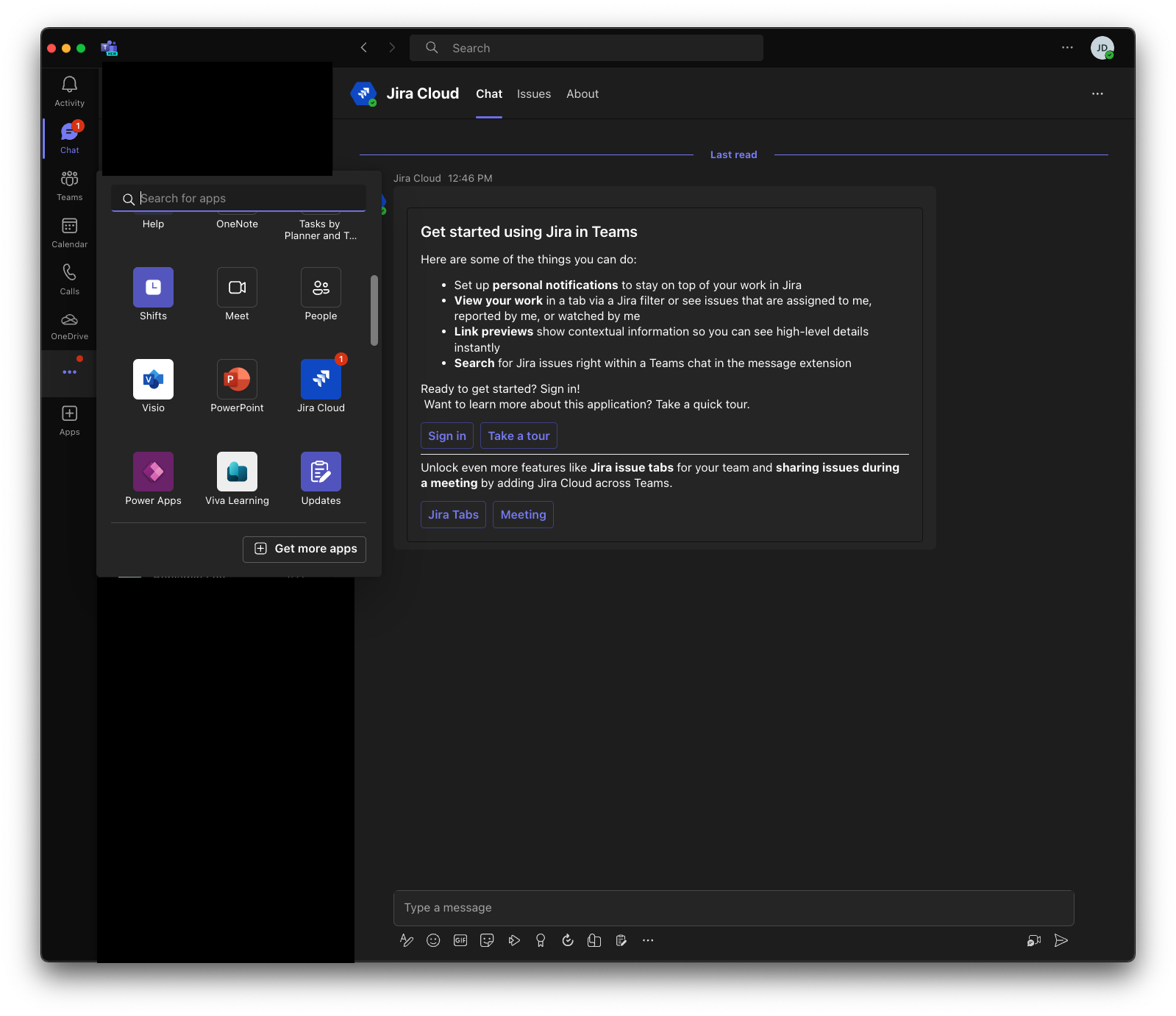
Uninstalling Microsoft Teams did not appear to work either. Blocking the bot conversation will get ignored once the app reconnects to Microsoft Teams. For reference, I am using the Teams version on a Macbook. It's kind of amusing, if a bit confusing every time I get the message "Get started using Jira in Teams".
How do I get the Jira Cloud integration to stay uninstalled?


