Time tracking for agile projects 
Agile project management only unfolds its full potential with accurate time tracking. Whether you use Scrum, Kanban, or other agile frameworks, Jira Software from Atlassian integrates seamlessly into your workflows and supports you in your task planning. Although Jira Software was originally developed for software teams, 50% of all Jira users now use the software for non-IT projects.
Project managers in all industries face the same challenge: providing realistic estimates of their team’s work time. Time tracking is the cornerstone for making informed decisions in agile projects. With detailed records, teams can define targeted deadlines, plan future sprints and iterations, and resources in the best possible way.
Jira helps you do this.
When should you use a Jira time tracking report? 
Jira has a native time tracking feature, so you can optimize your time management for your projects and create reports for your stakeholders. Below are some situations where you will benefit immensely from time tracking in Jira:
-
Accurate invoicing and transparent communication: with Jira time tracking, you can record exactly how much time you spend on projects. This makes it easier to invoice customers and makes your achievements more transparent.
-
Efficient task management: When you know how much time is needed for specific tasks, you can better plan and delegate tasks and projects. This leads to a more efficient workflow in Jira.
-
Performance analysis and targeted feedback: With Jira time tracking, you can analyze your team’s performance and provide valuable feedback. This helps you increase productivity and achieve set goals.
-
Clear insights with visual reports: Tracking your working time allows you to create clear, easy-to-understand reports about your activities. This allows you to show stakeholders and colleagues exactly how you’re using your time in Jira.
-
Accurate delivery estimates: Project delivery estimates can be difficult, but with Jira time tracking, you have realistic data at your fingertips. So you can set accurate delivery times based on actual experience and drive your project management.
-
Easy and versatile integrations: Jira offers a wide range of integrations that allow you to seamlessly integrate your time tracking into your workflow. This allows you to streamline your Jira time tracking and use it even more effectively.
These benefits turn your Jira time tracking into a powerful tool for improving your agile processes and the success of your business.
How do I set up native time tracking in Jira? 
To make sure your project management takes off, you should first set up native time tracking in Jira. Here’s how to go about it:
Log in
First things first: We assume that you already have Jira Software installed and are using it. Once you’ve logged in with your Atlassian account, you’re ready to move on to tracking time in Jira.
Enable time tracking
In Jira Cloud, the time tracking option is always enabled. However, you need to add the time tracking field to each issue type. To do this, you need Jira admin rights.
-
Navigate to a project


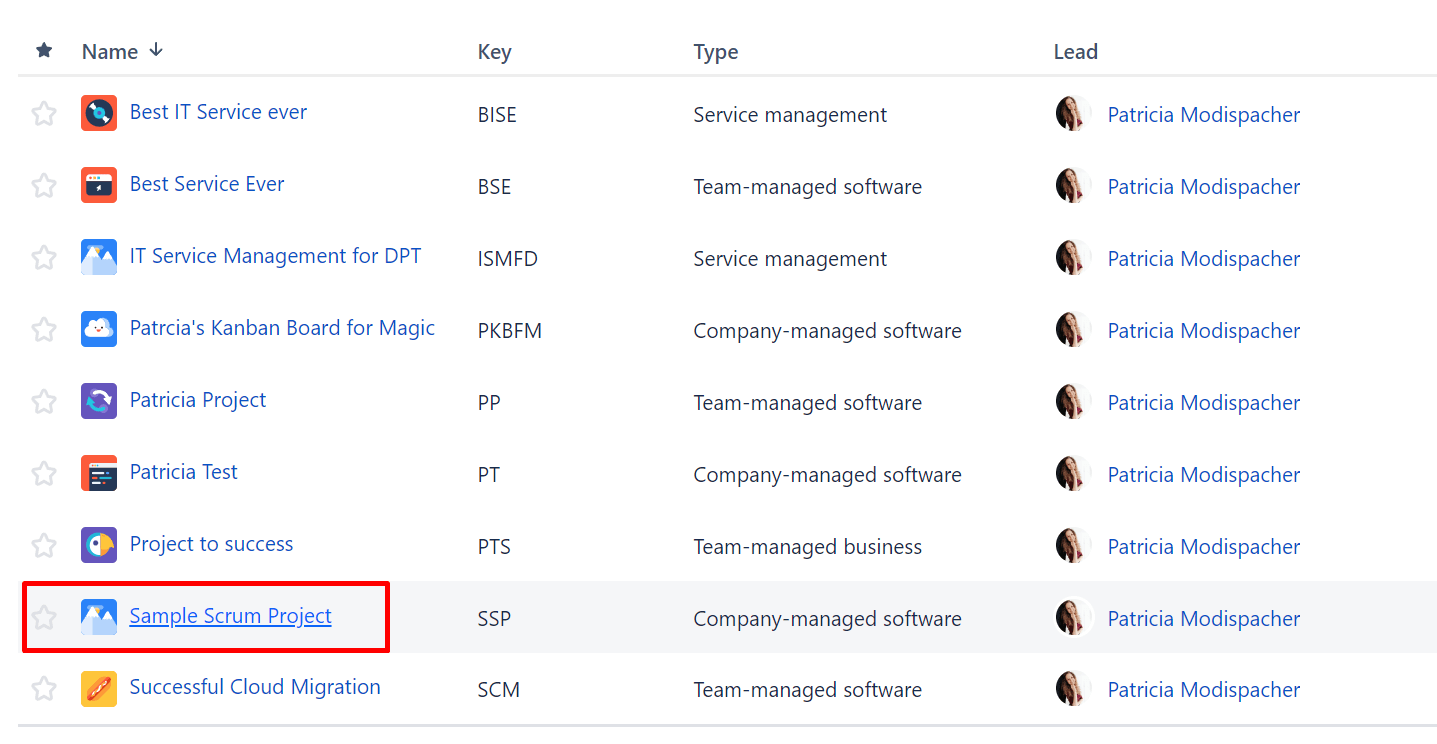
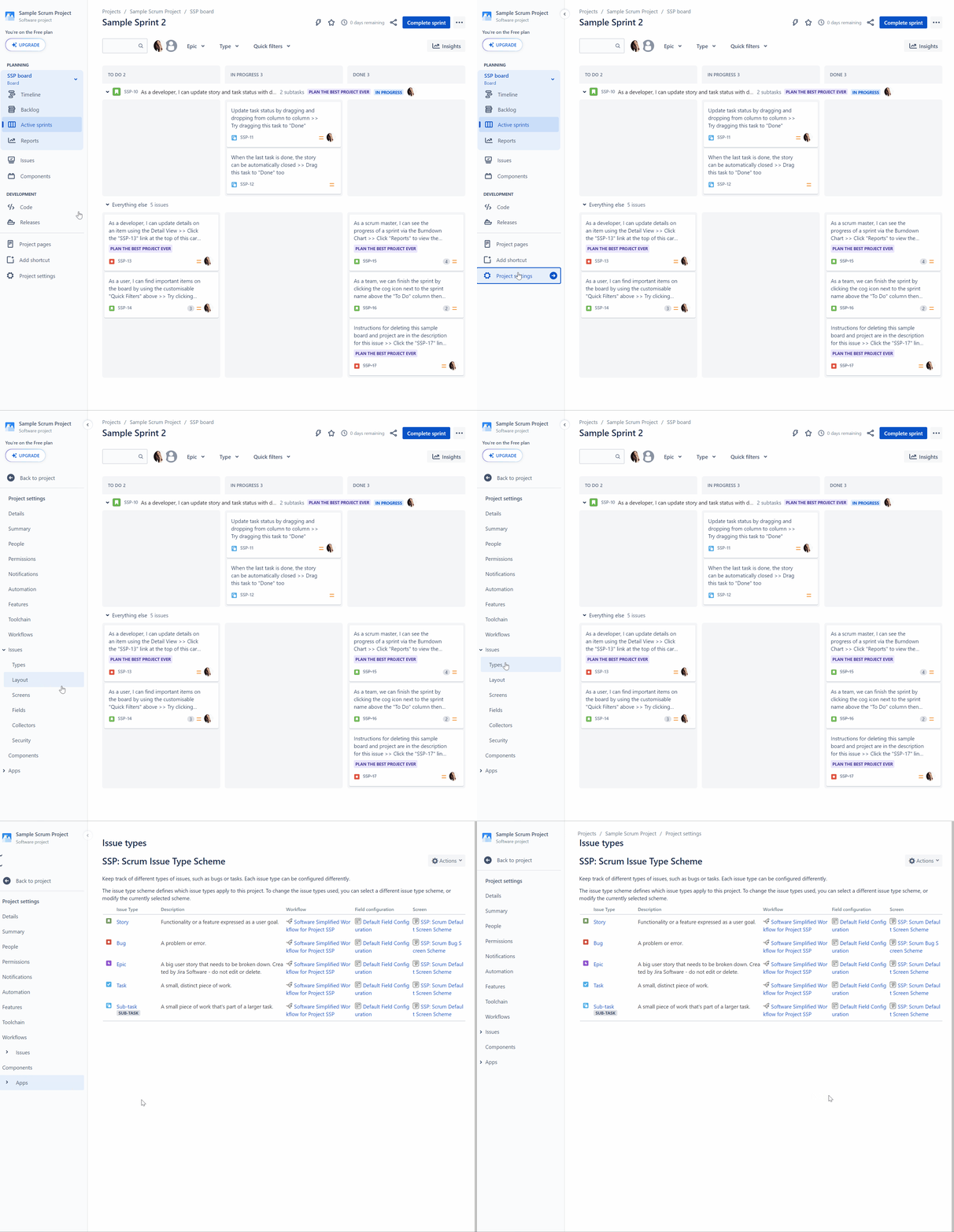
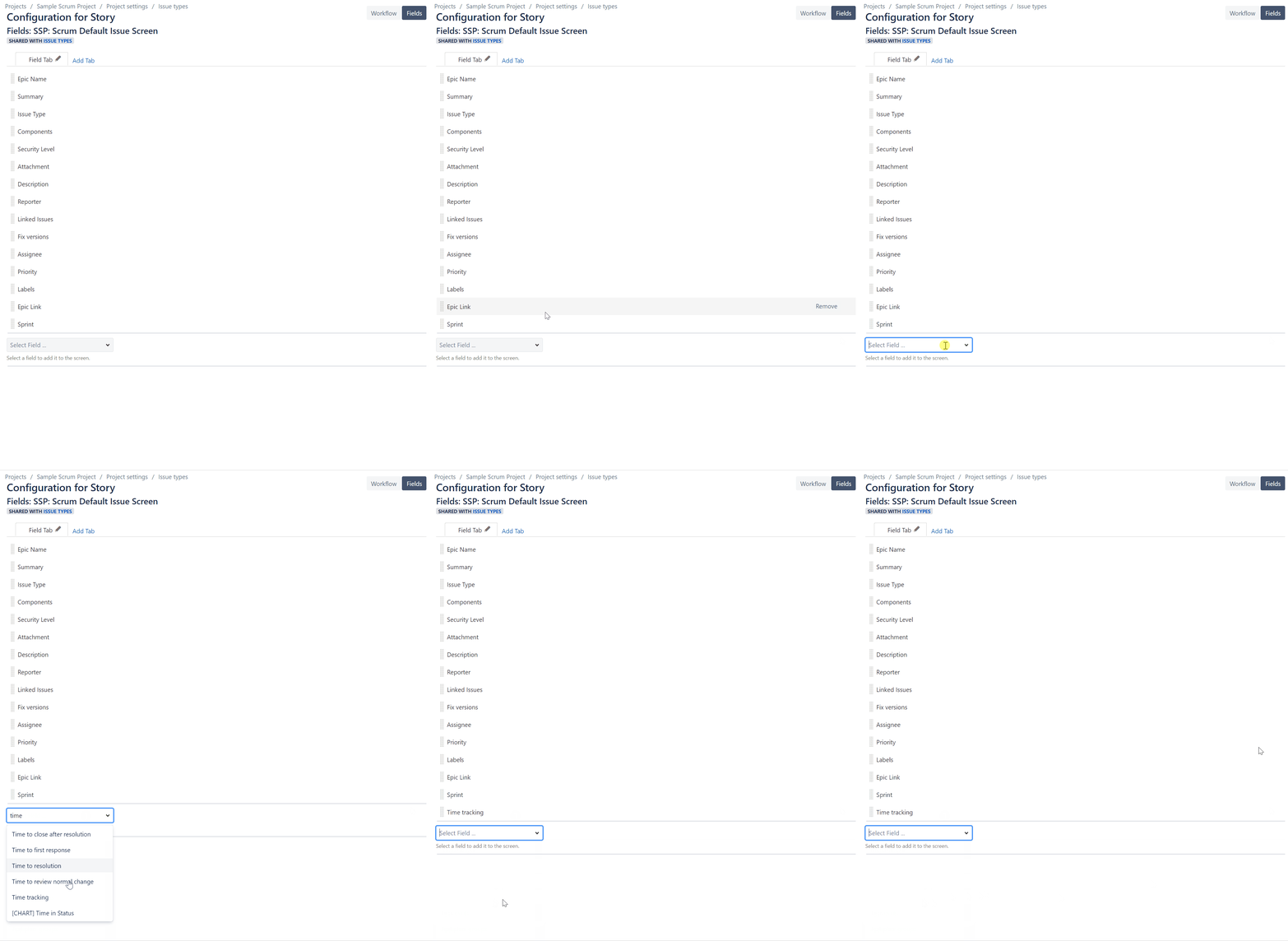
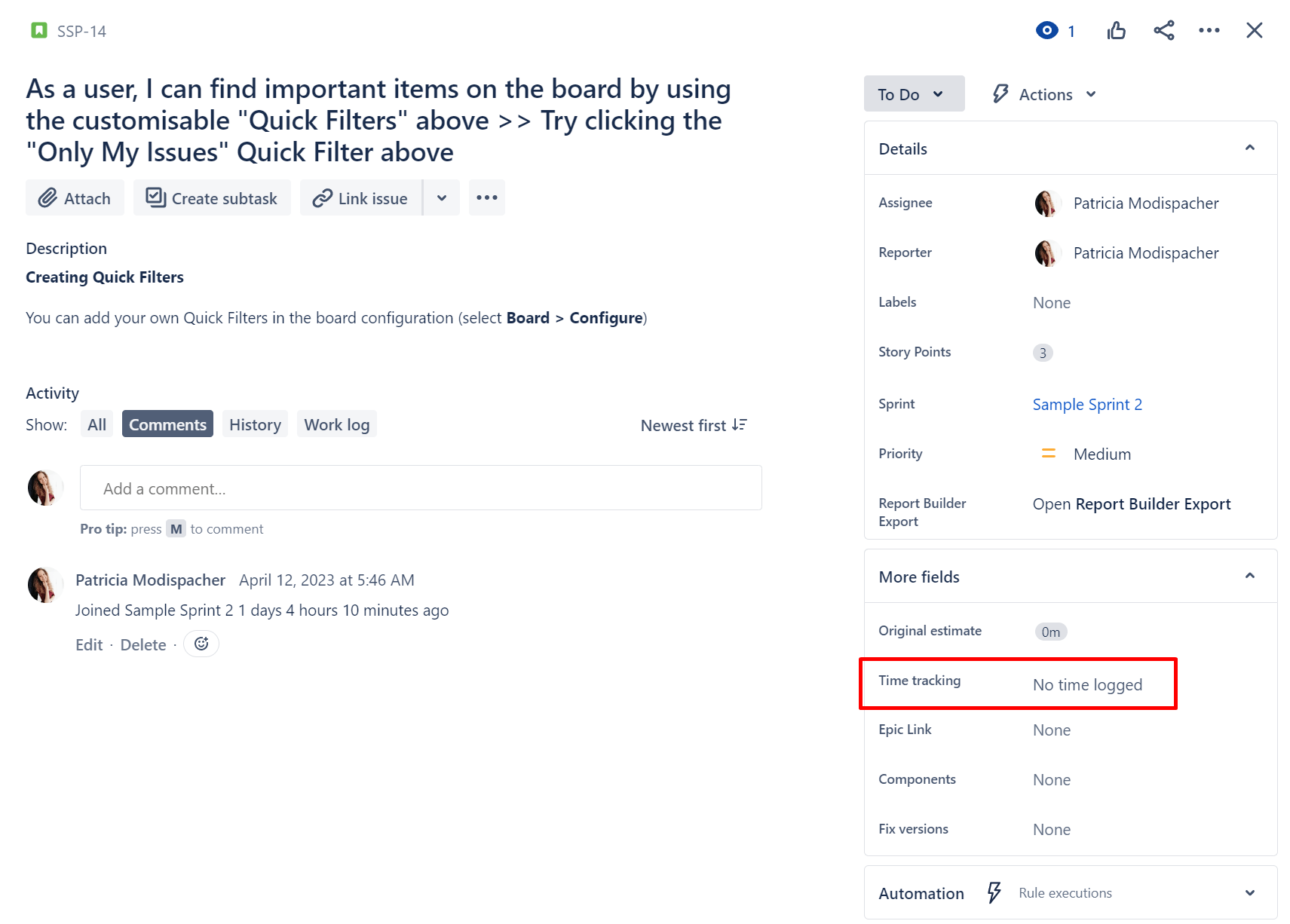
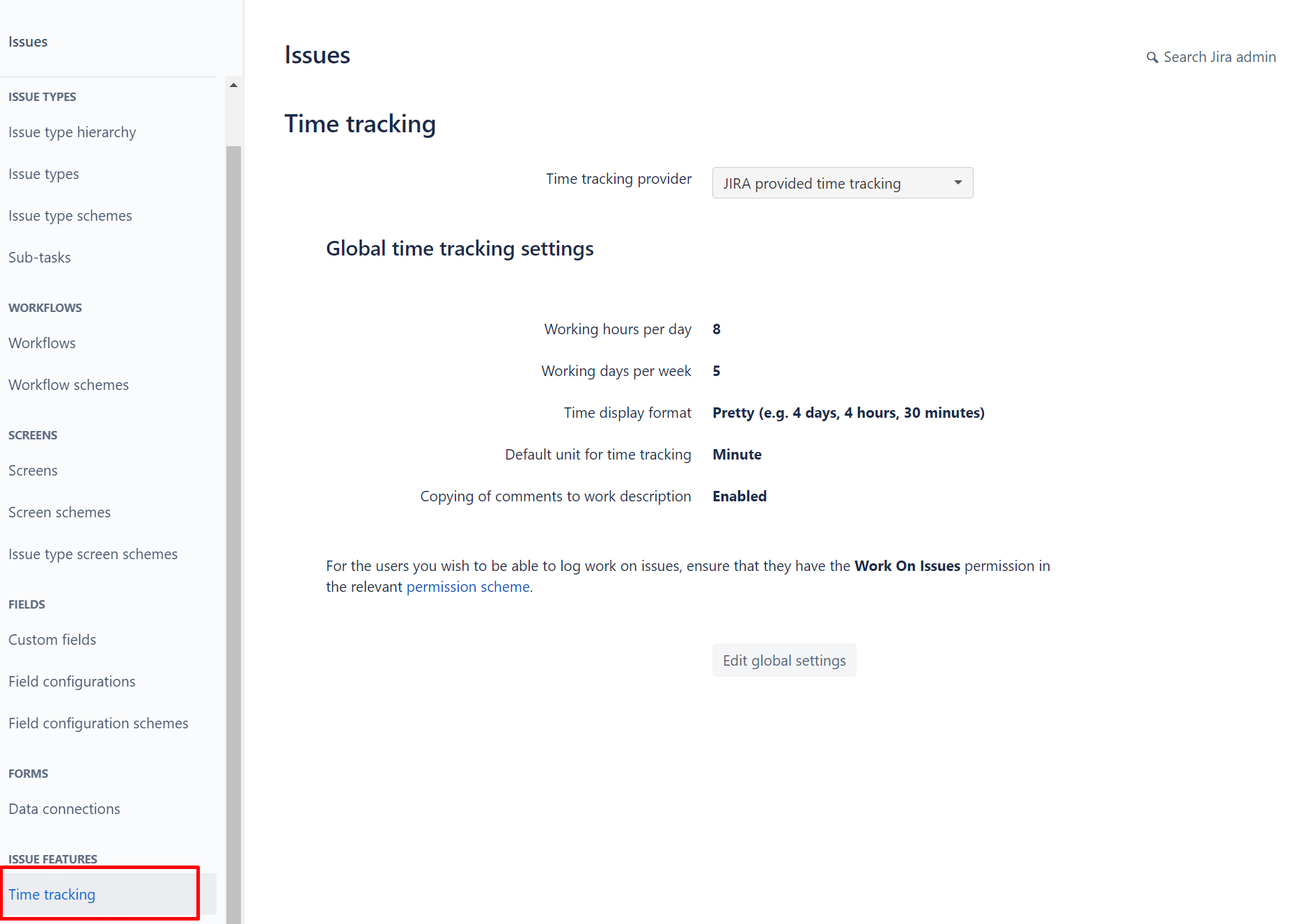
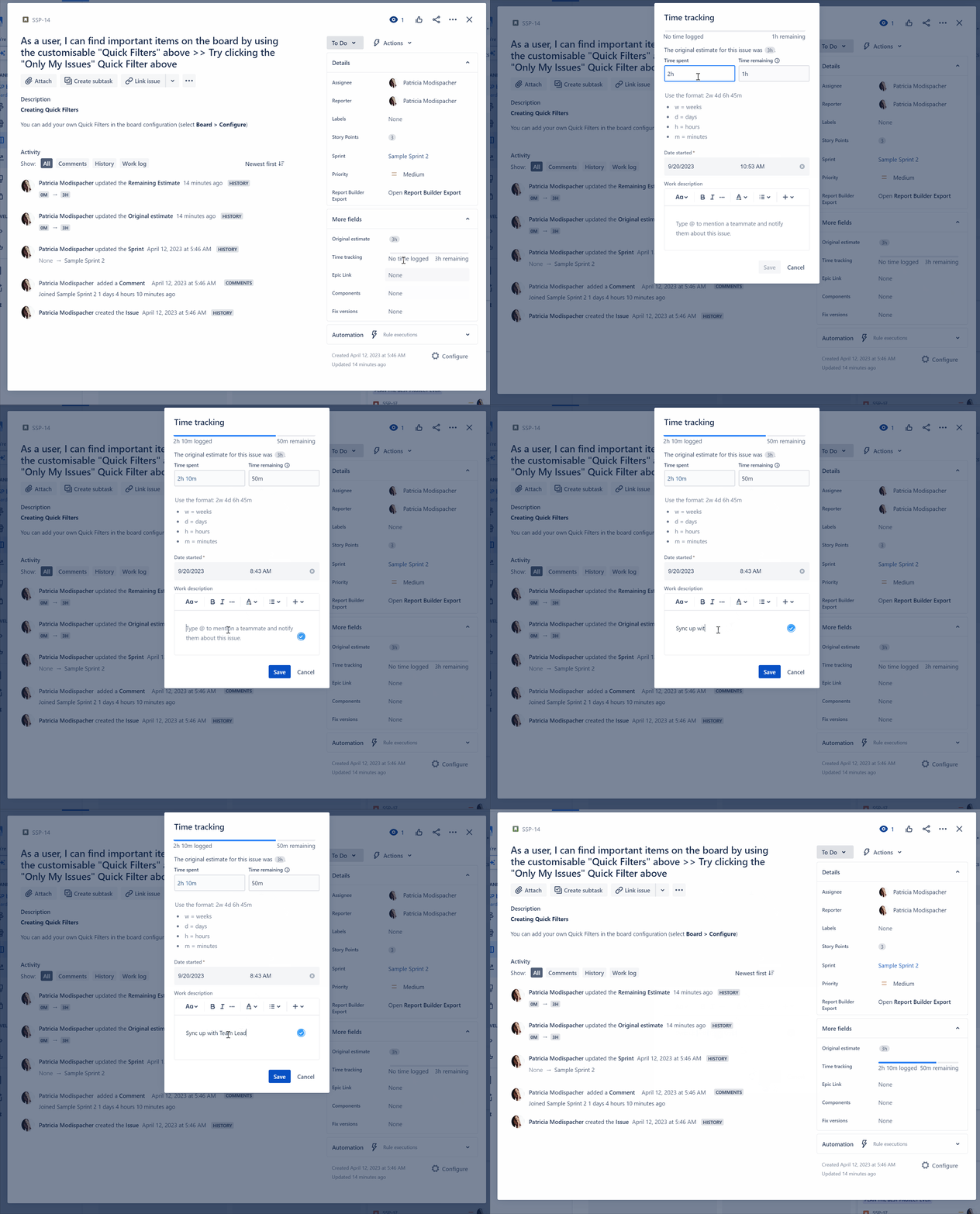
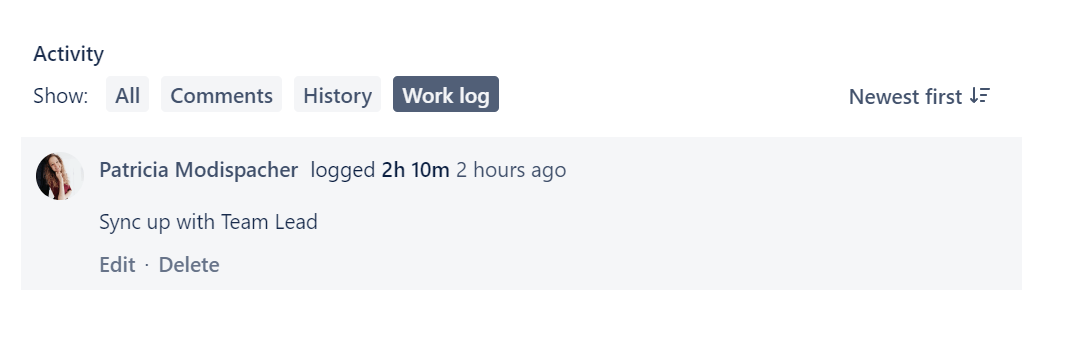
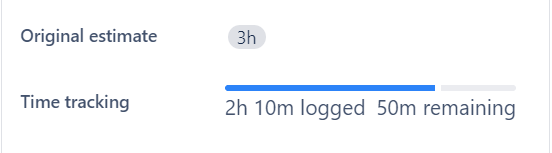


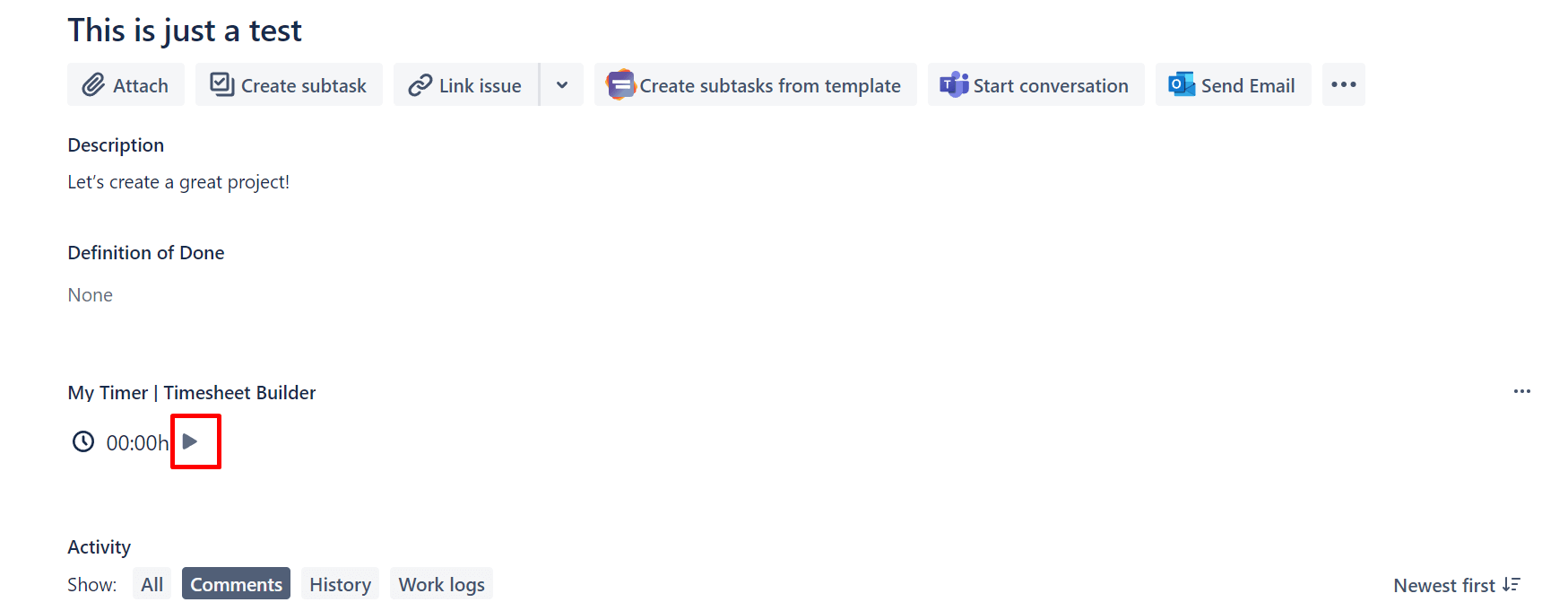

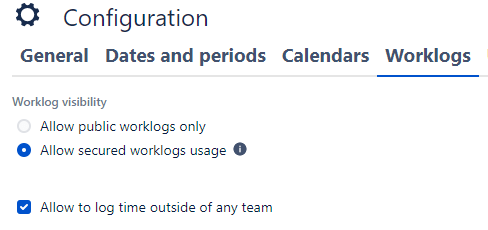


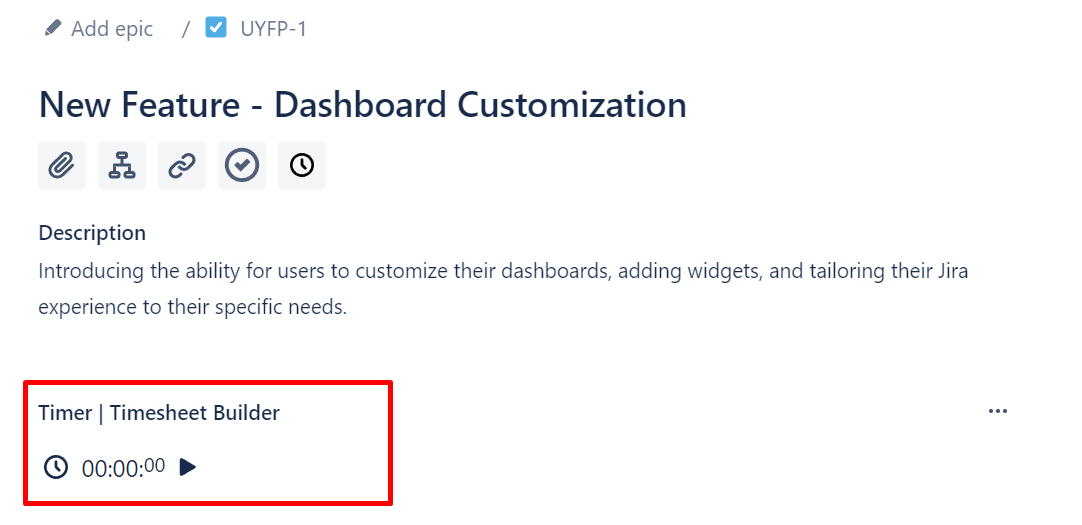
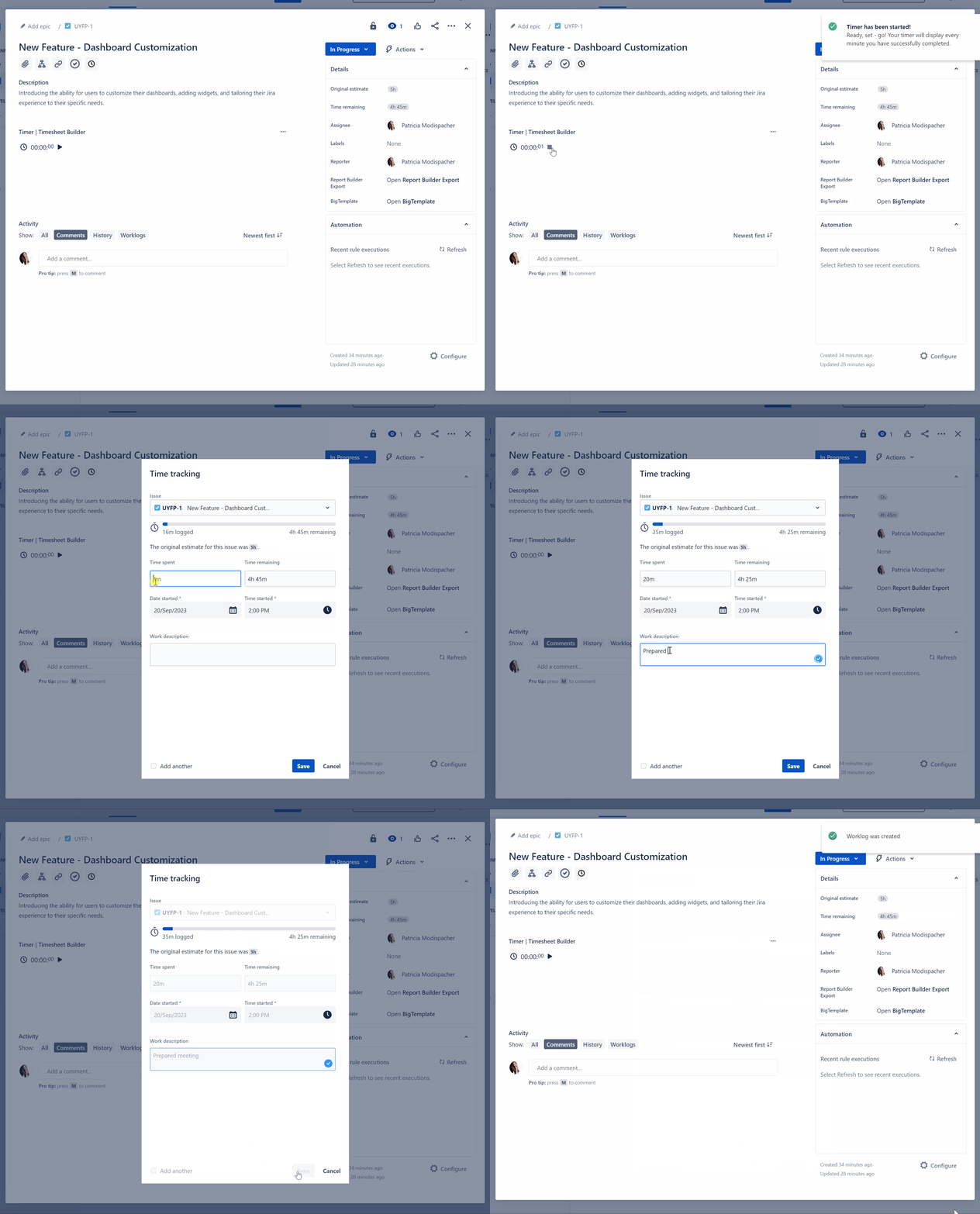




![FireShot Capture 004 - Teamployees - Jira - [qwerty1.atlassian.net].png](https://us.v-cdn.net/6038660/uploads/images/429070i4E9630EC29238715/FireShot%20Capture%20004%20-%20Teamployees%20-%20Jira%20-%20%5Bqwerty1.atlassian.net%5D.png "FireShot Capture 004 - Teamployees - Jira - [qwerty1.atlassian.net].png")

