What is documentation, and why is it important? 📚
According to the dictionary, documentation is a “compilation and usability of documents, evidence, and materials of any kind.” This can be printed, or electronically created and online. The purpose of documentation is to provide detailed (technical) guidance. After all, your team members have valuable information in their possession. To get the most out of their knowledge, it should be recorded and made available to others.
Why good documentation is essential 🔍
Making content “usable” already says a lot about the importance of documentation. Here are other points that make documentation core to any successful project:
-
Compliance
-
Complying with legal rules and regulations, internal company standards, and moral and ethical principles can quickly become a messy job. If you structure and document your compliance work well, you can respond to changes more quickly on the one hand and create transparency easily on the other. Meaningful documentation is also essential for compliance training of employees.
Confluence is the ideal partner for your successful documentation project and supports you in bundling all information into one single source of truth and managing it in a structured way.
Advantages of documentation in Confluence 📊
With Confluence, you can create, store, and share a knowledge base for all your company data across teams. As soon as there are updates to the project, you record them, publish the Confluence page, and the people affected automatically receive a notification. Here you don’t have to go the roundabout way of writing information, exporting it, and announcing it in a circular email.
Other benefits and features of Confluence include:
-
Flexibly link content and create cross-references
-
Version history enables perfect transparency and tracking
-
Optimized teamwork thanks to far-reaching comment functions
-
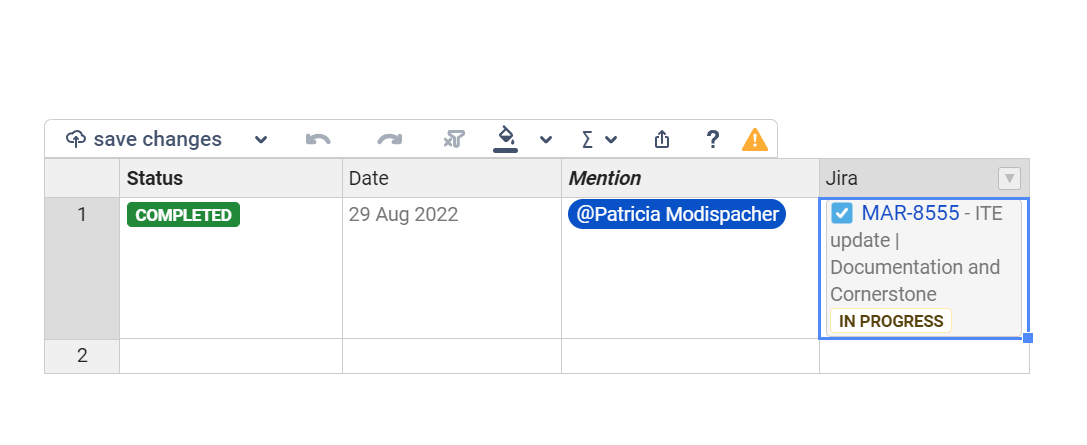
Promote corporate communication through “like” statements and @mentions
-
Data security through fine-grained permission control
-
Integration with other Atlassian tools such as Jira and Bitbucket
-
Easy creation of templates for consistent documentation
-
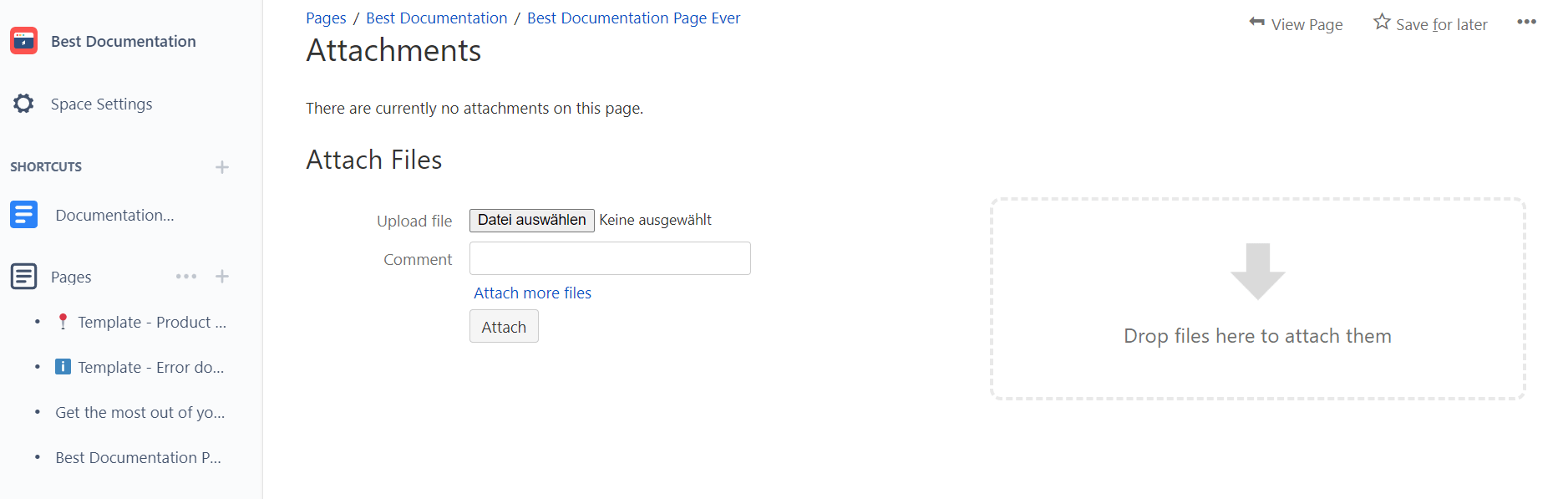
Ability to embed multimedia content such as videos and images
-
Intuitive document structure and handling
-
Optimally adaptable to your use case thanks to helpful apps
Even if you’re a project manager with years of experience, there’s bound to be a tip or two on how to further optimize your Confluence documentation practices. Let us surprise you with how you can ideally use the advantages of Confluence for creating documentation.
How to use Confluence for documentation
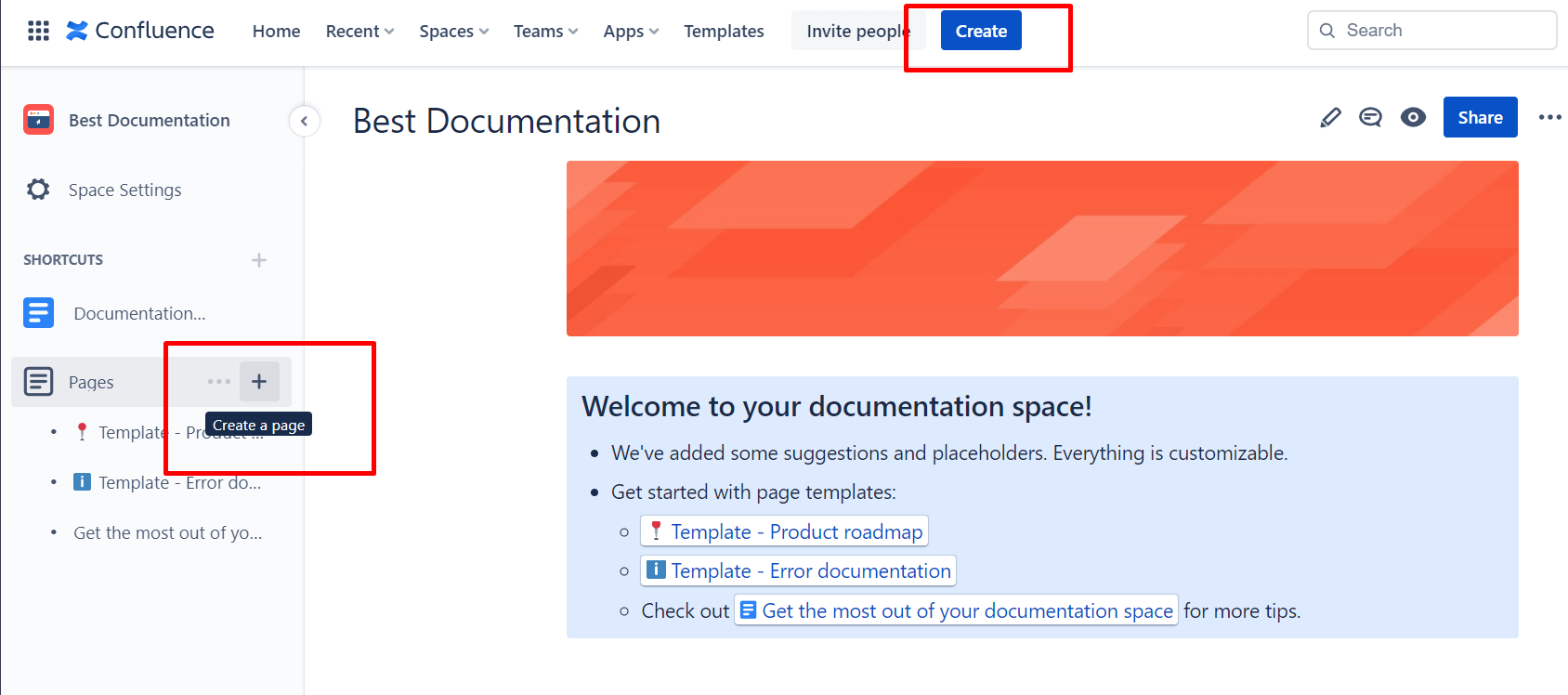
1. Create a documentation area
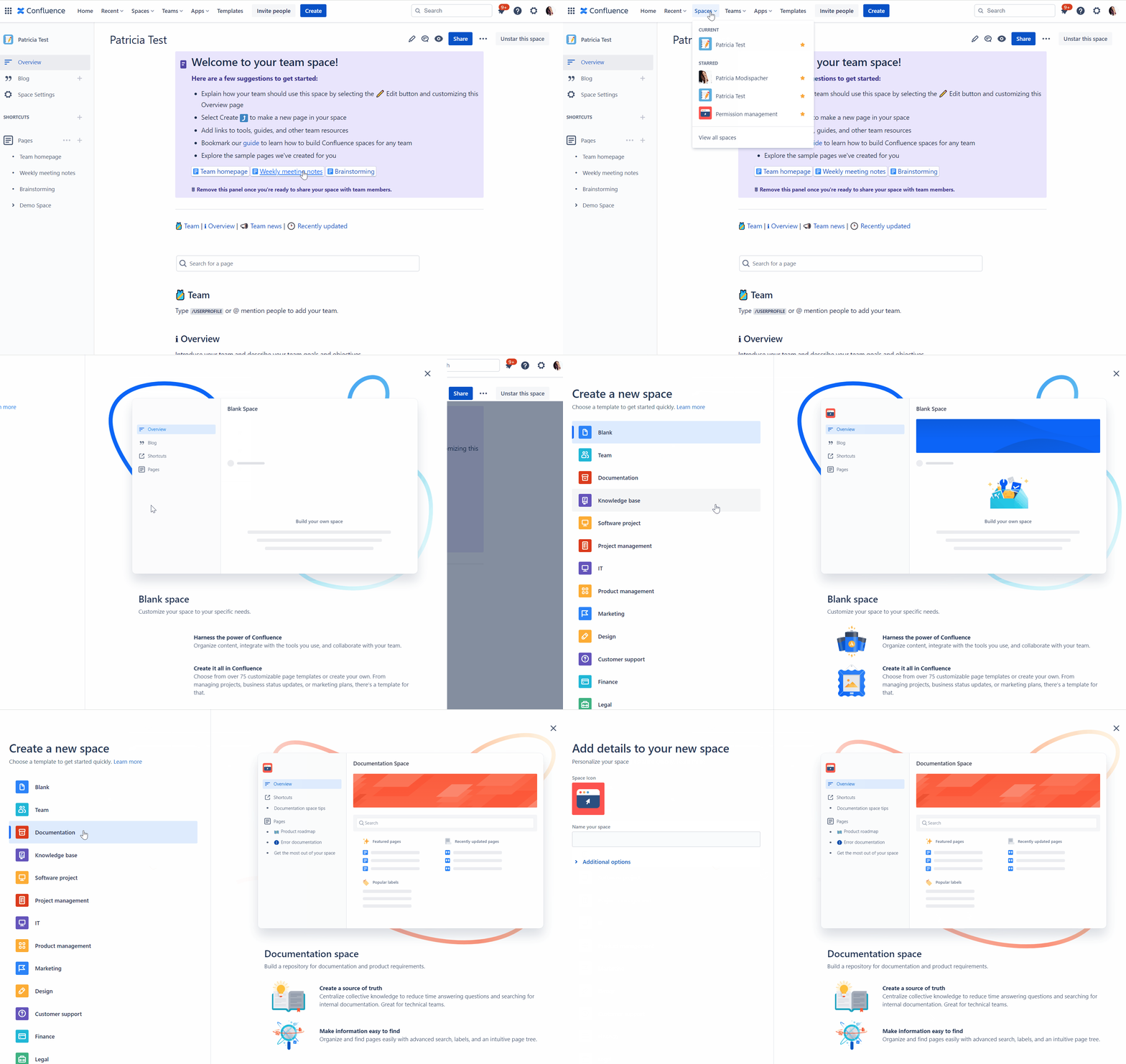
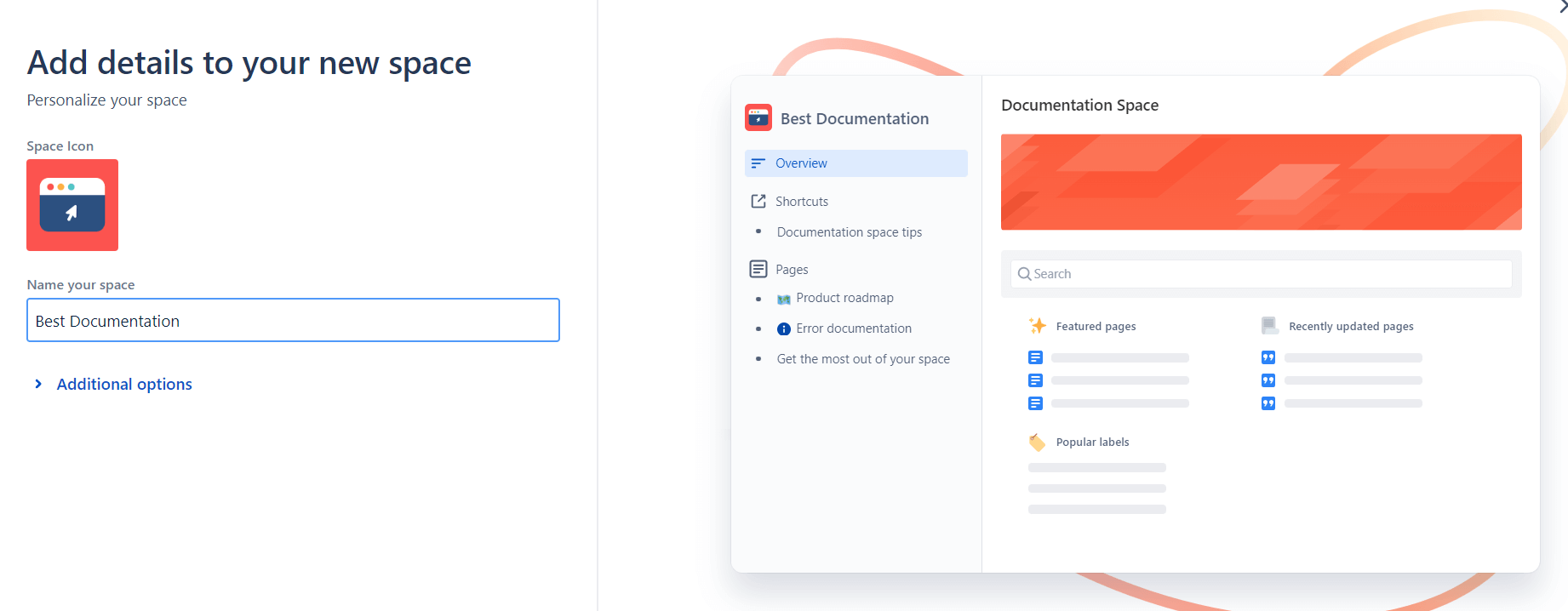
To do this, navigate to Spaces > Create Space > and select > Documentation in your Confluence.
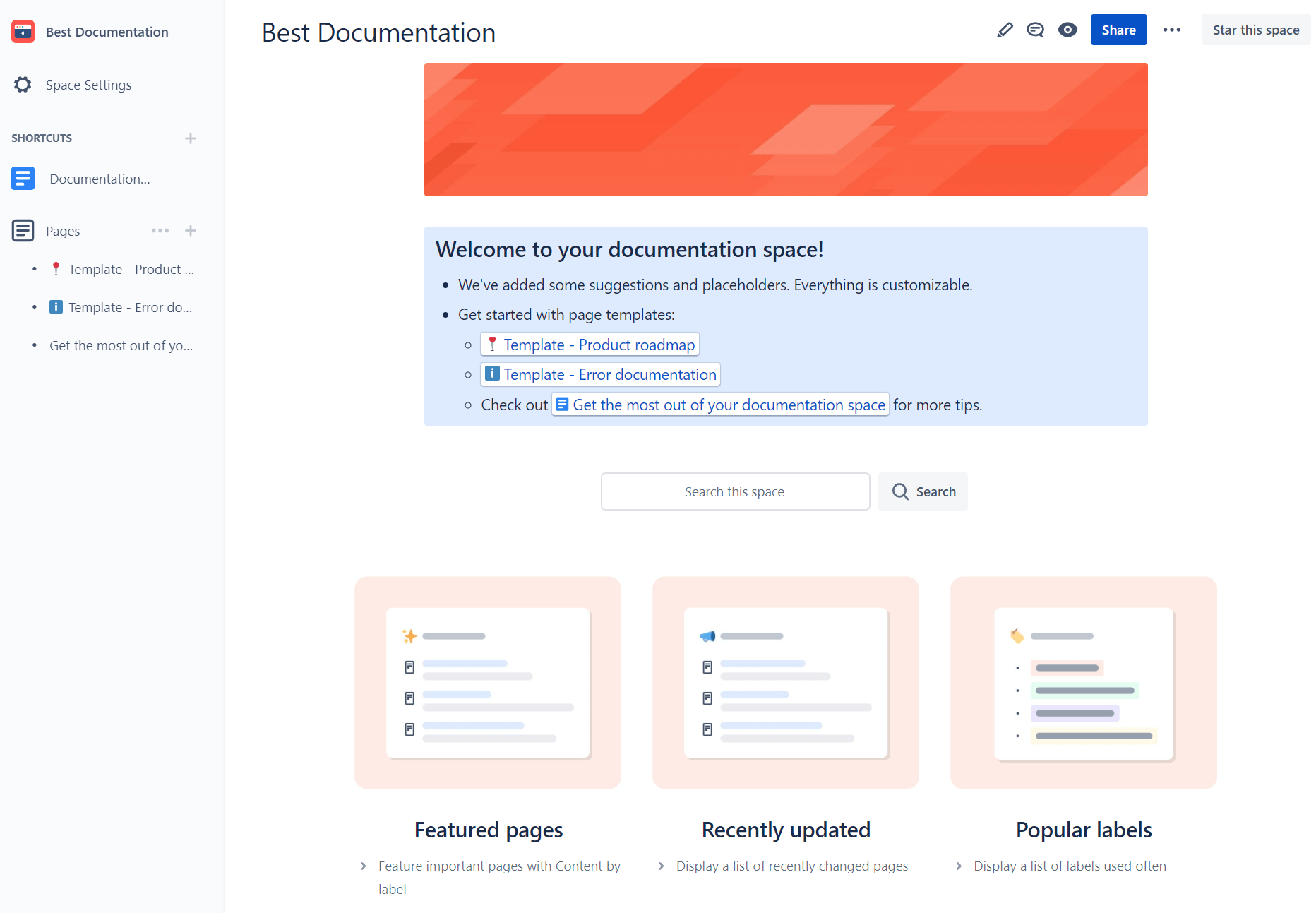
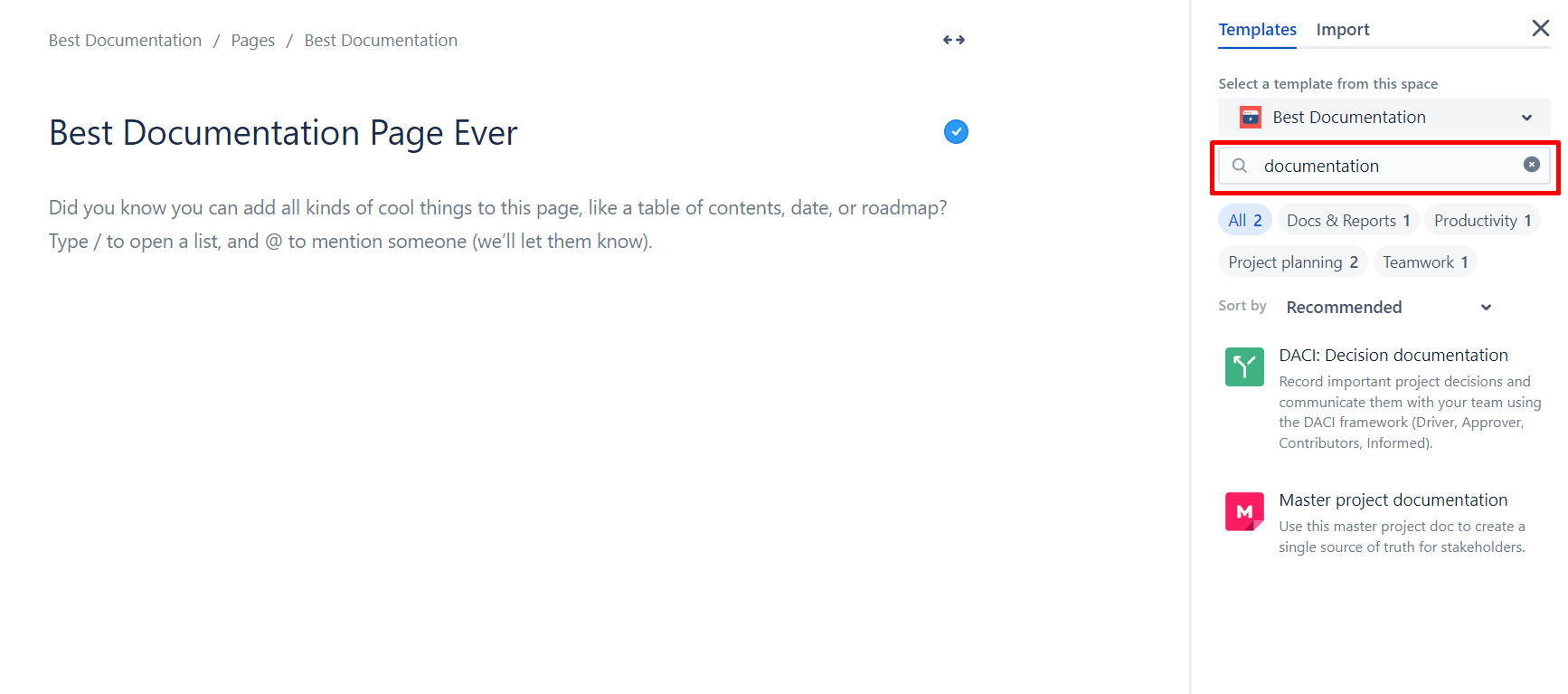
4. Choose a template, click publish, and your first page is created.
Confluence Cloud Space administrators can also create page templates on their own. This is especially helpful for ensuring consistency within your documentation.
3. Manage permissions
To ensure that valuable knowledge is made available to the right Confluence users, you should set permissions accordingly. In the permissions section, you as an administrator can define who can view, edit, comment, and create content.
Note that Confluence has an open permissions’ system by default. When you publish a page, it is automatically accessible to the largest audience in Confluence – unless you have standardized permission settings.
4. Structure documentation pages
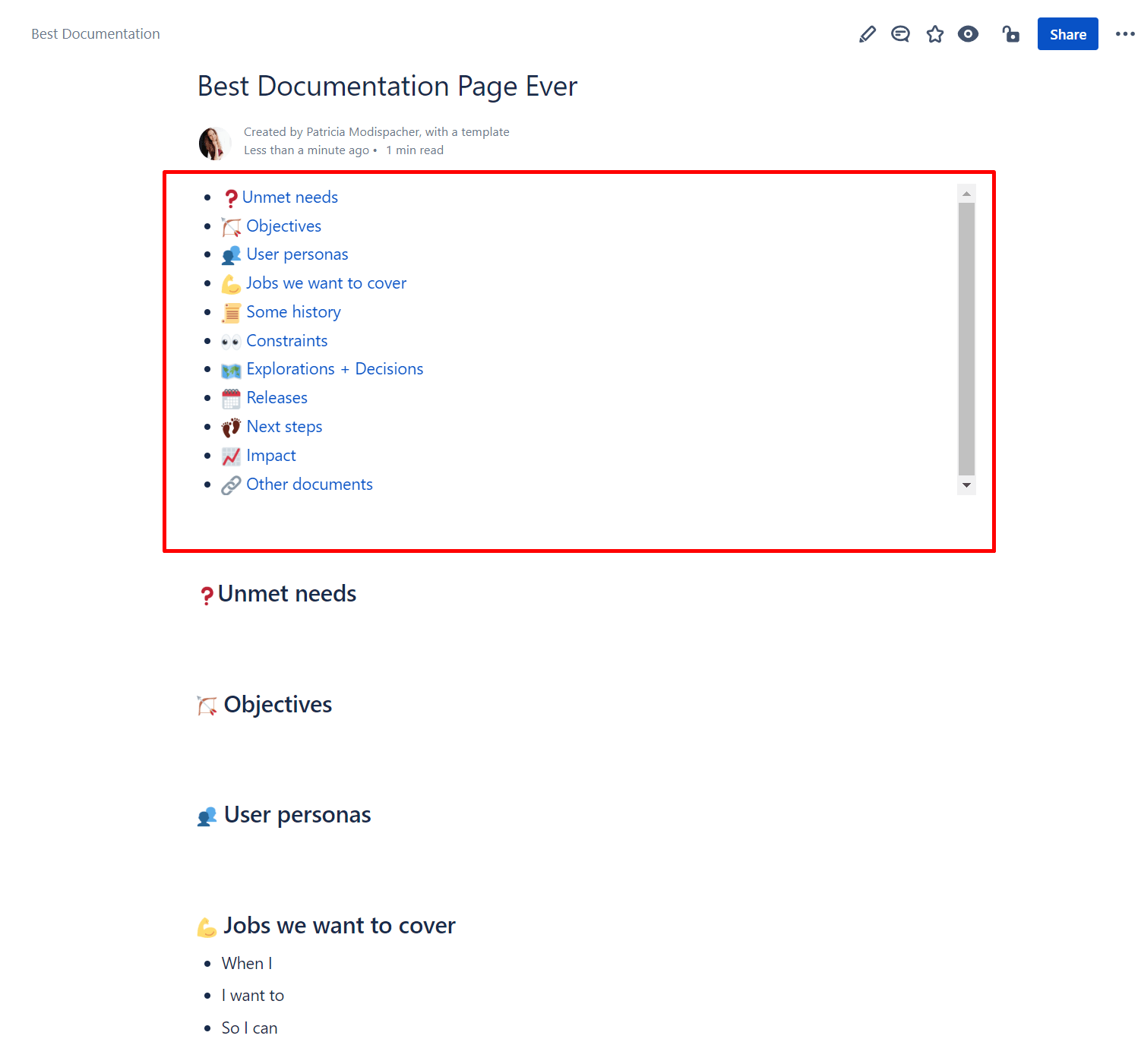
To ensure that your Confluence documentation takes away frustration during work and doesn’t create it in the first place, it should be structured in a meaningful way. Think in advance about which page hierarchy is most purposeful. Furthermore, headings, paragraphs, lists, and macros improve the readability of the documentation.
Use macros
The Confluence Info, Tip, and Warning macro can communicate important content in an optimized way at first glance by using colored borders.
The Expand macro can be used to insert accordions (expandable elements).
In closed mode, this would look like this:
7. Integrate other tools like Jira or Trello
Leverage integrations of Confluence with Jira, Trello, or other Atlassian apps. These apps can be the ideal complement to your project management. On the one hand, you collect your thoughts and plans in Confluence, and on the other hand, you track the issues directly in Jira.
Conclusion: Efficient documentation with Confluence 🤝
The tips and tricks just described for using Confluence for documentation can help you take your project management to the next level. But keep in mind that effective Confluence documentation management is not a one-time task, but an ongoing process. As a project manager, you need to continuously track, update, and optimize all spaces.