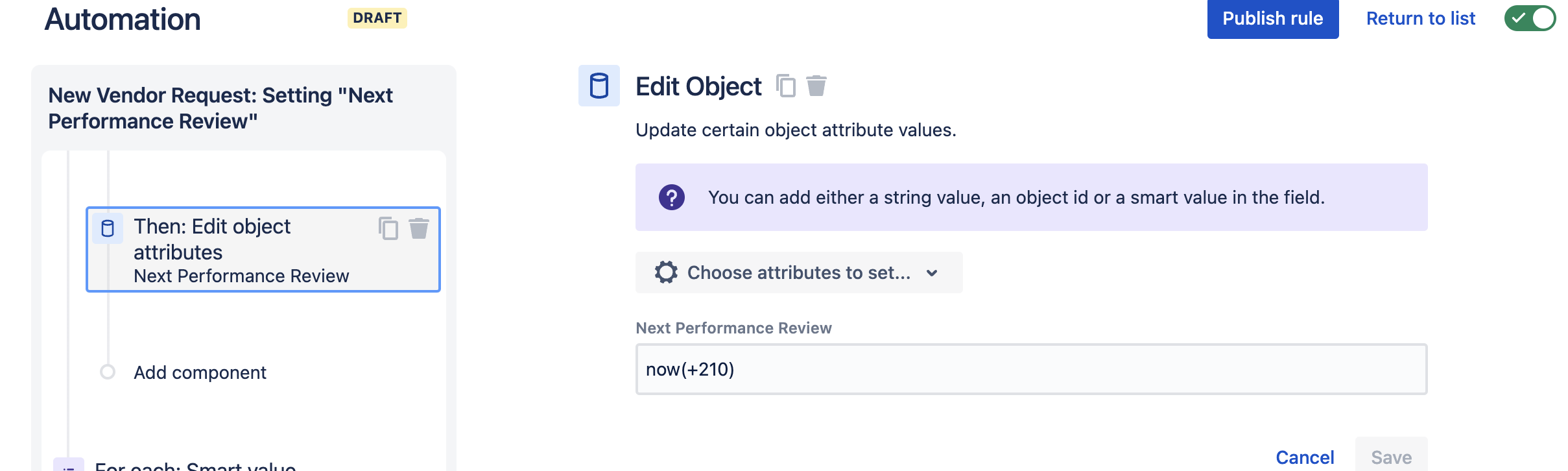
I am currently working on an automation rule that edits object attributes. After I perform the object lookup I perform the action and its at this point where I am running into issues. You can see the action below which is is an "Edit object attributes" action and this edits the "Next Performance Review Date". And when I run the rule it runs successfully, but only because it outputs the following message "Edit Assets field attributes, No issues were found, stopping the rule". The message is incorrectly outputting that I am running an "Edit Assets field attributes" action when in reality I am running an "Edit object attributes" action.
Additionally, the error message state that "no issues were found", which is confusing because no issues are being edited/updated as a result of this action, only the object that has been looked up should be updated. I'm not sure if this is a bug or if there is a work around, but I'm looking to see if others have had similar issues and how they've worked around this.
Action being performed:
Message in audit log:



