Issue Description
When Logging hours on an issue, the Automation Triggers do not pick up the changes.
This is done in Jira Cloud.
How to reproduce
- Create and Publish an Automation Rule:
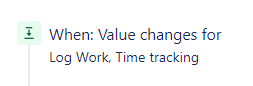
- Trigger
- Field value changed for "Time Tracking, Log Work"
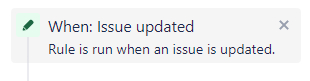
- OR Issue updated - Generic trigger for any change
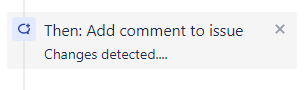
- Action
- (anything will do) - e.g. Comment on issue "changes detected..."
- Create a new Ticket with no time tracking information.
- Edit Ticket - Add 2h as Original Estimate
- This will also setup the remaining estimate automatically to 2h
- This will trigger the automation sucessfully
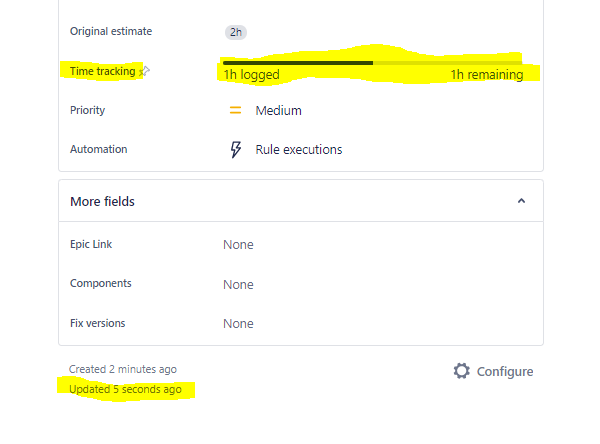
- Edit Ticket - Click on the "Time Tracking" Bar so the UI element pops-up:
- Fill in the "Time spent" 1h

- This will adjust automatically the value of "Time remaining" to the difference between the original Estimate
- Press Save
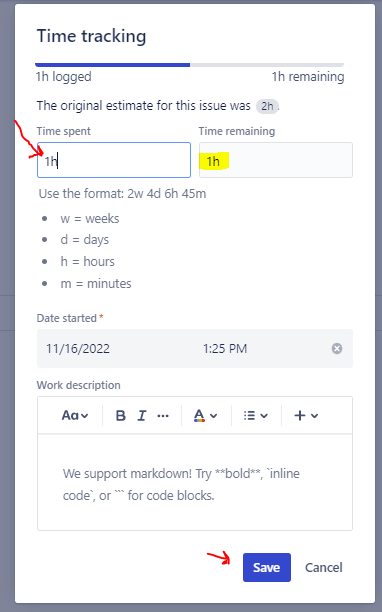
- This will not trigger the Automation
- The "Updated" timestamp shows that the ticket was actually updated.
Expected behavior
The automation rule to be triggered.
Additional details
- I came accross this issue while working on a bigger task to Sum Epic Estimates based on child stories (based on this post)
- In step 4.1 if you set manually the value of "Remaining Estimate" without providing a "Time spent" value, it will trigger the automation sucessfully.

