I have created a new Scrum project (as site admin). After creation of the project, I get this error when accessing the board: Error "We're having troubles connecting to your boards Jira"
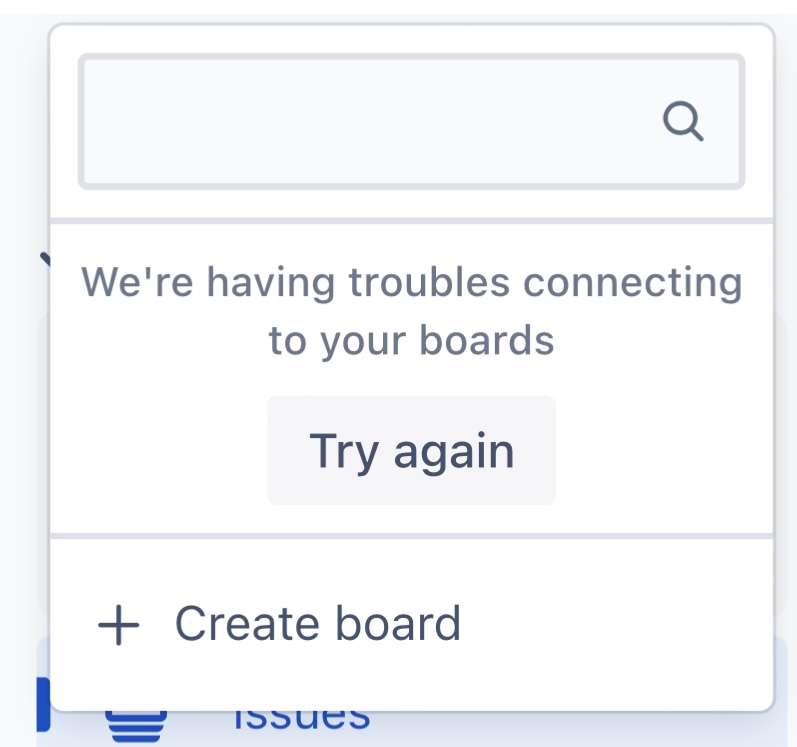
I performed all of the steps mentioned in an earlier thred to check my user has the correct licencse assigned. See old question: https://community.atlassian.com/t5/Jira-questions/Jira-quot-We-re-having-troubles-connecting-to-your-boards-quot/qaq-p/1119202
- Navigate to your project > Project Settings > Permissions
- Check the roles/groups/users added to the Browse projects permission. This permission should allow the user to access the project.
- To check what roles the user is added to, check the people tab of the project
- To check which groups the user is added to, check the user management page
Also, check if the user is properly added to a group which gives access to the Software application at User Management > Product Access
My user is assigned as a Project Admin having Product Access (Jira Software). I have no clue where the issue of my problem is. My other team members, being in the same user group, can access this new created board. And furthermore, I can access all other boards in different projects. Only this new project seems to have trouble.
I’m looking forward to getting some support from experts. Thanks in advance.


