I am trying to reference Jira issues related to other information being entered in a ConfiForms TableView using Confluence Cloud. I am using ConfiForms Field Definition type = Jira Issues (multi-select) within my ConfiForms Form Definition.
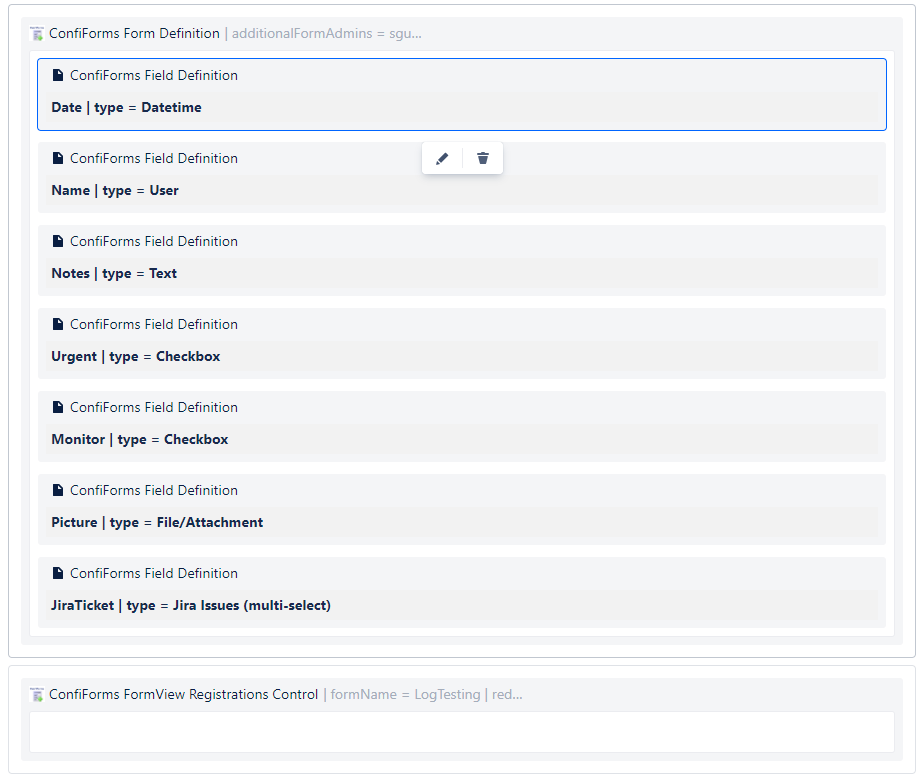
I then added that definition to the TableView.
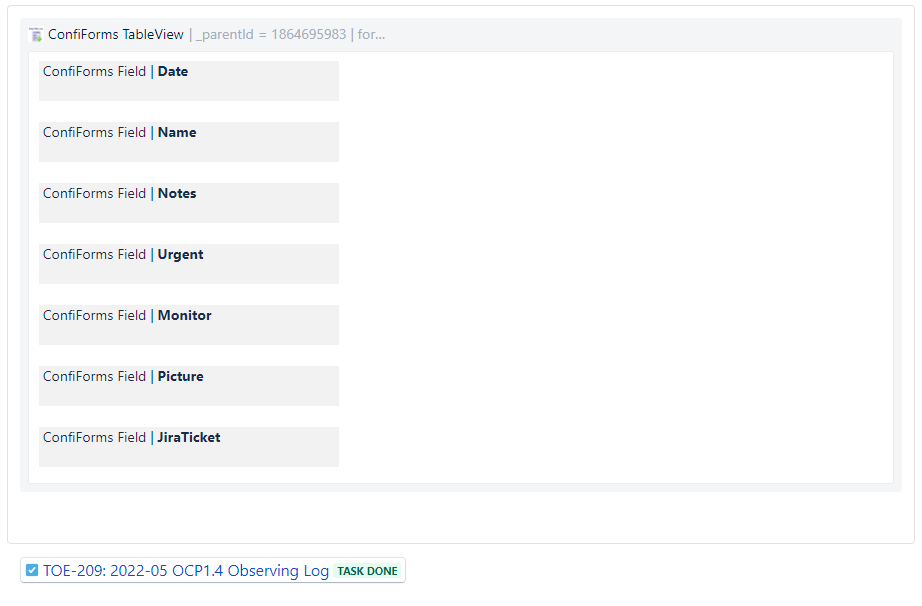
When I test out the form, entering the first two letters does not provide anything to select for a jira link. When I tried to paste the link directly or type an issue key that exists, the info in the table shows the message: "Issue does not exist or you do not have permission to view it."
 However, when I paste the link into the confluence page directly, outside of the form, it shows just fine. According to the Vertuna wiki, Confluence Cloud should be capable of using the Jira Issues (multi-select) feature in ConfiForms.
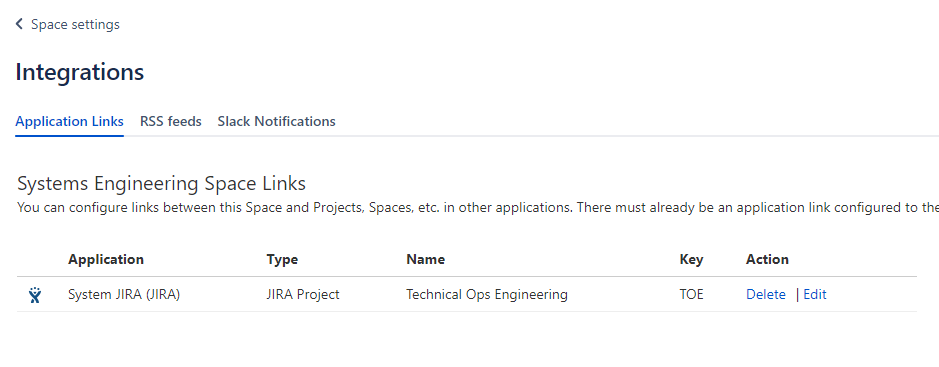
This appears to be a permission issue specific to ConfiForms and not Confluence since the link appears just fine outside of the form. I am an admin for Jira, but not for Confluence. I tried including the specific Jira project as an app link in the space settings -> integrations -> application links. Nothing changed after a re-test.
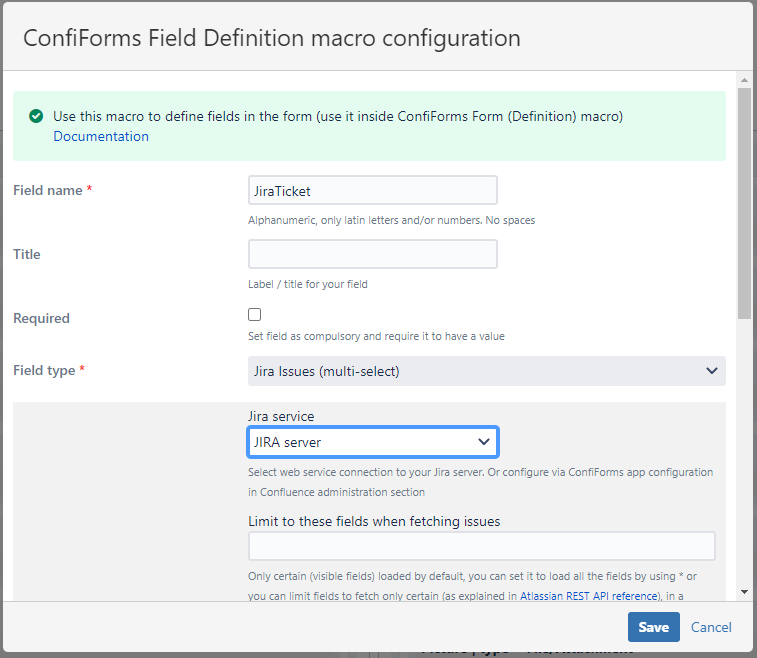
It could also be an incorrect usage of the ConfiForms Field definition. I tried both with "JIRA server" and no selection for Jira service in the pulldown menu, those were my only two options.
Is there a permission setting I need to request of a Confluence Admin?

