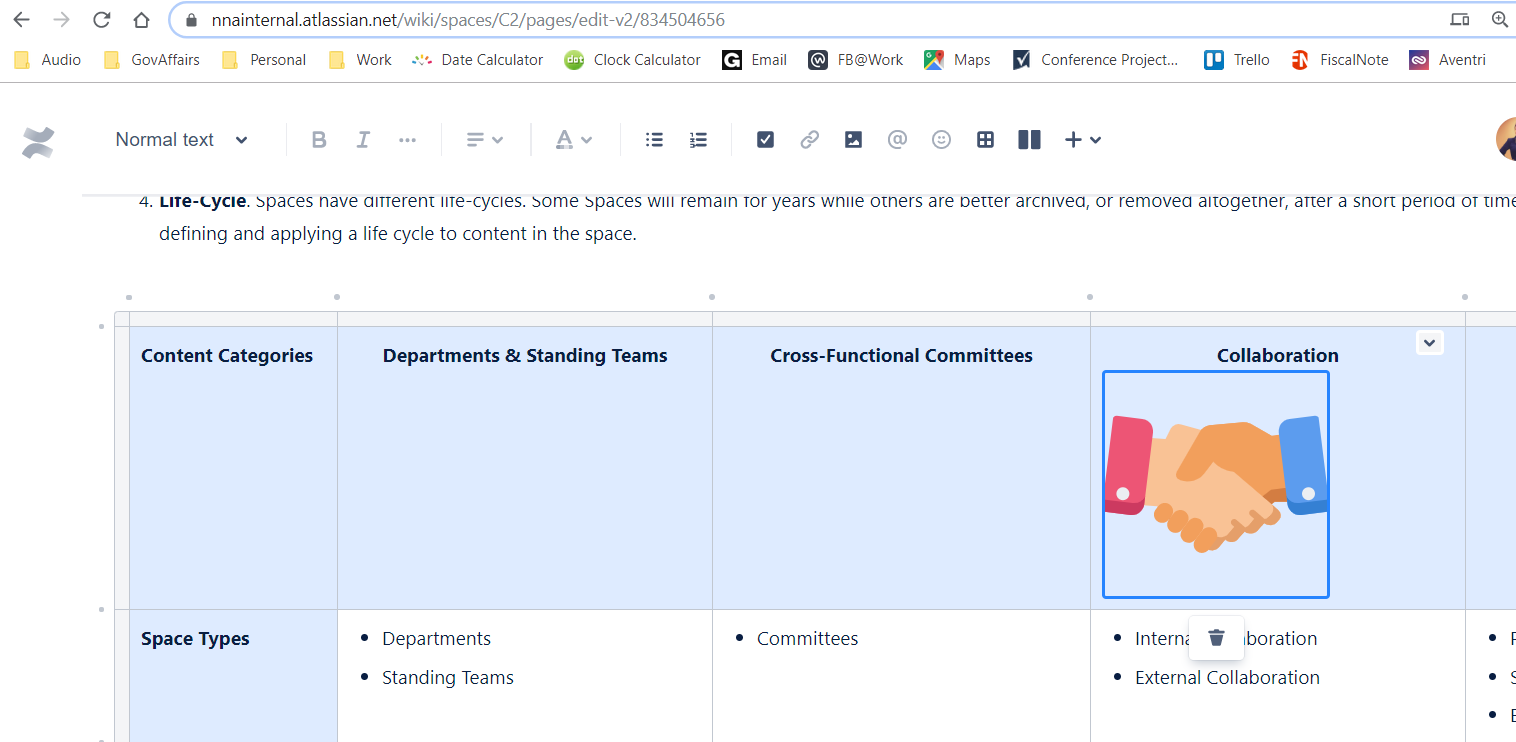
One of the challenges I am having with the new editor is if you paste an image within a table on a page using the new editor, the image is automatically left-justified and there seems to be no way to change it. The in-context image toolbar doesn't show up when the image is inside a table - it only shows up for images when they are outside a table. The only action that shows up in context is the ability to delete the image.
In the past, you could highlight an image and then use the toolbar at the top of the page to center the image as you would center text.
Is there a way to center an image inside a table that works with the new editor?
Screenshot example: