Hi Data Center Community,
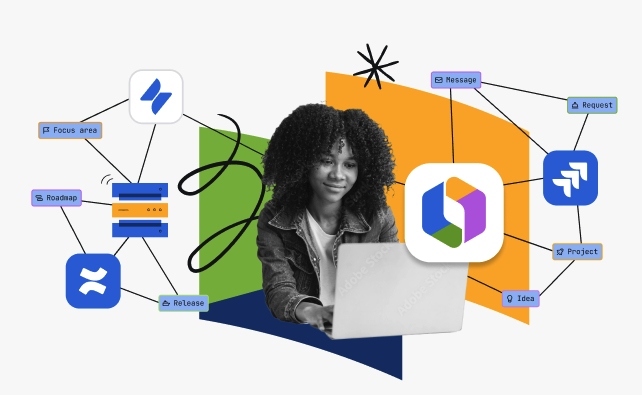
We understand that many of you are operating in both Data Center and Cloud while moving toward a cloud‑first future. That can make it hard for teams to stay connected and work from a single source of truth. Rovo connectors for Data Center let cloud users* who collaborate with apps and teams still on Data Center tap into knowledge from both environments in one place, across search, chat, and Rovo agents.
- Break down silos and tap into cloud value before a full-scale transformation. With these connectors, teams who have access to Rovo can quickly uncover mission-critical information from Confluence and Jira Data Center.
- Safeguard your knowledge with robust governance and permissions. Search results are always filtered by each user’s actual access rights, ensuring privacy and adherence to your organization’s security policies.
- Connect vital organizational content to the Teamwork Graph on cloud. The Teamwork Graph brings together Atlassian and 100+ apps, including your Data Center content, so teams can make better, faster decisions.
*Available for Data Center customers who also have active Standard, Premium, and Enterprise Cloud plans
🚀 Explore Rovo connector use cases: powering each phase of a product launch
Let’s take a closer look at how Rovo connectors for Data Center bring these benefits to life. Launching a new product involves a true cross-functional effort, with each department relying on different tools and data sources. While delivery teams may still operate on Data Center, the rest of the organization could already be cloud-based. Here’s an example of how Rovo connectors enable seamless collaboration throughout a product launch:
- Align upon a release date. A Product Manager queries Rovo Chat to find the general availability (GA) date for the release, sourced from a Jira Data Center project.
- Prepare for the release by reviewing developer progress. A cross-functional Content Designer leverages the Rovo Release Notes Drafter agent by asking the agent to summarize the team’s recent progress in Jira Data Center.
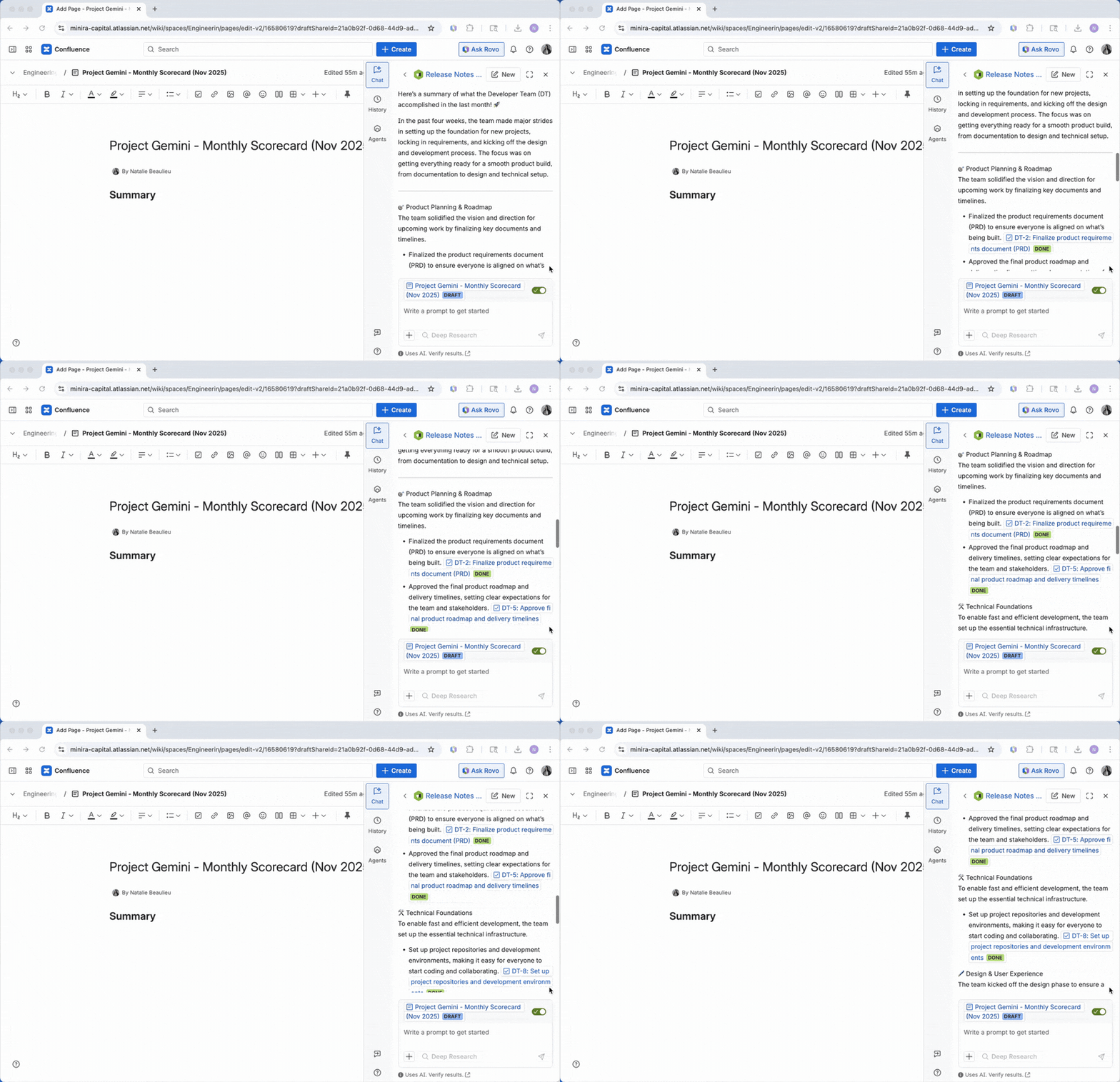
- Launch with robust customer support. Once the release is launched, a Customer Support representative receives a customer issue through Jira Service Management on the cloud. Using Rovo’s intelligent search, they enter keywords related to the issue and instantly surface corresponding work items from the delivery team’s Jira Data Center project.
 With Rovo connectors, departments across your organization who use Rovo can effortlessly access and leverage business-critical information stored in Data Center. As a result, previously siloed data is transformed into unified, actionable knowledge throughout every stage of the product launch journey.
 Are Rovo connectors right for you?
Whether you’re already working across both Atlassian Cloud and Data Center environment or are interested in adding a Cloud license, you can take advantage of Rovo connectors. The connectors themselves are free to use; you’ll just need an active Cloud subscription that includes Rovo. Rovo is included with Standard, Premium, and Enterprise Cloud plans for Jira, Confluence, Jira Service Management, and Teamwork Collection. Once you have one of these plans, you can configure the Rovo connectors for your Data Center instance.
Do you have questions about how to set up or use Rovo connectors for Data Center Drop them below.  We’d love to hear from you.


