Create
Turn on suggestions
Auto-suggest helps you quickly narrow down your search results by suggesting possible matches as you type.
Showing results for
Community resources
Community resources
Community resources
- Community
- Q&A
- Confluence
- Questions
- Is it possible to force a reviewer in capacity planner?
Is it possible to force a reviewer in capacity planner?

blank
I'm New Here 
I'm New Here
Those new to the Atlassian Community have posted less than three times. Give them a warm welcome!
March 18, 2026 edited
When using the capacity planner (DC) I want to have project managers plan time for team members of different teams. These plans have to be approved by the team leads. Is it possible to force this behaviour?
1 answer

Hi @blank,
Welcome to the Atlassian community.
When you are referring to the capacity planner in the Confluence data center, do you mean:
- The Team Calendars Capacity View? This app (add-on) only allows visualization, not approvals.
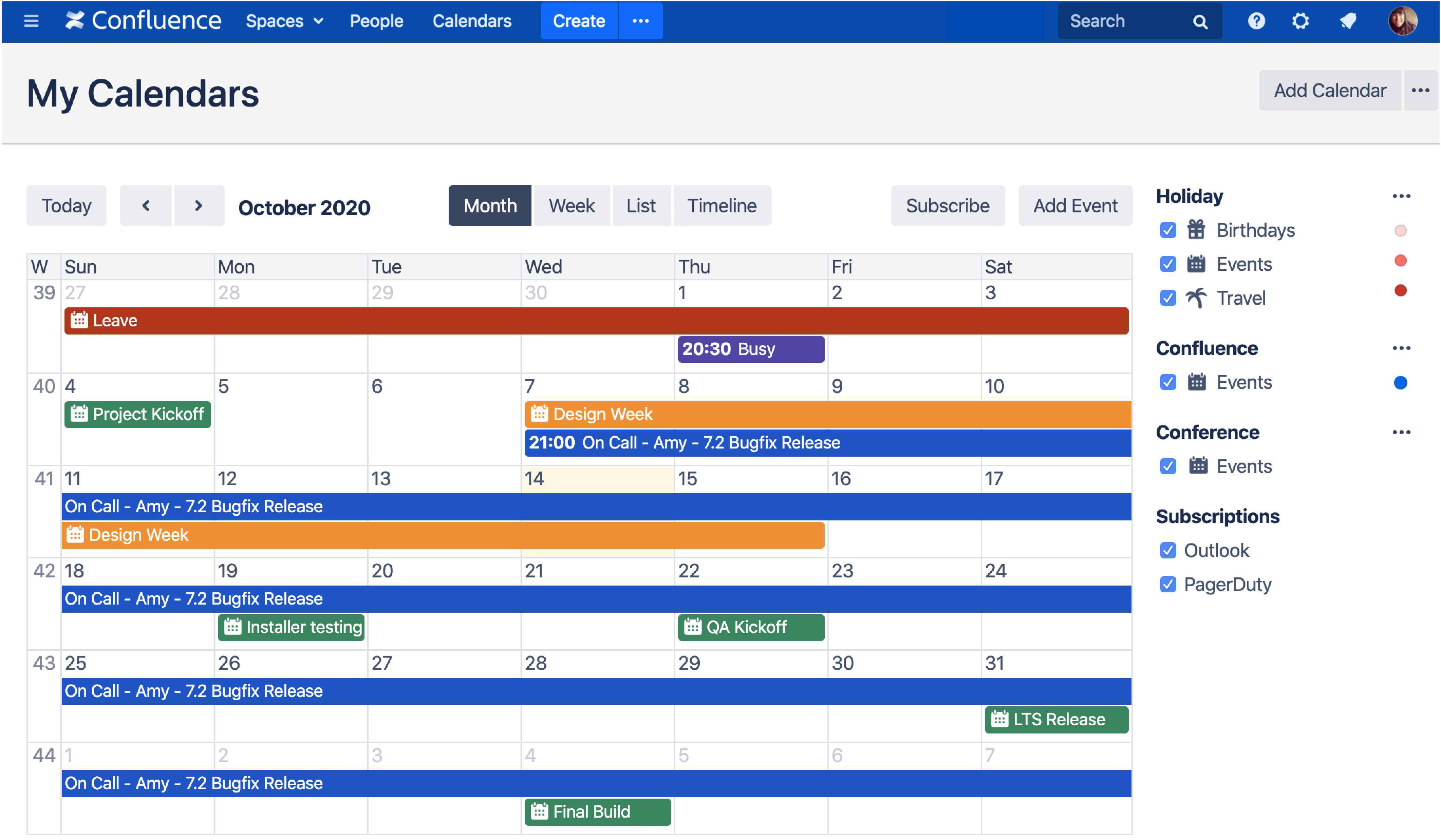
- The Advanced Roadmaps macro (https://confluence.atlassian.com/doc/advanced-roadmaps-macro-1167709316.html) embedded on a Confluence page that displays data from Jira? Advanced Roadmaps do not reflect in Jira until you explicitly "review changes" and save them. It would be a way to enforce the presence of data in the Jira work item.
- The third-party Capacity Planner app in Jira from the Tempo collection supports "plan approval." This feature is frequently disabled, but when enabled, it allows a team lead or manager to review the planning, similar to worklog approval.
blank
I'm New Here
I'm New Here
Those new to the Atlassian Community have posted less than three times. Give them a warm welcome!
March 23, 2026 edited
I am reffering to the third-party Capacity Planner. Plan Approval is enabled. But is it possible to force a review? It seems to always be optional.
You must be a registered user to add a comment. If you've already registered, sign in. Otherwise, register and sign in.

Was this helpful?
Thanks!
Atlassian Community Events
Copyright © 2026 Atlassian
You must be a registered user to add a comment. If you've already registered, sign in. Otherwise, register and sign in.