Forums

Articles
Create
cancel
Showing results for 
Search instead for 
Did you mean: 

Week 2️⃣ of Skip the Blank Page Month: How Atlassians Create with Rovo

Skip the blank page header.png

It’s WEEK 2️⃣ OF SKIP THE BLANK PAGE MONTH: March 11!

In today’s post for Skip the Blank Page month, we’re going to share a few ways Atlassians across various teams have created with Rovo. Hopefully this helps inspire you and your teams in new ways Rovo can help save time and create context-rich content

👉 Try Rovo now by clicking this direct link: create.with.rovo or clicking “+Create” button in Confluence

👉 Give this post some ❤️ by dropping a comment / GIF on if this was helpful, any questions for the team, or share your own use cases.

At the end of this week, we’ll draw 2 random winners from the comment section and award them a Skip the Blank Page month swag box! 💝

Also, don’t miss out on the prompting tips and tricks post that just got shared earlier this week. Happy creating!

*Please note we’ve scrubbed sensitive details from the example prompts and outputs below

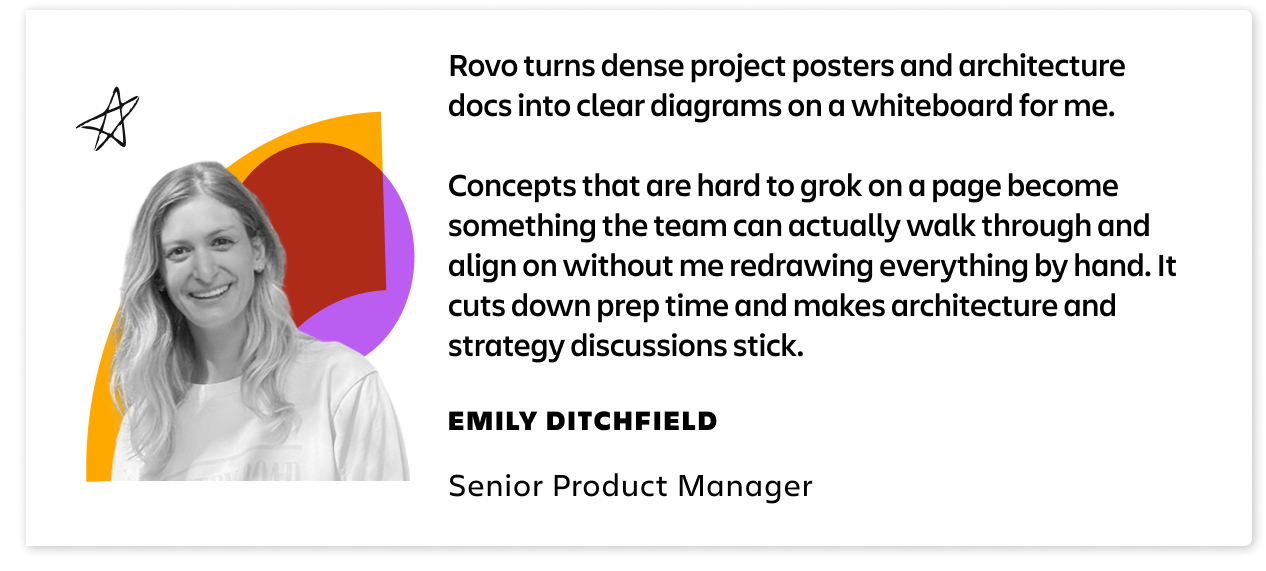
1️⃣ How Atlassian’s product team creates with Rovo
Emily.png

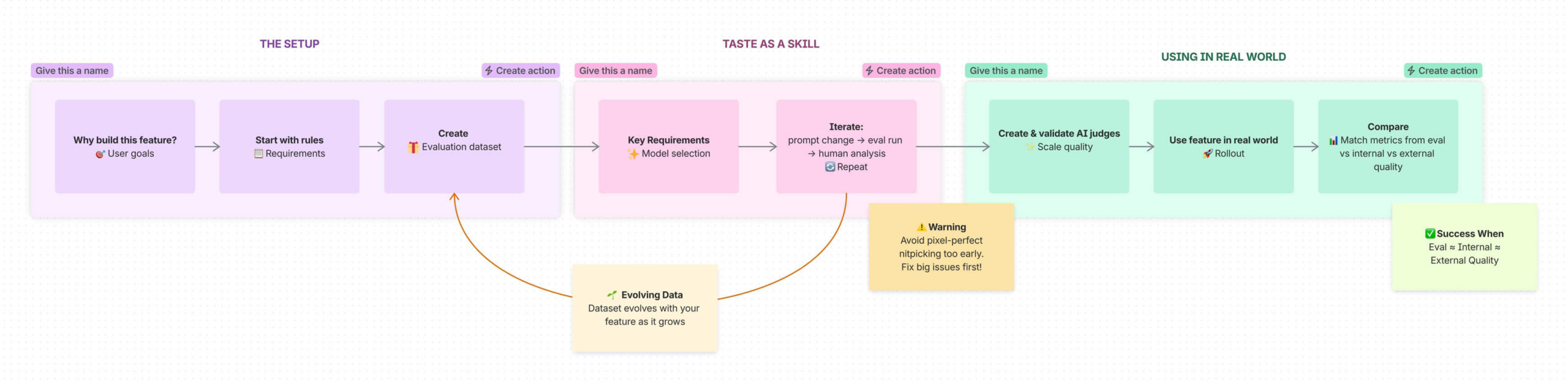
Example prompt: “Create a whiteboard diagram that explains the main concepts from this project poster <link to project poster or Confluence page>. Break it down so a cross-functional team can understand the main components, how they connect, and what we're betting on. Use shapes and short labels; keep it scannable."

Example output:
11df636d-4af3-4f50-825f-2d4976578a20.png


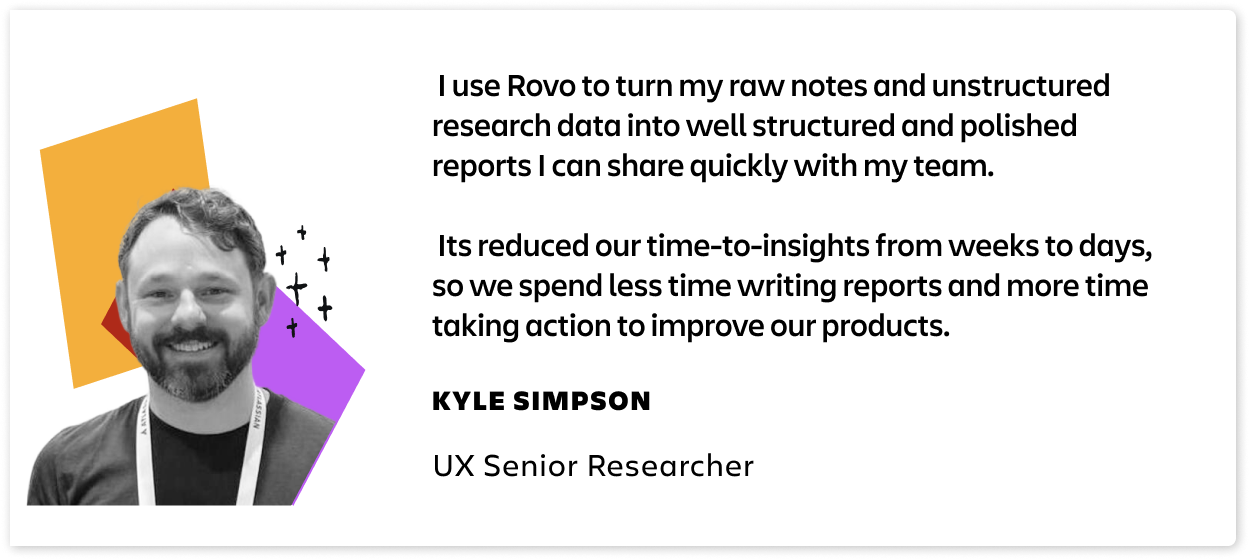
2️⃣ How Atlassian’s research team creates with Rovo
Kyle updated.png

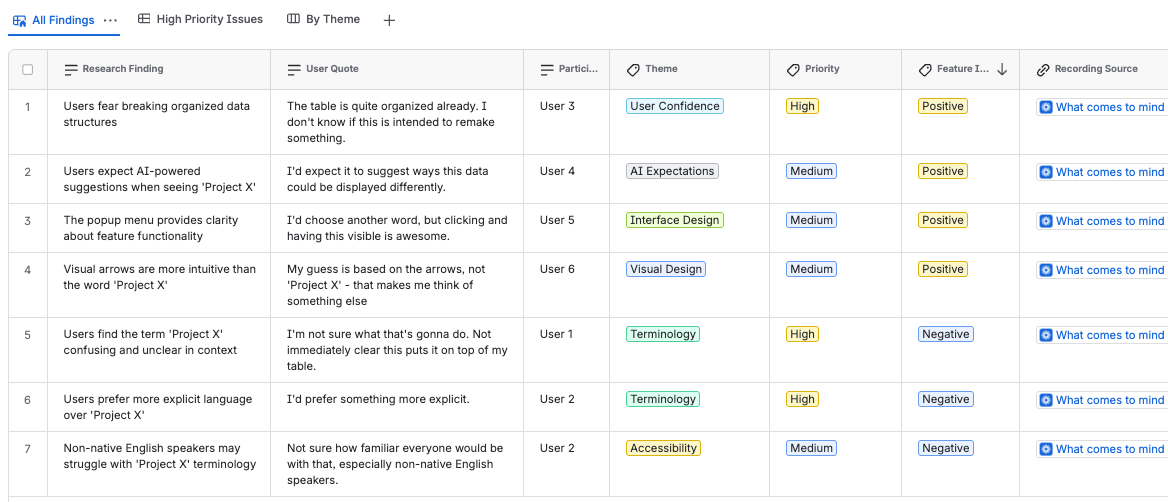
Example prompt:

“As a researcher, create a database to organize user research findings and insights for the new Project X feature we’re exploring. Create fields for user quotes, theme, and priority. Pull insights from the customer interviews from these Loom recordings <link to Loom recording>.”

Example output:
database.png


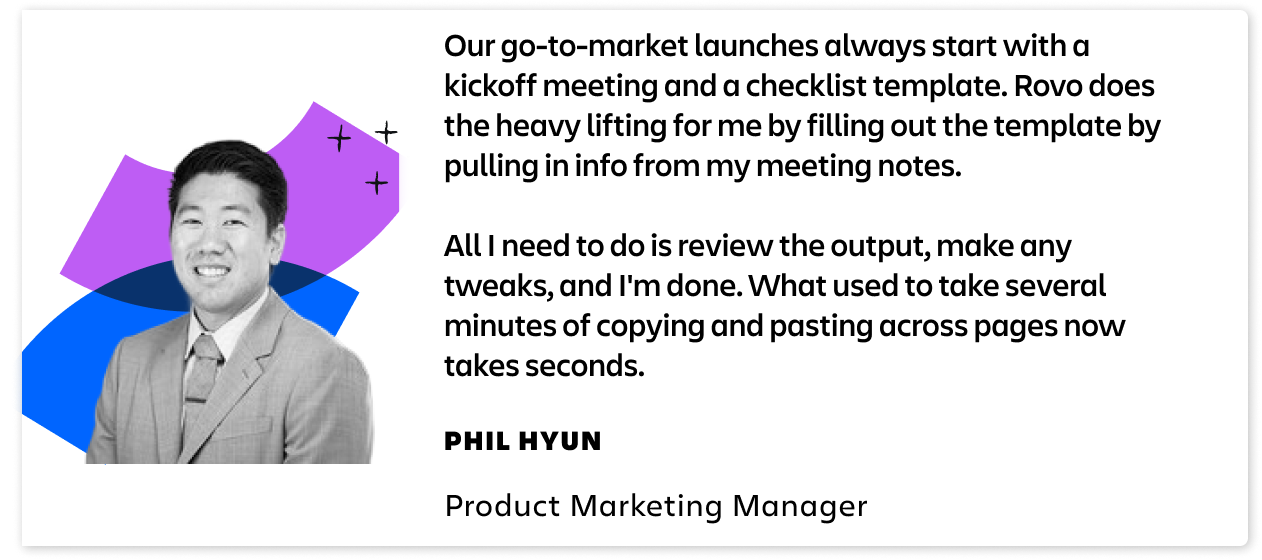
3️⃣ How Atlassian’s product marketing team creates with Rovo
phil.png

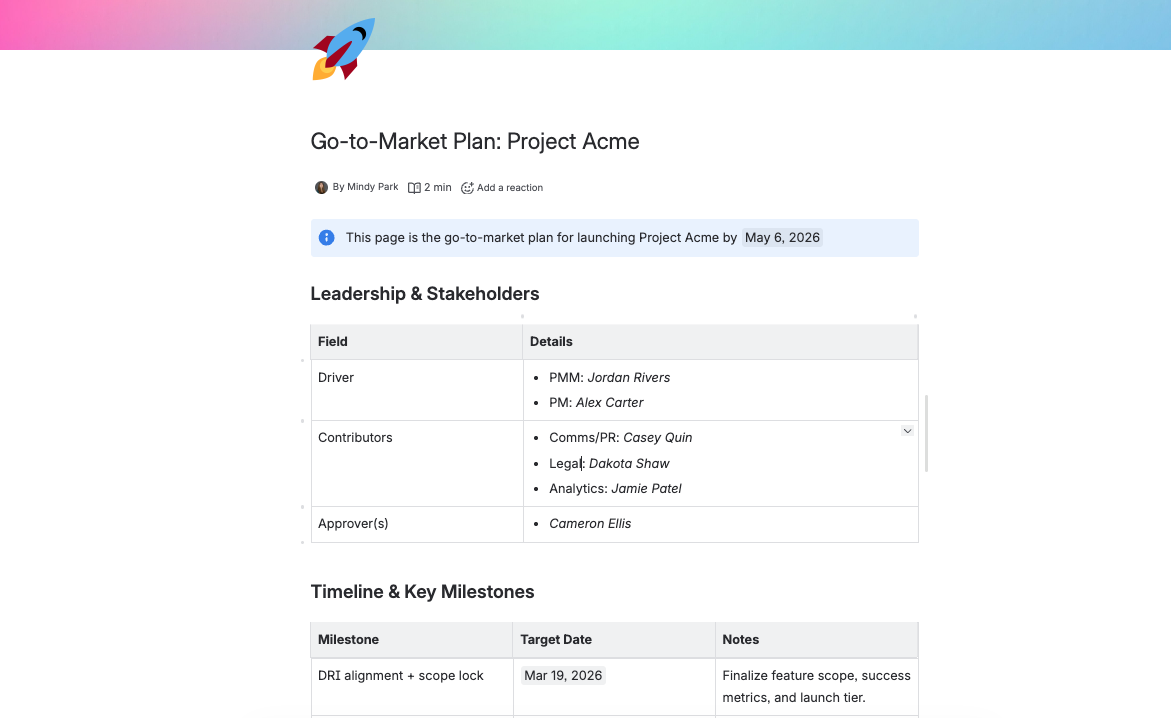
Example prompt:

“Use the meeting notes from this page <link to meeting notes page> to fill out this template <link to go-to-market checklist template> with key dates, stakeholders, drivers, and next steps that need to be actioned. Here is a copy of a completed page for another GTM moment for reference <link to completed GTM checklist>.”

Example output:
GTM.png


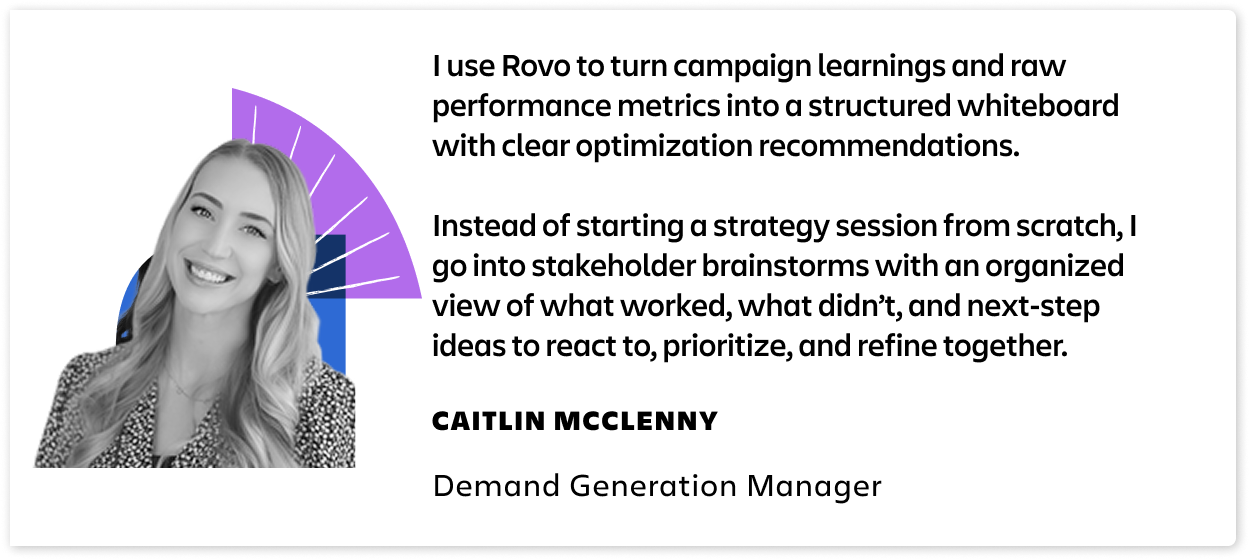
4️⃣ How Atlassian’s campaign team creates with Rovo
Group 6273120.png

Example prompt:

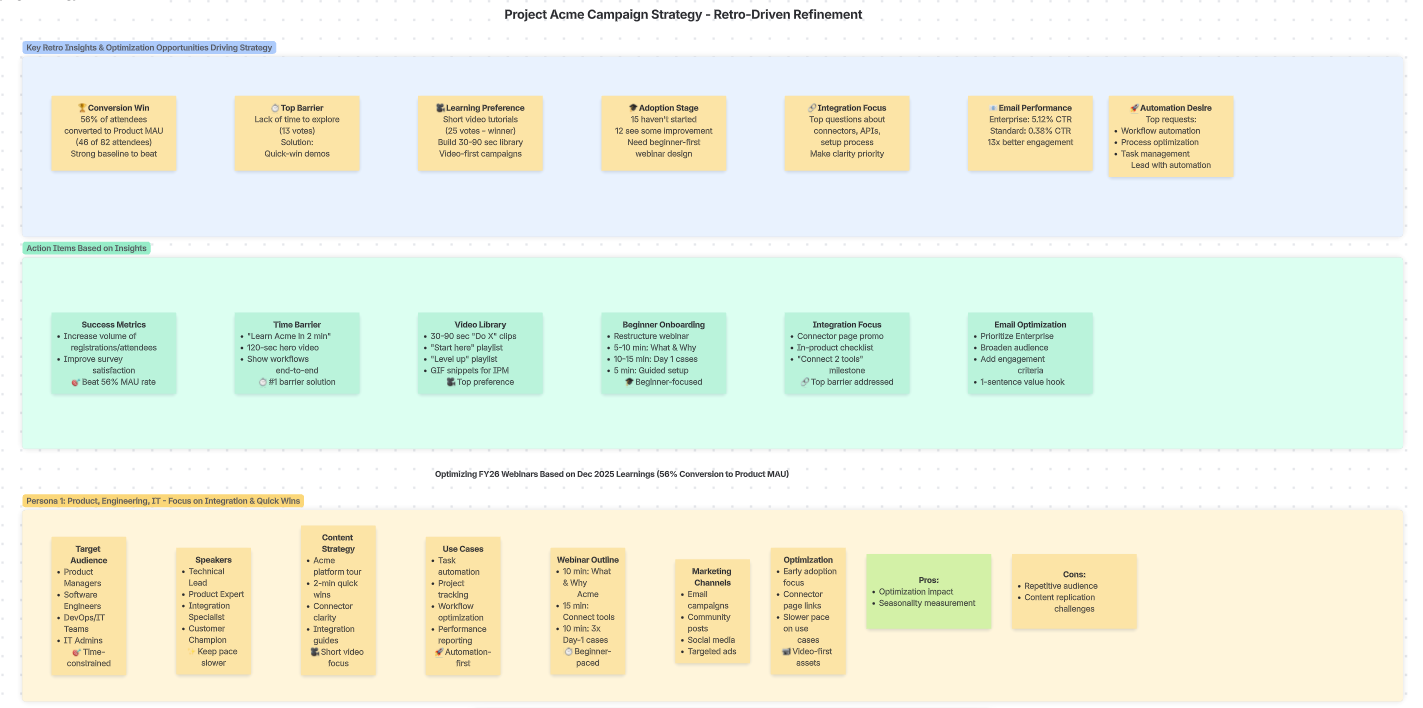
“As a campaign strategist, create a whiteboard that helps me design and optimize our webinar series based on the December 2025 session retro and metrics <link to Confluence page>. Make the layout clean and scannable by using color-coding by persona and section, so stakeholders can skim and respond quickly.”

Example output:
465b0b4d-df04-499c-a3b0-4bedaece1f9f.png


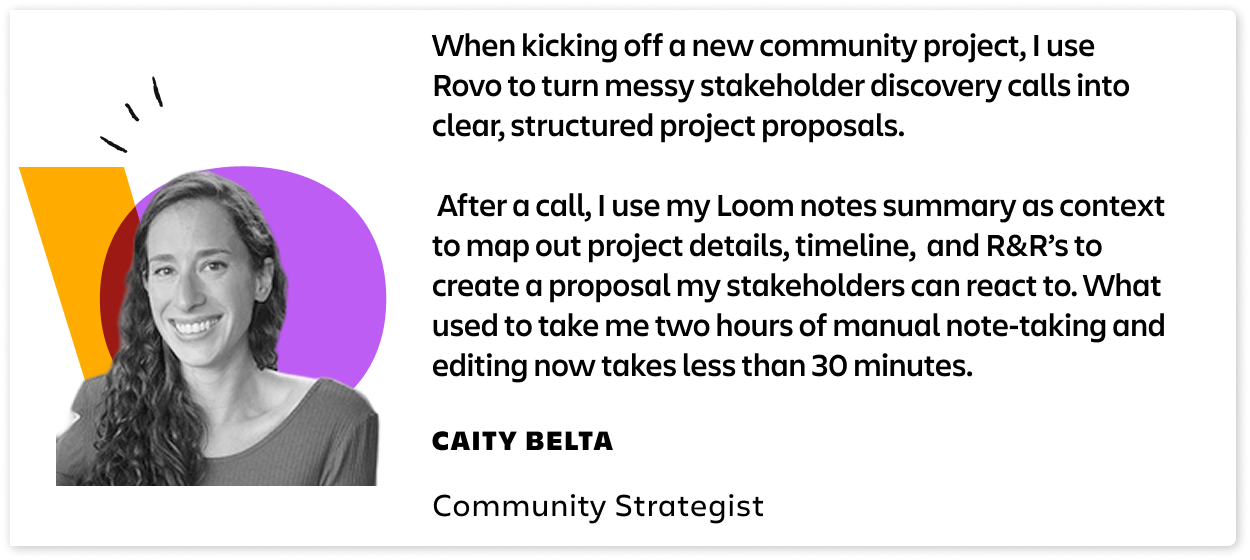
5️⃣ How Atlassian’s community strategy team creates with Rovo
Caity.png

Example prompt:

“I just had a stakeholder discovery call about a potential community project. Please turn <link to Loom recording summary> into a clear project proposal for internal stakeholders. Identify the project’s purpose, target community audience, and how success will be measured. Break the work into major components and list key activities under each. Propose a simple, phased timeline mapped to those components. Call out major risks, assumptions, and dependencies on other teams or tools. Use clear headings, bullet points, and short paragraphs so it’s easy to react to and comment on.”

Example output:
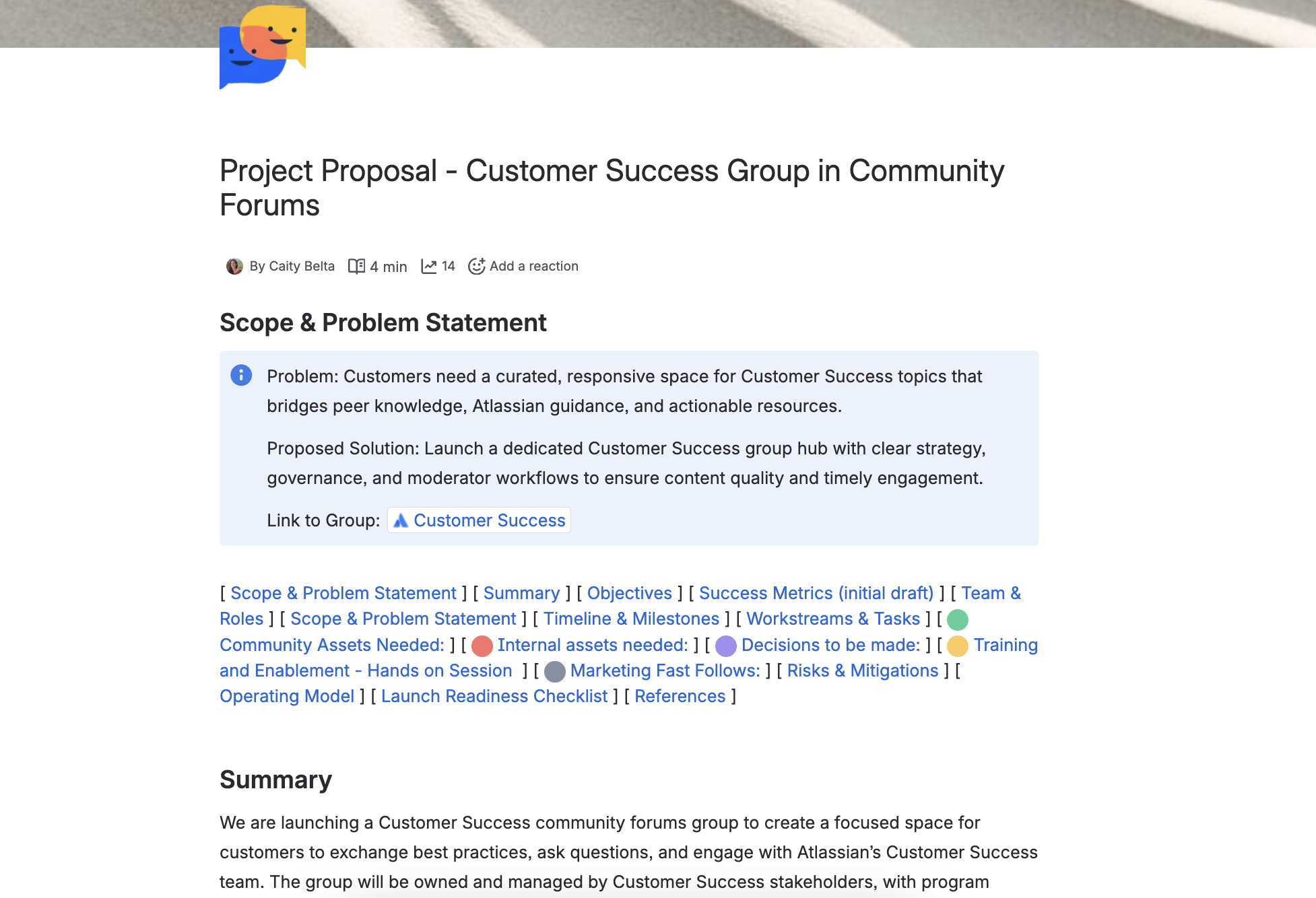
image-20260310-204053.png


-- 

Don't forget...

  • 🗓️ Keep track of all the Skip the Blank Page month activities

  • 🎁 Participate in each Skip the Blank Page activity for the chance to win an exclusive swag, or the chance to win swag + $100 gift card if you participate in 4 or more Skip the Blank Page month activities!

  • ✨ Have you tried creating content with Rovo yet? Try it now by clicking this direct link: create.with.rovo or clicking “+Create” button in Confluence

13 comments

Barbara Szczesniak
Rising Star
Rising Star
Rising Stars are recognized for providing high-quality answers to other users. Rising Stars receive a certificate of achievement and are on the path to becoming Community Champions.
March 11, 2026

Reading these prompts helps me to understand that I can add a lot more things (links, examples, instructions on the output) to my prompts. I think this will take some iterations off my interaction with Rovo to produce the output I want.

An upcoming attempt will be to ask Rovo to create a whiteboard with a process flow diagram based on the content of a page and its child pages and put the whiteboard in a "Process Flows" folder I have already created. 

Question 1: can I have Rovo add a "Version History" text box next to the process flow, with the first entry being a date and its own note about the initial generation of the diagram? Or should I add this manually after Rovo creates the whiteboard. My intent would be to have users that manually change the diagram to reflect future changes to the process add their own date and comment at the top of the box.

Question 2: once I get the prompt down for creating this whiteboard, do I somehow turn it into a Rovo Agent to make it a repeatable action to generate process flow whiteboards for different sections of my Confluence documentation?

Like # people like this
Anamika Soni
Community Champion
March 11, 2026

One thing I found interesting was how different teams use the same prompt approach but apply it to completely different workflows. For example, turning raw research interviews into a structured table or converting meeting notes into a go-to-market plan.

What stood out to me is that Rovo works best when you give it context + source material (notes, recordings, docs). It’s less about asking it to “create something from scratch” and more about transforming messy information into a clear structure.

Like # people like this
Pulkit Soni - Optimizory
Atlassian Partner
March 11, 2026

One thing that stood out to me was how Rovo is used to transform existing information rather than create something from scratch. The examples where research interviews were converted into a structured insights table and meeting notes turned into a go-to-market plan were especially interesting.

It feels like the real value is taking messy inputs (notes, recordings, docs) and quickly turning them into something structured that teams can actually act on. That’s a huge time saver after meetings or research sessions.


Like # people like this
Anwesha Pan
Rising Star
Rising Star
Rising Stars are recognized for providing high-quality answers to other users. Rising Stars receive a certificate of achievement and are on the path to becoming Community Champions.
March 11, 2026

I loved this article, the examples are to the point and helped me understand more about using prompts in a meaningful way. I am so glad to use the extensive version of Rovo. 💯

Like # people like this
Liam - DevSamurai
Atlassian Partner
March 11, 2026

Great examples of how teams work with Rovo! 

Like # people like this
Tomislav Tobijas
Community Champion
March 11, 2026

Thanks for sharing these! The prompt example for creating the database is really cool 😎

giphy.gif

Like # people like this
Akshad Katke
Contributor
March 11, 2026

From all this what I observed is that how more effectually the accurate prompt work  in Rovo following three key points Goal, Data and Structure 

  • Defining a clear and specific role(Product Marketing Team, Research Team, etc).
  • Providing a proper data or source inputs like Loom recordings, Confluence pages, or meeting notes which gives Rovo the clear information that it need to work on.
  • Clearly specifying the output format (whiteboard, database, proposal, checklist) makes the result much more structured.

This highlights the real power of Rovo that it's not just generating a content, but also transforming unstructured information into clear structured manner 

AMAZING...! 

Like # people like this
Leonie C_ Breitmoser
Contributor
March 12, 2026


Thank you folks for sharing this, it's awesome and I do like to have some actual use cases I can show in my company to promote Rovo even better. 

Like # people like this
Stephen_Lugton
Community Champion
March 12, 2026

One thing that seeing all these great ways of using Rovo has made me realise is that I need to keep a prompt library and add all the examples from the community to it!

Like # people like this
Rinjini Poddar
Rising Star
Rising Star
Rising Stars are recognized for providing high-quality answers to other users. Rising Stars receive a certificate of achievement and are on the path to becoming Community Champions.
March 12, 2026

The prompts shared in the article were very helpful and interesting. They offer practical guidance on writing more effective prompts and tailoring them for specific use cases. The section on troubleshooting prompts was particularly valuable, as it helps in refining prompts when the output is not as expected. This is definitely a useful reference for teams using Rovo.

Like # people like this
Sanam Malleswari
Community Champion
March 12, 2026

This is really helpful to see how different teams at Atlassian are using Rovo in real workflows.

As an enterprise Atlassian Org Administrator currently supporting cloud migration and platform changes, I’ve started using Rovo to speed up some of the documentation and planning work we usually do in Confluence.

For example, I prompt Rovo to generate structured change documentation or feature rollout plans using sections like background, impact, risks, validation plan, and communication notes. It helps create a solid first draft quickly, which I can then refine before sharing with leadership for review.

I’m also experimenting with using Rovo to generate whiteboards to explain upcoming platform changes during internal demos. It saves time and helps present complex updates in a much clearer way.

Seeing these examples from Atlassian teams definitely gave me a few more ideas to try next.


giphy (1).gif

Like # people like this
Blerine Muliqi
Contributor
March 12, 2026

These examples and tips are great and very helpful!
Season 9 Thank You GIF by The Office.gif


Like # people like this
Mindy Park
Atlassian Team
Atlassian Team members are employees working across the company in a wide variety of roles.
March 12, 2026

So glad to hear this article was helpful! Keep sharing / dropping a GIF - we'll announce the 2 random Skip the Blank Page swag box winners for this post at the end of the week!

all-swag-1@2x.png

Like # people like this

Comment

Log in or Sign up to comment
TAGS
AUG Leaders

Atlassian Community Events