The Atlassian Community Forums are currently in read-only mode. We will be relaunching on a new platform on September 22 (read more here). We apologize for the extended downtime. For concerns or questions, please email communitymanagers@atlassian.com. See you on the other side, on the new Atlassian Community Forums! :)
×Community resources
Community resources
Community resources
- Community
- Q&A
- Confluence
- Articles
- Seeing Clearly: Fostering Company-Wide Visibility with Confluence
Seeing Clearly: Fostering Company-Wide Visibility with Confluence
Lack of visibility is often the most significant catalyst of bottlenecks, trust, or relationship issues in the workplace or our personal lives.
Recently, I have seen way too many examples of people working outside their company's tooling, restricting content from the eyes of their collaborators, or simply never giving the path to it.
What does visibility in the workplace mean?
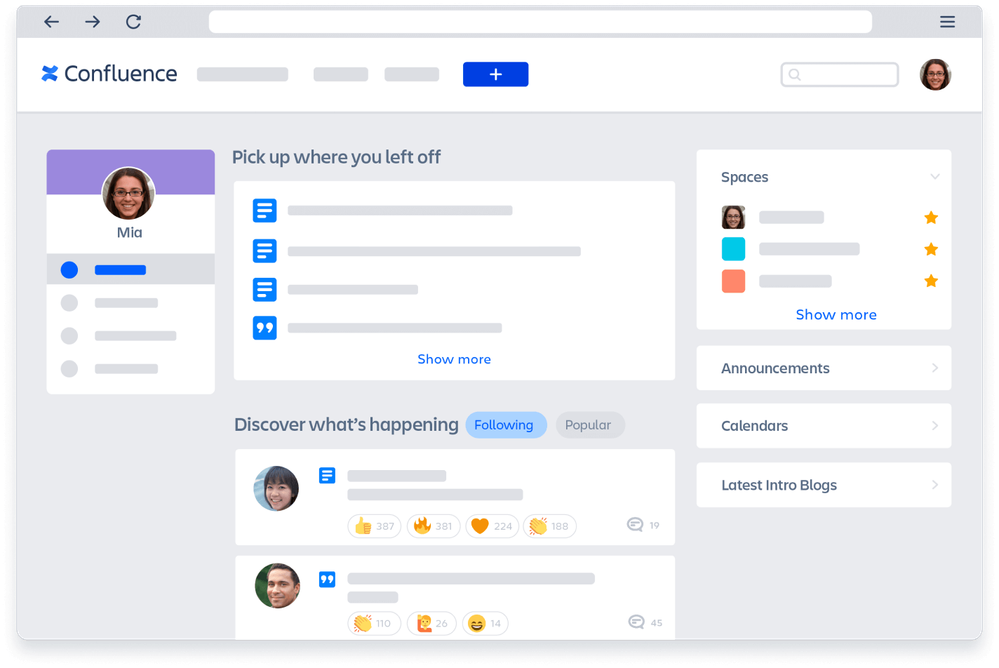
That's simply how well teams and supervisors are aware of each other's activities, contributions, and accomplishments.
It matters for several reasons:
- Recognition and acknowledgment: when work is visible and easily accessed, managers and peers are more likely to recognize and acknowledge individual and team contributions.
- Transparency: visibility promotes transparency, which fosters trust among team members.
- Accountability: when tasks and progress are visible, teams and individuals are more mindful about staying on track with the progress and meeting deadlines.
- Efficiency: when team members clearly understand what others are doing, they can align efforts more effectively.
How much visibility is too much?
Extended visibility can sometimes have negative effects on relationships between team members. Constant visibility can create pressure to always be productive and visible, leading to stress and burnout among team members. Or fuel unhealthy competition between them because of sensitive and unrestricted data.
How could you achieve visibility across your collaboration tools?
Confluence Cloud is a collaboration tool that helps teams kick off, organize, discuss, and share work in one place. It promotes company-wide visibility through its various features, flexible restrictions, and narrow permission schemes.
Using Confluence's levels of access and visibility can save you from the doomed story of people working in separate Google Docs, Word files, Excel Sheets, and more without coordinating with each other.
Utilizing permissions, restrictions, user groups, labels, and categories
- Spaces: depending on your space type, you may want to keep it public or private. For example, a "Company Updates" space could be accessible to everyone, while a "Human Resources" space might be private to HR teams only, ensuring sensitive information remains confidential.
- Page restrictions: pages can be fully open or restricted to specific teams or individuals, allowing for confidential discussions. As a real-life example, page restrictions enable users to work on their drafts privately, and when they open it to the team's feedback, pages are where they are supposed to be - in the centralized, fully accessible tool. Even simpler, with page statuses, users can mark their drafts with the Draft status, making it more apparent that it is their work-in-progress project.
- User groups: user groups can be based on teams or departments to streamline permissions and visibility. A "Marketing Team" group might have access to all marketing-related spaces and pages, while a cross-functional user group, "Leadership Team", might access strategic planning documents from various departments.
- Page labels or categories: organize content and make it easier to find, ensuring that relevant information is easily accessible to those who need it. For example, labeling pages with tags like "Project Updates" or "Meeting Minutes" helps categorize and surface important information.


Aside from being one of the best collaboration tools, Confluence Cloud helps organizations promote company-wide visibility while keeping security and confidentiality where needed, making it the best choice for teams of any size.
And it sure is for me. 💙
Was this helpful?
Thanks!

Teodora V _Warsaw Dynamics_
2 comments