Hi agent builders!
We’ve refreshed the Rovo Agent building experience in Studio to make it simpler, faster, and easier.
The goal is straightforward: help you go from idea to useful agent with fewer steps, less duplicated setup, and a clearer mental model for when to keep things simple versus when to add more specialized behavior.
 Simplified agent details view
What’s changing?
The refreshed experience is centered around the agent first. Instead of starting with mandatory scenarios, you configure the base configurations of your agent in one place:
-
Instructions that describe how the agent should behave
-
Knowledge that gives the agent relevant context
-
Skills that help the agent take action or complete tasks
For many agents, that’s all you need. You can create a focused agent, test it, and publish it without first setting up scenarios.
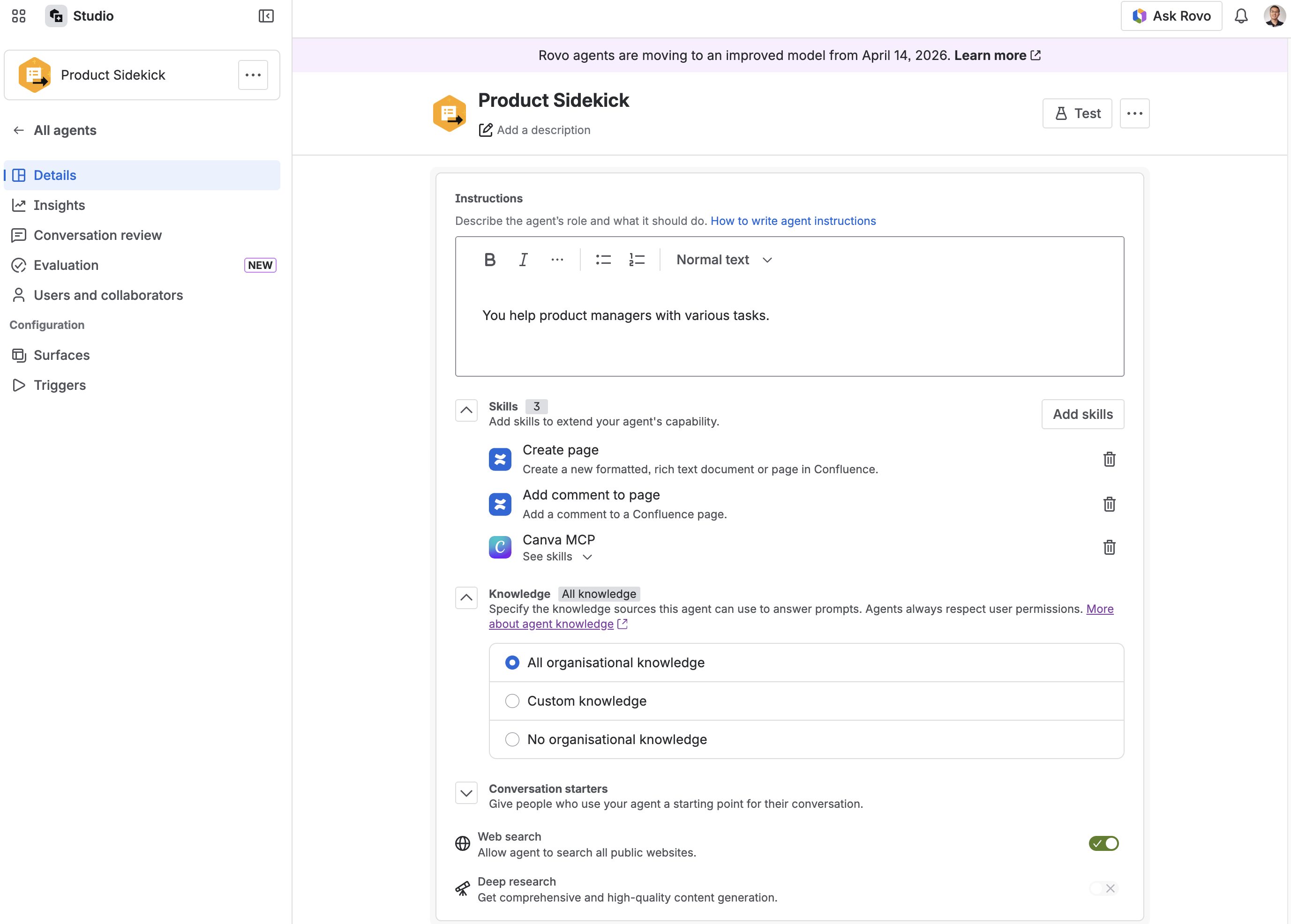
Create agent without scenarios
Goodbye scenarios, hello subagents
You’ll also see a new term in the builder: subagents.
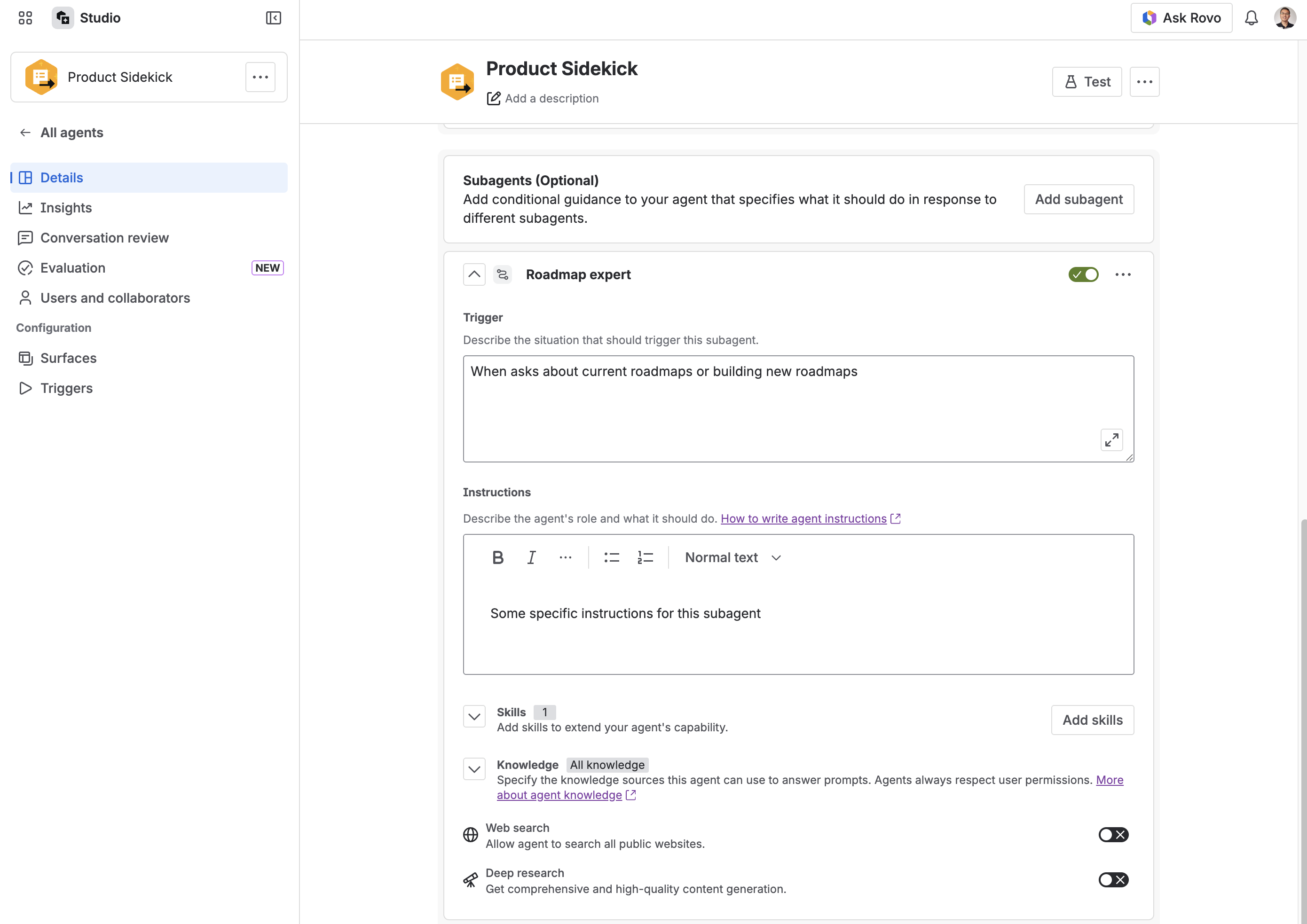
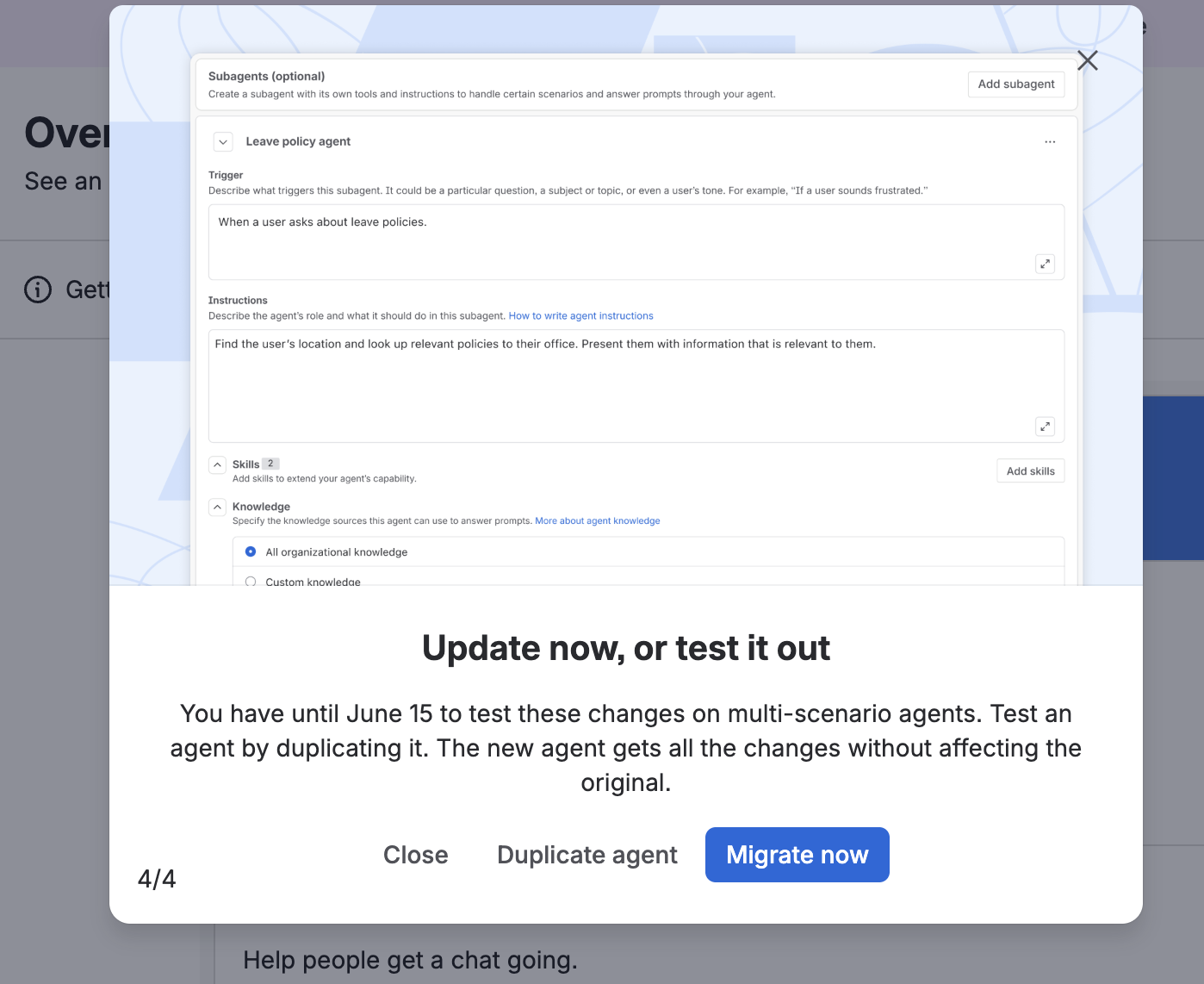
Optionally add new subagent for specific use cases
Subagents are optional, task-focused helpers that can have their own instructions, routing description, knowledge, and tools. They’re useful when your agent needs to handle distinct jobs that benefit from specialized guidance.
For example, you might create:
-
A support-focused subagent that answers product questions from documentation
-
A planning-focused subagent that turns a request into a structured project plan
-
A reporting-focused subagent that summarizes recent work or updates
Subagents are there when you need them, but they’re no longer something mandatory you have to configure just to get started.
 The important part: the main agent can fan out work to multiple subagents simultaneously within a single turn when helpful (just like a skill) — unlocking richer, multi-domain answers without extra setup.
Each subagent gets its own context window — only the main agent's delegated info, and conversation history enter it. Subagents also only return summarized results, without all of the internal skill outputs, keeping the main agent's context clean and concise.
Why this is useful
-
Faster to ship: Start with the agent’s core behavior and add complexity only when it helps. Remove the “default scenario” requirement; publish a useful agent sooner.
-
A clearer mental model: Your agent is the main experience; subagents are specialized helpers for distinct tasks.
-
More flexible responses: When helpful, an agent can use more than one subagent to respond to a user’s request.
What happens to existing agents?
If you already have Rovo Agents, you shouldn’t need to rebuild them from scratch.
-
Agents with one default scenario: These agents will be updated automatically and gradually as we roll out in the coming days. These map naturally to the new agent-level configuration model, behaving in the exact same way as before.
-
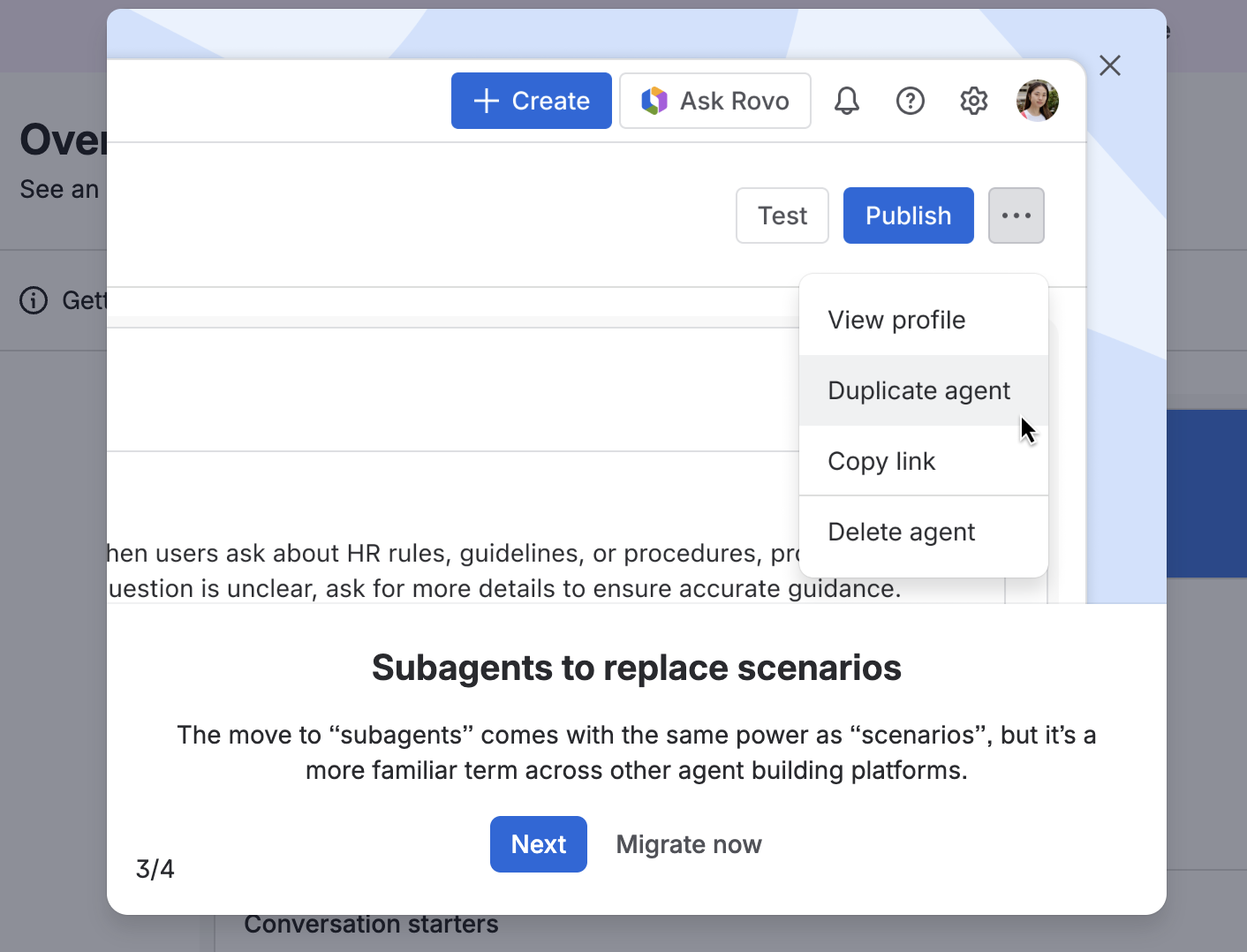
Agents with multiple scenarios: These agents will not be updated automatically yet, you have until June 15th to test the changes for these agents. You can test them by duplicating your existing agent: the new agent gets all the changes without affecting the original, and existing scenarios will become subagents in the duplicated agent. After June 15th, any agents haven’t been migrated will be automatically update.
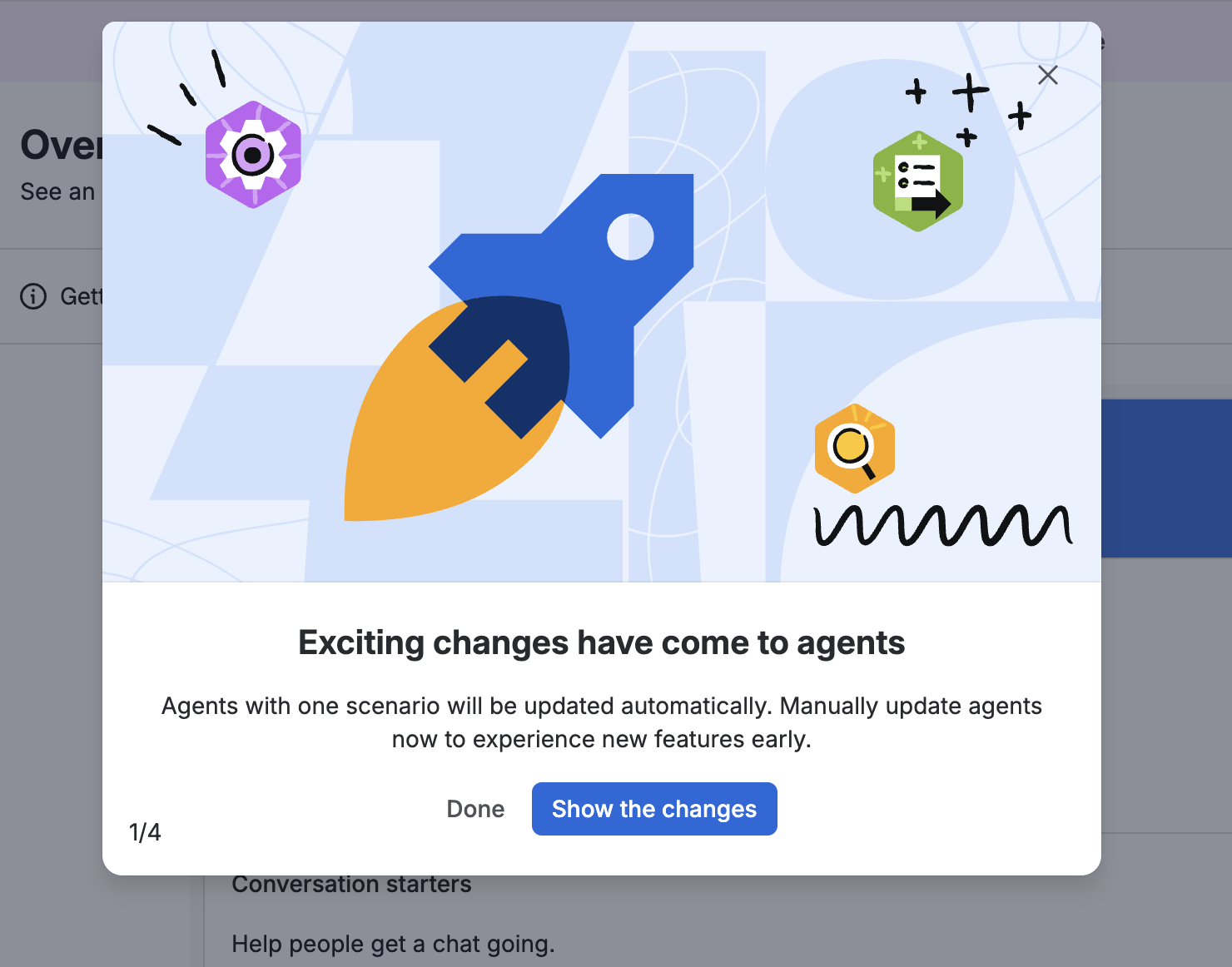
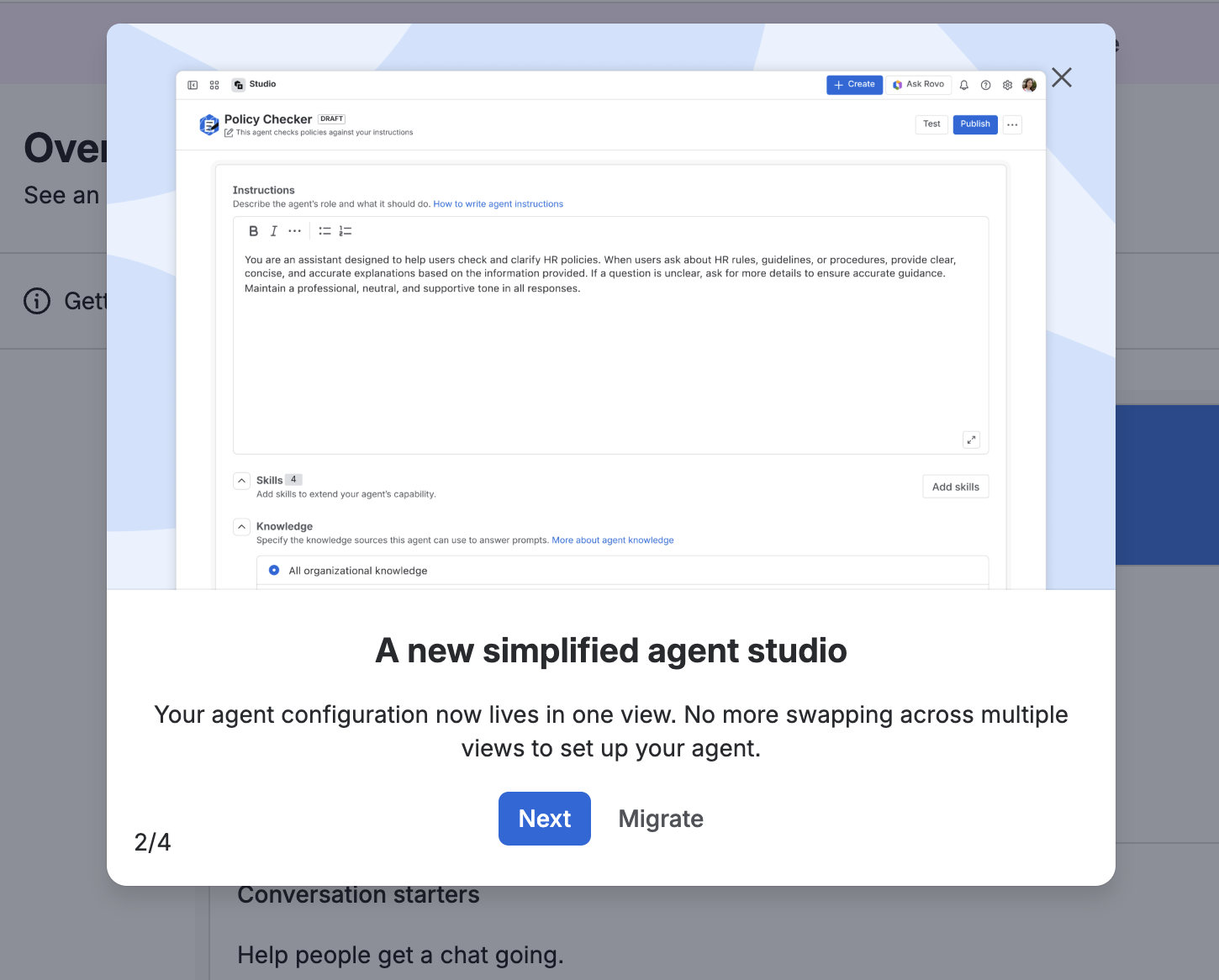
Once you’re happy to migrate your agents to the new model, don’t wait! You can follow the pop-up guide and migrate as well
 How to think about subagents
A good rule of thumb is to start simple:
-
Configure the base agent first.
-
Test whether the agent can handle the core use case well.
-
Add a subagent only when there’s a distinct task, audience, knowledge source, or workflow that benefits from its own instructions. From your main agent’s point of view, subagents are just like any other skills it has access to.
Subagents are not meant to make every agent more complicated. They’re meant to make more complex agents easier to organize.
Frequently asked questions
1. Do I need to use subagents?
No. If your agent has one clear job, the base agent configuration may be enough. Subagents are optional and are most useful when your agent needs multiple specialized behaviors.
2. Can an agent use more than one subagent?
Yes. When it helps answer the user’s request, the agent can use more than one subagent in a turn. This can make agents more flexible for requests that span multiple topics or tasks.
3. Can I control when a subagent is used?
You can guide routing through each subagent’s routing description and instructions. The clearer you are about what a subagent is for — and what it is not for — the easier it is for the agent to choose the right helper.
4. Will this change how my existing agent responds?
For simple agents, the intended behavior should remain familiar. For agents with multiple specialized paths, the refreshed model can make the agent more flexible because those paths are represented as subagents.
Try it out
If you build or manage Rovo Agents, open Studio and take a look at the refreshed builder. Try creating a simple agent first, then add subagents only if your use case needs specialized behavior.
We’d love to hear what you build, what feels easier, and where you’d like the experience to keep improving.


