|
Here's a situation that comes up more often than it should. A manager asks for a status report across three teams. You pull a cross-project report in Jira, send it over, and two hours later get a reply: "These numbers don't match what the team leads told me."
Nor report neither data are broken. The problem is almost always underneath in how the projects were set up before anyone thought about reporting across them.
Why cross-project reports go wrong
Jira is project-first by design. Every field, component, label, and status lives inside a project context. When you report across multiple projects, you're asking Jira to treat those separate contexts as one consistent dataset. That only works if the projects were built to the same standard.
Most weren't. Here are the four things that silently corrupt cross-project reports:
- Components with different names for the same thing. Project A calls it "Backend." Project B calls it "Server." Project C calls it "API." To Jira, these are three different components. A cross-project report grouped by component shows three separate bars where there should be one.
- Labels used differently across teams. Labels in Jira are freeform, anyone can create them, there's no validation, and they don't inherit any shared context. One team tags bugs as bug, another uses Bug, another uses defect. A report filtering by label misses two-thirds of the bugs.
- Priority fields with different meanings. "High" in one project means "fix this sprint." In another it means "fix this quarter." Your cross-project priority breakdown is comparing apples to unrelated fruit.
- Due dates not set, or set inconsistently. Some projects use due date, others rely on fix versions, others use a custom field called target date. A deadline-based cross-project report built on due date silently excludes every issue where the team used a different field to track the same thing.
How to find the problem in five minutes
Run this JQL query for each field you're reporting on, one at a time:
project in (PROJECT-A, PROJECT-B, PROJECT-C) ORDER BY component ASC
Open the results and look at the component column. Scroll through it. If you see five variations of what should be the same component name, that's your problem. Do the same for labels, priority, and whatever date field you're using.
It's not a sophisticated audit. It doesn't need to be. You're looking for obvious inconsistencies, things that would be identical if the projects had been set up together but diverged because they weren't.
Fixing it is mostly a manual task: standardise the values, clean up the duplicates, and establish a naming convention before the next project gets created. The JQL scan takes five minutes. The cleanup takes longer, but at least you know what you're dealing with.
Why this matters more for cross-project reporting than single-project
Inside a single project, inconsistencies are annoying but contained. A misnamed component shows up in one report, someone notices, it gets fixed. Across projects, the same inconsistency multiplies, five projects with the same naming problem give you five times the noise, and because each project looks fine in isolation, nobody catches it until a cross-project report goes to someone senior.
What good cross-project reporting needs
Once the underlying data is clean, you need a reporting tool that can actually aggregate across projects without you having to manually merge five separate exports.
Native Jira reporting is project-scoped. Most built-in reports (burndown, velocity, sprint report ) don't cross project boundaries at all. Dashboard gadgets can aggregate via shared filters, but building and maintaining those filters for every stakeholder view is tedious and breaks when someone changes a project's configuration.
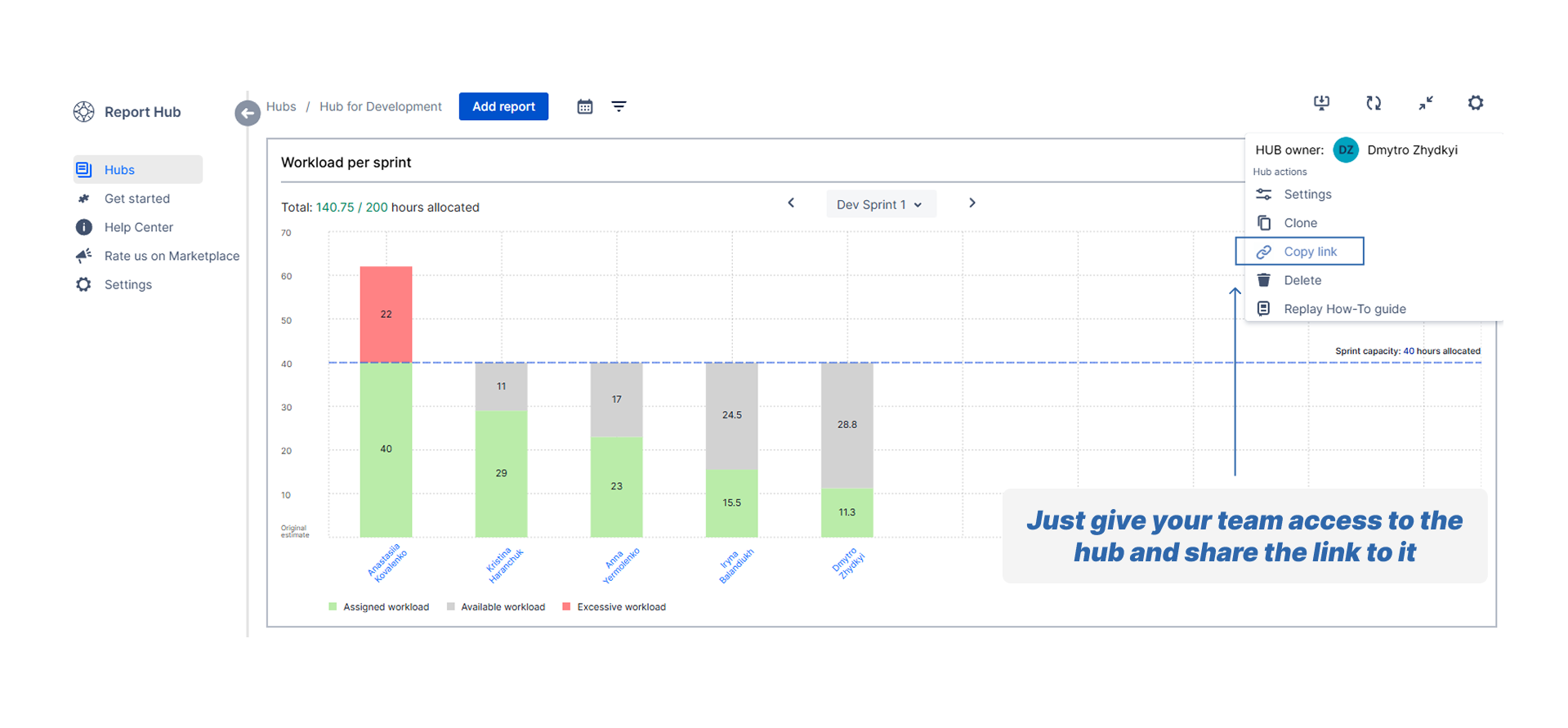
This is exactly what Report Hub for Jira Cloud was built for. In the data source configuration for any report, you can select multiple projects at once: no shared filter to maintain, no manual export to combine. The report aggregates across all selected projects in one view. We built it at Grandia Solutions because this was the most common reporting problem we kept seeing on client instances.
Clean the data first. A cross-project report built on inconsistent field values gives you wrong answers faster than a single-project report does and the answers look confident, which makes them harder to question.
Run the JQL scan today. Fix what you find. Then build the report.
Report Hub has a free tier if you want to see the multi-project data source in practice.
|
