If you've ever tried to explain a complex process with words alone, you know how quickly things go sideways. A flowchart takes three seconds to read. The same information written out as a paragraph takes three minutes, and people still end up confused.
Most teams reach for an external diagramming tool at this point. Draw.io, Lucidchart, Figma. The diagram gets made, exported as a PNG, and dropped into a Confluence page. Done. Until the process changes. Then someone has to track down the original file, edit it, export it again, re-upload it, and hope the right version ends up in the right place.
There's a better way.
What is Mermaid
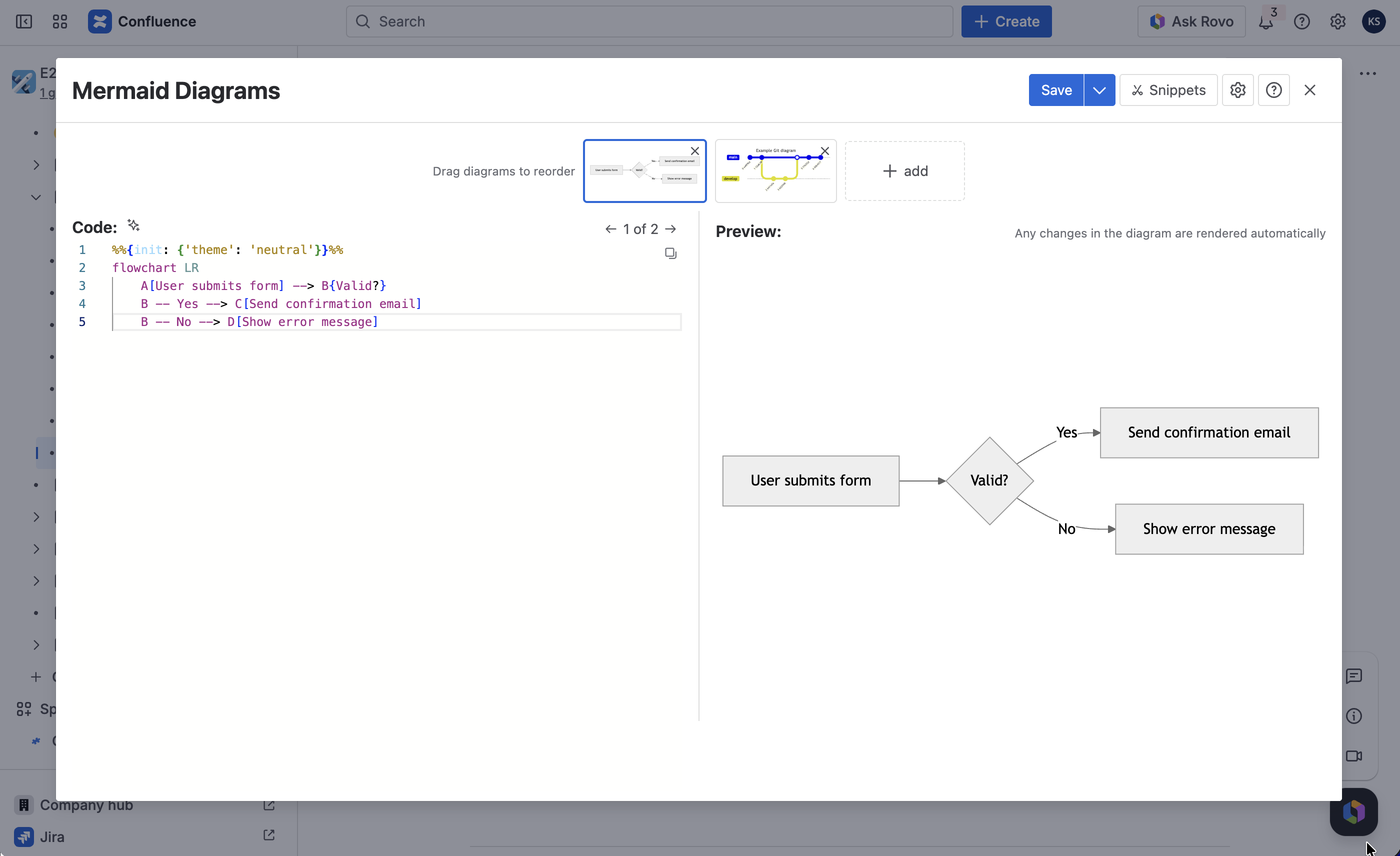
Mermaid is a text-based diagramming language. Instead of dragging shapes around a canvas, you write a few lines of code and the diagram renders automatically. A simple flowchart looks like this:
flowchart LRA[User submits form] --> B{Valid?}B -- Yes --> C[Send confirmation email]B -- No --> D[Show error message]
That's it. No mouse required. The syntax is readable, easy to learn, and it lives in plain text, which means it fits naturally into any documentation workflow.
Why diagrams in Confluence matter
Confluence is where your documentation lives: process docs, architecture overviews, onboarding guides, API references. When your diagrams live in an external tool, there's always a gap between the text and the visual. Someone has to maintain two things in two places.
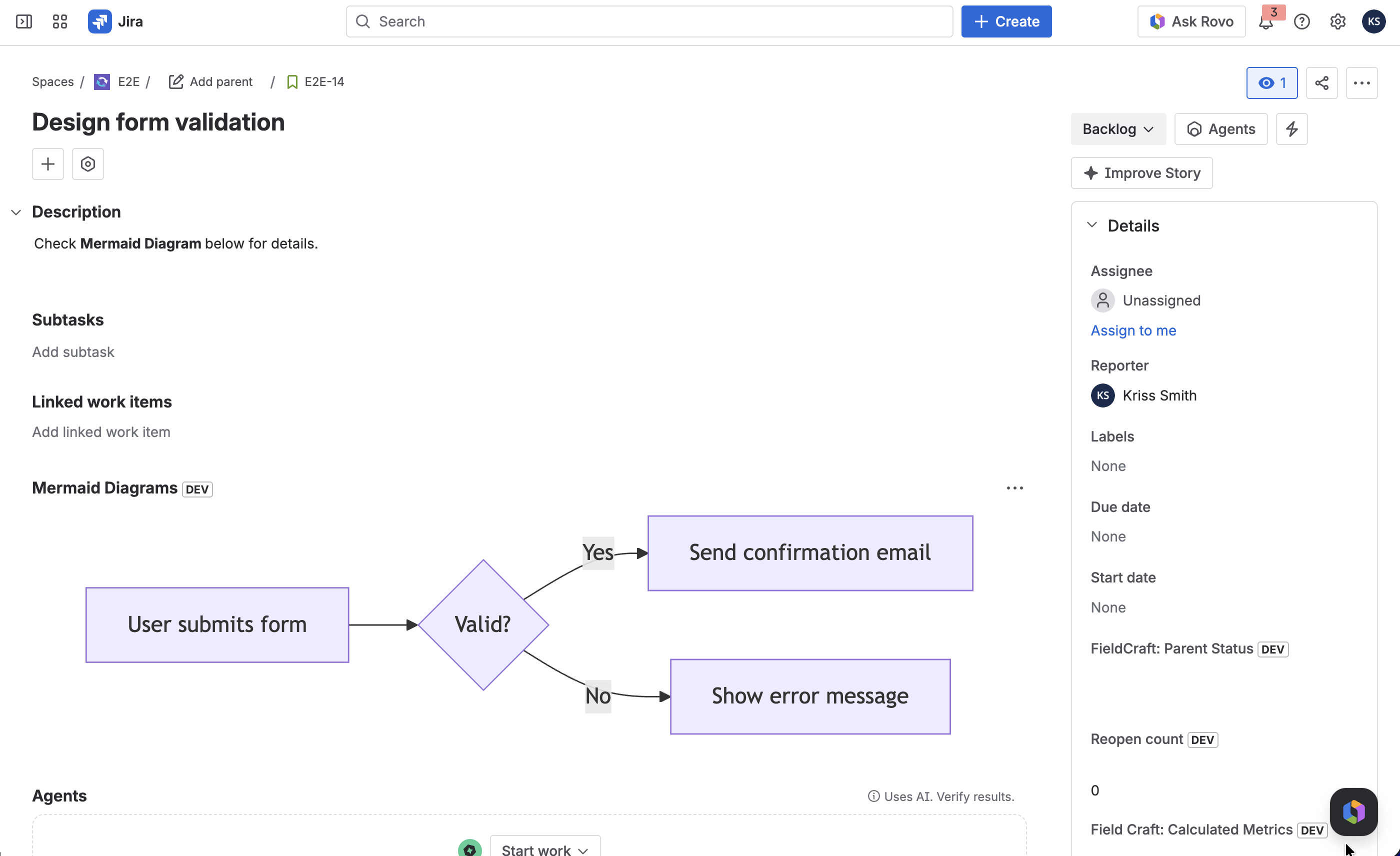
With Mermaid diagrams embedded directly in a page, the diagram is part of the document. It updates when the page updates. Anyone with edit access can change it without special software or file exports.
For technical writers, this means one fewer thing to manage. For product owners, process flows stay in sync with the actual product. For project managers, Gantt charts live right next to the project notes they describe.
And in Jira too
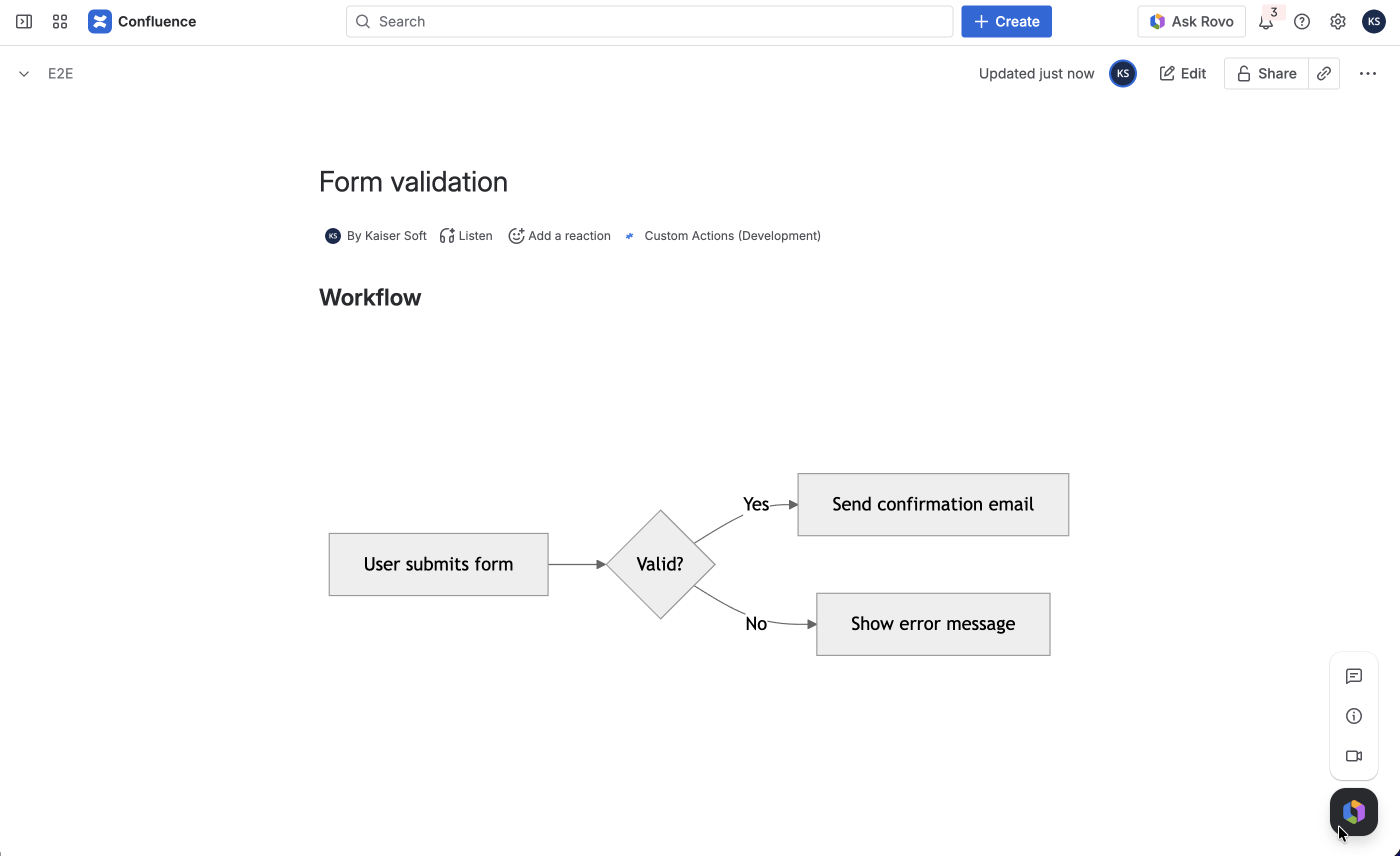
This is the part most people don't expect: diagrams right on a Jira issue.
Think about a complex story or epic. You're describing a technical integration, an API flow between three services, or a multi-step approval process. Writing it out in the description works, but a sequence diagram gets the same point across in half the space, with far less room for misreading.
With the Jira app, a Diagrams panel appears directly on any Work Item. Open it, write your Mermaid syntax, and the diagram renders inline. Developers, QA, product owners - everyone looking at the issue sees the same picture, attached to the issue where it belongs.
ContentCraft: Mermaid diagrams for Confluence and Jira
Apportunity: Mermaid Diagrams Macro for Confluence and Apportunity: Mermaid Diagrams Macro for Jira are the apps that make this work. Both are built by Apportunity and run natively on Atlassian Cloud - no external servers, no data leaving your instance.
Together, they support 16 diagram types: flowcharts, sequence diagrams, Gantt charts, class diagrams, ER diagrams, Git graphs, mind maps, timelines, and more. The editor has Mermaid syntax highlighting, so you can catch mistakes before the diagram even renders. There's a full-screen SVG viewer for walking a team through a complex architecture diagram in a meeting, and export options cover PNG, SVG, and copy to clipboard. Apportunity: Mermaid Diagrams Macro for Confluence also works with Confluence's built-in export to PDF and Word.
The Confluence version additionally supports guest users and anonymous viewers, so external collaborators can see your diagrams without needing a full Confluence account.
Getting started
Installation takes about two minutes. Go to Settings → Apps → Find new apps, search for Apportunity: Mermaid Diagrams Macro for Confluence, and click Try it free. Once installed, the app with “Mermaid Diagram” macro is available to every user in your instance with no extra configuration.
Full documentation is at docs.apportunity.xyz/mermaid-diagrams, including a complete syntax reference for all 16 diagram types and a theming guide if you want to customize diagram colors to match your team's style.
