It’s Wednesday morning, and Daniel, a team lead, is already in back-to-back meetings.
His next release is approaching fast.
He opens the “Product Release Process” page in Confluence Cloud… and sighs.
It’s long. Very long.
He scrolls. And scrolls again.
“Where are the approval steps?” he wonders.
“Who owns the final review?”
“Which template are we supposed to use again?”
Meanwhile, Priya, the product manager, is waiting for clarity so she can approve the release. Leo, the knowledge manager, is updating the page… again… trying to keep everything consistent and easy to follow.
But instead of helping, the page is slowing everyone down.
For many process managers, this scenario is painfully familiar.
Processes live in Confluence. That’s the good news.
The bad news?
They often live in long, scroll-heavy pages that try to do everything at once.
The result:
- Key steps get buried
- Owners and responsibilities are unclear
- Teams waste time searching instead of executing
- Approvals get delayed
- And worst of all, people start ignoring the process altogether
Daniel doesn’t need more documentation.
He needs a better structure.
A Small Change That Changes Everything
Instead of creating multiple pages or rewriting the process, Leo tries a different approach:
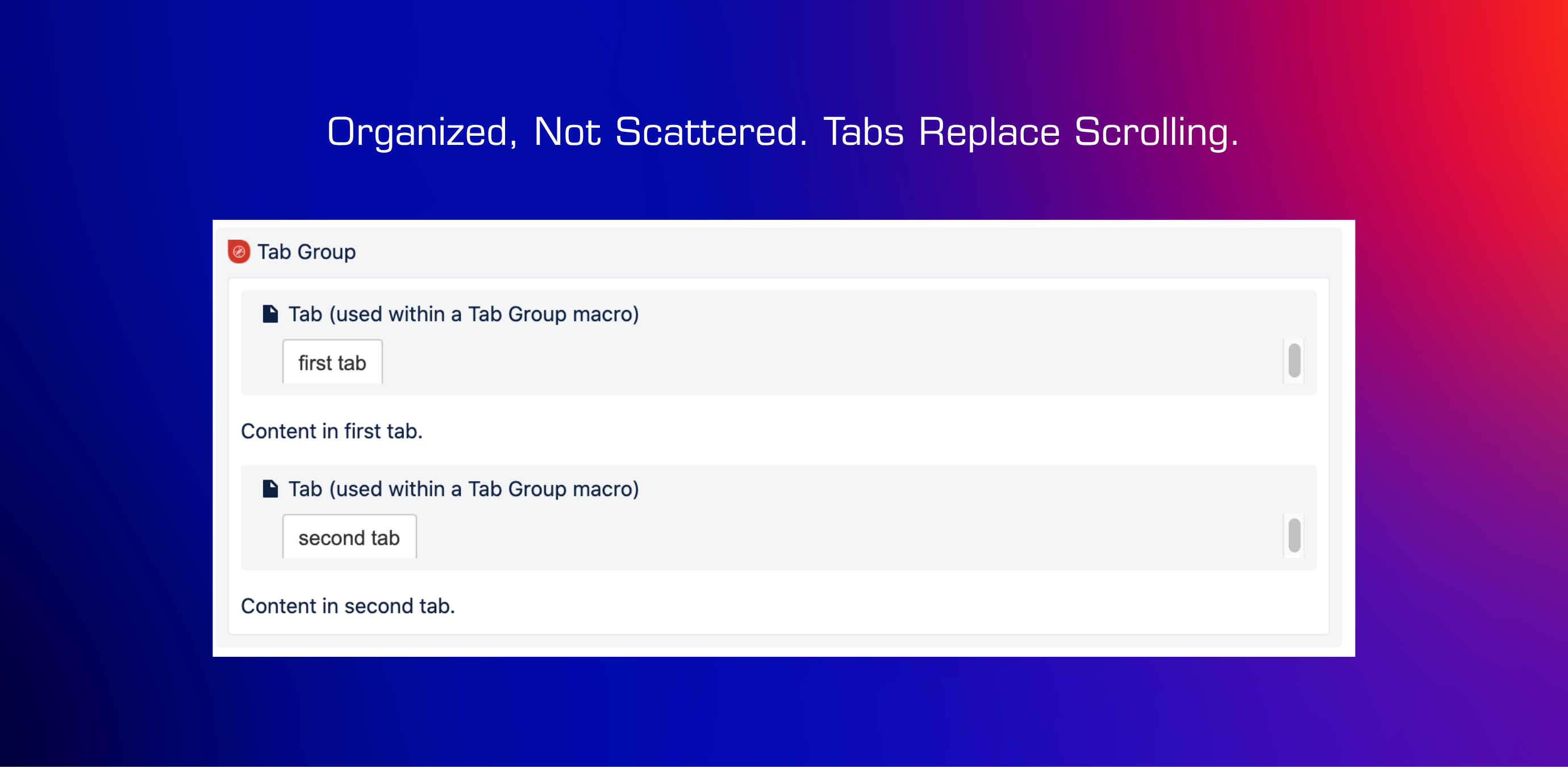
👉 Organizing the entire process into tab groups on a single Confluence page
Using Navitabs – Navigation Macros for Confluence Cloud, Leo transforms the page into a clean, intuitive experience:
- Overview
- Step-by-Step Actions
- Templates
- Roles & Responsibilities
Now, instead of scrolling, Daniel and his team can jump directly to what they need with a single click.
A Day in the New Reality
Fast forward to the next release cycle.
Wednesday, 08:06.
Daniel opens the page and immediately clicks on “Step-by-Step Actions.”
No scrolling. No searching.
He guides the team through the process with confidence, knowing everyone is aligned and looking at the same structured information.
Wednesday, 09:12.
Priya reviews the release.
She clicks on “Roles & Responsibilities”, confirms ownership, then moves on to “Templates.”
Everything she needs to approve the release is in one place—clearly organized and easy to navigate.
What once took 20 minutes of back-and-forth now takes just 5.
Every Thursday, Leo updates the process.
Instead of editing a massive, fragile document, he updates individual tabs.
Each section is modular, clean, and easy to maintain.
No more copy-paste chaos. No more version confusion.
Try Navitabs for free.
Why This Works for Process Managers
Process managers are not just document writers.
They are experience designers for how work gets done.
Tab groups help solve three critical challenges:
1. Clarity Without Clutter
Each section has a purpose. Each purpose has its place.
No more overwhelming pages where important information competes for attention.
2. Faster Decision-Making
Stakeholders can jump directly to:
- Approvals
- Responsibilities
- Checklists
- Templates
This reduces friction and speeds up execution.
3. Maintainability at Scale
Processes evolve.
With tab groups, updates are localized—making it easier to:
- Keep content accurate
- Avoid duplication
- Ensure consistency across teams
The Simple Setup Behind the Transformation
Leo didn’t overhaul the entire system.
The implementation was straightforward:
- Create a single page: “Product Release Process.”
- Add a Tab Group macro
- Inside it, define tabs like: Overview, Step-by-Step Actions, Templates, Roles & Responsibilities
- Add content beneath each tab
- Publish and let the structure guide the experience
Optionally, Leo adjusted the layout to a vertical tab design, making navigation even more intuitive for certain teams.
The Real Impact
After a few weeks, the results were clear:
- Daniel spent less time explaining and more time leading
- Priya approved releases faster with fewer clarifications
- Leo maintained the process without constant rework
- The team followed the process more consistently
And releases? They became smoother, faster, and more predictable
Key takeaway
Tab groups in Confluence Cloud help process managers transform long, difficult-to-navigate pages into structured, easy-to-use workflows. This improves clarity, speeds up approvals, and reduces errors across teams.
What would you improve in your process pages? Let’s discuss in the comments 👇
