As the Atlassian ecosystem continues moving toward Cloud, many teams find themselves facing a familiar question:
For most people, migration brings to mind projects, issues, and workflows. The obvious pieces. But once you look a bit closer, you start noticing the smaller, more customized parts of your setup, the ones that quietly power your day-to-day work. Dashboards are one of them. And more specifically, the gadgets inside those dashboards.
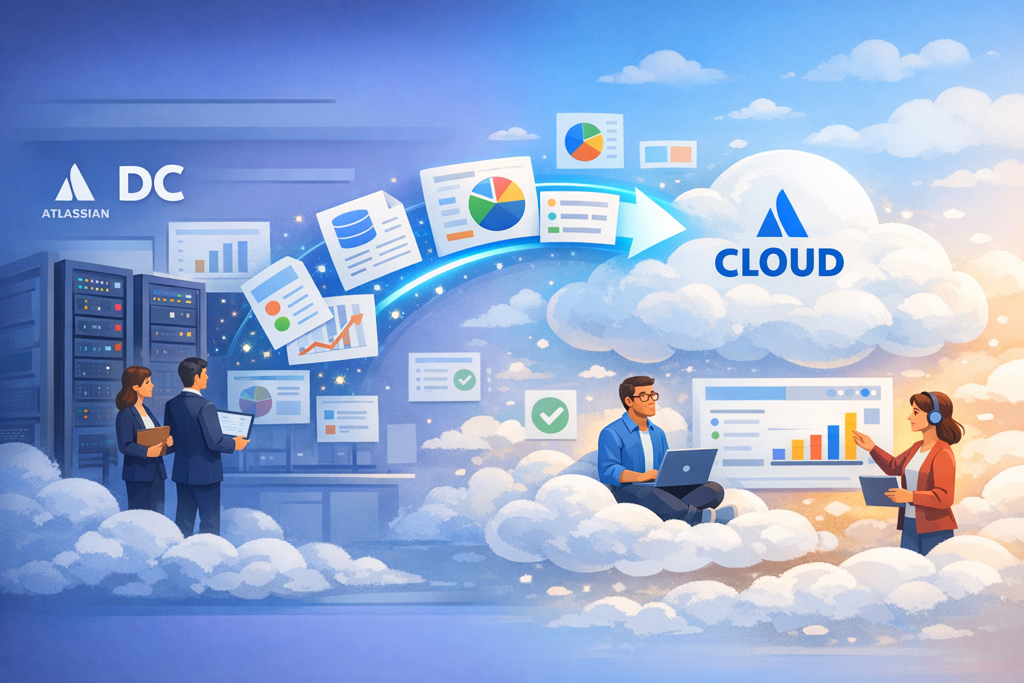
The Overlooked Part of Migration
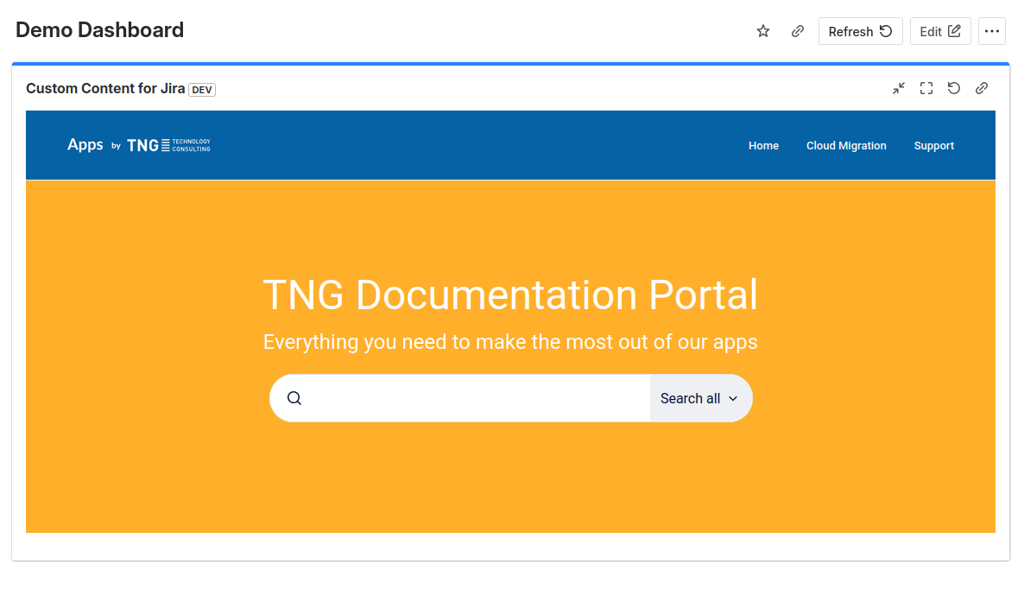
Dashboards are not just visual summaries. Over time, they become carefully assembled workspaces. Teams use them to surface exactly what matters, combining Jira data with external information, links, and context. With Custom Content for Jira, this goes even further.
Instead of being limited to standard gadgets, teams can embed external content directly into their dashboards, whether that’s internal tools, documentation, or sources like Wikipedia. It turns a dashboard from a reporting layer into something much closer to a live workspace. And that’s exactly where migration becomes tricky. Because when moving to Cloud, it’s not enough to recreate a dashboard layout. You need the content inside it to still work.
Making Migration Actually Work
Without proper migration support, teams would run into a frustrating outcome where dashboards and the Custom Content gadgets inside need to be recreated in Cloud.
That’s why we built a Cloud Migration Assistant for Custom Content for Jira. The goal wasn’t just to “support migration” as a checkbox feature. It was to make sure that when teams move to Cloud, their dashboards still feel familiar and more importantly, still work the way they expect.
With the migration assistant:
-
Custom Content gadgets are carried over as part of the migration
-
Their configurations and external links are preserved
-
Dashboards in Cloud reflect the same structure and intent as before
So when users open their dashboards after migration, they don’t start from zero. They continue where they left off.
Why This Matters in Practice?
When teams move to Cloud, the focus is usually on projects, issues, and workflows. But dashboards, and especially the gadgets inside them, are just as much a part of how people work day to day.
Custom Content for Jira plays a specific role there. It allows teams to embed external information directly into their dashboards, whether that’s internal tools, documentation, or dynamic content from outside Jira. Over time, these gadgets become part of how teams track, share, and make decisions.
Without a proper migration path, that context is easy to lose. Dashboards may still exist, but the information they relied on disappears or needs to be rebuilt manually.
With the migration assistant, that gap is removed. Custom Content gadgets are carried over as part of the migration, so dashboards in Cloud continue to reflect the same structure and information teams are used to.
The goal isn’t just to move data, it’s to preserve how teams actually work with it. And when that stays intact, moving to Cloud feels less like a reset, and more like a continuation.
