Community resources
Community resources
Community resources
How to Set Up a Confluence Compliance Control System from Scratch
Many organizations view data governance as a massive chore that slows down collaboration. Rovo is a brilliant tool in helping particularly enterprise level users to break down some of these barriers and allow you to concentrate on the real work, not the donkey work.
But as teams adopt AI tools like Rovo, skipping governance is no longer an option. AI systems actively process information across your spaces in real time. If your data isn't structured or restricted properly, your AI tools risk surfacing sensitive context to the wrong users.
To remove this friction, we have completely revamped our admin onboarding in Compliance for Confluence. We replaced our old static pages with a step-by-step onboarding checklist to help you launch a fully automated data security framework in a fraction of the time, with the peace of mind
If you are trying to figure out how to structure your data classification or establish a clean confluence dashboard, here is the quick setup blueprint based on our new checklist:
Phase 1: Classification & User Gating
Before launching any data scanning tools, you need to establish a clear hierarchy for your content sensitivity. Our configuration checklist breaks this down into progressive milestones:
- Customize Classification Levels: Define exactly what levels of sensitivity exist in your organization (e.g., Public, Internal, Highly Restricted).
- Create Level Schemes: Bundle your levels into schemes that can be applied globally or tailored to specific spaces.
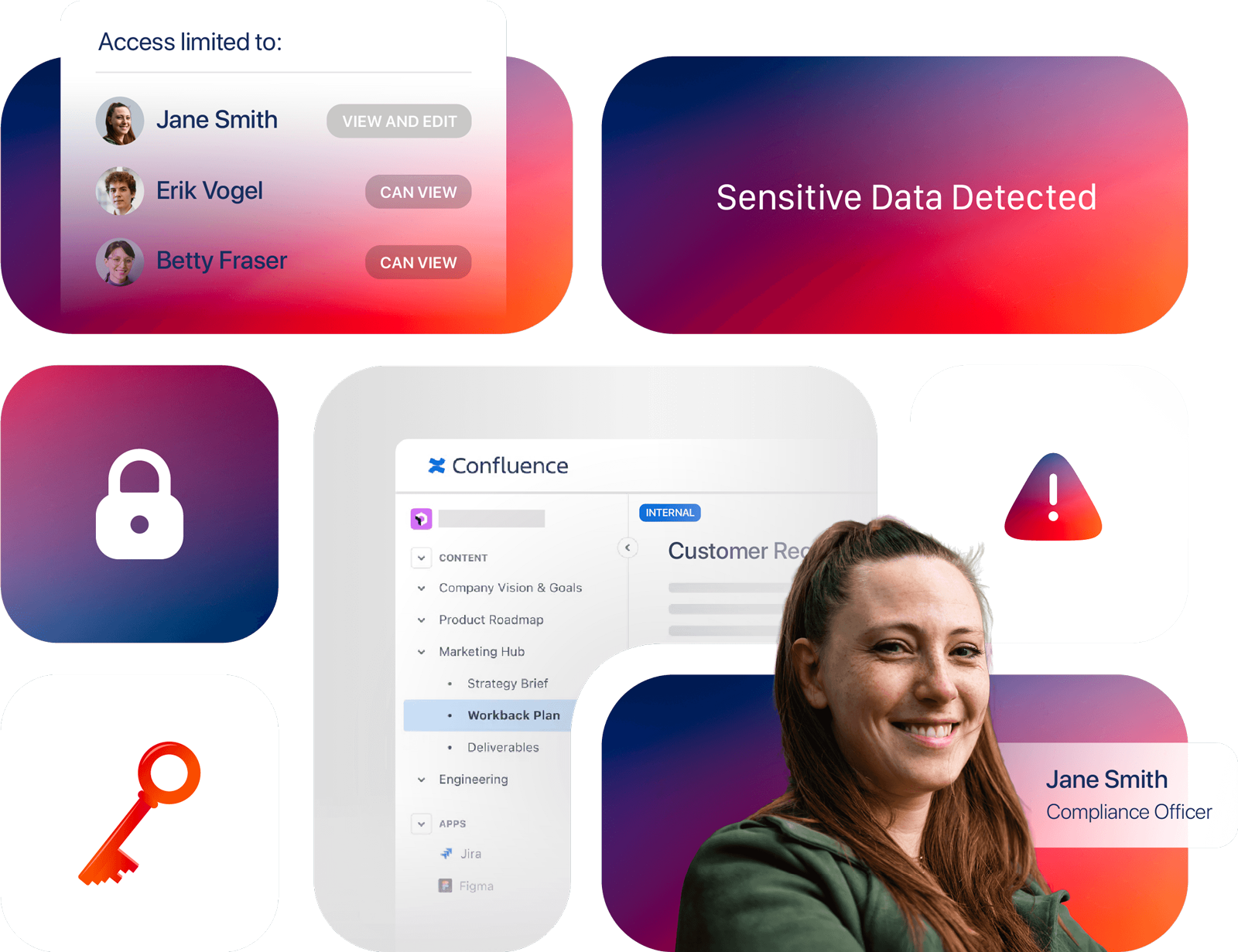
- Create Restriction Schemes: This is the critical step for AI safety. Link your classification levels to automated page permissions. When a page is classified, it automatically gates access to a predetermined set of users, ensuring user-triggered AI agents cannot crawl restricted information.
- Choose Who Can Classify Pages: Decide whether to give this responsibility to all page authors or strictly lock it down to site and space administrators.
- Classify in Bulk: If you're working with a legacy instance, you can toggle on AI classification at the space level to ask Compliance for Confluence to apply the correct classification levels across the board, for you to either accept or review. Once that's done, enable 'Enforced Classification' to make sure that whenever a page is published, the publisher must apply a classification before proceeding.
Phase 2: Automated Sensitive Data Detection
Once your restriction guardrails are built, it's time to deal with legacy "data trash" and surface hidden risks.
- Review and Create Detectors: Set up specific scanning rules using pre-built system patterns or regular expressions to instantly surface data like credit cards, PII, API credentials or whatever 'sensitive' looks like to you.
- Update Detector Schemes: Group your rules together so you can customize exactly which compliance policies apply to different sections of your instance.
- Enforce at Scale: Turn on global or space-level automation rules. This includes enforcing classification upon publishing, ensuring no page is ever left unclassified or exposed.
See the full implementation live
Building a compliance framework from scratch involves balancing corporate data security policies with a seamless user experience.
To see exactly how these configurations, REST API automations, and Rovo integrations look in action, join us for our live technical session on June 4th, 2026. Alongside Confluence expert , AppFox Product Lead Nirav Ganju-Cass, and Matthew, we will map out this entire compliance playbook live.
- Topic: How to stay compliant in Confluence in the age of AI & Cloud
- Date: June 4th, 2026
- Time: 07:00 PDT // 10:00 EDT // 16:00 CEST // 15:00 BST
- Register: > HERE <
Was this helpful?
Thanks!

Matthew Joslin_AppFox_

0 comments