In many Jira instances, SLAs live in a very specific place – the Service Desk.
Support teams watch the timers, track response times, and manage breaches. At the same time, Dev and QA teams operate in a completely different coordinate system: sprints, velocity, pull requests, and testing cycles.

Most of the time, these worlds barely intersect. Until a production bug turns into an incident.
That’s usually the moment teams realize that Jira is very good at showing who worked on what, but much less helpful when it comes to understanding where time was actually lost.
Why SLAs break when bugs turn into incidents
On paper, everything looks straightforward. An incident is an unplanned service disruption. A bug is a defect in the code. In practice, they are often the same problem viewed from different angles.
A customer reports an incident.
↓
Support escalates it.
↓
Dev fixes the bug.
↓
QA verifies the fix.
↓
Support follows up with the customer.
But the moment an incident becomes a bug, the SLA often stays behind – locked in the Service Desk project. The timer is paused or disappears entirely from the view of the teams actually doing the work.
As a result, the customer is still waiting, Dev sees a “regular bug,” QA sees a task in their queue, and Jira confidently reports that the SLA is under control.
Why Dev, QA, and Support see sifferent realities in jira
Each team looks at the same issue through a different lens.
✔️Support focuses on customer impact and urgency.
✔️ Dev looks at technical complexity and backlog priority.
✔️ QA sees testing queues and release stability.
Out of the box, Jira doesn’t connect these perspectives.
🟠SLAs look like a Support metric.
🟠Velocity looks like a Dev metric.
🟠QA often ends up somewhere in between, without a clear way to see how their work affects overall resolution time.
This is why many teams don’t trust SLA reports – not because they’re “wrong,” but because they don’t reflect how work actually flows.
Where SLAs usually break: Team handoffs

Most delays don’t happen inside teams. They happen between them.
Support escalates an incident to Dev, and the SLA is paused with a status like “Waiting for Development.” Technically correct – but the customer is still waiting.
Dev completes the fix and moves the issue to QA. If QA isn’t aware that the bug is tied to an incident, it waits alongside less urgent work.
QA sends the bug back to Dev, and the cycle repeats. Time accumulates, but in reports, the story is fragmented into disconnected pieces.
In the end, “SLA met” often just means the timer stopped in the right place – not that the problem was resolved efficiently.
Why teams don’t even think about measuring this with SLAs
Most Dev and QA teams don’t ignore SLAs because they don’t care. They ignore them because SLAs are perceived as “not for us.”
Instead, teams rely on velocity, cycle time, or lead time. These metrics are valuable, but they rarely show where work was waiting, how long issues were “between owners,” or what really happened during handoffs.
This is where an unexpected realization appears:
SLA doesn’t have to be a service promise. It can be a way to measure internal workflow.
✅ Which Metric actually makes sense for Bugs 🪲
When teams start looking at bugs, “resolution time” sounds logical – but in most Jira setups, it simply means calendar time from issue creation to Done. It doesn’t distinguish active work from waiting or rework cycles.
That’s why teams often start by measuring active bug fix time (Bug Resolution Time) – the time when work is actually happening on a defect.
This metric is especially useful when bugs move back and forth between Dev and QA, or when a seemingly “small” bug takes weeks to resolve without a clear explanation.
In some cases, teams complement it with additional SLA-based metrics.
☑️Time to First Meaningful Action helps when bugs are confirmed quickly but sit unassigned for too long.
☑️ Time in Active States highlights how much time issues truly spend in states where work is expected.
☑️ Handoff time becomes valuable when delays happen mainly between teams rather than within them.
The goal isn’t to collect every metric possible. It’s to make previously invisible time visible.
How This Is Implemented in Jira in Practice

In practice, everything comes down to one simple question:
When should Jira count time – and when shouldn’t it?
For bugs, the SLA usually doesn’t start at issue creation. It starts when the bug is confirmed and taken into work. The timer pauses in states where active work stops – waiting, review, or blockers – and only stops when the bug is actually completed, not just handed off.
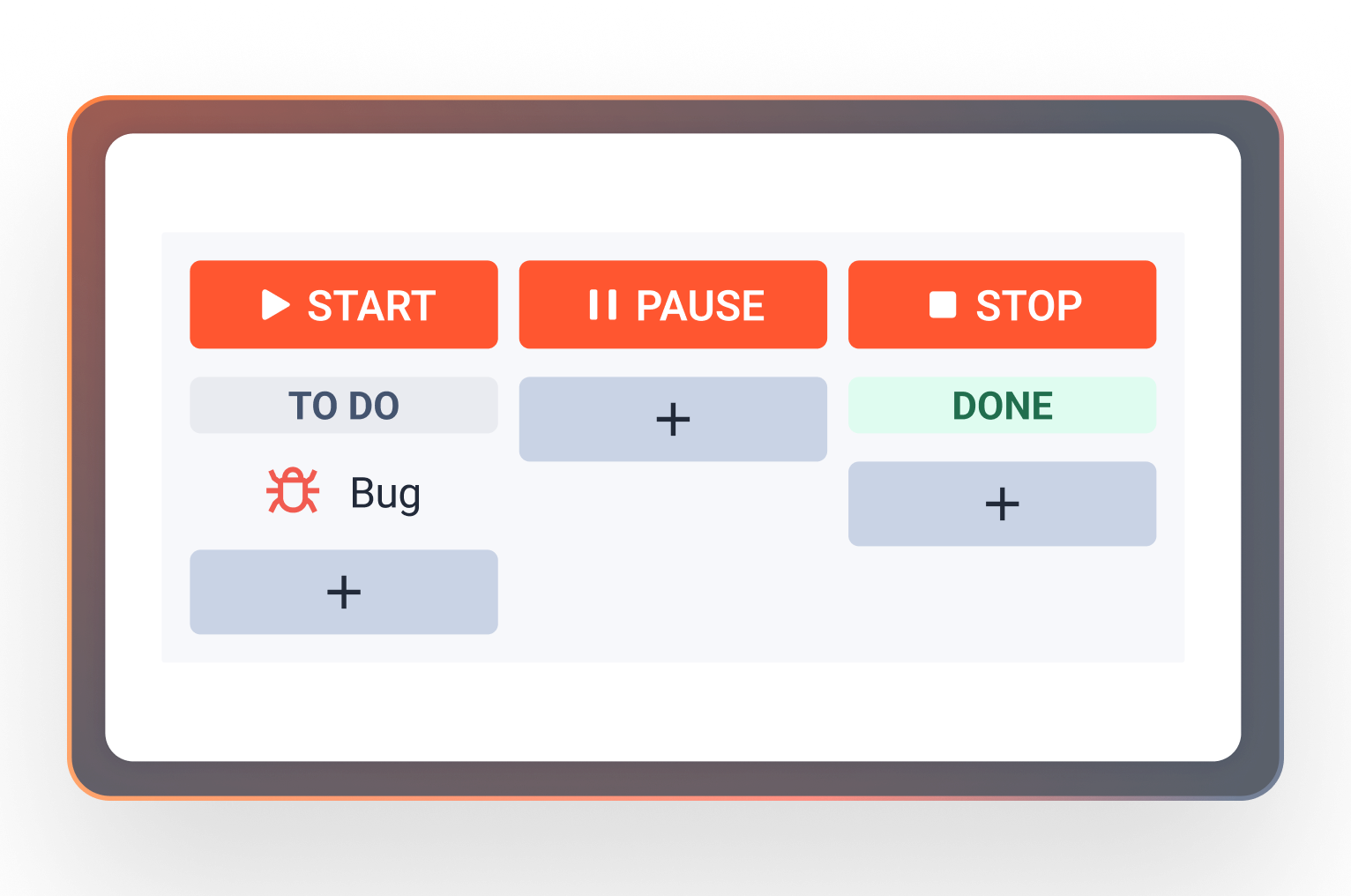
Because bugs often return from QA back to Dev, it’s important that time isn’t reset automatically. Depending on the goal, teams use multi-cycle tracking or clearly defined reset conditions to control how repeated work is measured.
Working calendars matter just as much. Dev, QA, and Support often work on different schedules, and when SLAs count calendar time, trust in the data disappears quickly. Measuring only real working hours makes the numbers meaningful again.
Standard Jira SLAs make these scenarios difficult or fragmented. This is where SLA Time and Report for Jira allows teams to apply this logic consistently – using SLAs for bugs and tasks in Jira Software, sharing one SLA model across projects, and keeping the timer visible directly inside the issue.
As a result, reporting changes – but so does behavior. Dev sees that time is running now. QA understands when delays impact the overall outcome. Support stops guessing and starts communicating based on real progress.
How SLA Time and Report Helps Teams Work More Easily and in Sync
Once teams start using SLAs to measure real workflow, they quickly realize that transparency and automation matter just as much as the timer itself.
SLA Time and Report for Jira adds those missing pieces.
Instead of passive tracking, teams can use automated alerts and actions when SLA thresholds are approaching or breached. Issues don’t surface only in reports – they become visible while there’s still time to react.
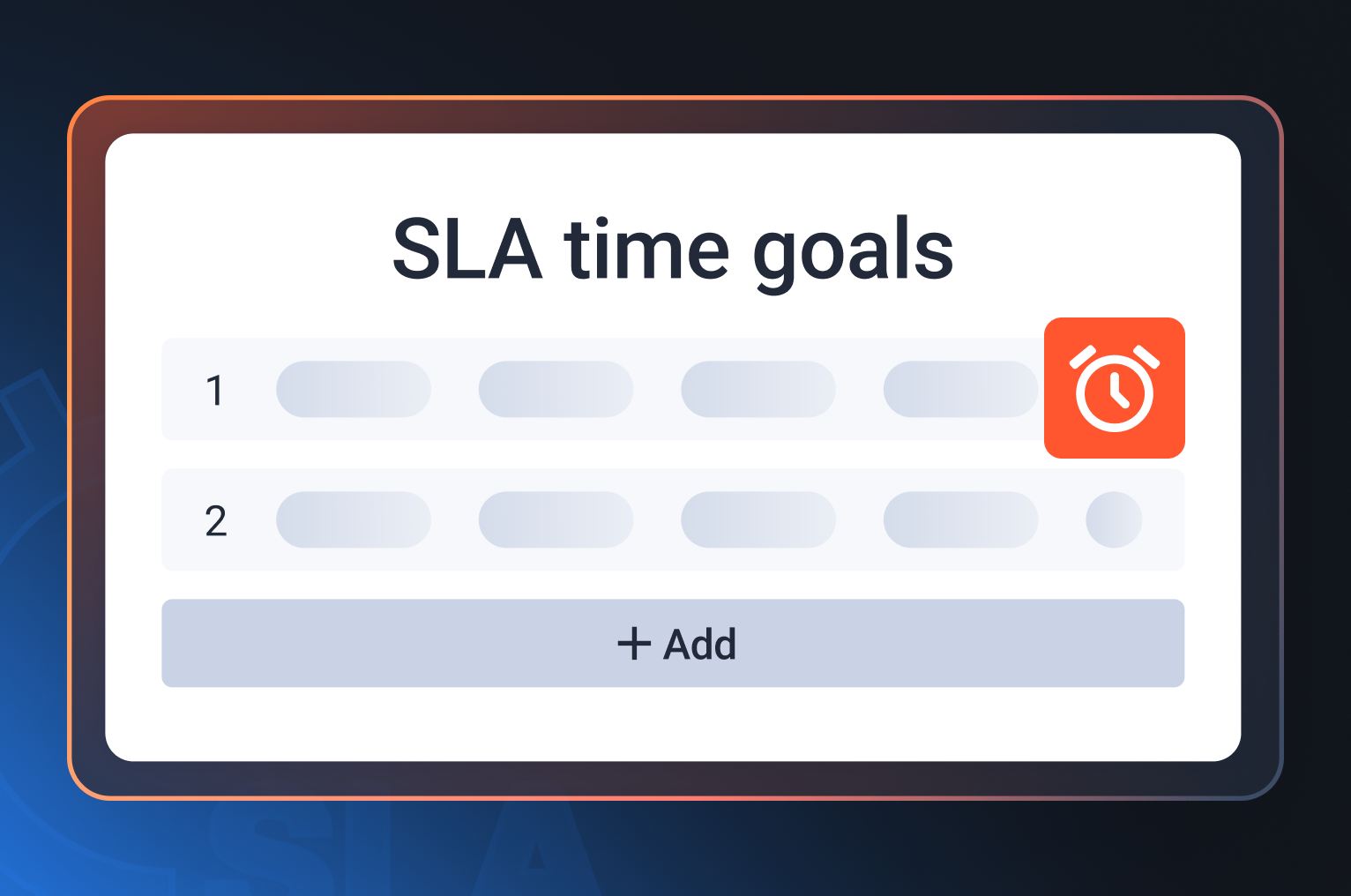
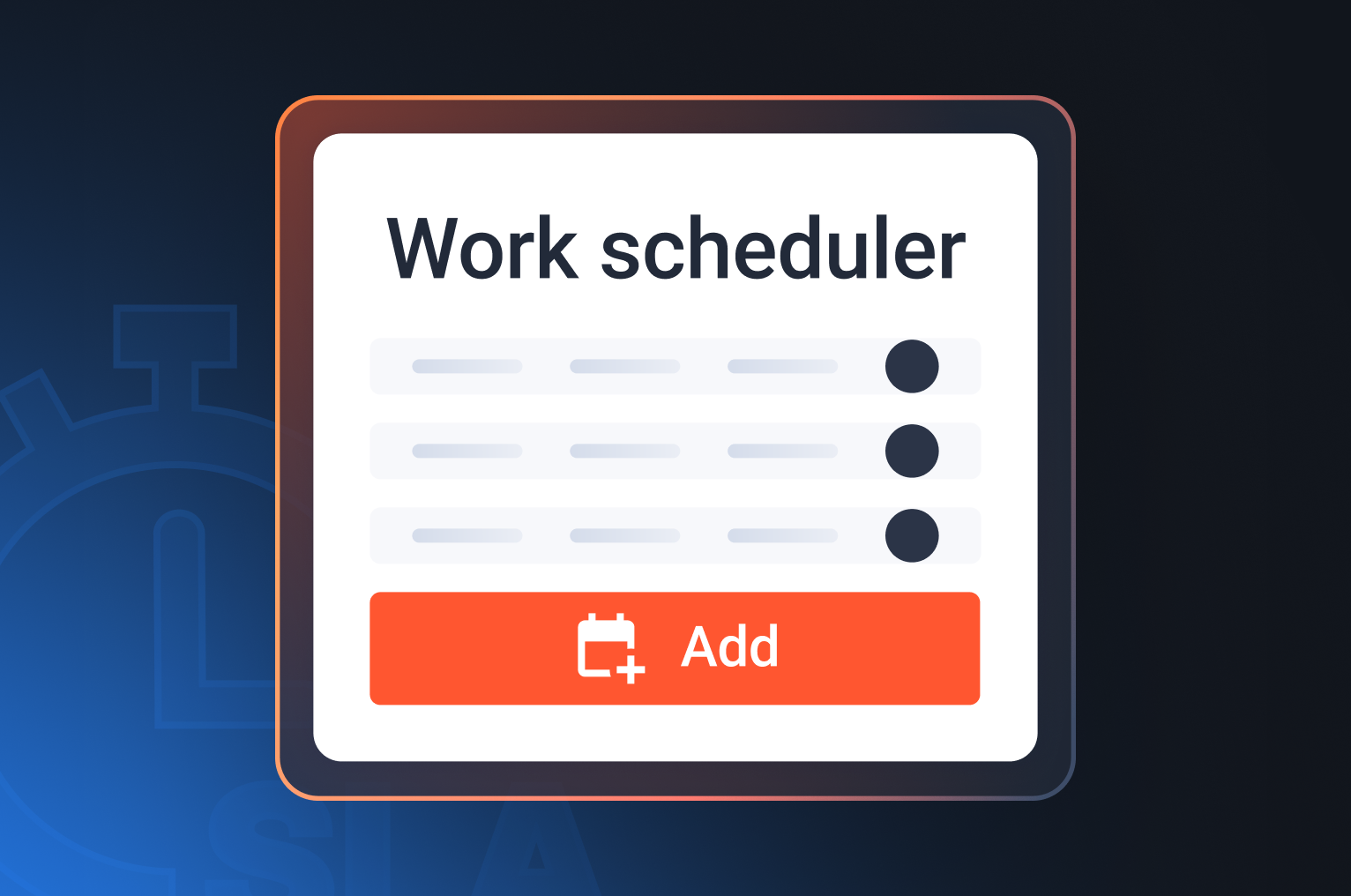
Multi-calendar support plays a critical role for distributed teams. When Dev, QA, and Support work in different time zones or schedules, counting only their actual working hours makes SLA data fair and trustworthy.
Continuous monitoring directly in the issue reduces friction. The SLA timer stays in the working context instead of hidden in queues or dashboards. Urgency becomes obvious without extra meetings or manual follow-ups.
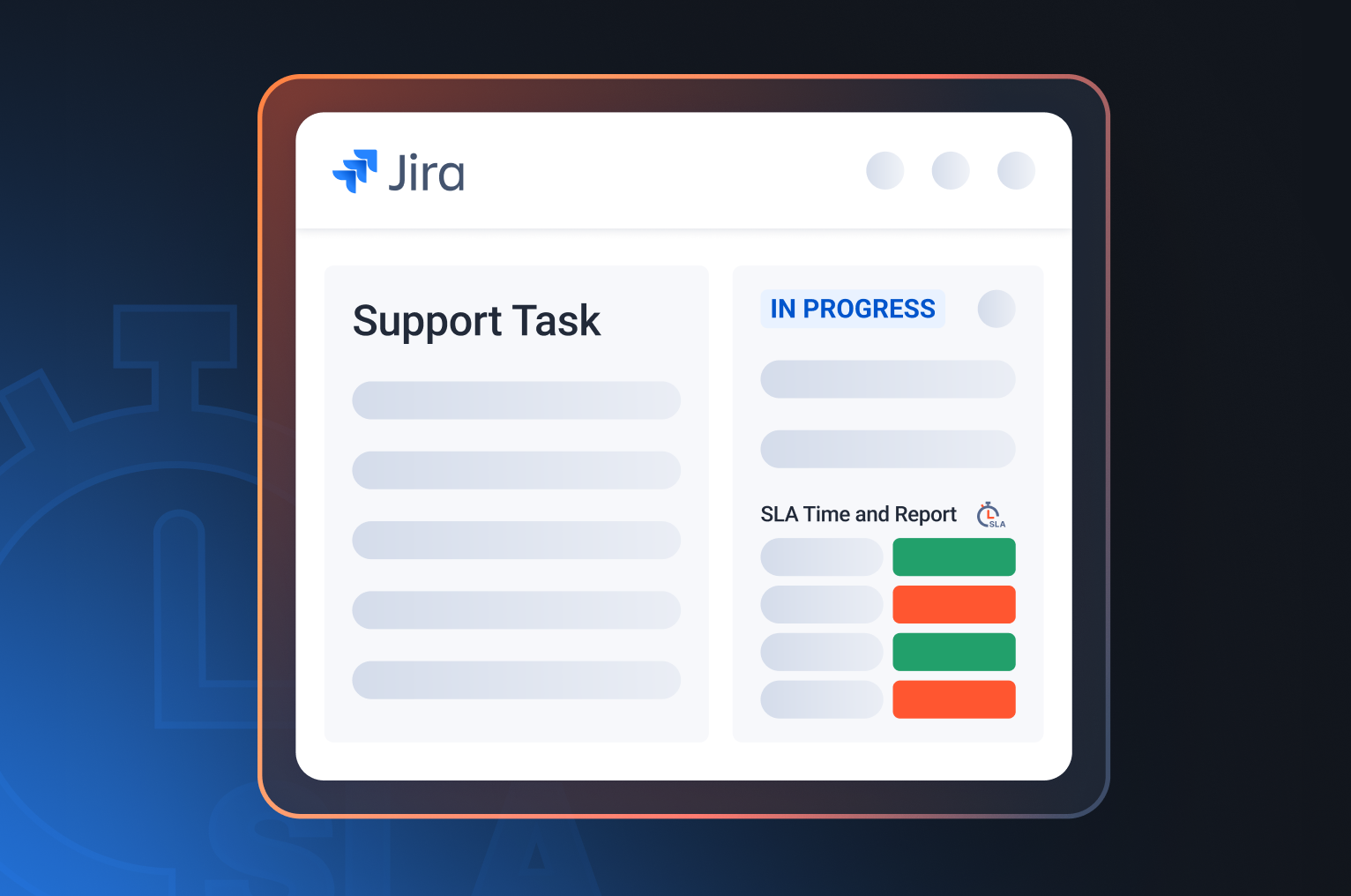
And finally, SLA monitoring and reports shift the conversation. Instead of a binary “met or breached,” teams can see where time was actually spent – in Dev, in QA, or during handoffs. These reports stop being formal KPIs and start driving real process improvements.
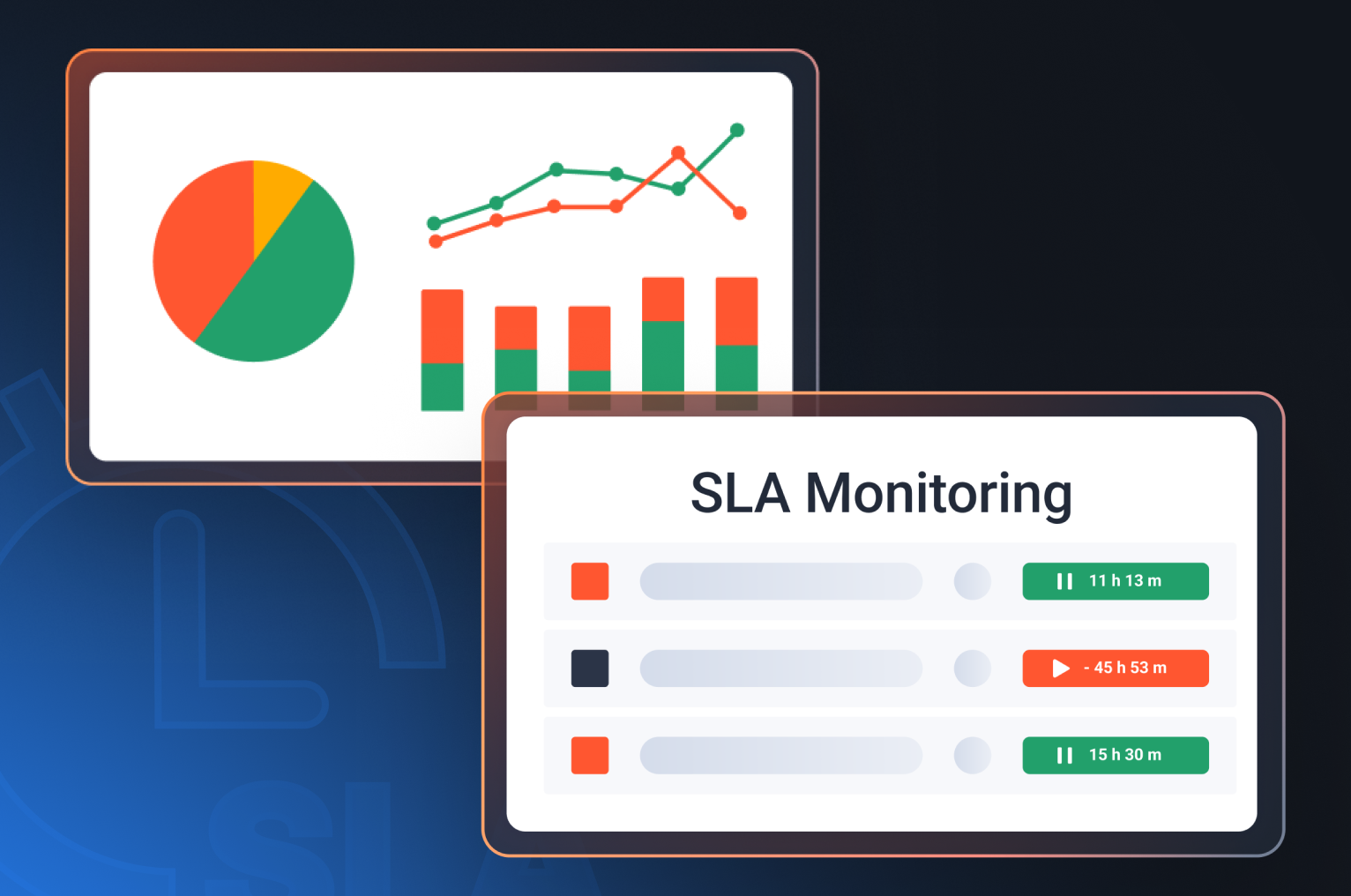
In the end, the app doesn’t change how teams work. It simplifies how they understand and coordinate their time – which is often the missing piece when bugs and incidents cross multiple teams and projects.
Conclusion
Teams don’t ignore SLAs on purpose. They simply don’t realize SLAs can work for them.
When bugs turn into incidents and issues move across Dev, QA, and Support, SLAs can become a shared language – if they measure real work instead of formal states.
That’s when “SLA met” stops being just a good-looking report and starts meaning better outcomes for customers and healthier collaboration between teams.
If you’re not sure how this approach would work for your specific workflow or which SLA setup would actually help your team, you can book a call with our manager. They’ll walk through your Jira setup, help you configure SLAs correctly, and suggest the best way to apply them to your processes.
