On February 25, Atlassian shared that Rovo agents are now part of Jira. You can assign tasks to them, mention them in comments, and add them to workflows. Early results show agent-led automations have increased sevenfold. Companies such as Mercedes-Benz are already using them.
Your CTO is watching closely.
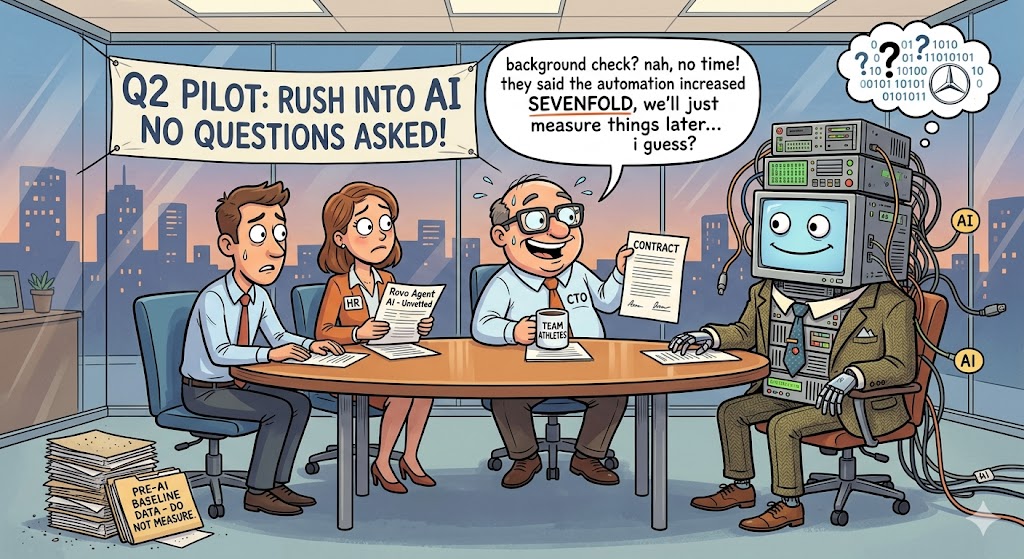
So, somewhere in your company, someone is probably saying, "Let's run a pilot in Q2 and see if it speeds us up."
But here’s what often goes unsaid: if you don’t measure your starting point, you’ll never really know if it worked.
Not just an estimate. Not just a feeling that things are faster. Without real data, you won’t know for sure.
Why most teams skip this step
Setting a baseline can feel like something you do after the fun part. The AI is exciting. The baseline just feels like extra homework.
There's also a rational argument for skipping it: "We'll know it worked because things will obviously be better." And maybe they will be. But "obviously better" tends to dissolve under any reasonable follow-up question. Better for whom? By how much? Compared to what period? Are we actually faster, or did we just stop tracking the slow stuff?
Sooner or later, your CTO will ask for proof that AI is delivering results. This usually happens about 90 days after you launch. By then, you’ll either have clear before-and-after data, or just a guess.
What happens in 90 days without a baseline
You deploy Rovo agents in April. They start handling ticket triage, automating subtask creation, and reviewing PRs. The team feels like things are moving faster. Some people love it. One person is suspicious.
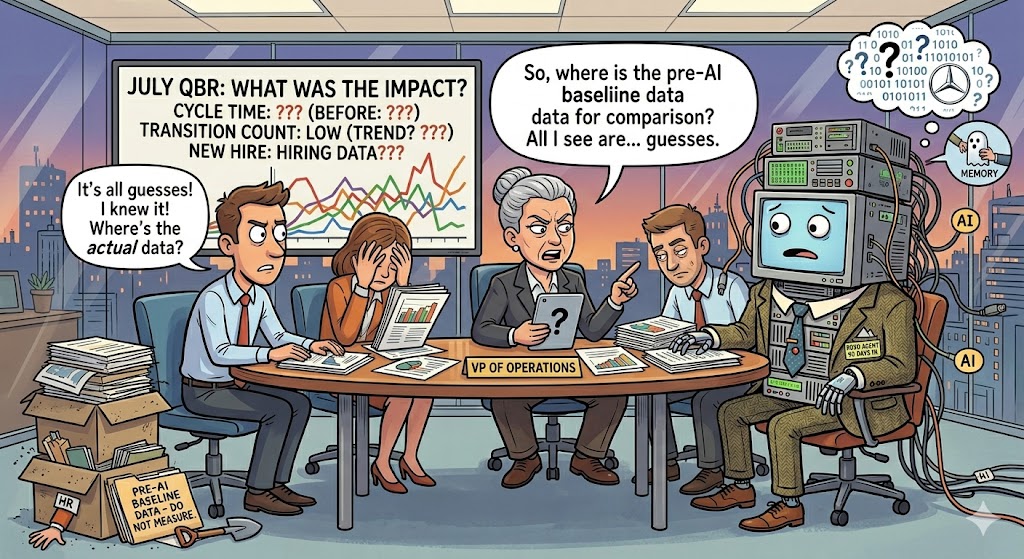
In July, someone (probably a VP, probably in a QBR) asks: "What has the actual impact been?"
You check your current Cycle Time. It’s lower, but you don’t know what it was before. You check Transition Count; it’s down too, but was it already dropping before the agents? You look at Assignee Time distribution. It looks better, but is that because of the agents or the new team member you hired in March?
If you don’t have a documented pre-AI baseline, you’re not really analyzing—you’re digging through the past, trying to remember how things were. And memory isn’t reliable for this.
The 3-report baseline (takes about 20 minutes to set up)
You only need three numbers. No need for a full analytics overhaul. Just these three will show you, in 90 days, if your workflow really got better.
1. Cycle Time — the delivery speed baseline
How to get it: Open Time in Status → Average Time report → filter by your main project(s) → set the date range to the last 13 sprints (roughly one quarter of history).
What matters is the trend, not just one number. Is your cycle time steady, getting better, or slowly getting worse? Write down the current average and how much it changes from sprint to sprint. If the numbers jump around a lot, that’s a problem too. AI agents should help make things more consistent, not just faster.
What to record:
- Average Cycle Time today (in working days — make sure you have a proper Work Calendar set up excluding weekends)
- The sprint-over-sprint variance (roughly: how different is your best sprint from your worst?)

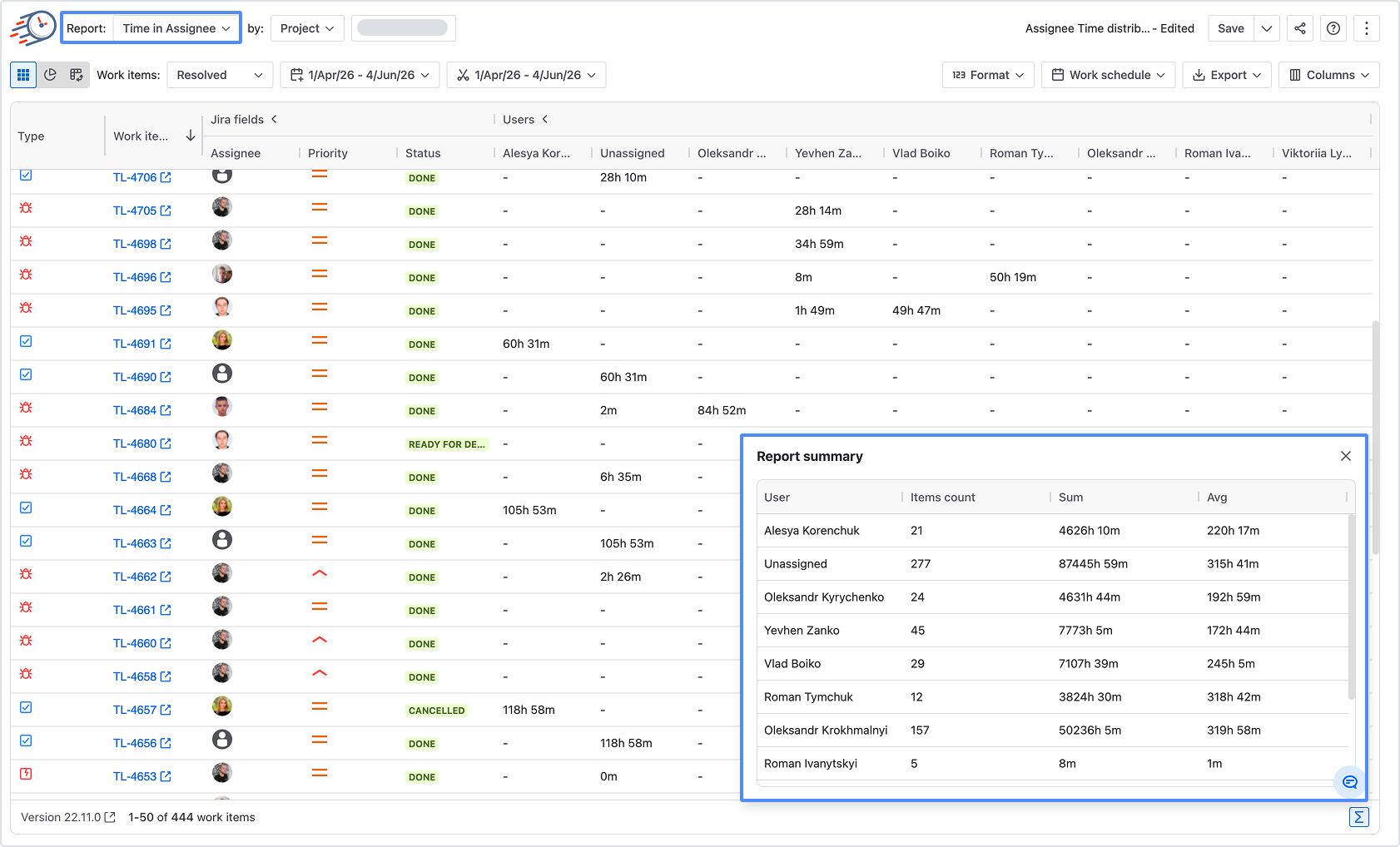
2. Time in Assignee distribution — the workload balance baseline
How to get it: Average Time report→ switch to Assignee Time → same date range.
This one matters because AI agents are supposed to redistribute load. If one developer is currently handling 40% of the sprint's Assignee Time, a well-deployed agent should flatten that distribution. But you need to document the starting concentration.
What to record:
- Current distribution (is it roughly even, or is one person carrying the team?)
- The range from highest to lowest assignee time within a typical sprint
3. Transition Count — the rework rate baseline
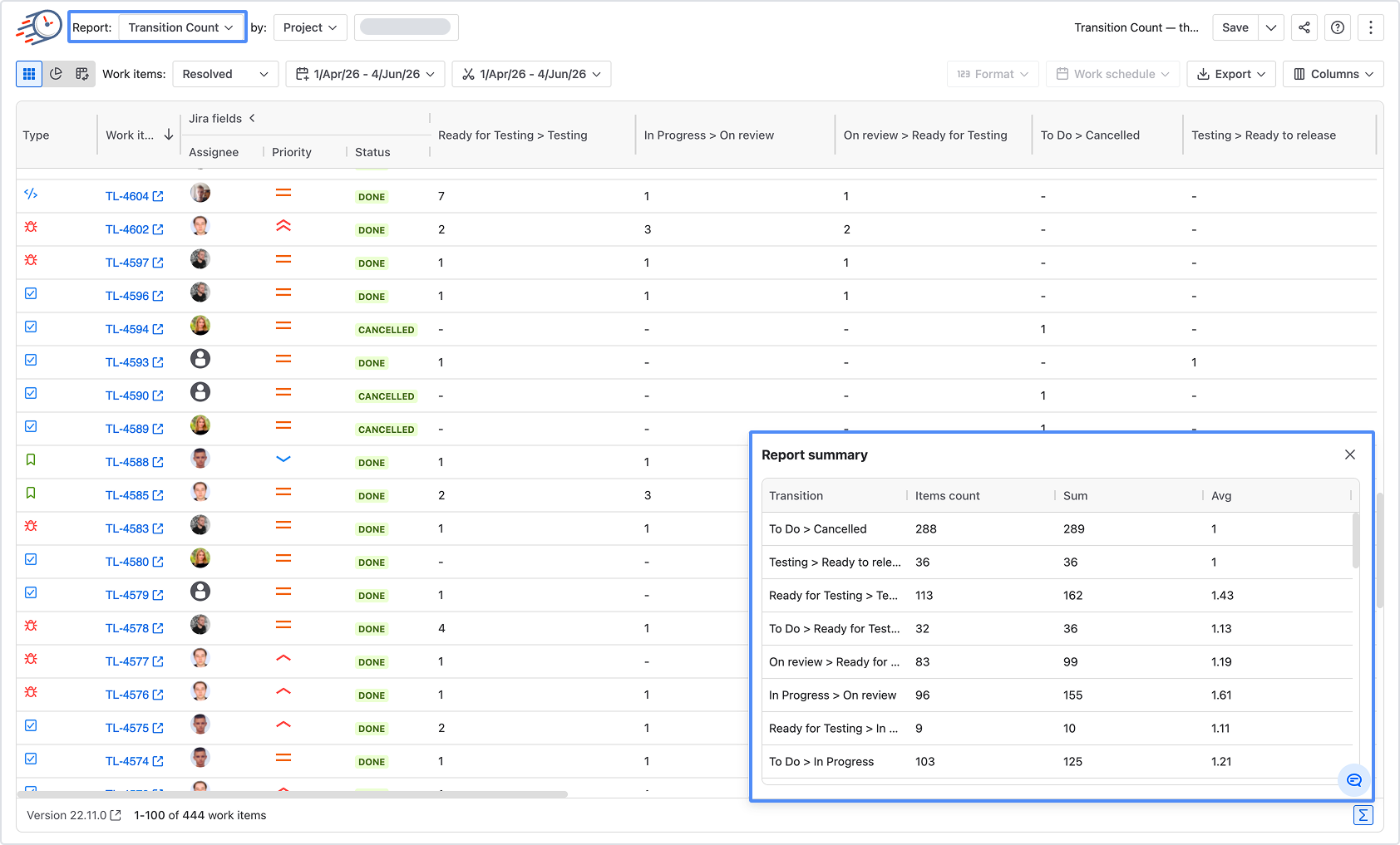
How to get it: Transition Count report → same filter → look at the average number of transitions per issue.
AI agents should help cut down on rework—fewer incomplete handoffs, clearer requirements, and better specs before development starts. Transition Count helps you check this. If the number is high (over 4 or 5 per issue), it means issues are bouncing around before they’re finished. If it drops after you deploy agents, it shows they’re really improving the process.
What to record:
- Average transitions per issue today
- Which issue types or statuses are generating the most backward moves
Now save it so you don't have to rebuild it in July
This step takes just two minutes now and can save you two hours later.
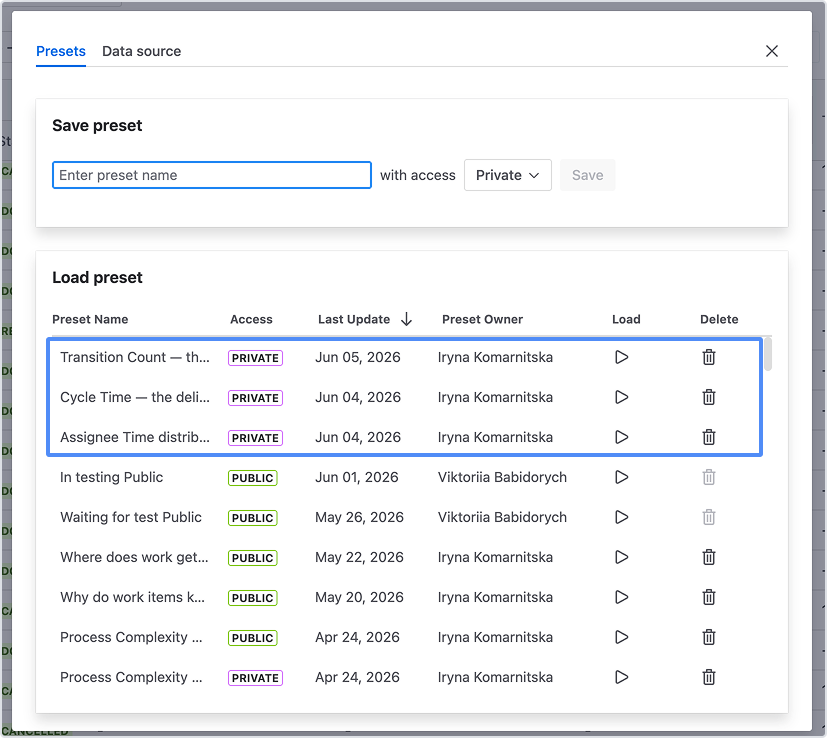
In Time in Status, configure the three reports above with your exact filters, date ranges, and calendar settings. Then go to Save & Load → save each configuration as a named Preset: "Baseline — Cycle Time", "Baseline — Assignee Load", "Baseline — Rework Rate".
In 90 days, just run the same three presets, update the date range to after deployment, and you’ll have a clear comparison. No need to rebuild reports or debate which filters to use. The logic stays the same, only the time frame changes.
If you want to take it a step further, export each report to Excel using Decimal Days format (not DaysHoursMinutes, since Excel needs numbers to calculate). Save them in a folder with today’s date. That way, you have a clear record.
When to re-measure — and what you're actually looking for
The 90-day mark, or one quarter after deployment, is the minimum you need. Two sprints of data isn’t enough to see real trends. Eight sprints gives you a much clearer picture.
At 90 days, re-run the same three reports against the post-deployment period and compare:
|
Metric
|
What improvement looks like
|
What stagnation looks like
|
|
Cycle Time
|
Down 10–20%, variance also narrower
|
Down slightly, but variance is unchanged
|
|
Assignee Time
|
More even distribution across the team
|
Still concentrated in 1–2 people
|
|
Transition Count
|
Fewer backward moves, especially in early stages
|
Same or higher (agents adding steps, not removing them)
|
One thing to keep in mind: these metrics can change for reasons other than AI agents, like team changes, new project types, or changes in sprint scope. That’s why you should also note any big non-AI changes during the same period, such as new hires, process updates, or major releases. The baseline isn’t perfect, but it helps keep the conversation honest.
The window is closing
If you’ve already started using Rovo agents, even just a little, you can still set a baseline for the next rollout phase. But every sprint you skip makes it harder to measure progress later.
Soon, someone will ask, "Did AI actually make us faster?" Whether you answer with data or just a gut feeling depends on what you set up—or don’t—this week.
Time in Status turns your existing Jira workflow history into the three baseline metrics above — no manual exports, no spreadsheet gymnastics. Set up your baseline before the next sprint starts → trial on Atlassian Marketplace
