Community resources
Community resources
Community resources
5 Confluence pages that work better with an inline diagram (and what to draw on each)
Hi App Central 👋
Earlier this week we introduced diagram.now. This time, something more practical: the five Confluence page types where diagrams pull the most weight — and a simple recipe for what to draw on each, whatever diagramming tool your team uses.
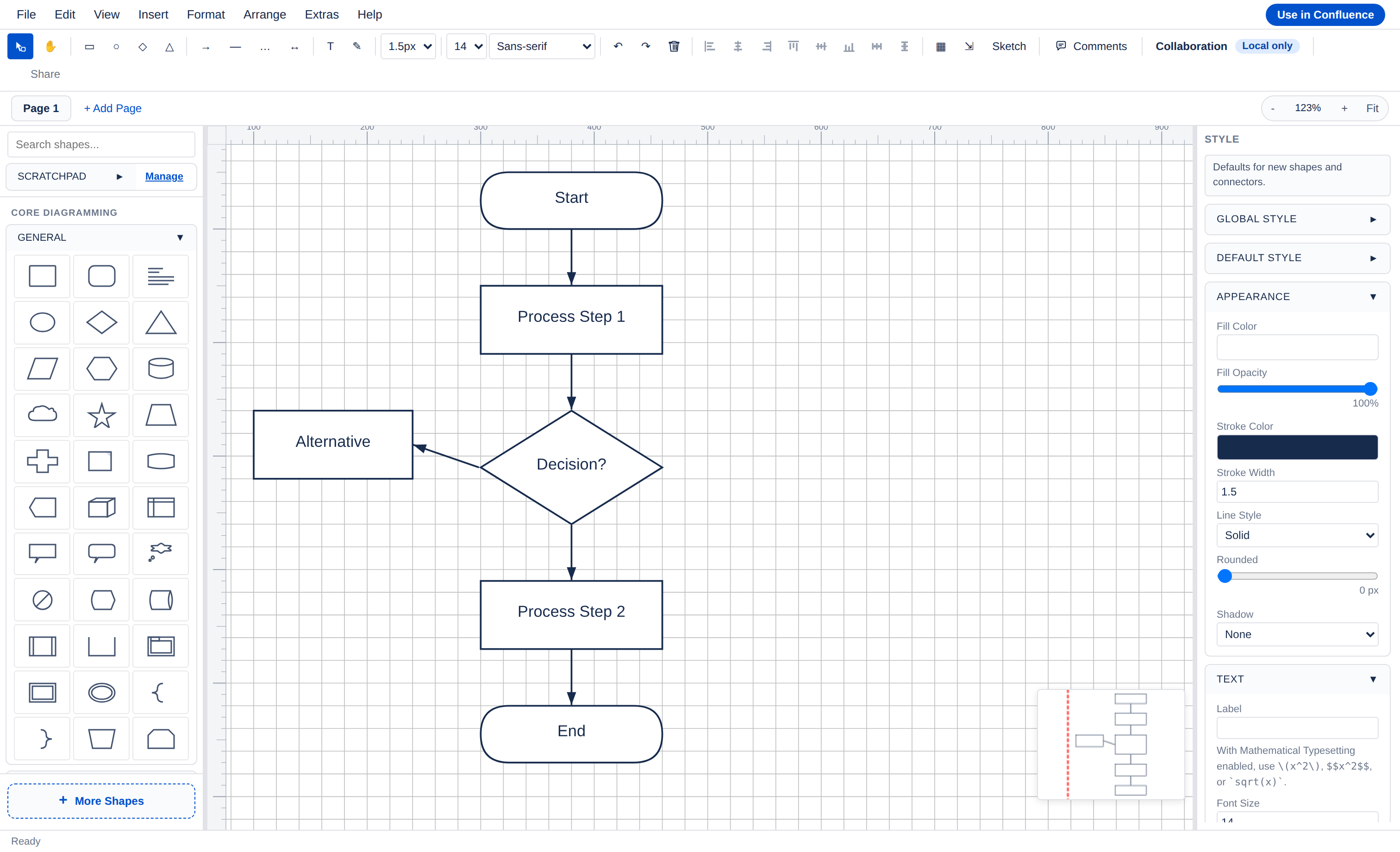
A pattern we keep seeing: the pages teams trust most are the ones where the visual explanation sits next to the words and stays editable. When the diagram is a static export from another tool, the text gets updated and the picture quietly falls behind.
1. Architecture decision records (ADRs)
What to draw: a small "current state → proposed state" pair — two boxes-and-arrows views showing only the services the decision touches.
- Limit each view to 5–8 nodes: the decision's blast radius, not the whole platform.
- Label arrows with the interaction ("reads", "publishes", "authenticates via"), not just lines.
- When the decision is accepted, the "proposed" view becomes the new "current" in your next ADR.
Tip: one diagram per question. A focused view beats an "everything diagram" nobody dares edit.
2. Incident and support runbooks
What to draw: a decision-tree flowchart — "what to check next."
- One clear start node ("Alert X fires", "Customer reports Y").
- Keep decisions binary where possible and label branches with outcomes ("healthy / degraded", "yes / no").
- End every path in an action box: escalate to…, roll back…, close with….
Tip: at the next incident review, walk the diagram and fix the branch that didn't match reality. That's the moment runbook diagrams either get updated or die.
3. Product specs
What to draw: the user flow first, wireframes second.
- Map request → steps → success in 5–7 nodes before any UI detail.
- Add one wireframe per genuinely new screen; skip screens that already exist.
- Put the flow at the top of the spec so reviewers see the shape of the feature before the edge cases.
4. Data model and migration pages
What to draw: an ERD scoped to the feature.
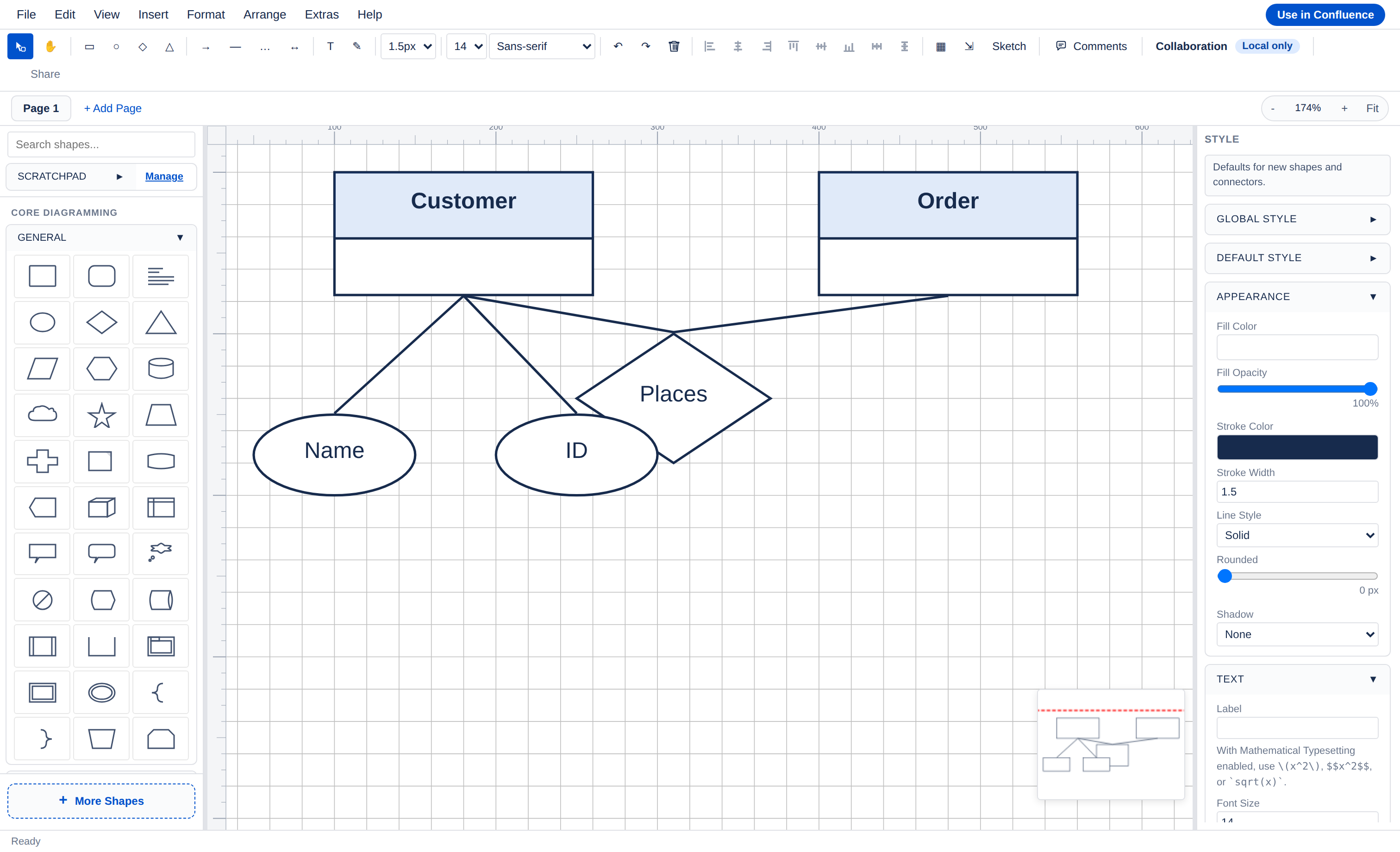
- Start with the 4–6 entities the change touches, with keys and the relationships that matter.
- Mark cardinality on the lines (1:1, 1:N, N:M) — that's where most review comments land.
- Keep the ERD on the same page as the migration plan, so schema review and rollout review happen together.
5. Onboarding / "how our system works" pages
What to draw: one cloud architecture overview (AWS/Azure/GCP icons help recognition) plus a mind map of who owns what.
- The architecture view should answer "what talks to what" at the level a new joiner needs in week one.
- Branch the mind map by team/service ownership — it doubles as a "who to ask" directory.
- Re-walk the page quarterly; onboarding pages drift fastest.
Doing this with diagram.now
All five patterns work in any tool — they're just easiest to keep alive when the diagram is editable inside the page itself. That's what we built diagram.now for: a Forge-native diagram editor for Confluence Cloud covering flowcharts, UML, BPMN, ERD, mind maps, AWS/Azure/GCP architecture diagrams, and wireframes, created and edited inline so updating the visual is part of editing the page.
Marketplace: diagram.now on Atlassian Marketplace
Over to you
Which page type is hardest for your team to keep visually up to date — and is there a diagram type you wish behaved better inside Confluence? Genuinely curious; it shapes what we build next.
Was this helpful?
Thanks!

Ron Votazz
0 comments