Hi,
I'm trying to assign my New Custom Permission Scheme to my Project but I can not find where should I do it. I've read the documentation but there is a missed point on it.
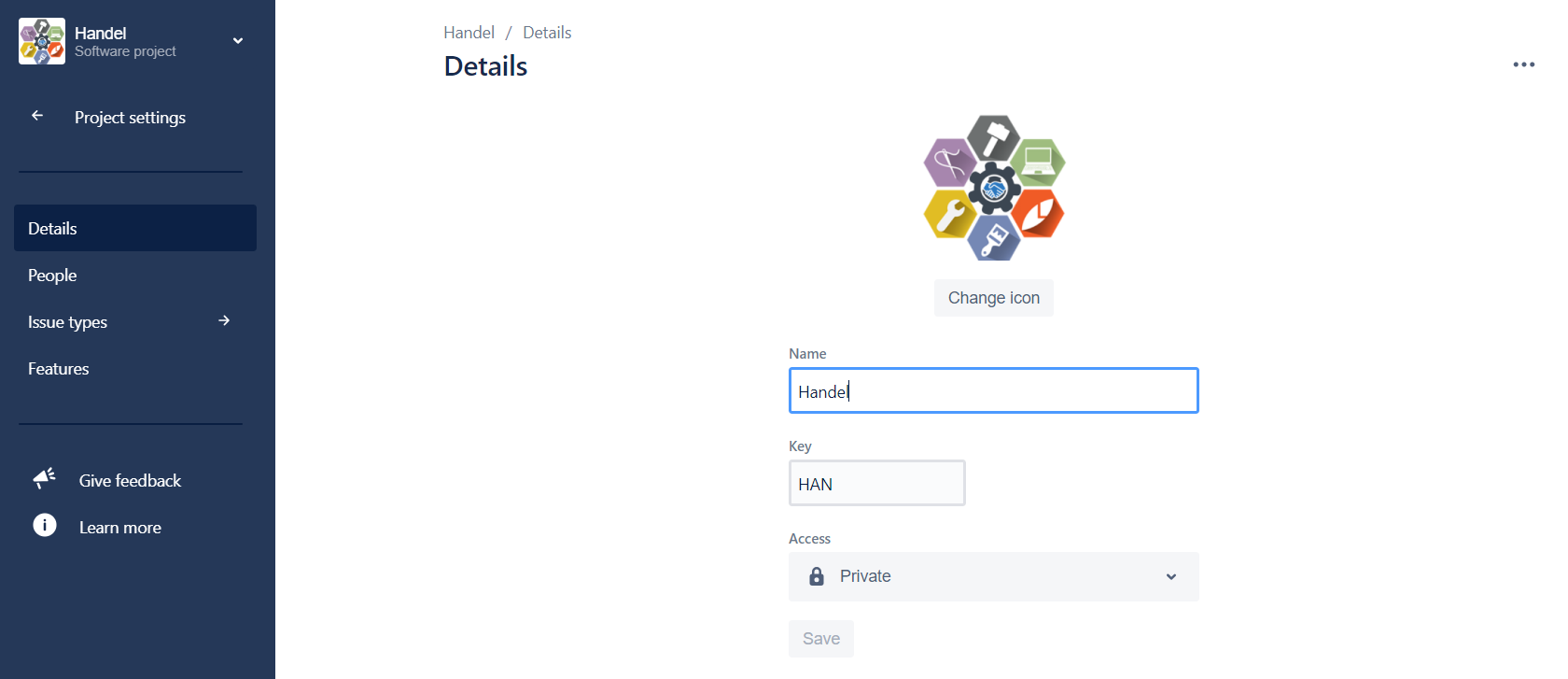
As you can see on the documentation, the point 4 says "Select Permissions..." but as you can see on the image there is not an access to "Permissions".
What I'm doing wrong? please your help!
Associating a permission scheme with a project
- Choose the Jira icon (
 ,
,  ,
,  ,
,  or
or  ) > Projects.
 - Search for and select the project you want to change permissions for.
- Select Settings to view the project's settings.
- Select Permissions from the sidebar. This displays the current permissions scheme.
- Click the Actions dropdown menu and choose Use a different scheme.
- On the Associate Permission Scheme to Project page, select the permission scheme you want to associate with the project.
- Click the Associate button to associate the project with the permission scheme