I have about one week searching how to enable "close" and "delete" issues in my projects, without results.
I can't add a Permission scheme to my project.
I'm following this steps (https://confluence.atlassian.com/adminjiracloud/managing-project-permissions-776636362.html):
- Choose the Jira icon (
 ,
,  ,
,  , or
, or  ) > Projects.
 - Select the project of interest to open the Project Summary administration page for that project. See Configuring projects for more information.
- On the lower right, in the Permissions section, click the name of the current scheme (e.g. 'Default Permission Scheme') to display the details of the project's current permission scheme.
- Click the 'Actions' dropdown menu and choose 'Use a different scheme'.
- On the 'Associate Permission Scheme to Project' page, which lists all available permission schemes, select the permission scheme you want to associate with the project.
- Click the 'Associate' button to associate the project with the permission scheme.
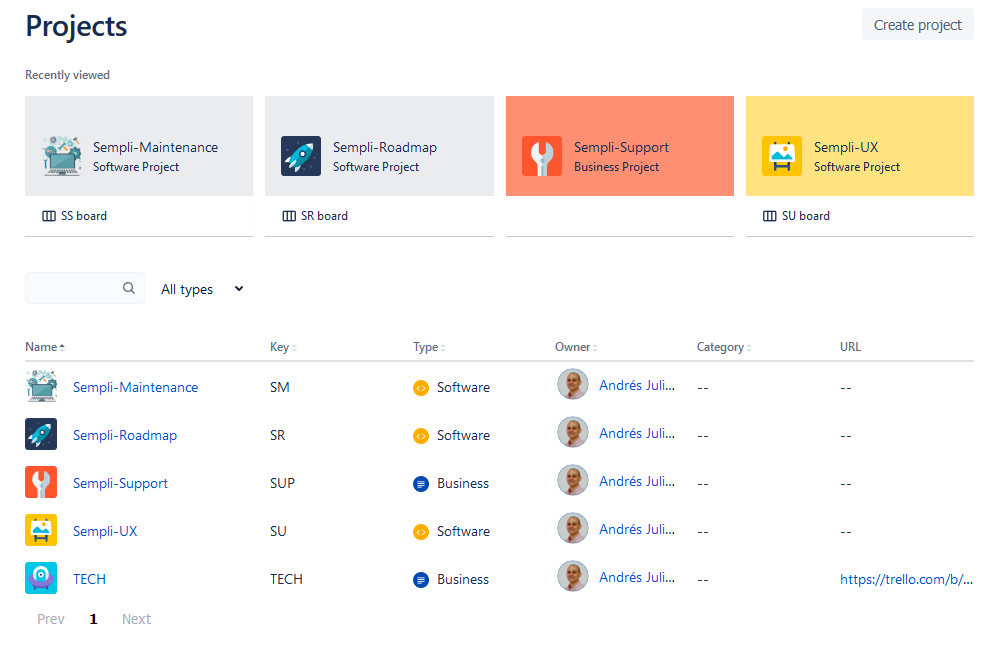
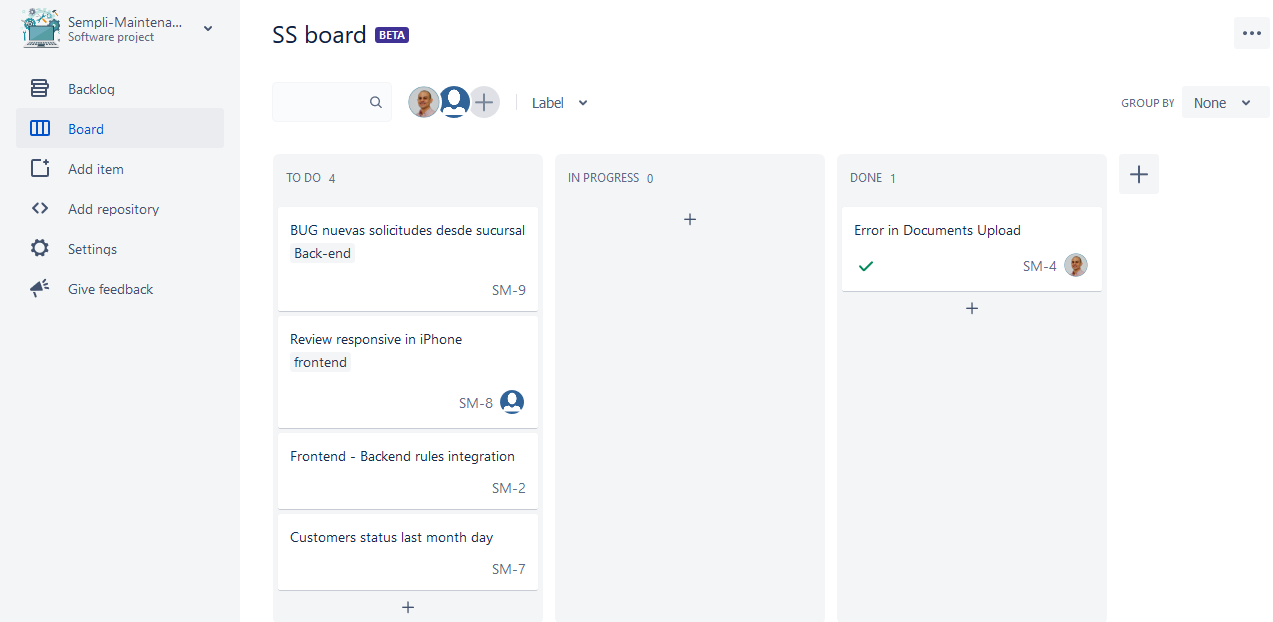
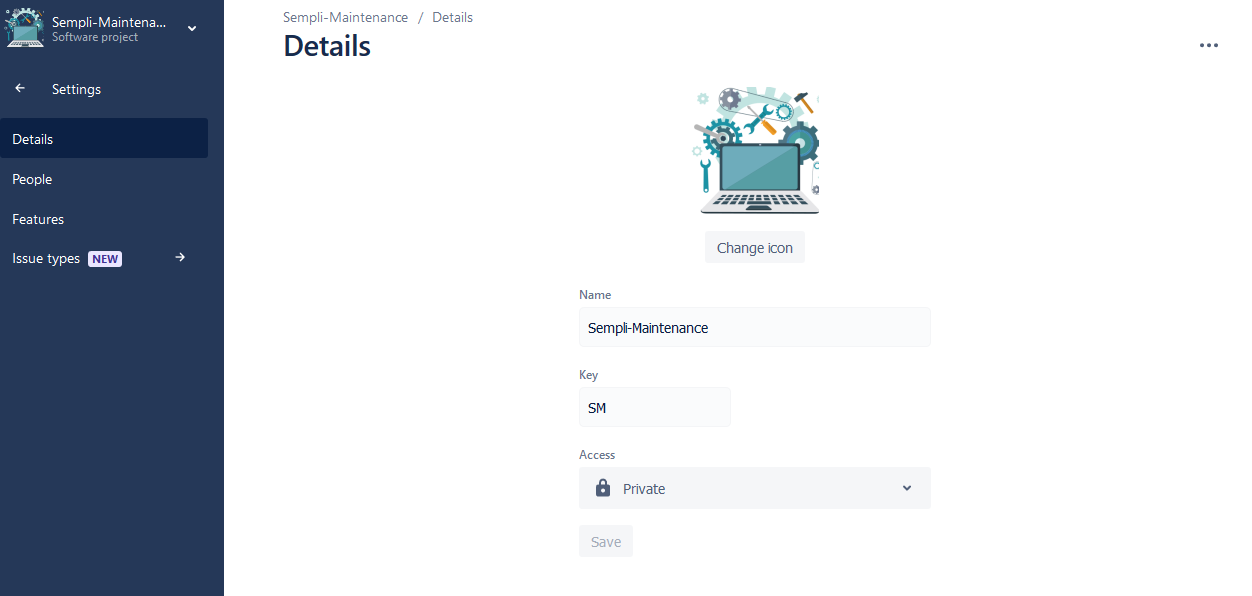
But I can't see "Project Summary" option, I'm redirected directy to the board.
I attach some images abou my screen:
Can anyone help me?
Thanks


