Hello,
I’m a product manager with Confluence Cloud and I wanted to let the Community know of some exciting improvements to how you create and edit in Confluence.
We're rolling these changes out gradually, so for now you'll only see them when creating a new blog post. This should appear on your site in the coming weeks, if it hasn't already.
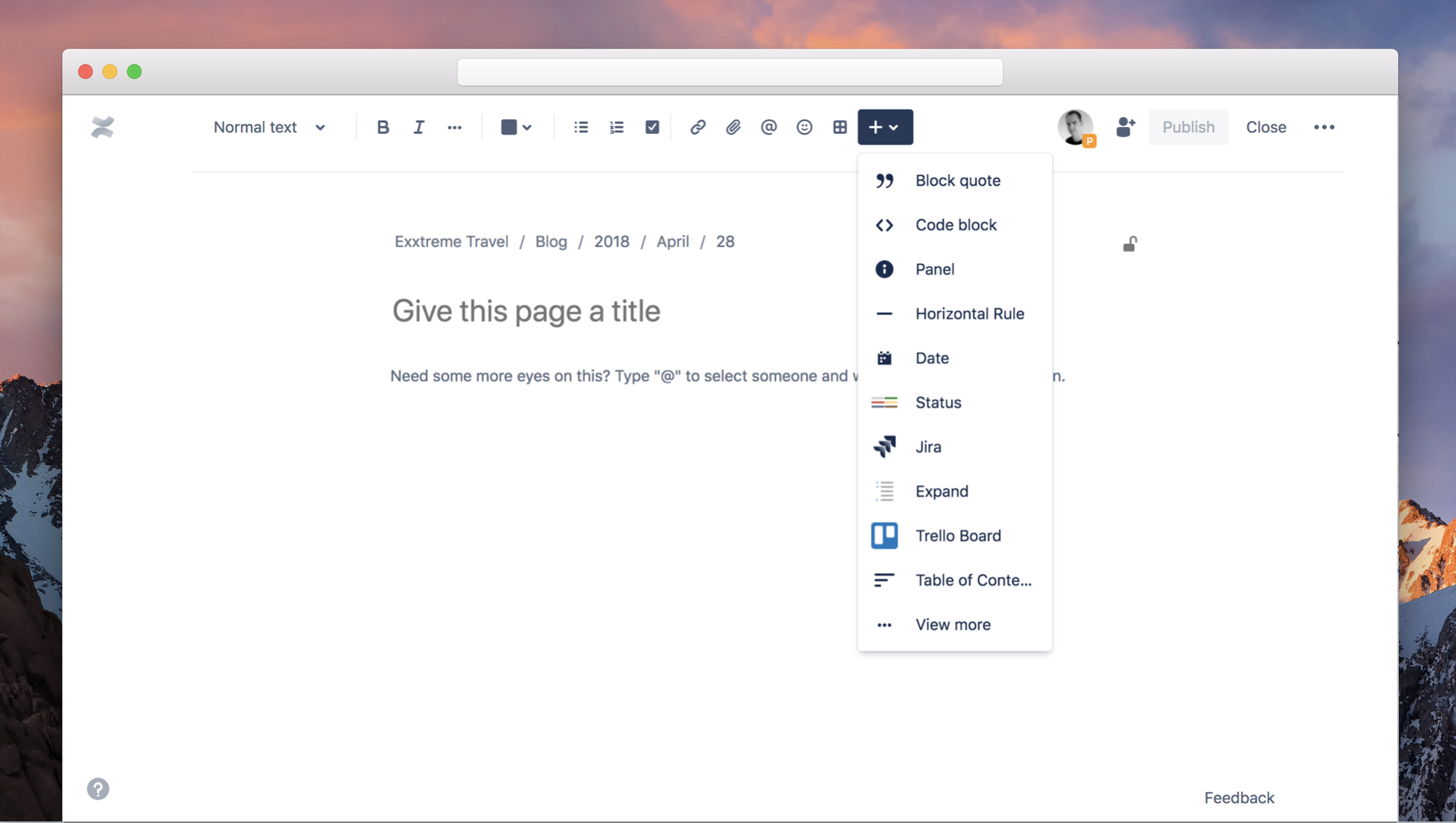
Some highlights:
- Improved typography, to provide a more readable line length. No more w i d e text on large monitors.
- We've added some great new image controls, so you can now easily wrap text around images to the left or right, or even go wide with banner images.
- Add 🌶to your page with emoji. Hundreds available, but you can even upload your own.
- Have a bunch of text in markdown? Just paste it on the page and it'll automatically convert to rich text.
- Need to include code? Code is now available in the plus menu. We'll even detect code on paste, and create a code block for you.
We've also focused - importantly - on increasing reliability, stability, and speed.
We'll be continuing to roll out further improvements, but there's enough great stuff that we wanted to start getting it into your hands. Our documentation has more details about exciting things to come as well as a list of changes that have already been made.
There are a few notable things missing that we're working on, including:
- Pasting links to Confluence pages don't auto set the title
- Text alignment and indentation
- Multi-column layouts
- Setting your image size in pixels
We'd love to know what you think! Click the "Feedback" link in the bottom right corner of the editor.


