Hello Community and community members,
I'm experiencing an issue with Jira Cloud where the application doesn't load properly.
Environment
Jira Cloud
Browser: Google Chrome (Latest)
OS: Windows 11
Issue started recently
Problem:
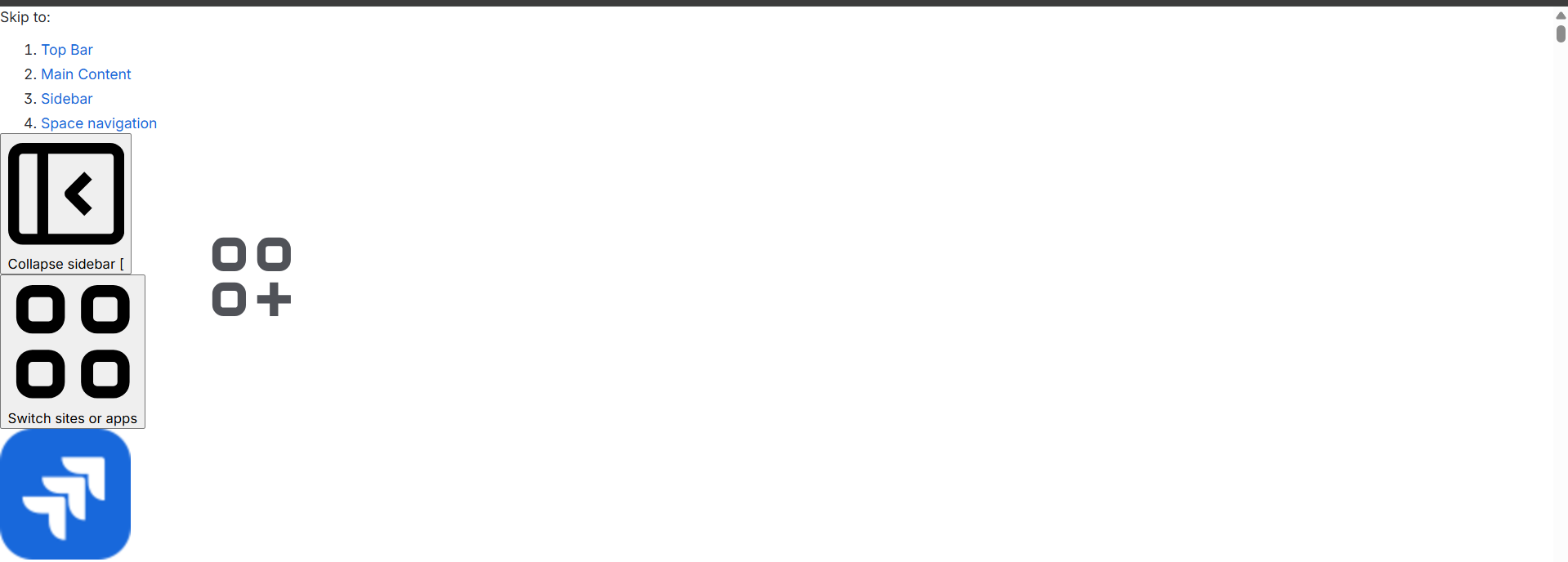
When I open my Jira project, the page loads only partially.
What I can see:
"Skip to" accessibility links
Left sidebar icons
Atlassian logo
Collapse sidebar button
However, the entire main content area remains blank, and none of the project pages or issues load.
I've attached a screenshot below.
Troubleshooting already attempted
Hard refresh (Ctrl + Shift + R)
Cleared browser cache and cookies
Opened in Incognito mode
Disabled browser extensions
Tried another browser
Logged out and logged back in
Checked internet connection
Unfortunately, the issue still persists.
Has anyone encountered this issue before?
Could this be related to cached JavaScript, browser extensions, or Atlassian services?
Are there any browser console errors or network requests I should specifically look for?
Is there any recommended troubleshooting before contacting Atlassian Support?
Any suggestions would be greatly appreciated.
Thank you!

