Recently I'm struggling with the new UI in Jira, some of the actions and information are not displayed on the screen, and I need to zoom out on my browser to be able to reach the action and Information that I need with a 50% zoom out which is making the information not readable.
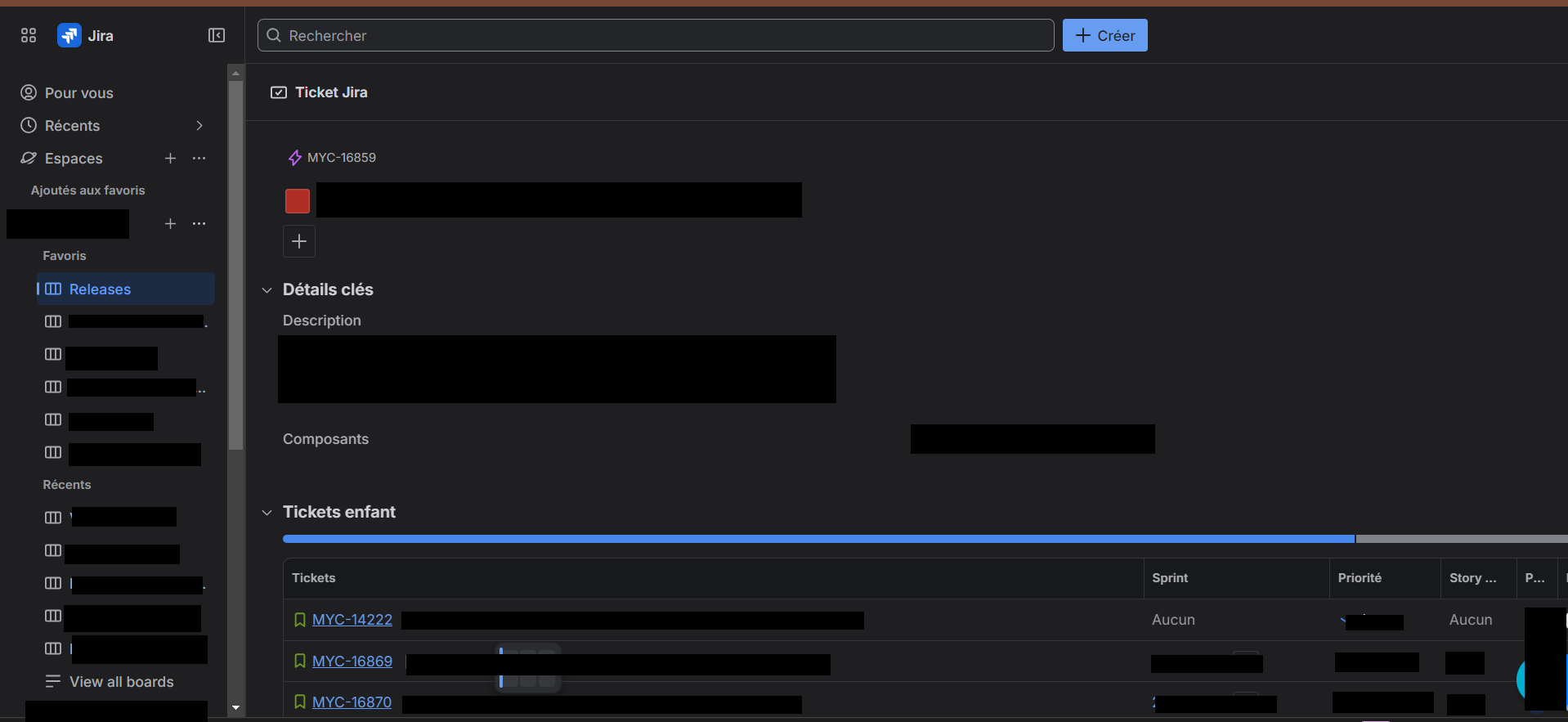
This is the display I have when I open an epic ticket, I can't see all the columns on the table on the bottom and there is no horizontal scroll bar. The right panel is not visible at all and no way to access to it :
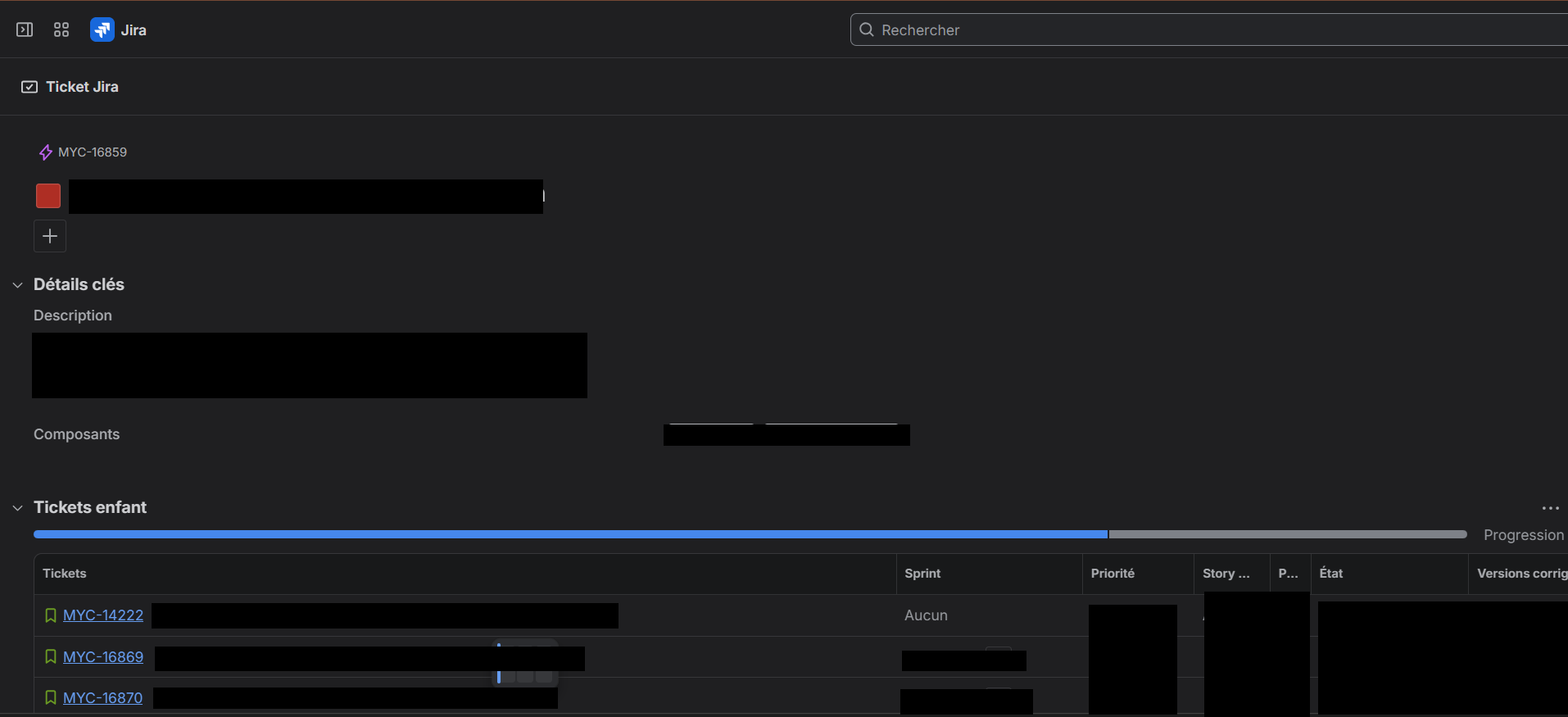
Here I closed the navigation bar to be able to see more columns on the table but still not able to see the right panel. I can't change the status of the Epic or add some metadata on the epic.
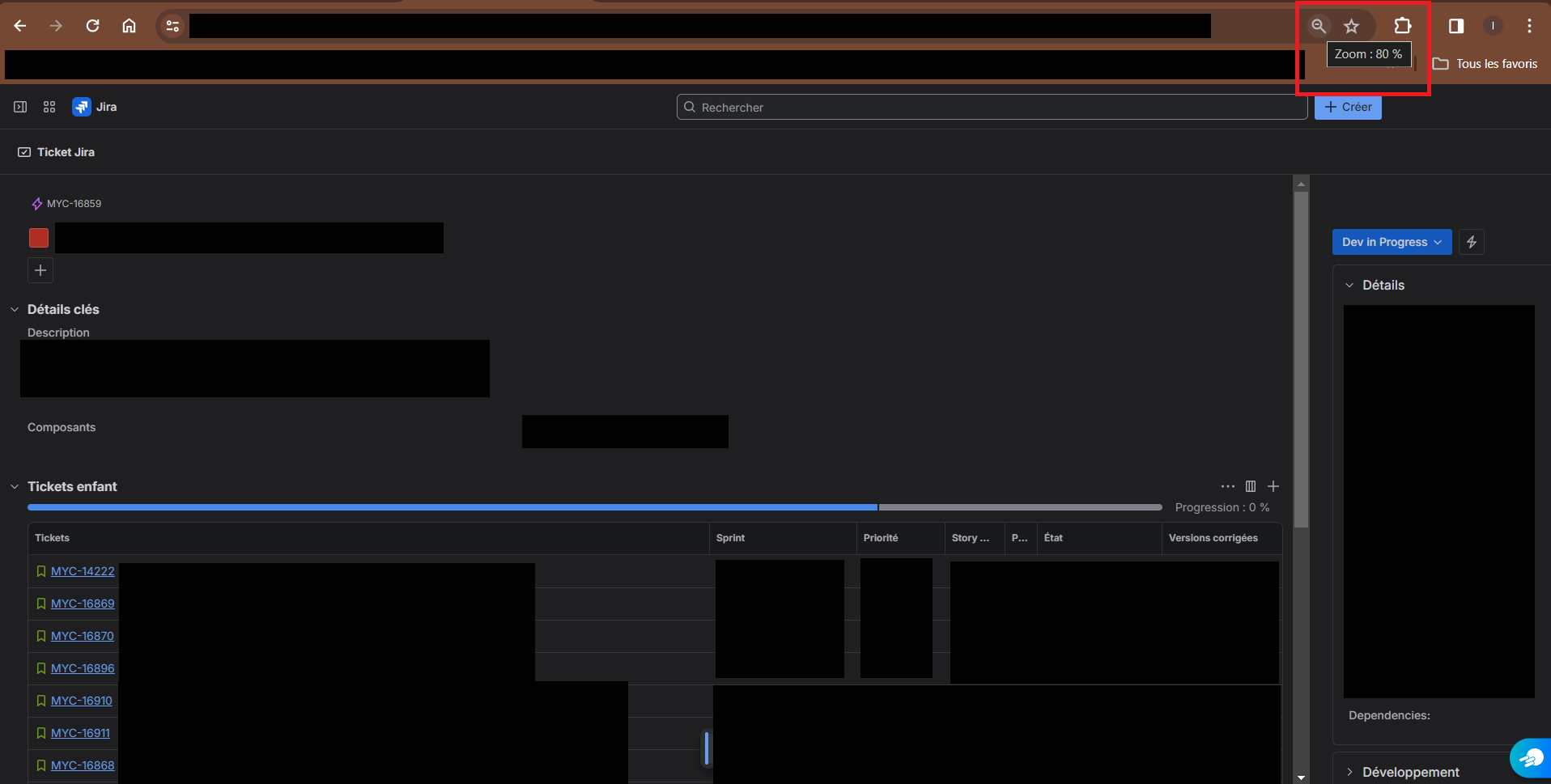
Here I made a 80% zoom out to be able to reach the right panel :
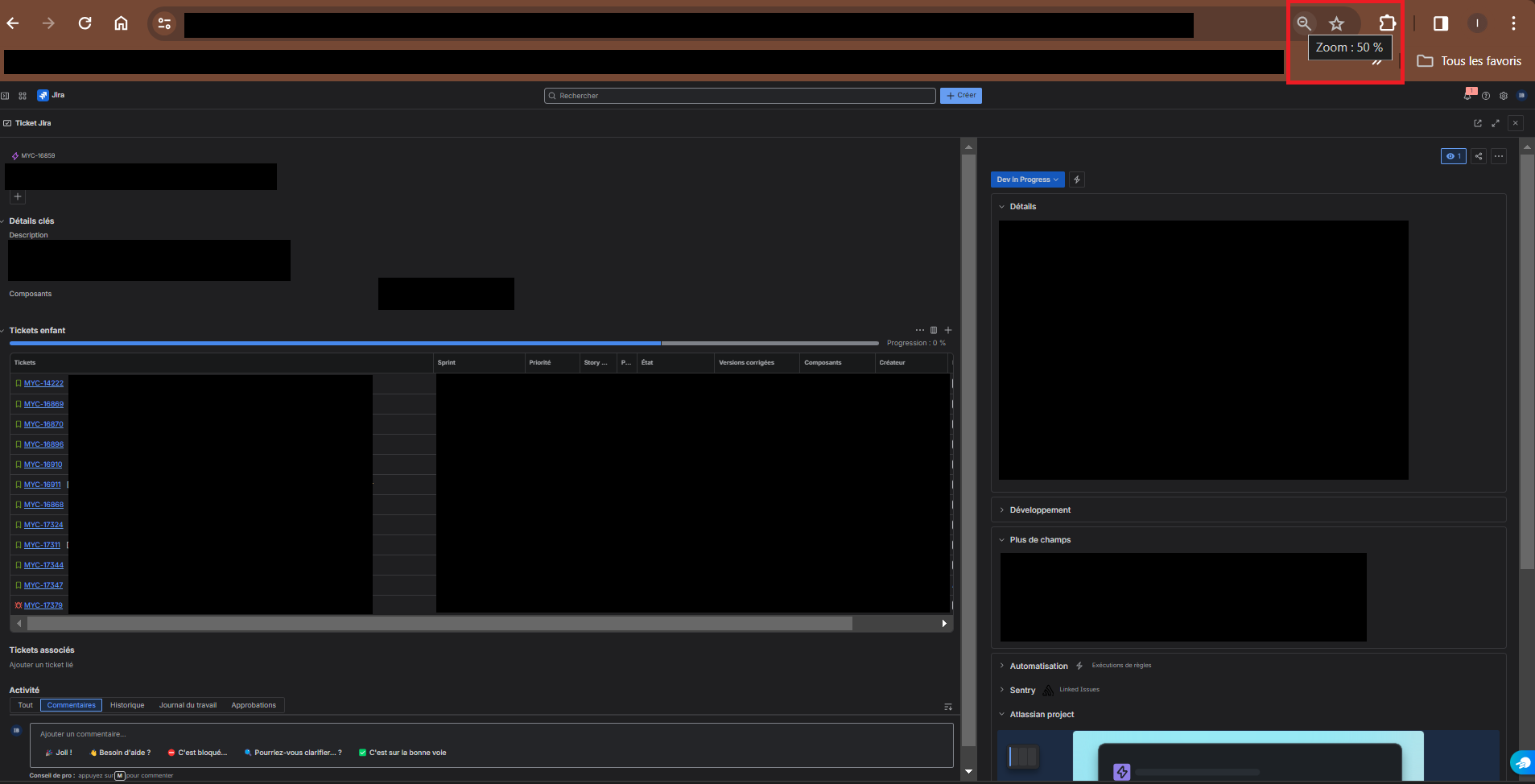
and to be able to have a global view I need to have a 50% zoom out on my browser, but at this level I can't read any details...
Is someone facing the same issue ? were you able to find a solution to improve that ? It is really annoying and making the experience a bit complicated.
Thanks

