In fast-growing organizations, transparency inside collaboration tools becomes critical. Teams using Jira rely on it to manage projects, track development, handle service requests, and coordinate work across departments.
But one important question often arises:
👉 Who changed what in Jira — and when?
Whether you’re investigating an issue change, monitoring security activity, or preparing for compliance audits, having a complete Jira user activity log can make the difference between quick answers and hours of investigation.
In this guide you’ll learn:
- 🔎 How to track user activity in Jira
- ⚙️ Why native Jira logs are often limited
- 🛠️ How apps like User Activity Audit Log by Twinit provide full system visibility across Jira and Confluence
🚨 Why Tracking User Activity in Jira Is Important
Jira environments often involve hundreds or thousands of users interacting with projects daily.
Developers update issues. Managers change priorities. Support agents add comments. Administrators adjust configurations.
Without monitoring, it becomes difficult to answer key operational questions:
- ❓ Who changed the issue status?
- ❓ Who deleted a comment?
- ❓ When was the project configuration modified?
- ❓ Which user edited a workflow?
- ❓ What actions happened during a security incident?
Tracking activity provides several important benefits:
🔎 Transparency and Accountability
Admins can instantly identify who made a change and when.
⚡ Faster Troubleshooting
Activity logs reveal exactly what caused a problem.
🔐 Security Monitoring
Logs help detect suspicious or unauthorized behavior.
📋 Compliance and Audit Readiness
Many companies must keep activity history for regulations like:
- ISO compliance
- SOC2 audits
- internal governance policies
📜 Does Jira Have an Audit Log?
Yes — Jira includes a native audit log feature.
However, the built-in audit log has several limitations:
- ⚠️ limited filtering capabilities
- ⚠️ incomplete issue-level tracking
- ⚠️ restricted search functionality
- ⚠️ limited reporting and export options
For organizations with complex Jira environments, the native log often does not provide enough visibility.
That’s why many teams install specialized Atlassian Marketplace apps designed for deeper activity monitoring.
🧠 What Is User Activity Audit Log for Jira?
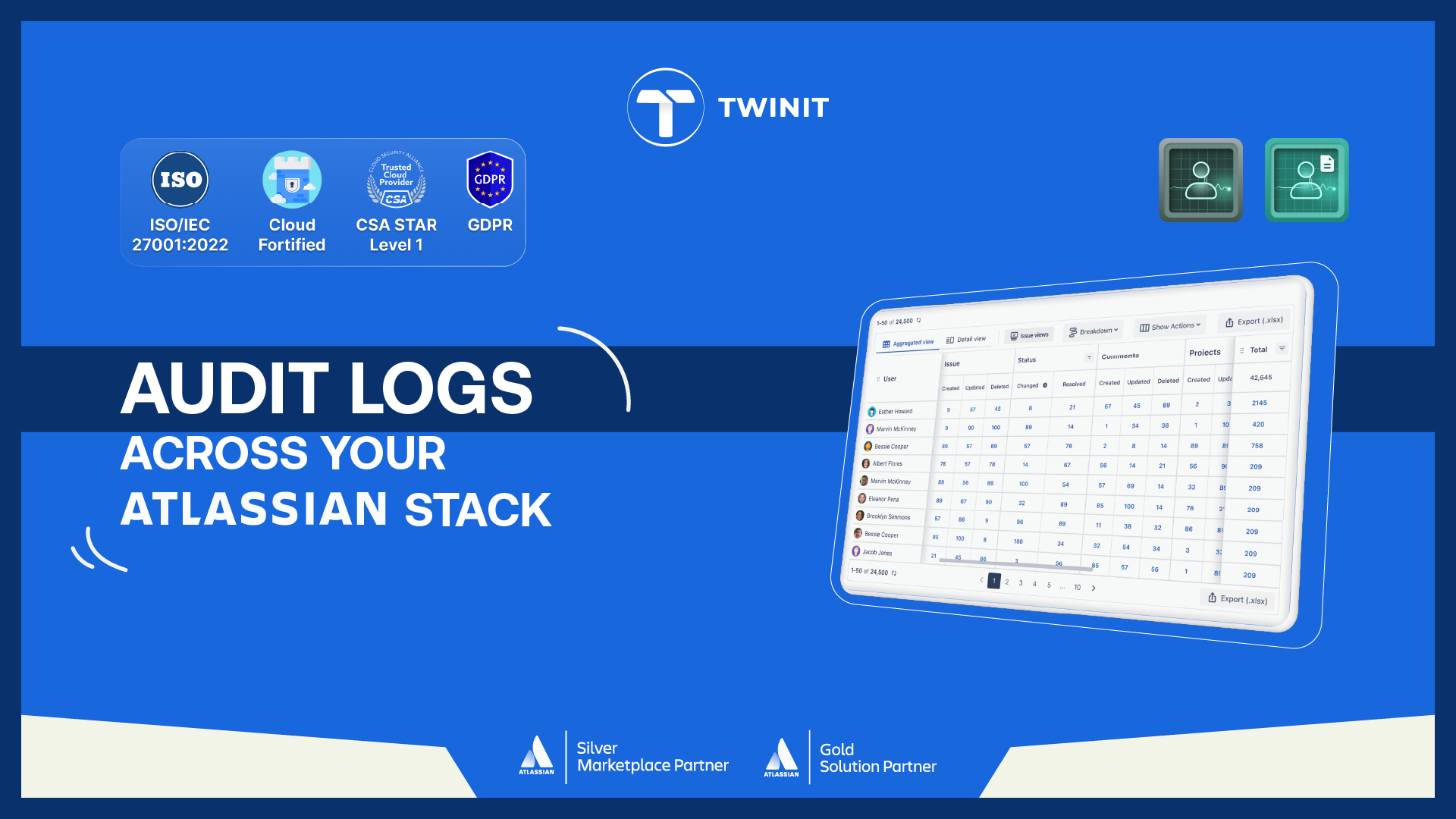
User Activity Audit Log is an app designed to give administrators complete visibility into user actions across the Atlassian environment.
With this tool, teams can:
- 📊 Generate detailed user activity logs
- 🔍 Search and filter events
- 📈 Analyze user behavior
- 📤 Export activity reports
- 🔗 Integrate logs with security systems
According to the official documentation, the app allows admins to search, filter, and view detailed logs of user activities across the cloud instance, providing a clear record of system actions.
✨ The app is available for both:
This makes it a powerful monitoring solution for organizations using multiple Atlassian tools.
🧾 What User Activities Can Be Tracked in Jira?
User Activity Audit Log captures a wide range of system actions.
🧩 Issue Activities
- issue created
- issue updated
- issue deleted
- status changes
- comments added
- comments updated
- comments deleted
- issue links created
- issue links removed
⏱️ Worklog Activities
- worklog created
- worklog updated
- worklog deleted
📁 Project Activities
- project created
- project updated
- project deleted
👤 User Management
- users created
- users updated
- users deleted
- users deactivated or reactivated
⚙️ System Events
- global features enabled or disabled
- assets created or updated
- user last active status
These logs allow administrators to trace the entire lifecycle of actions inside Jira.
🔎 Advanced Activity Filtering and Search
Large Jira environments generate thousands of events every day.
User Activity Audit Log includes powerful filters that allow administrators to quickly isolate events.
You can filter logs by:
- 👤 Users
- 👥 User groups
- 📁 Projects
- 🏢 Organizations
- 📅 Date range
Example investigation:
“Show all changes made by this developer in the last 7 days in the Payments project.”
Result: seconds instead of hours.
🧮 JQL-Powered Activity Investigation
For advanced Jira admins, the app supports JQL (Jira Query Language).
This enables powerful activity searches like:
- activity related to specific issue types
- updates in a project category
- actions linked to certain workflows
Combining JQL + activity logs gives teams a powerful way to analyze Jira operations.
📤 Exporting Activity Logs
Organizations often need activity data for audits and security analysis.
User Activity Audit Log allows admins to:
- 📊 Export audit data
- 📑 Share reports with compliance teams
- 📈 Analyze data in external tools
The app also integrates with SIEM systems via API or webhooks, enabling enterprise security monitoring.
🧪 Real Scenarios Where Activity Logs Help
🛠️ Scenario 1 — Workflow Investigation
A workflow suddenly stops working.
Activity logs reveal:
- who modified it
- when the change happened
🗑️ Scenario 2 — Deleted Comment Recovery
An important comment disappears.
Activity logs show:
- who deleted it
- when it happened
- which issue it belonged to
🔐 Scenario 3 — Security Monitoring
A suspicious configuration change appears.
Admins can identify whether the action came from:
- a Jira admin
- a user
- an automated integration
🌐 Available for Both Jira and Confluence
Many organizations use:
- Jira for project management
- Confluence for documentation and collaboration
User Activity Audit Log works across both platforms, providing unified visibility across the Atlassian ecosystem.
This allows teams to monitor:
- issue updates
- documentation changes
- project configurations
- user management actions
All within a single audit log.
🚀 Inside the Twinit App Universe
Inside the Twinit App Universe, each app plays a unique role.
Some apps help users find information faster. Some automate complex workflows. Some protect critical data.
✨ User Activity Audit Log acts as the Observer.
It watches every action across your workspace and transforms activity into clear operational insight.
Instead of guessing what happened inside your Atlassian environment, teams gain complete transparency.
🧩 Final Thoughts
Tracking user activity in Jira is essential for maintaining:
- 🔐 security
- 👁 transparency
- ⚙️ operational control
While Jira provides basic audit logs, organizations often require deeper monitoring capabilities to fully understand system activity.
Tools like User Activity Audit Log by Twinit provide the detailed visibility administrators need to monitor actions and investigate system changes across Jira and Confluence environments.
✅ Next Step
🚀 Gain full visibility into your Atlassian workspace.
Explore User Activity Audit Log for Jira and Confluence and start tracking every action across your system.

