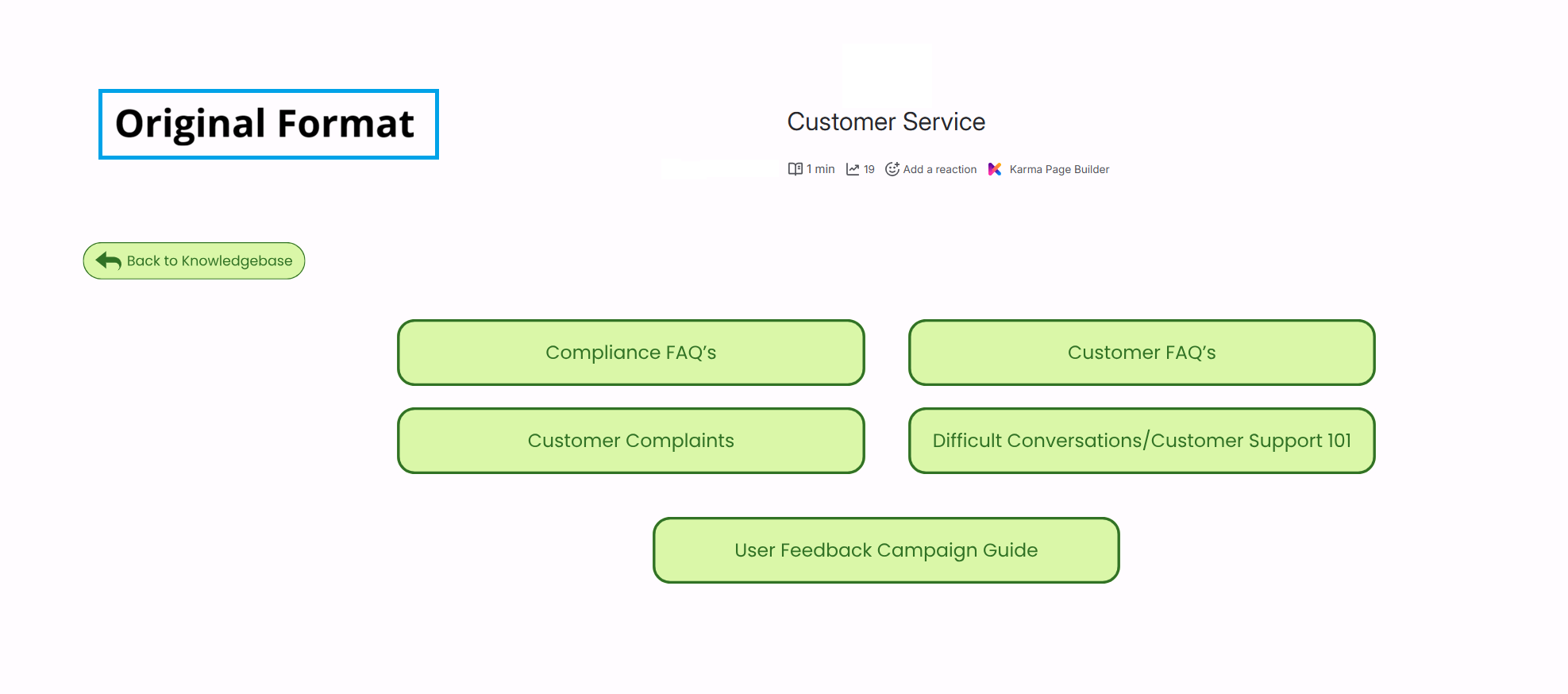
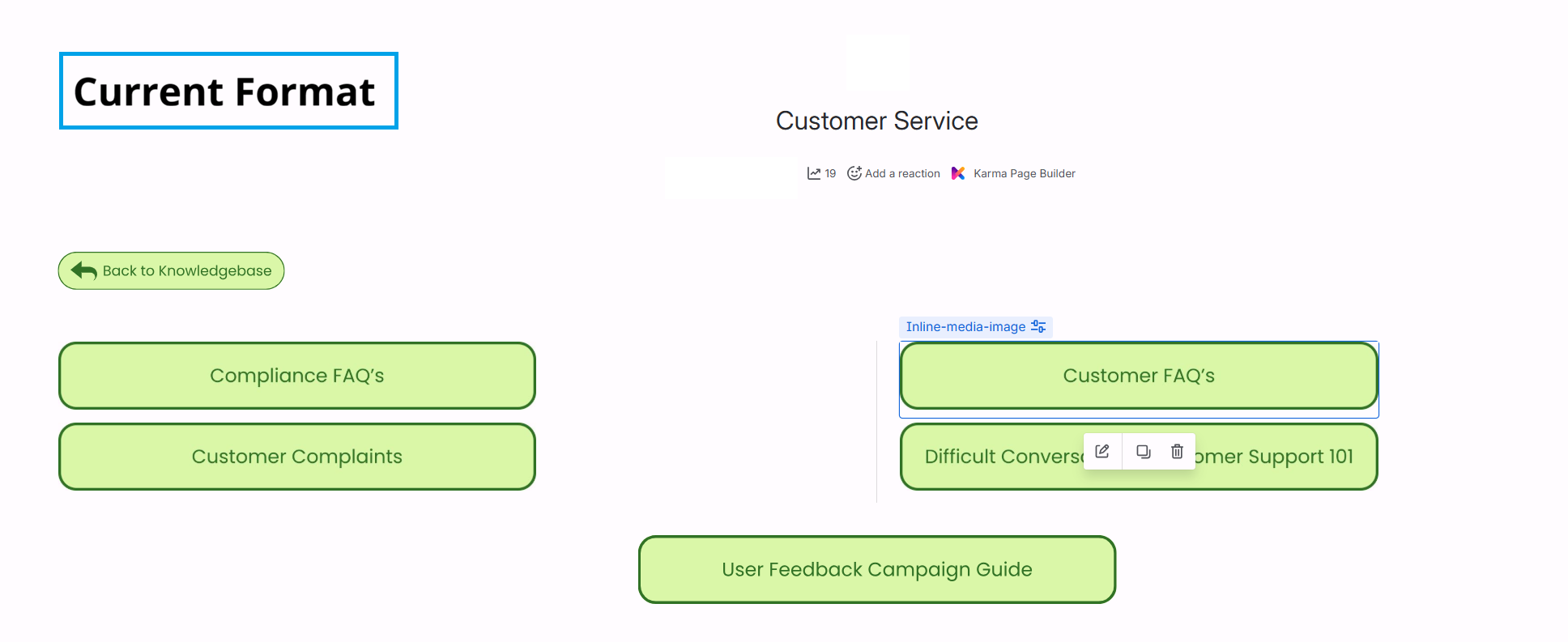
I use linked images as 'buttons' on pages to link to relevant subpages and until recently, I had the images in one two-column layout block, stacked under each other and each with their own alignment and size settings. I'm not sure if this is to do with the change to cloud editor, but suddenly all these images automatically change to 'inline images' upon re-publishing and completely change the formatting I originally had for the page. It's now much harder to modify the settings of these images, and using the page editor to change alignment doesn't seem to work. If I align them all centre, they switch back to left alignment upon republishing, or if I haven't used the enter button to place them all on their own line, they revert back to all being in line with each other. I can't drag and drop them to rearrange like I could previously, unless they're all in their own individual layout blocks, which I can't do on some of my pages due to other elements in the layout.
Is anyone else experiencing similar, and how can I fix it/work around it?