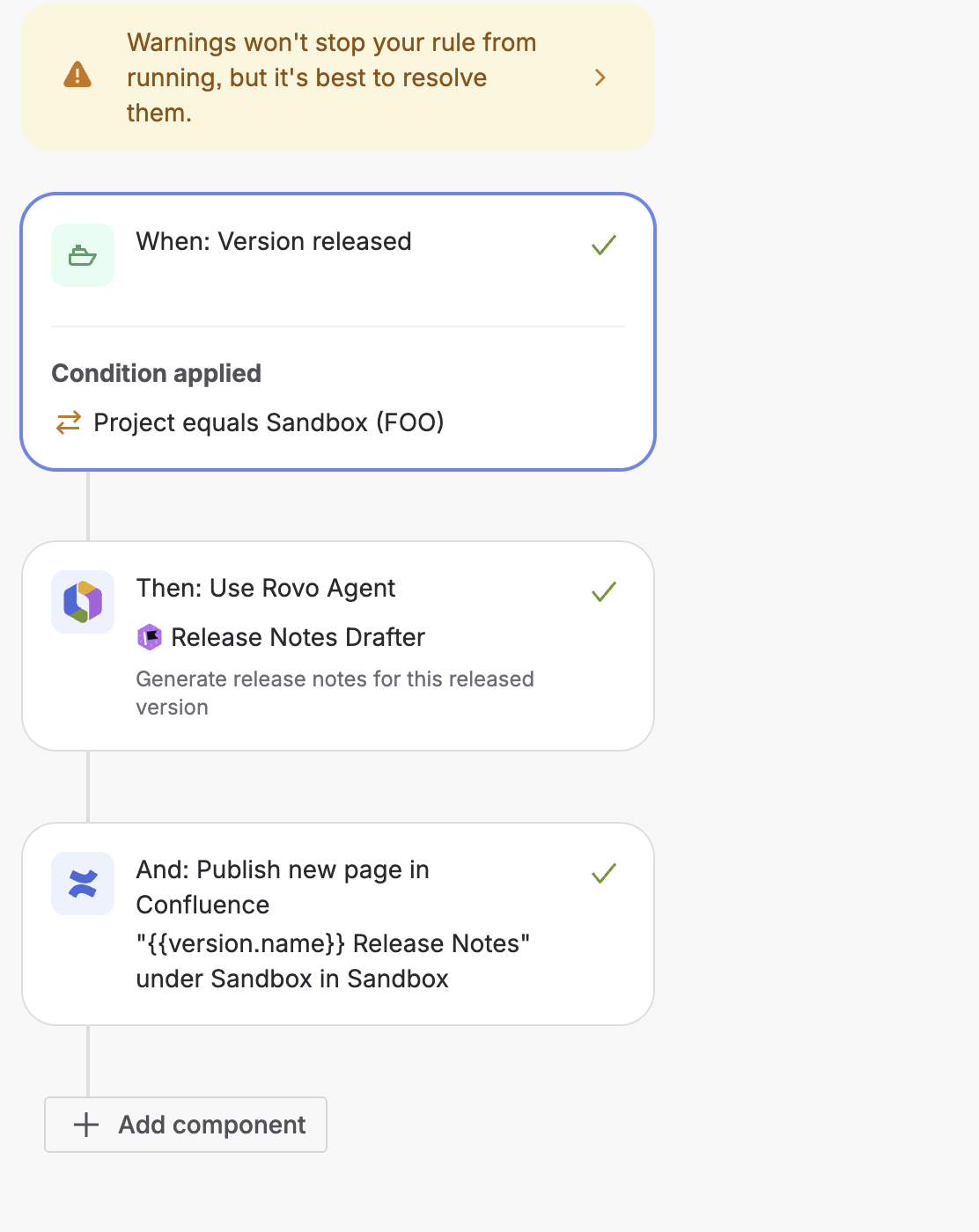
When I follow the example here
https://community.atlassian.com/learning/lesson/automate-release-notes-generation-with-rovo
When I run a release, I get this output on my page:
I can help you generate release notes, but I’ll need a bit more info to get started:
I need to know which Jira project you’re referring to, or you can paste a link to the Jira search or board that contains the issues you want to include in the release notes.
By default, I’ll look for all issues that have been moved to “Done” in the past two weeks, but you can specify a different time period or status if you’d like.
I can analyze up to 20 issues at a time, so if your release includes more, please narrow down your search or let me know which ones to focus on.
Could you please provide the Jira project key, a link to the relevant Jira search, or clarify which issues you want to include? Once I have that, I’ll confirm the details with you before generating your release notes!
-----------
I then tried to add a condition to tell it the project and validation fails and the rule does not execute - I also tries to add JQL for the search and that fails. Any ideas?