I'm looking into creating a reverse proxy configuration to our documentation hosted on Confluence pages. The urls of these pages are long, confusing and not work well with SEO, so it would really help if we could streamline this.
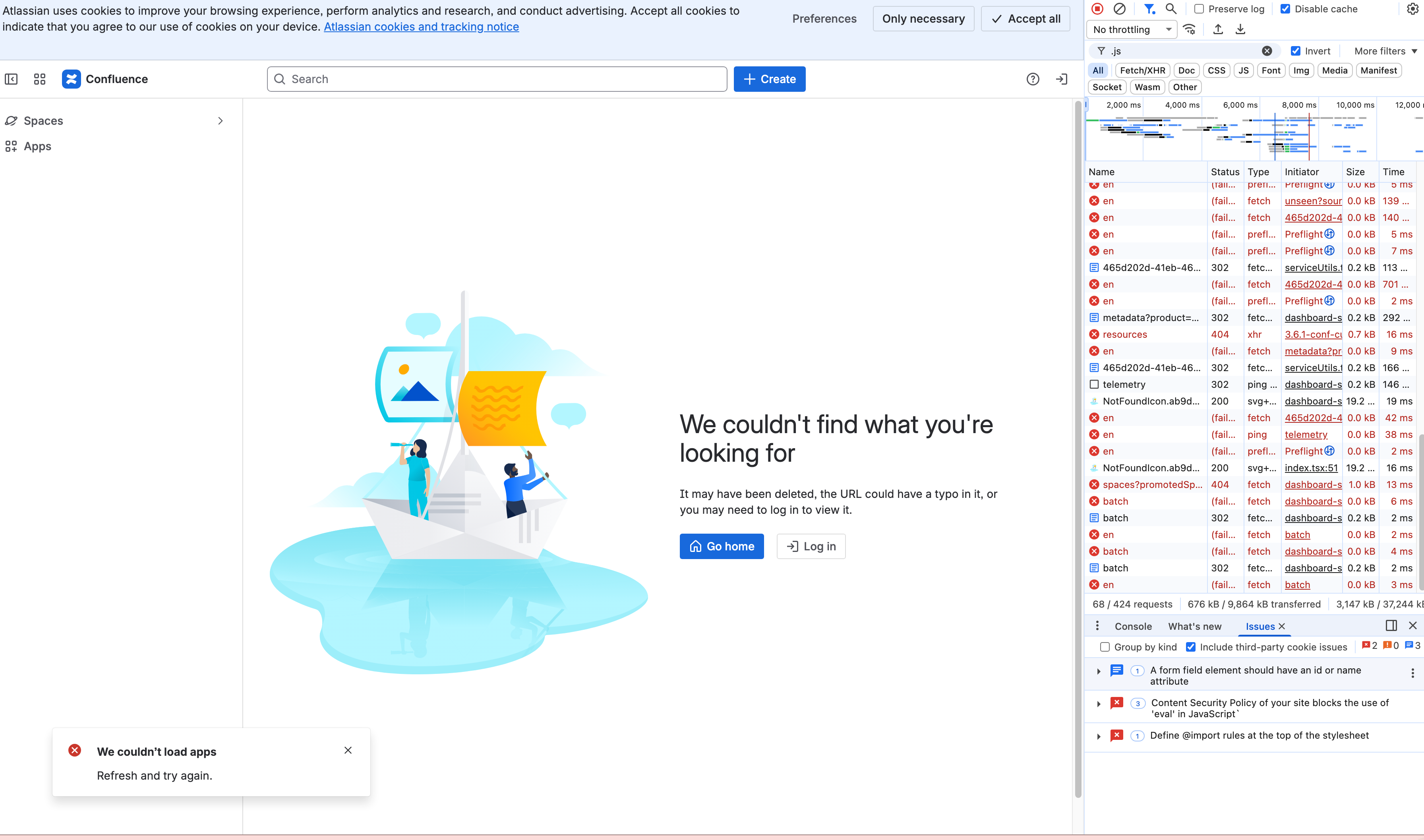
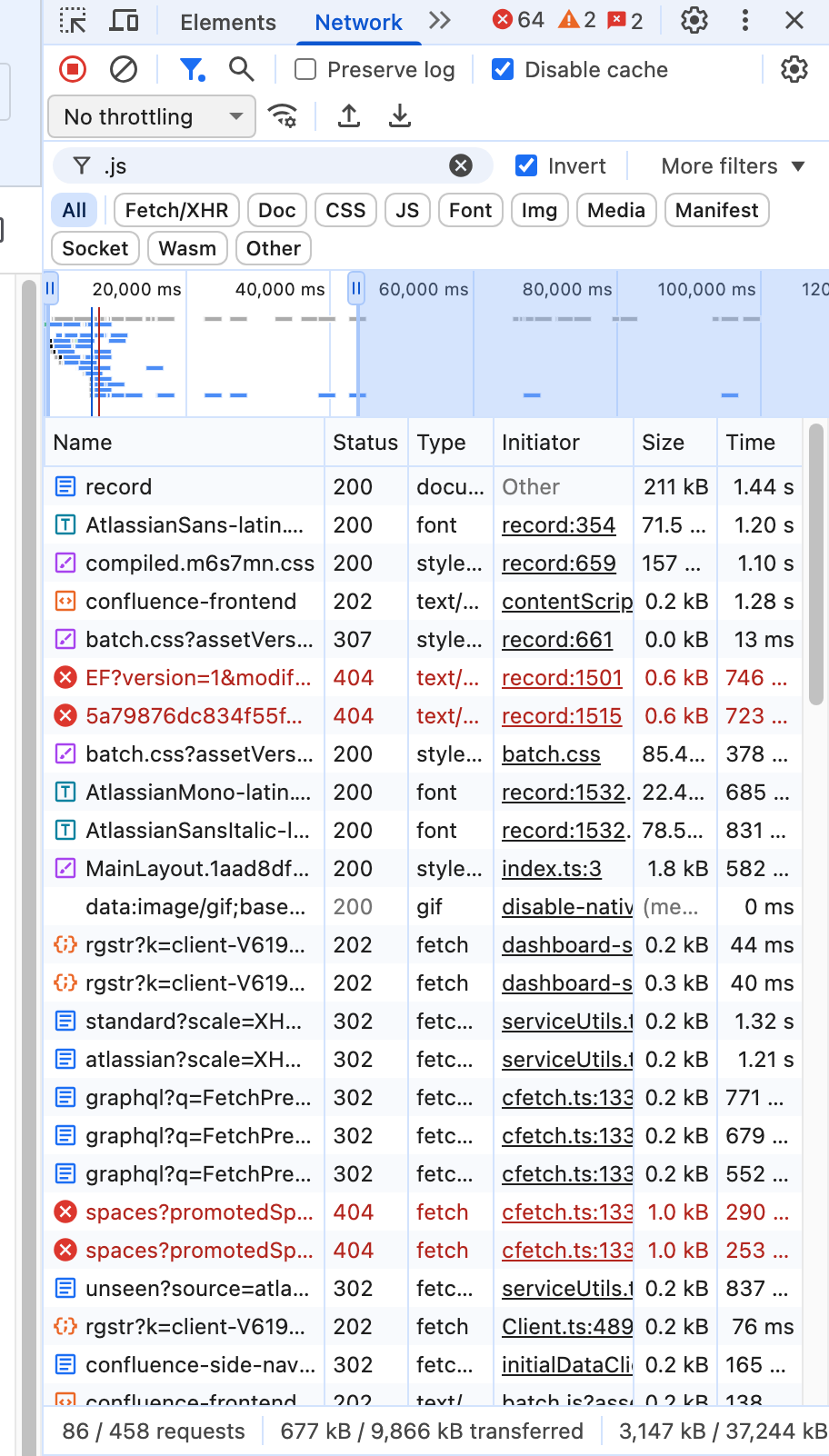
I'm trying to achieve this in one of our Gateway NGinx servers, but with limited success. Testing this on my local machine i can see that the reverse proxy initially works and loads the page with a HTTP 200 OK status - but somewhere in the subsequent flurry of scripts there's some 302 redirects and eventually a 404 Not Found, wiping the page again - see images below (retrieving the page directly works fine, btw).
This is the very basic NGinx configuration I'm testing with:
 location = /docs/record {
    proxy_set_header Host $proxy_host;
    proxy_pass https://europeana.atlassian.net/wiki/spaces/EF/pages/2385674279/Record+API+Documentation;
}I also tried adding below proxy headers but that doesn't make any difference:
 location = /docs/record/ {
    proxy_set_header Host $proxy_host;
    proxy_set_header Referer $http_referer;
    proxy_set_header X-Forwarded-For $remote_addr;
    proxy_set_header X-Forwarded-Proto $scheme;
    proxy_pass https://europeana.atlassian.net/wiki/spaces/EF/pages/2385674279/Record+API+Documentation;
}I also tried searching the knowledge base here, but no luck so far - I really have no idea where to start looking in that huge stack of 500+ loading events, requests, scripts, etc. to find some indication to what's missing.
Any suggestions would be most welcome!
Thanks in advance.

![Photo of Aaron Pavez [ServiceRocket]](https://avatar-management--avatars.us-west-2.prod.public.atl-paas.net/60efc37e62738c006825a797/e2e9cb7f-2fca-44b9-9818-6582c63ecd97/128)
