SaaSJet Advent Calendar — The Postcards We Never Sent
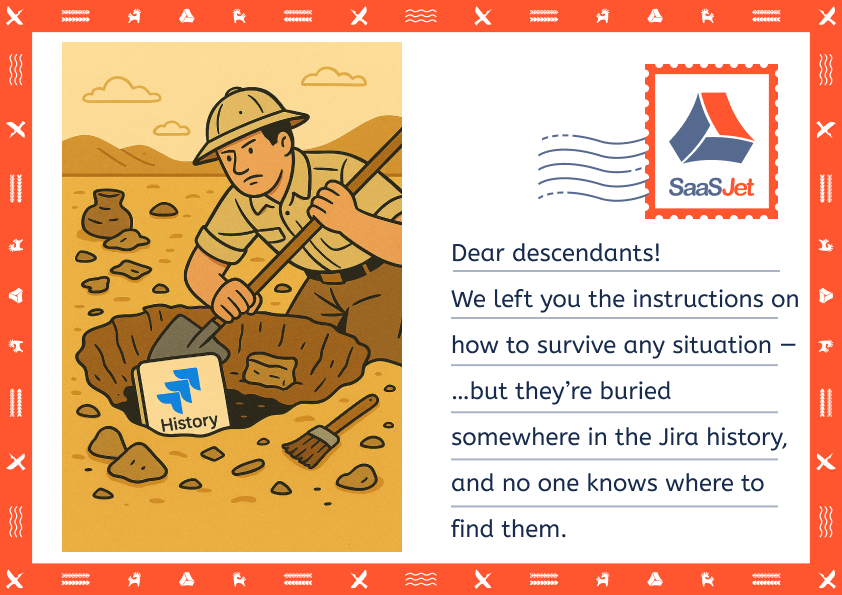
Funny? Yes.
Realistic? Unfortunately, also yes.
So many teams consider Jira a place where tasks exist, but not where changes exist.
And when a project all of a sudden loses its path, everybody begins to dig:
- Who changed the description?
- When did the due date move?
- What was the reason behind this change of priority between Low and Critical?
When you're unable to answer these questions quickly, you don’t really control your project.
Let’s fix that, and please don’t wait until the new year to rescue your project from this archaeological adventure 😅.
❓Why Project Auditing in Jira is Harder Than It Seems
Jira is excellent at displaying the current situation.
The actual problem begins when you need to know what happened previously.

These are the usual causes why teams become stuck:
- The history is spread out over numerous tasks.
- Old changes are difficult to filter and find.
- Various teams update tasks differently.
- Workflows don’t look the same everywhere.
- Real documentation is replaced by comments.
- Critical changes sneak in and no one notices.
And that is how useful information becomes lost instructions - not willingly, just because no one can view the entire picture.
🧱 The Foundation of Proper Jira Project Management
To have your teams working transparently, and your audits not to look like hard work, follow these tips:
1️⃣ Clear workflows that match the real process
Statuses should reflect what truly happens in the day-to-day work of your team, and not what you would like to have happened.
Example:
When a developer frequently has to reassign something to the designer, add a status such as Needs Design Update rather than reusing the status In Progress.
In case, various teams have various steps, then write them down and maintain consistency. An organized workflow eliminates confusion in reviews and audits.
2️⃣ Consistent use of labels, components, and custom fields
With the various departments having different naming rules, this makes the entire project a mess.
Example:
One team works with label “bugfix”, another with label “bug_fix” and the third one simply works with label “fix”. Good luck filtering that during sprint planning.
Create simple rules:
- one naming style
- one field for priority
- uniform naming of releases, features and brands
This makes your reports correct and not messy.
3️⃣ Make changes visible and trackable
The most significant problems arise with silent edits. So, it is necessary to make transparency a habit.
Examples:
- In case somebody modifies the entire description, request them to add a brief comment such as: “Discussed the work with the client and updated it”.
- Control access to fields such as priority and due date.
- Use comments to note decisions like: “Scope reduced after client meeting” or “Deadline moved by Product Owner.”
The importance of clear notes is that they save hours of confusion in the future.
4️⃣ Use change-history reporting tools when Jira isn’t enough
The built-in history of Jira is good when you need to view a single task.
However, when you have to know what was updated, when, and by whom during an entire sprint or project, it becomes a nightmare.
Examples:
- You want to know what was changed in all tasks last week without having to open them one by one.
- QA would like to know when the task really transferred to Testing (and how many times it was transferred back).
- The team would like to understand who changed the priority of half the backlog overnight.
- Someone asks, “Why is the deadline different?” and everyone suddenly pretends they didn’t touch it.
In such cases, you require an app that displays all the changes at a single location, with filters and exports - so you don’t feel like an archaeologist digging through ancient task logs.
Apps like Issue History for Jira can do exactly that — one clean timeline, field filters, and easy exports. (And no, it won’t judge your late-night edits.)
5️⃣ Export and document what matters
It is great to know what has happened. It is even better to have the evidence.
Exports (CSV, Excel, PDF) allow you:
- Prepare a release summary containing all tasks and status changes.
- Create a compliance report of who made updates to sensitive fields.
- Analyze all the changes of scope in a project and introduce them to stakeholders.
A proper tracking of task changes in Jira means fewer moments of “Hold on, give me 10 minutes… or an hour… or maybe the whole century”.
🔑 A Simple Rule to Avoid “Lost Instructions”
When changes aren't visible, they can’t be managed.
When history is not easily accessible, it won’t be used.
Strong Jira management means seeing the whole story behind every change. Being ready to audit reduces surprises, ensures safer releases, and makes team collaboration easier.
And this is only part of the puzzle. The following Advent Calendar articles will contain more practical tips and insights.