Jira Newbie here:
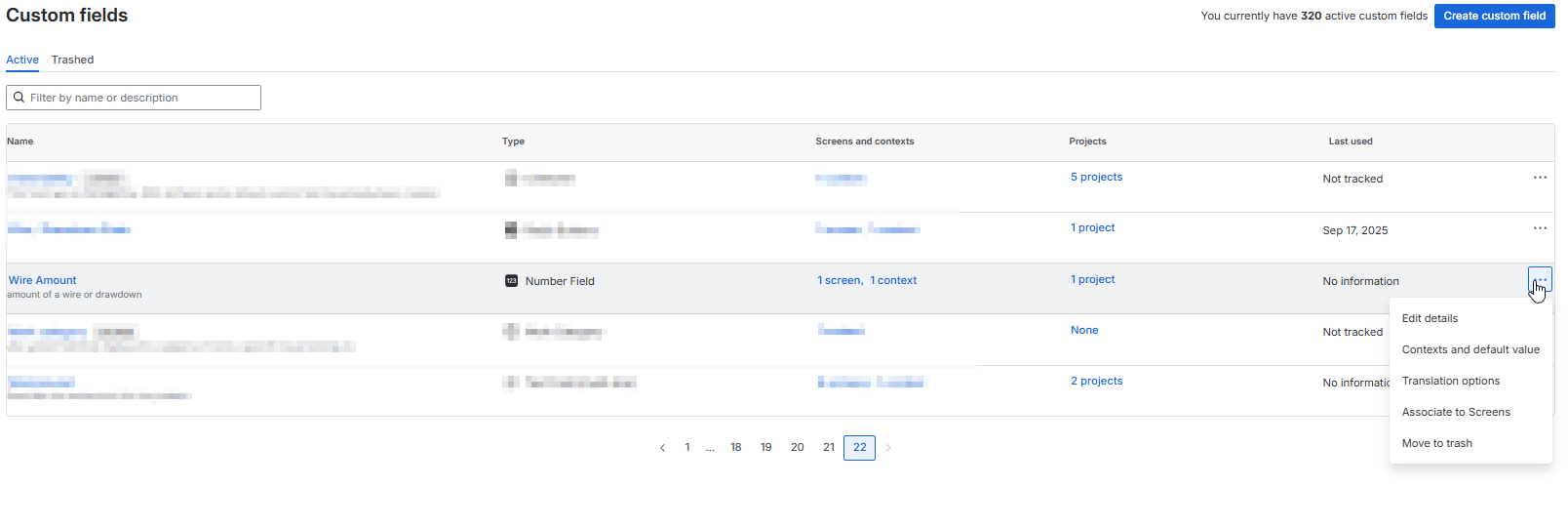
Working in a form, there is a number field (Display Name "Amount") that is linked to a Custom Field (also a number field. Field Name is "Wire Amount").
When a number entry is made to the Amount field, I am attempting to format it to a currency display value such as "$123,456.78"
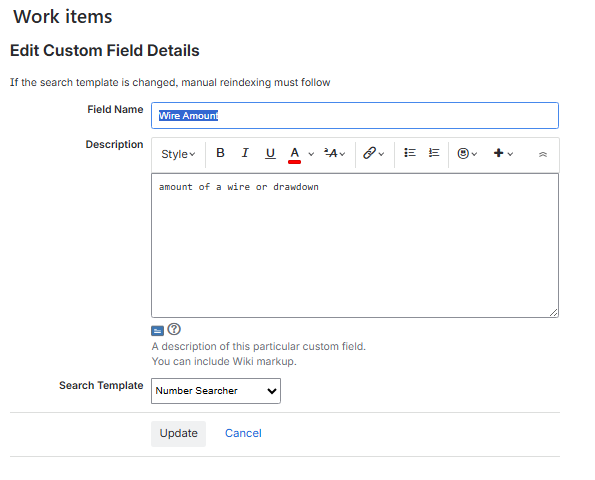
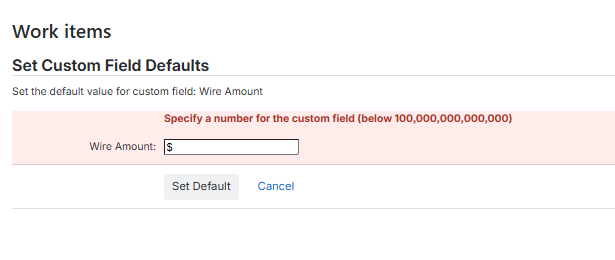
The first thing I find odd is when I configured the custom field and selected it to be a number, I did NOT have a "dropdown option" to select currency as a value as Jira instructions state (see screenshot). When I attempt entering any number in the default value of the custom field, I get an error (also attached).
I attempted this automation as a workaround:
When: Work Item created
Range is 'A, B, C, or D' (<--these are radio button selections for different criteria)
Then: Edit work item fields
Chosen Field to set: Wire Amount
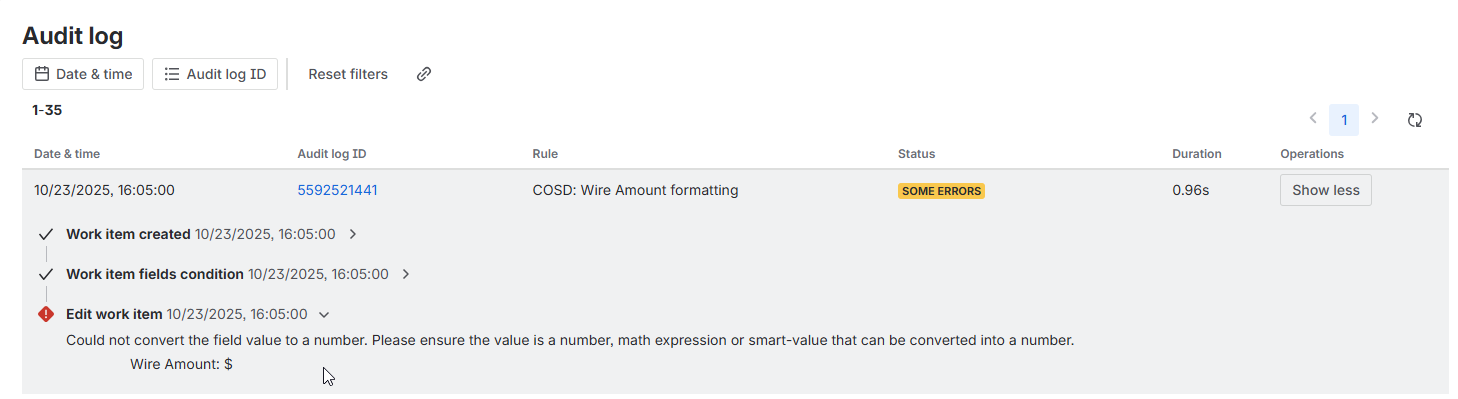
From here I have tried numerous JSON entries and all either produce an error, or, come back with "No Actions Performed" in the Rule's audit log.
Some attempted entries are:
{{issue.Wire_Amount.asCurrency("en_US")}}.
{{issue.Wire_Amount}} $
{
"fields": {
"customfield_XXXXX": "1234.56"
}
}
I welcome any and all suggestions. Thanks!