Hi all
My company has some data in ClickUp we want to migrate across to Jira. I have been using the 'External Import' -> 'ClickUp' tool with inconsistent results.
I am an admin in Jira and an Admin in ClickUp. Our ClickUp plan is 'Enterprise' so there are no limits on exports.
My initial test on a small space was successful, however when I tried to import the larger space I started getting errors after I had selected my ClickUp space/List and completed the status and field mapping.
The import screen loaded for a couple of minutes before I was shown an error message 'We couldn't set up your project' which did not give me any code or explanation, neither did the email I received:
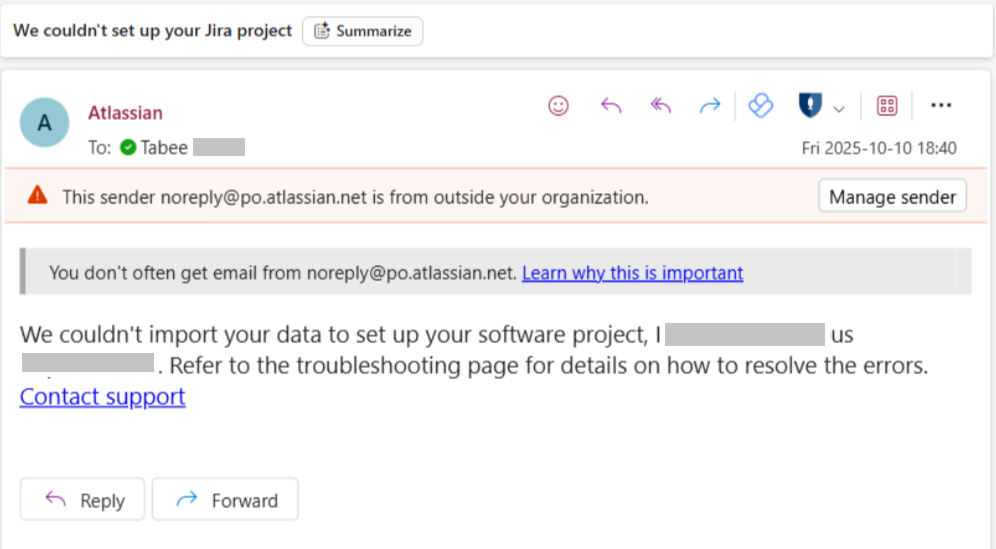
The initial attempt was for 530 tasks, so I assumed it was the volume
After trial and error, reducing the list for import to 200 tasks worked.
Since this successful attempt, I have tried multiple times over the past 2 weeks to bring across the remaining tasks, splitting the lists in ClickUp to keep the volume down. I have not tried any import exceeding 200 tasks.
Randomly, an attempt for 80 tasks worked, however I have tried to import a list for 50 tasks within the same ClickUp space multiple times now and the same error is happening.
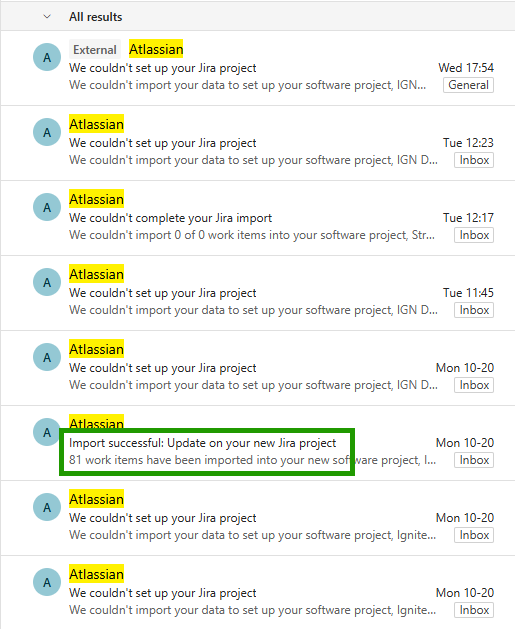
I don't know if this issue is on the Jira side or ClickUp. I have read the troubleshooting documentation and I am not doing anything differently than I did for the successful imports I made.
Does anyone have any advice or suggestions?
As a last resort, I can upload via CSV, however bringing across the historical comments and attachments is much easier via the import tool.
Thank you
Tabee


