I give up.
I setup two different projects in two different instances for two different organizations over the last two weeks in Jira Cloud.
Both projects were setup in exactly the same manner using the Kanban template and Company Managed setting.
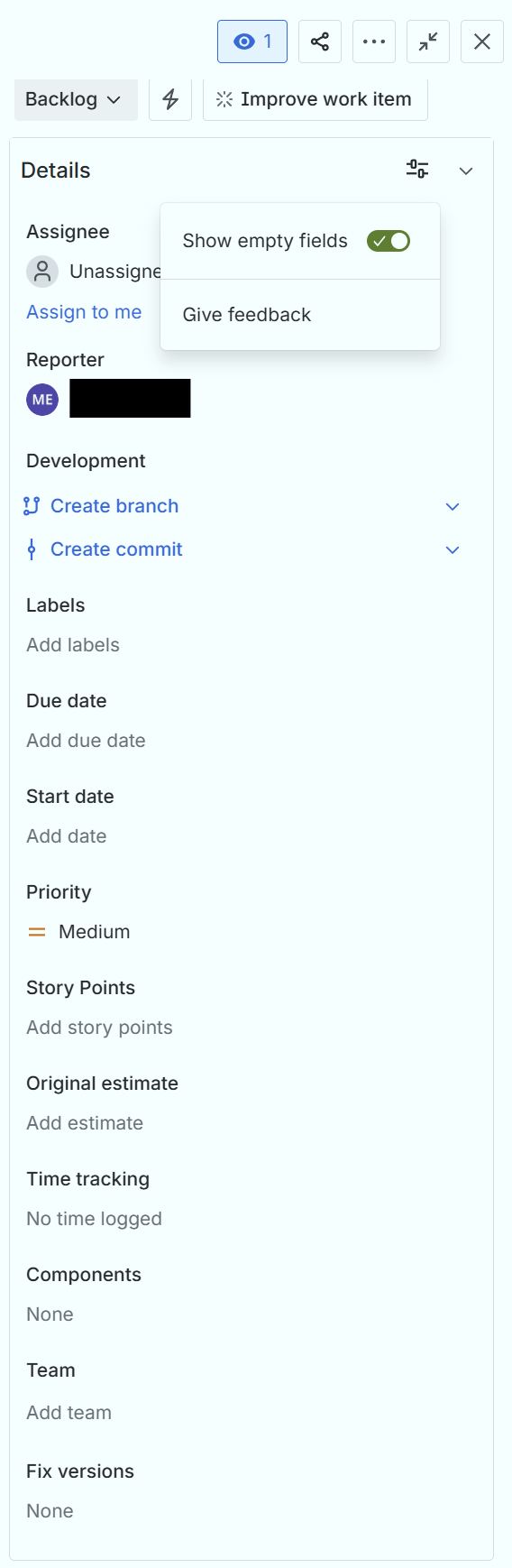
In the first project, when creating or editing an issue ("work item" in the new lingo) the Details section features a collapsible filter setting that exposes a toggle button labeled "Show empty fields." Toggle the button to "on" inserts all empty fields into the Details column directly. There is no additional "More fields" collapsible area at any time below the Details section.
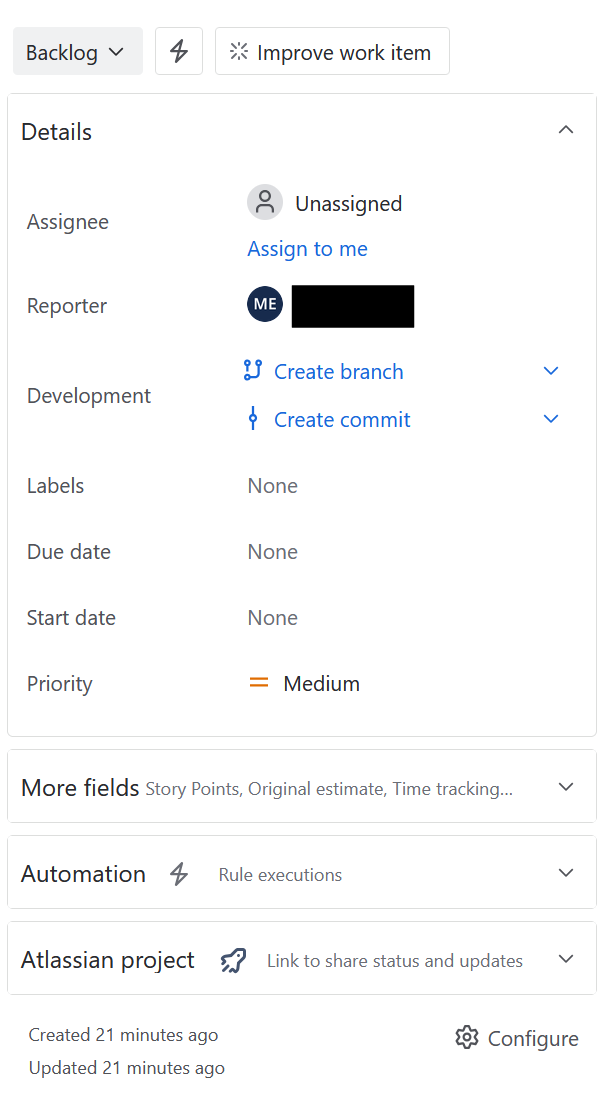
In the second project, under the same activities, the Details section does not have this filter setting and instead has a collapsible section labeled "More fields".
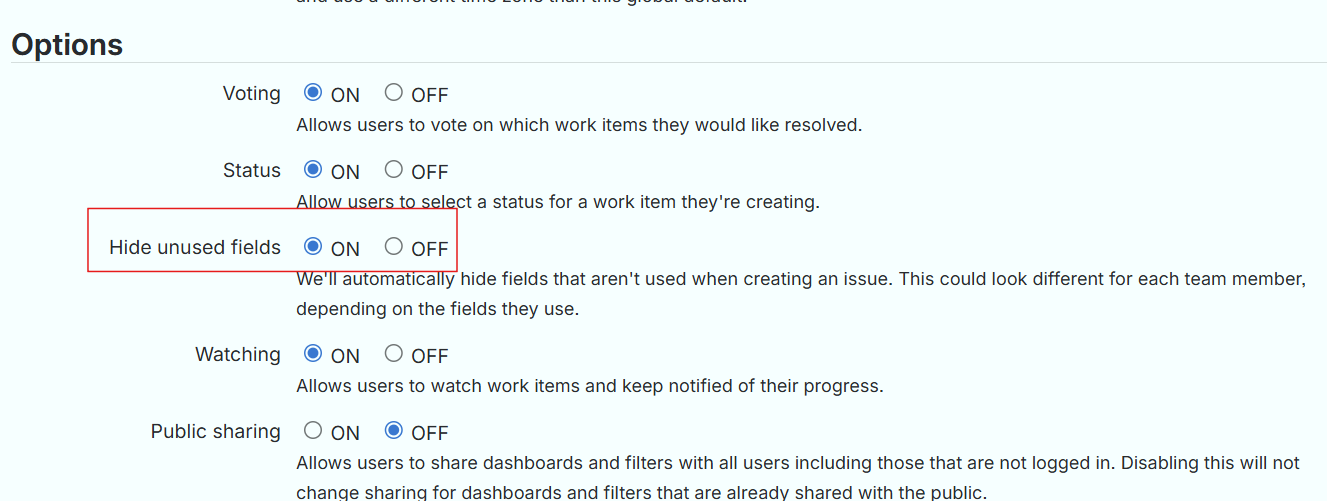
Why are these different? So far I have found NO WAY to get both of these layouts to function in the same way. In BOTH cases, the "Hide when empty" section is fully populated and the Jira System Settings "Hide unused fields" option is set to "On". Toggling this option to "Off" makes no difference to behavior.
First project created TWO weeks ago...
Second project created yesterday...
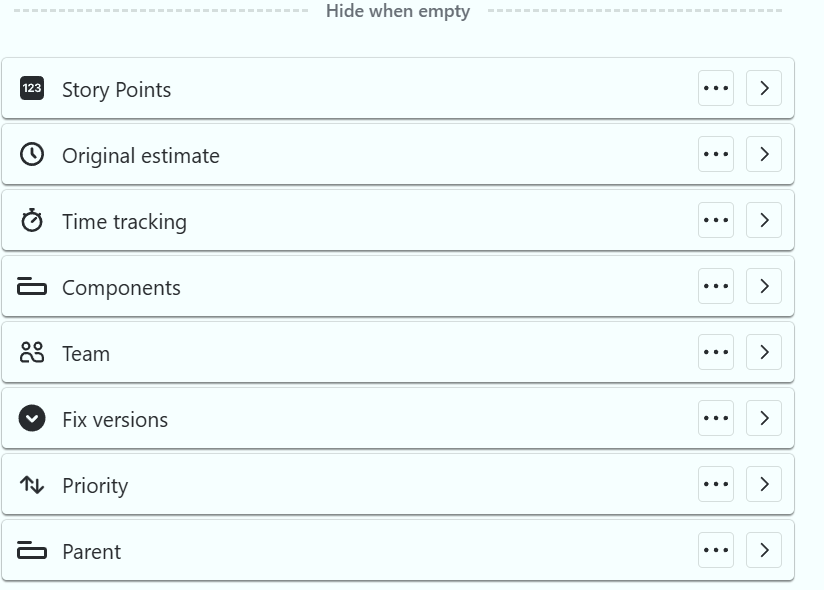
In both cases, the Field settings include the same fields for "Hide when empty":
And in both cases, the System Settings "Hide unused fields" option is set the same way...
Any help would be appreciated. It's hard to be efficient when Atlassian keeps on monkeying with the interface (long time Jira user here).


