A powerful new feature has been added to the Microsoft Outlook for Jira to make issue creation faster, smarter, and more consistent, Email Automation Rules.
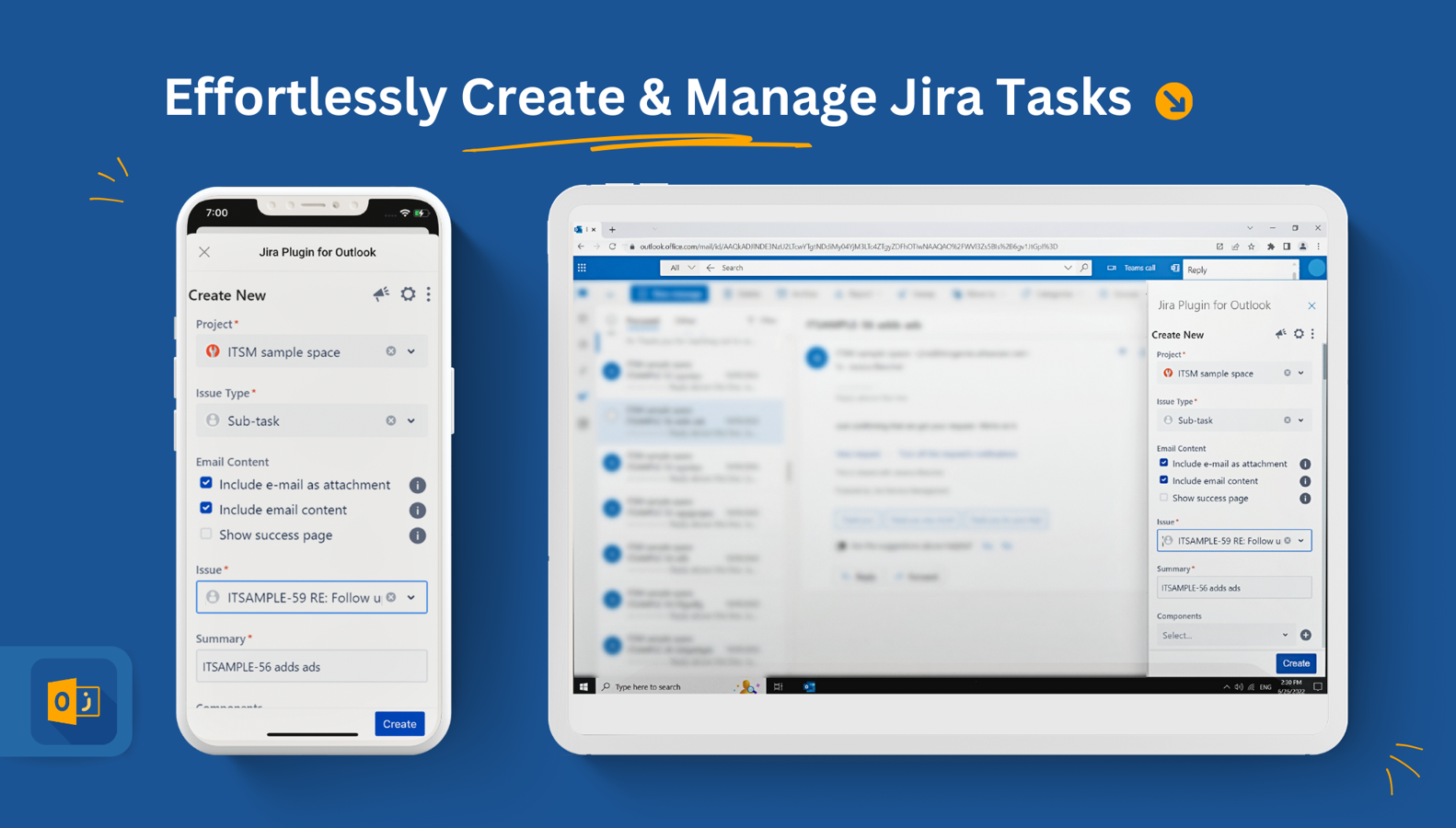
✨ Feature Overview
This functionality allows automatic pre-selection of the Jira project and issue type whenever an issue is created from an email.
-
Rules can be defined based on the sender’s email address or domain.
-
When an incoming email matches a rule, the corresponding Jira project and issue type are instantly pre-filled in the Create screen.
💡 Key Benefits
Turning emails into Jira issues is already a time-saver, but Email Automation Rules take it a step further by eliminating repetitive actions and reducing errors:
-
⏳ Save valuable time – no more dropdown navigation or repeated clicks.
-
✅ Maintain consistency – ensure every issue lands in the right project with the correct type.
-
⚙️ Flexible configuration – apply rules to individuals or entire domains with ease.
From customer support requests to internal operations, this feature ensures every email-to-issue workflow is streamlined and reliable.
📝 User Guide
A detailed User Guide is available for users who want to explore setup and best practices. It covers:
🚀 Enhance Your Workflow Today
Email Automation Rules transform the way issues are created from emails, reducing manual work and accelerating productivity. Activate this feature and experience a seamless, error-free workflow directly from the inbox.

